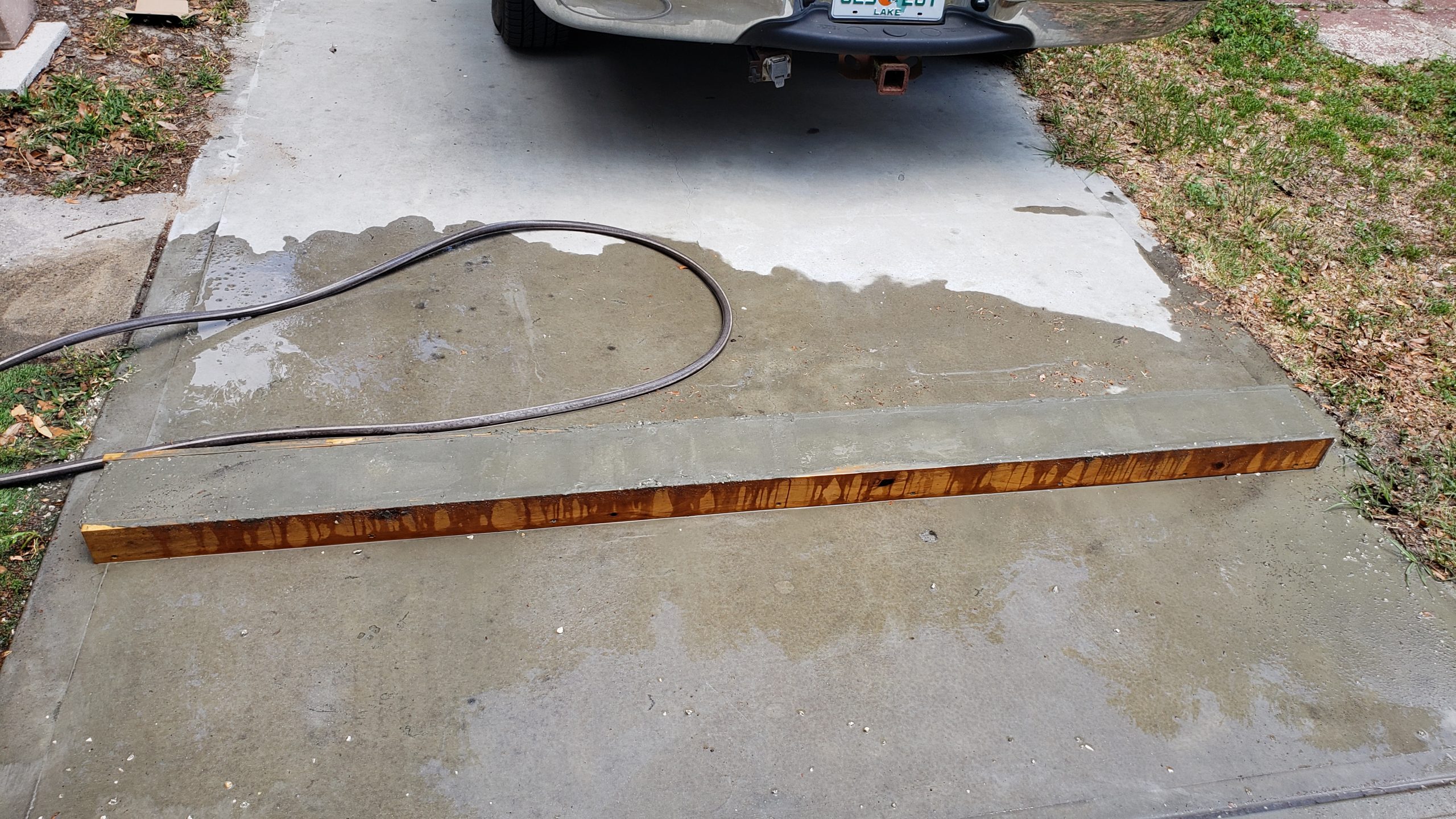
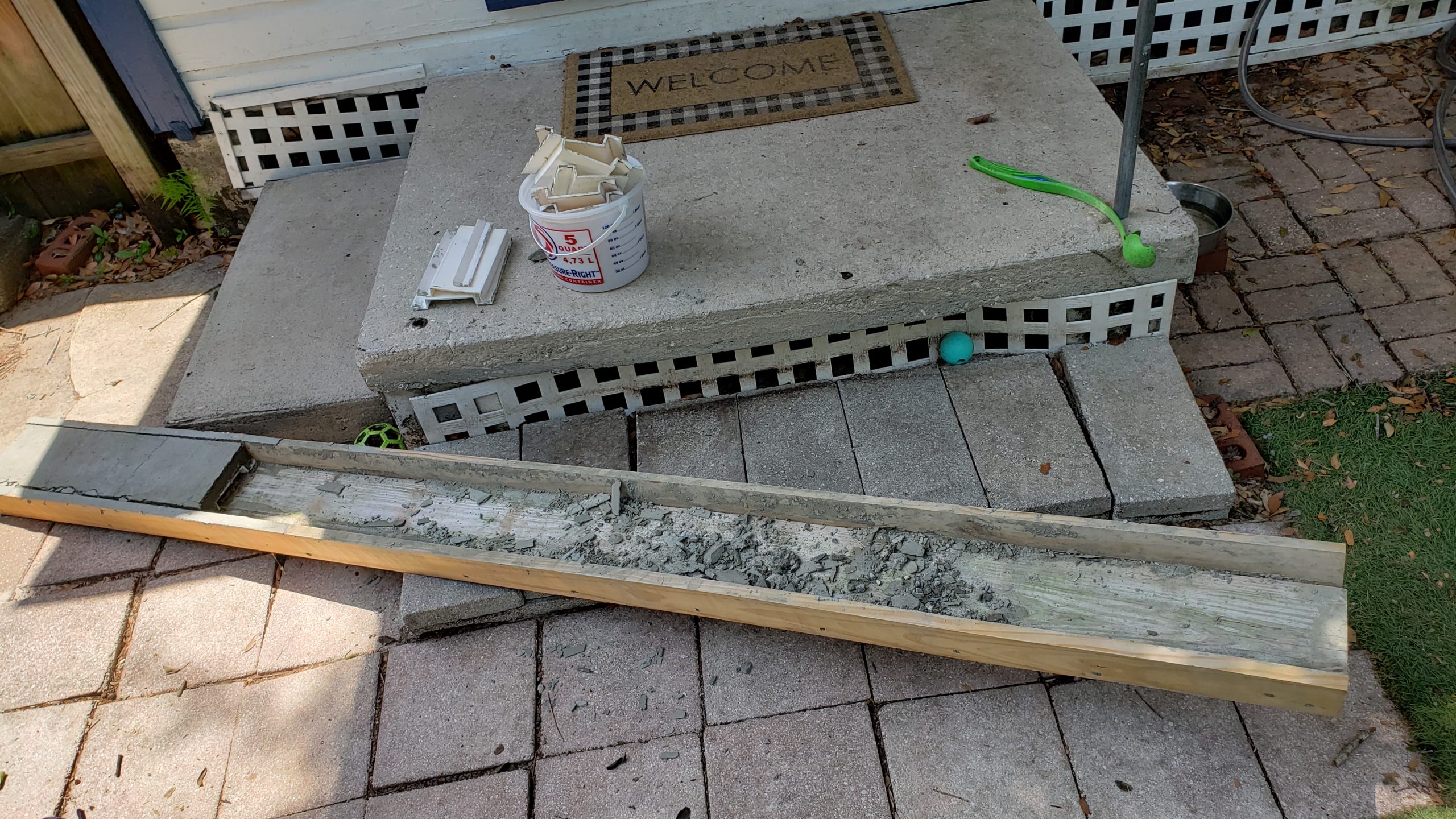
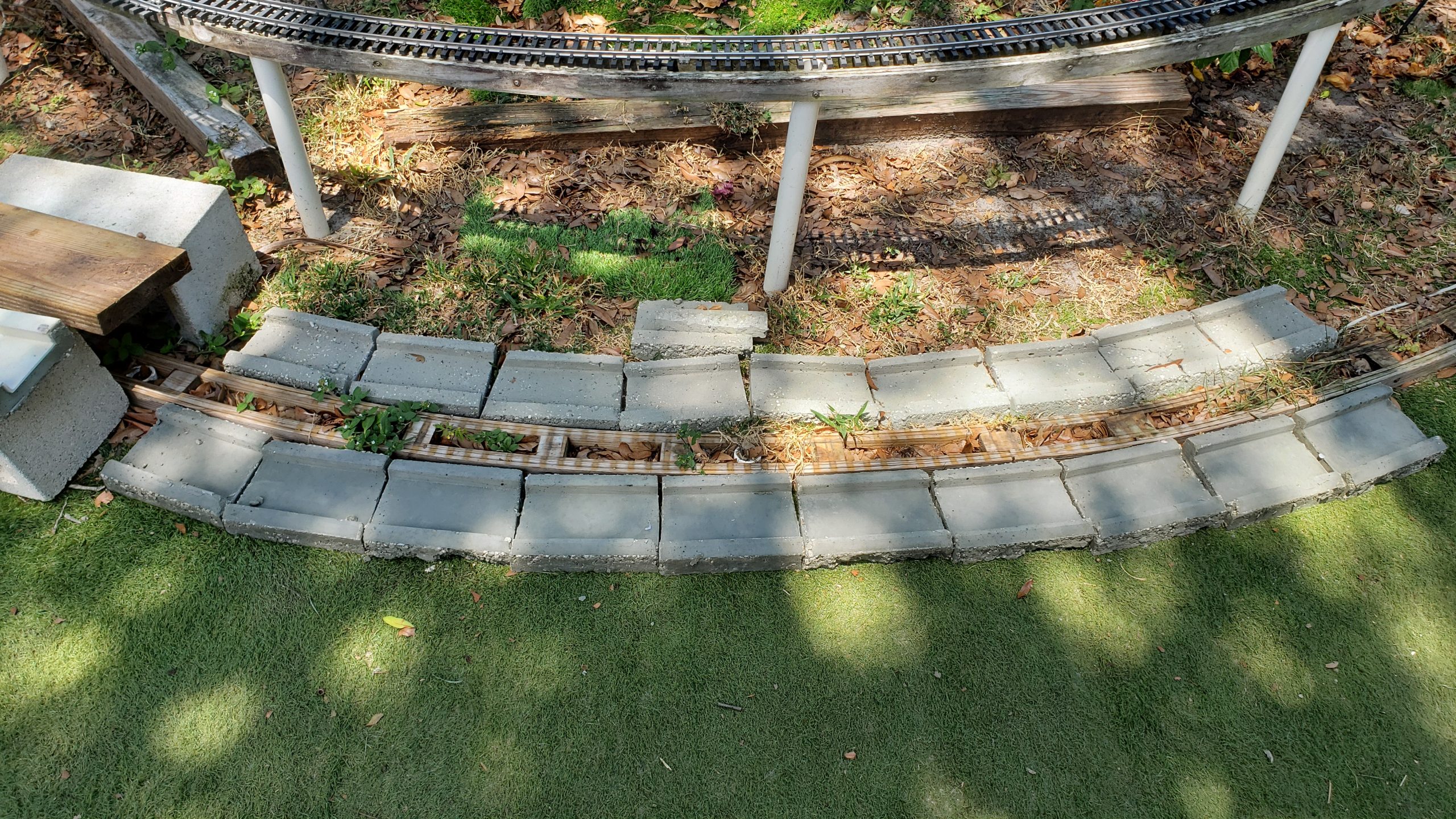
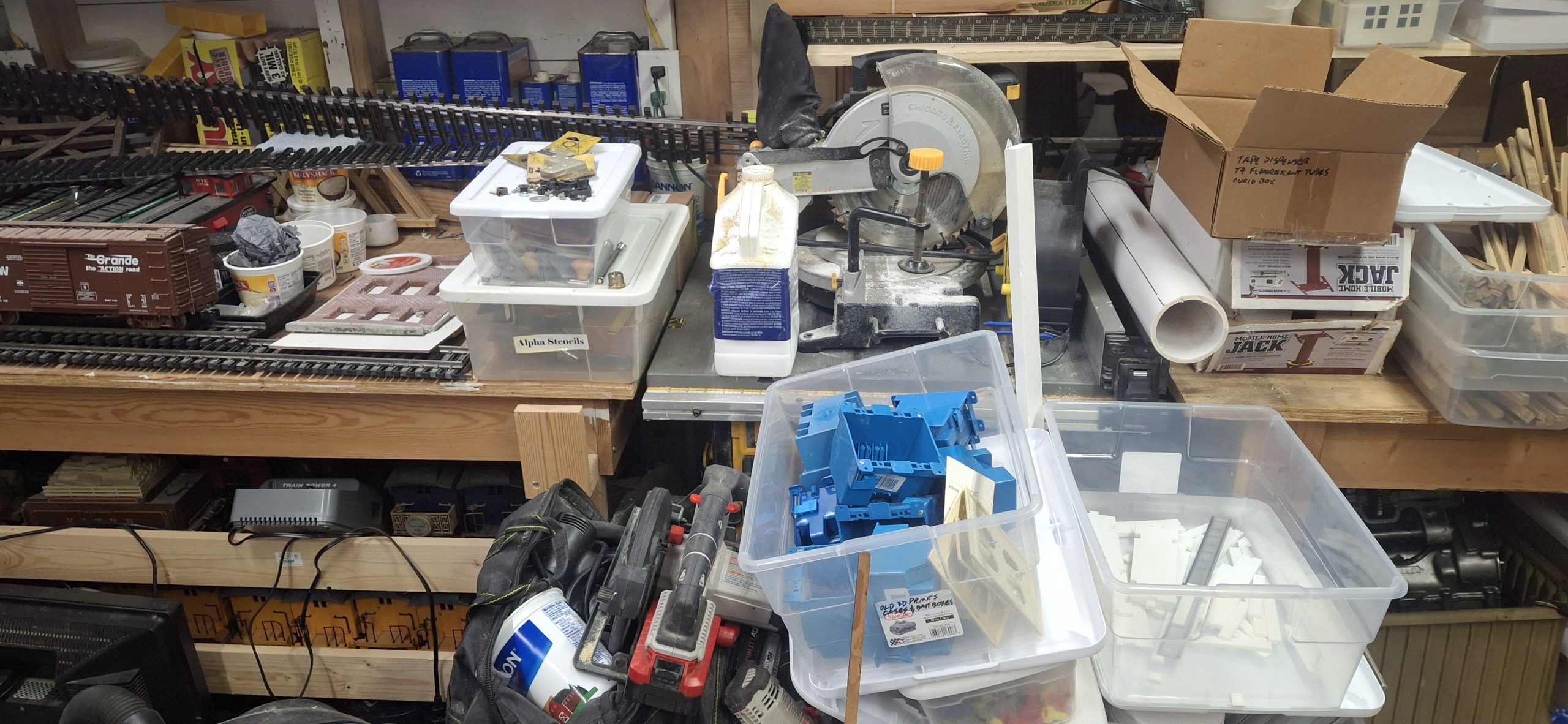
Welcome back! Apologies for the cliff hanger from the last post, but (spoiler alert) we didn’t get trains running by Memorial Day! Had I not had a dental implant installed last week and been forbidden to do any strenuous activity last weekend, we might have had a chance. But it was not to be.
I just had my follow up visit yesterday and asked about the restricted activity. Good news! I got a pass to continue working on the stringer replacements! I had taken yesterday off anyway to make an already long Memorial Day weekend longer and give a fighting chance of making the deadline.
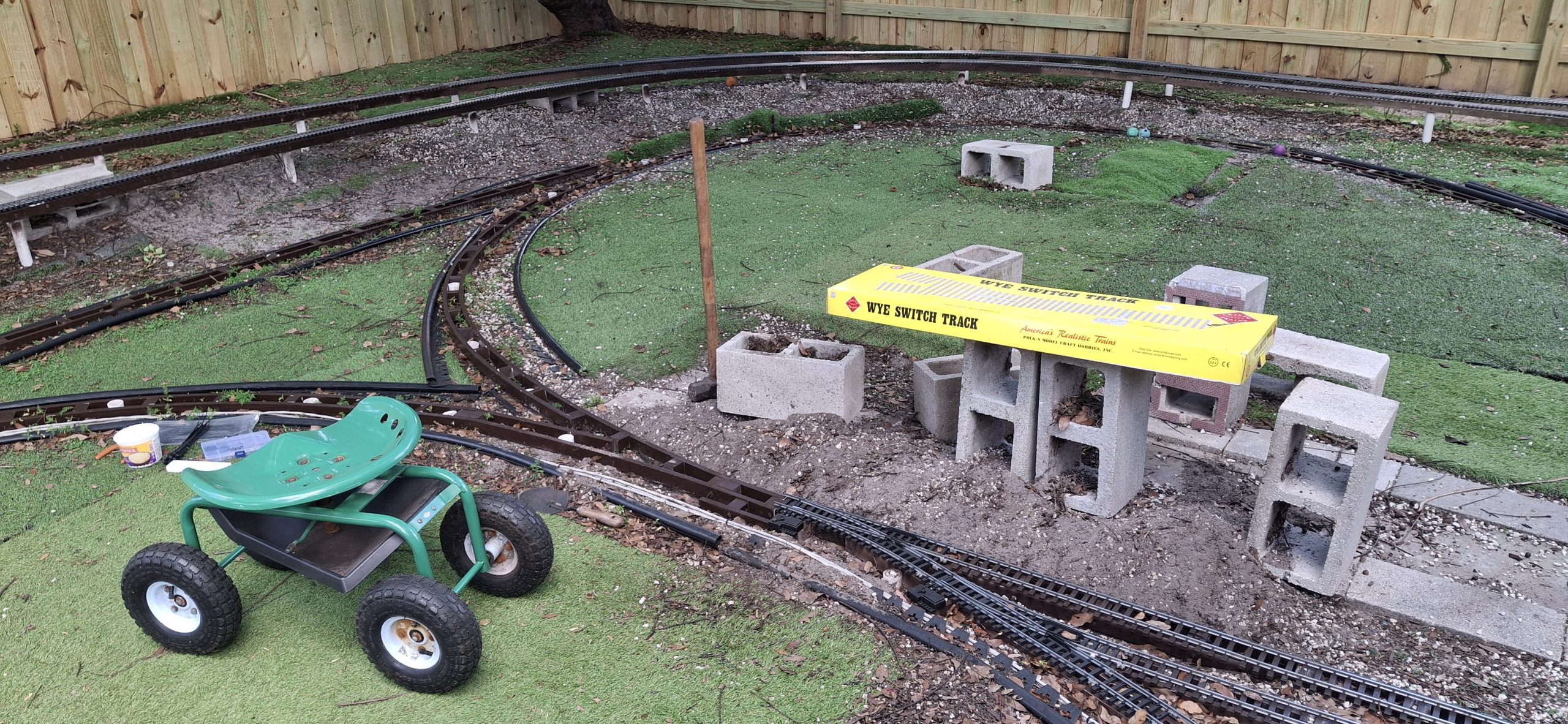
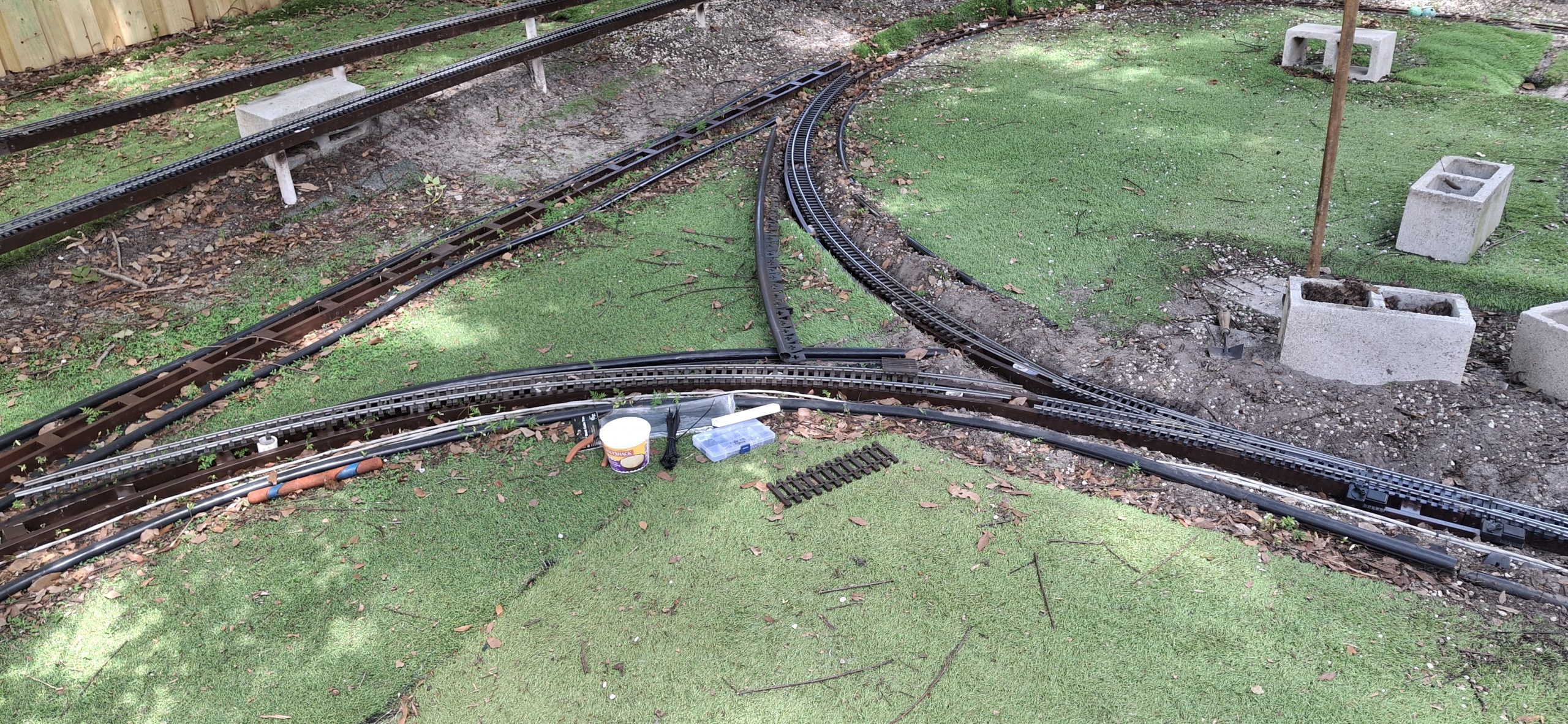
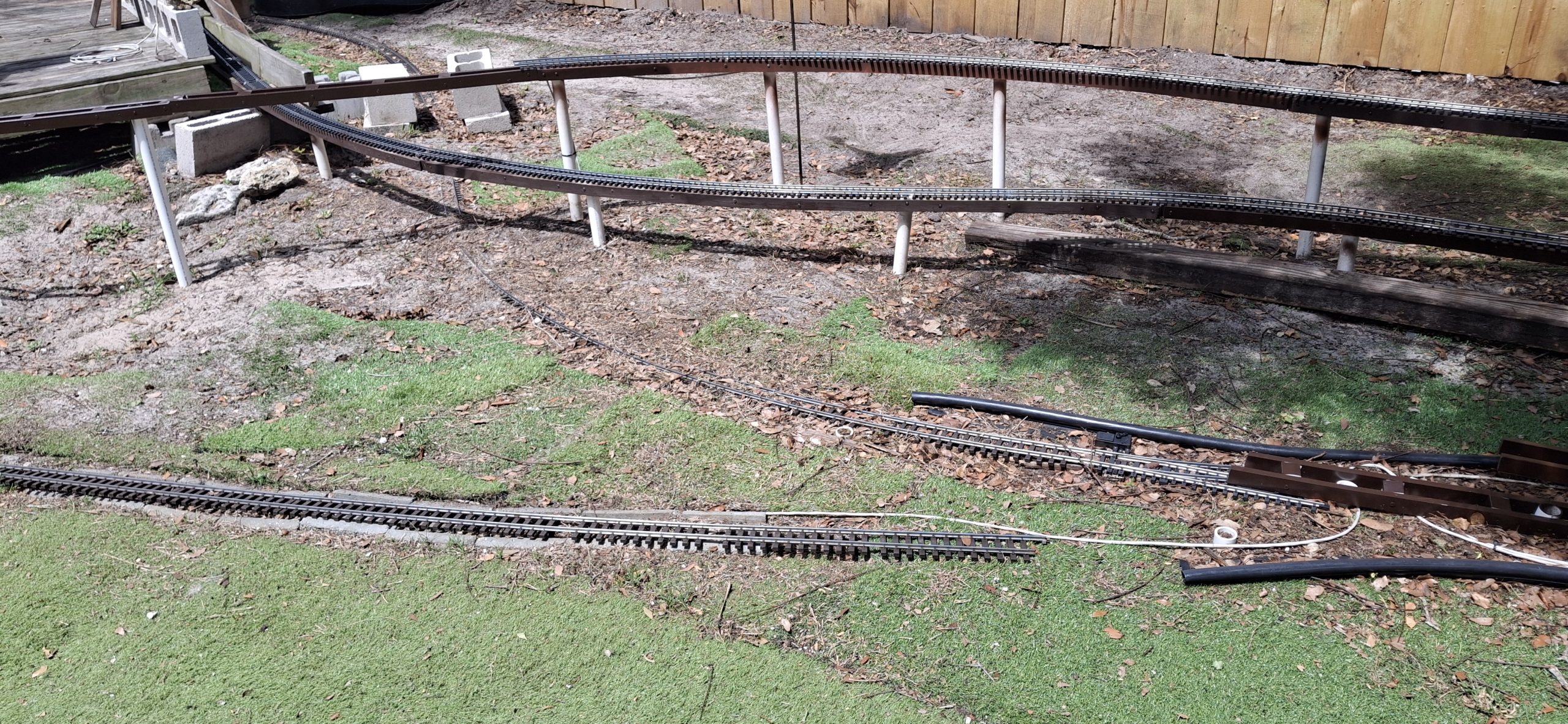
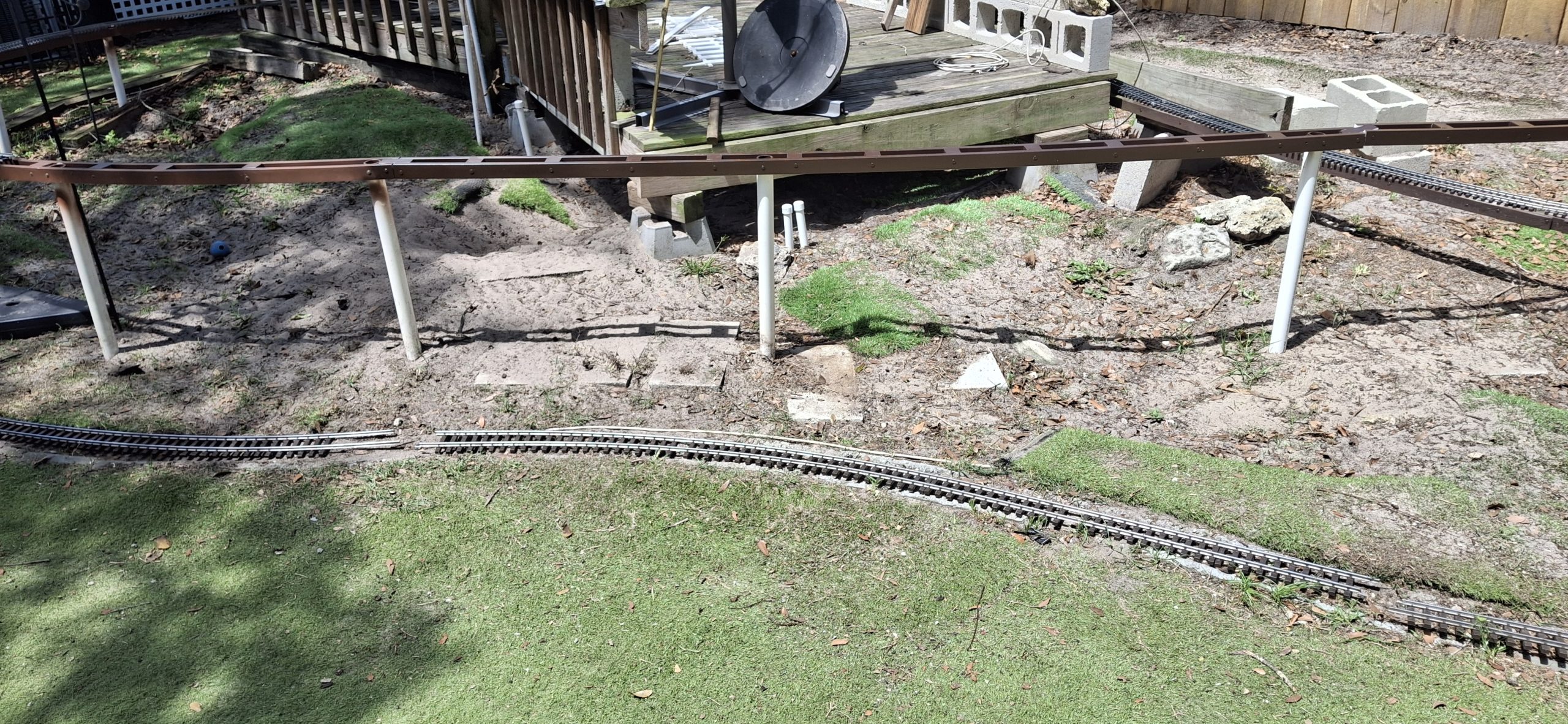
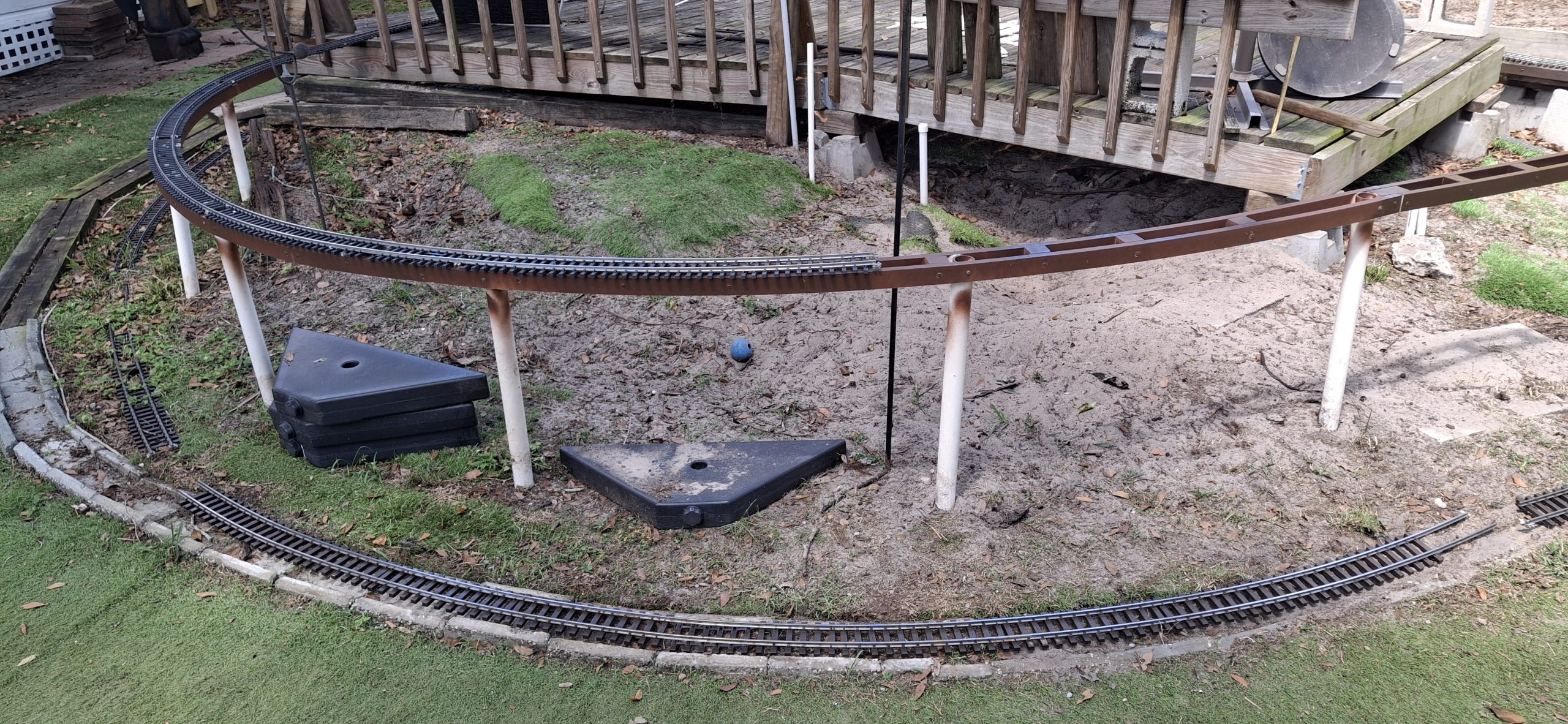
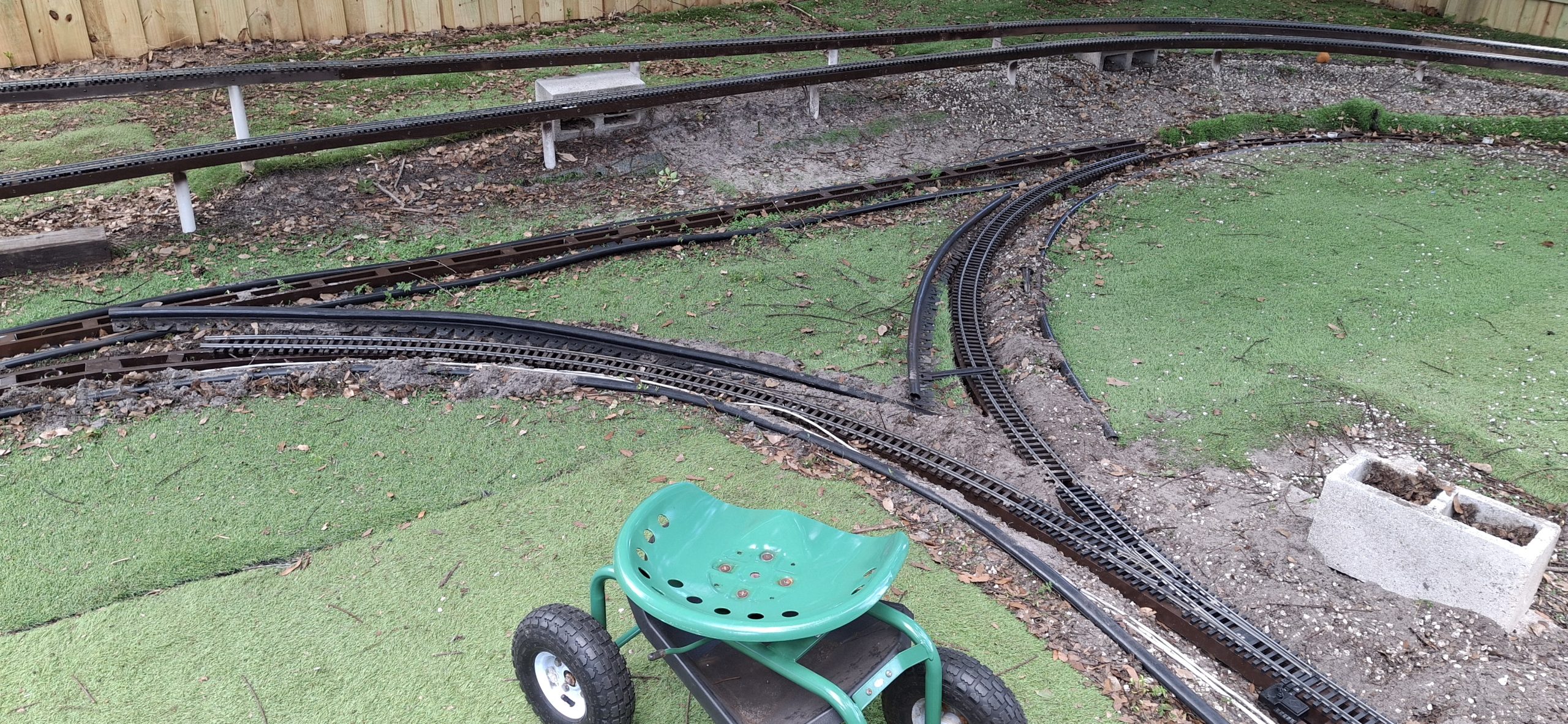
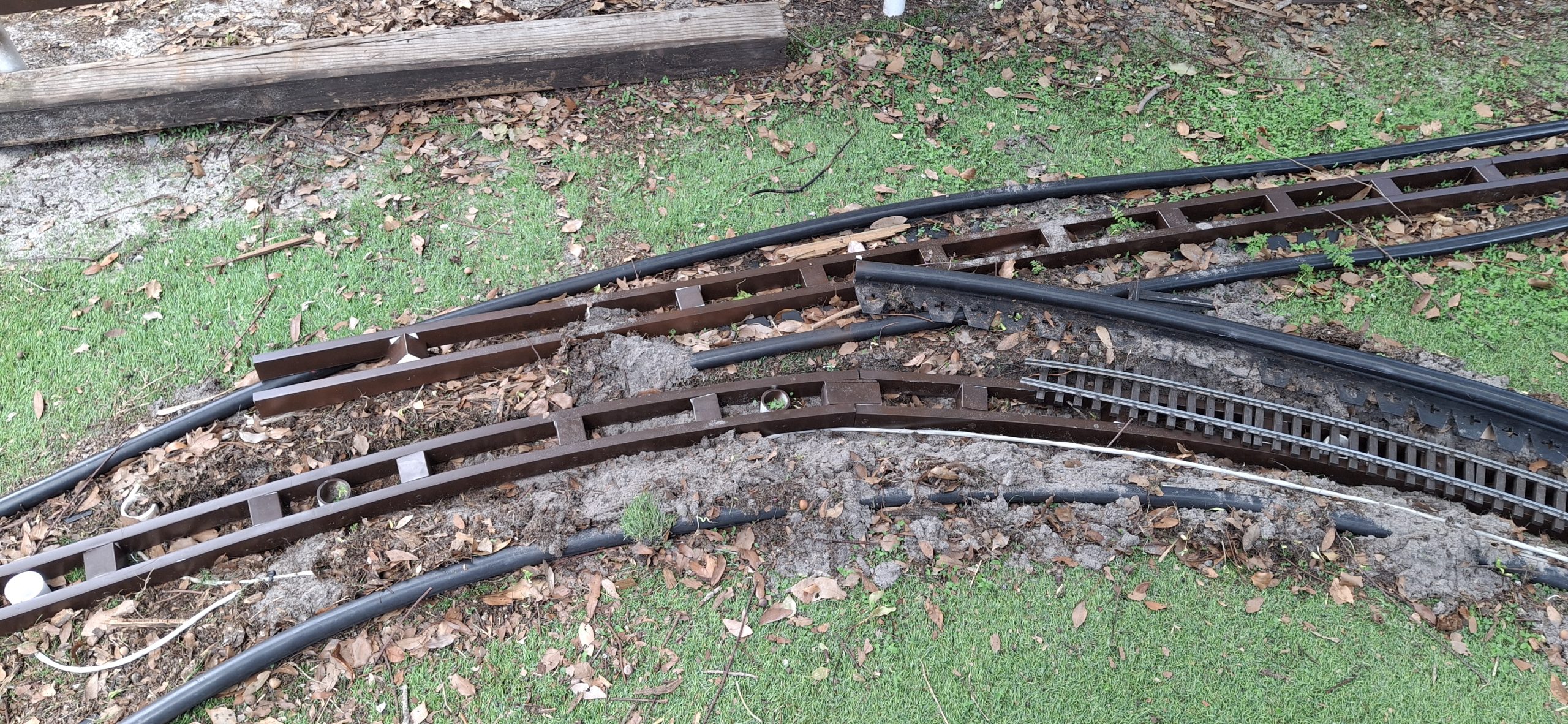
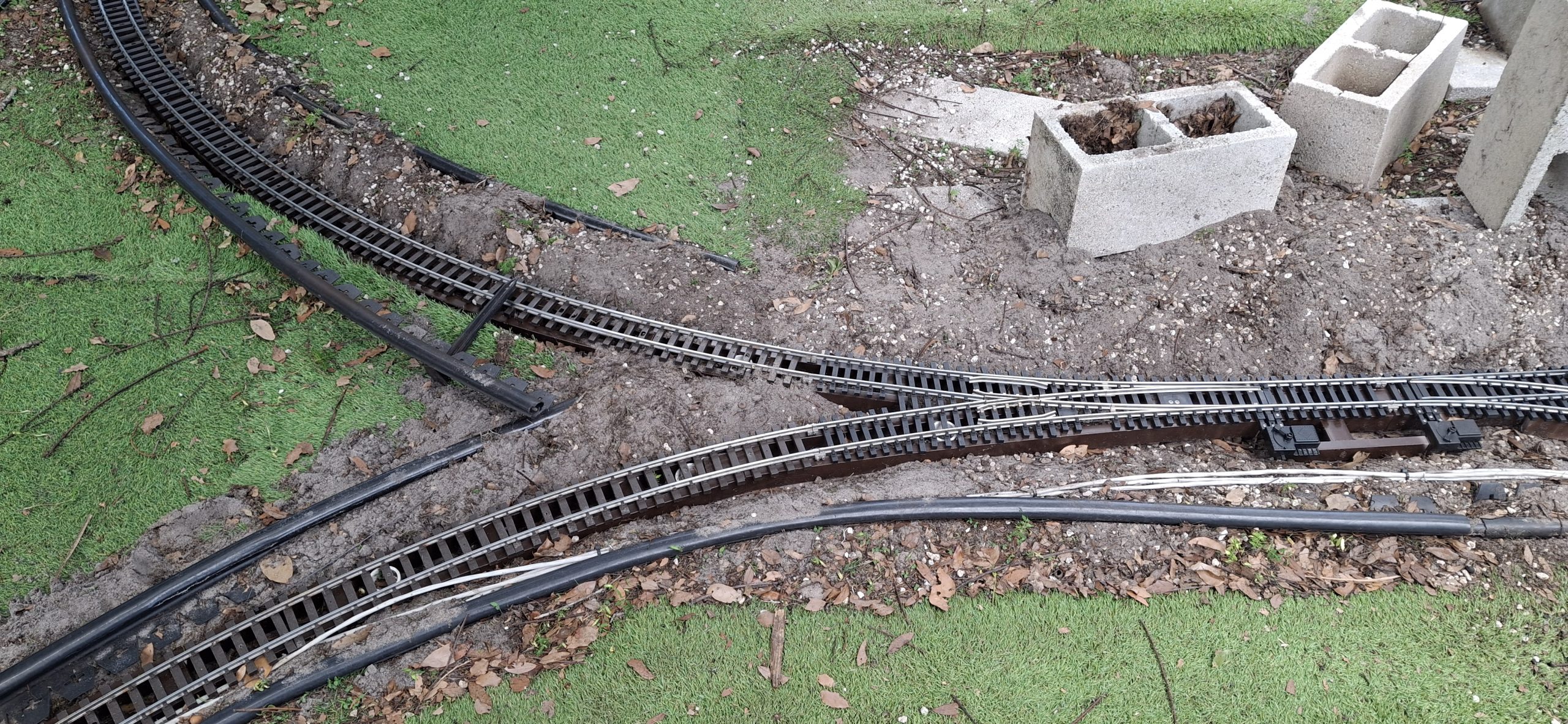
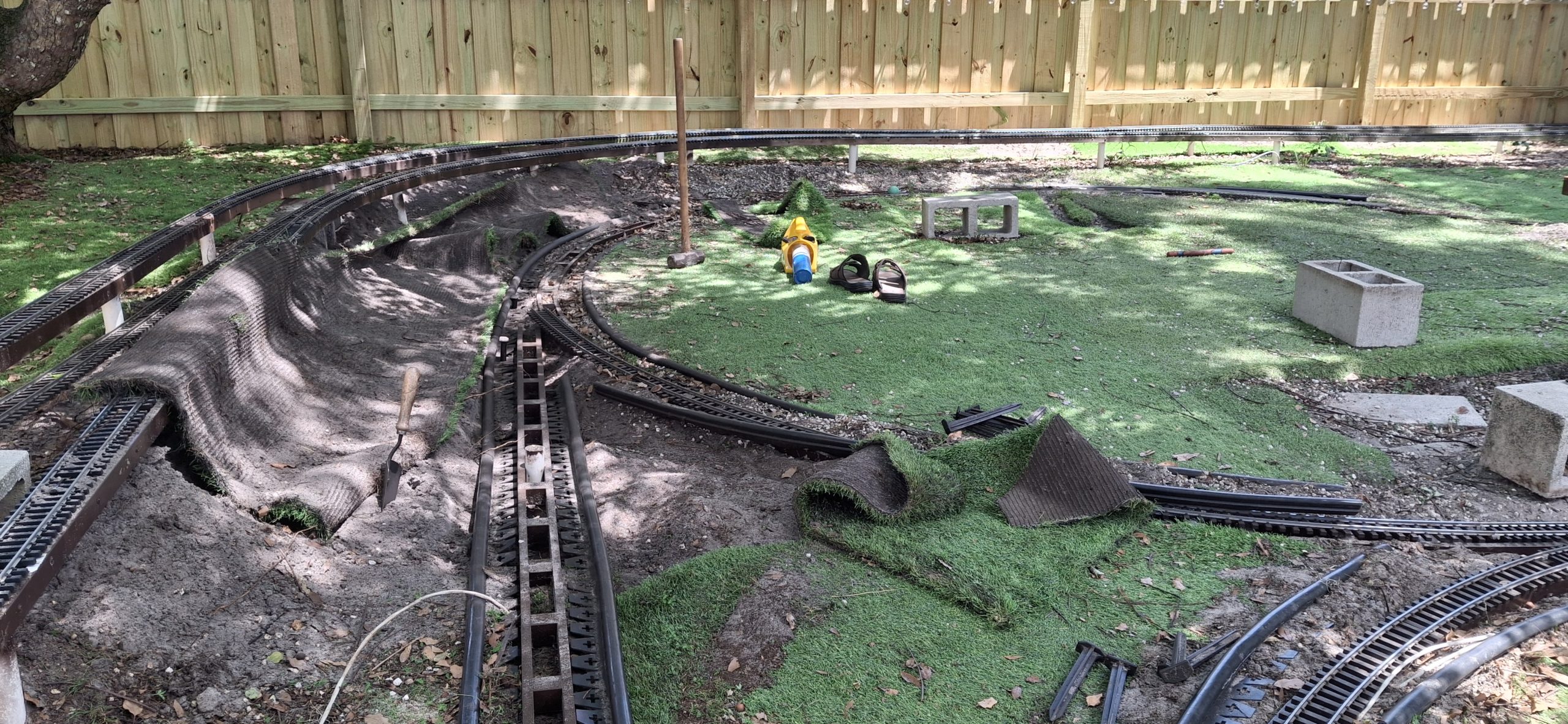
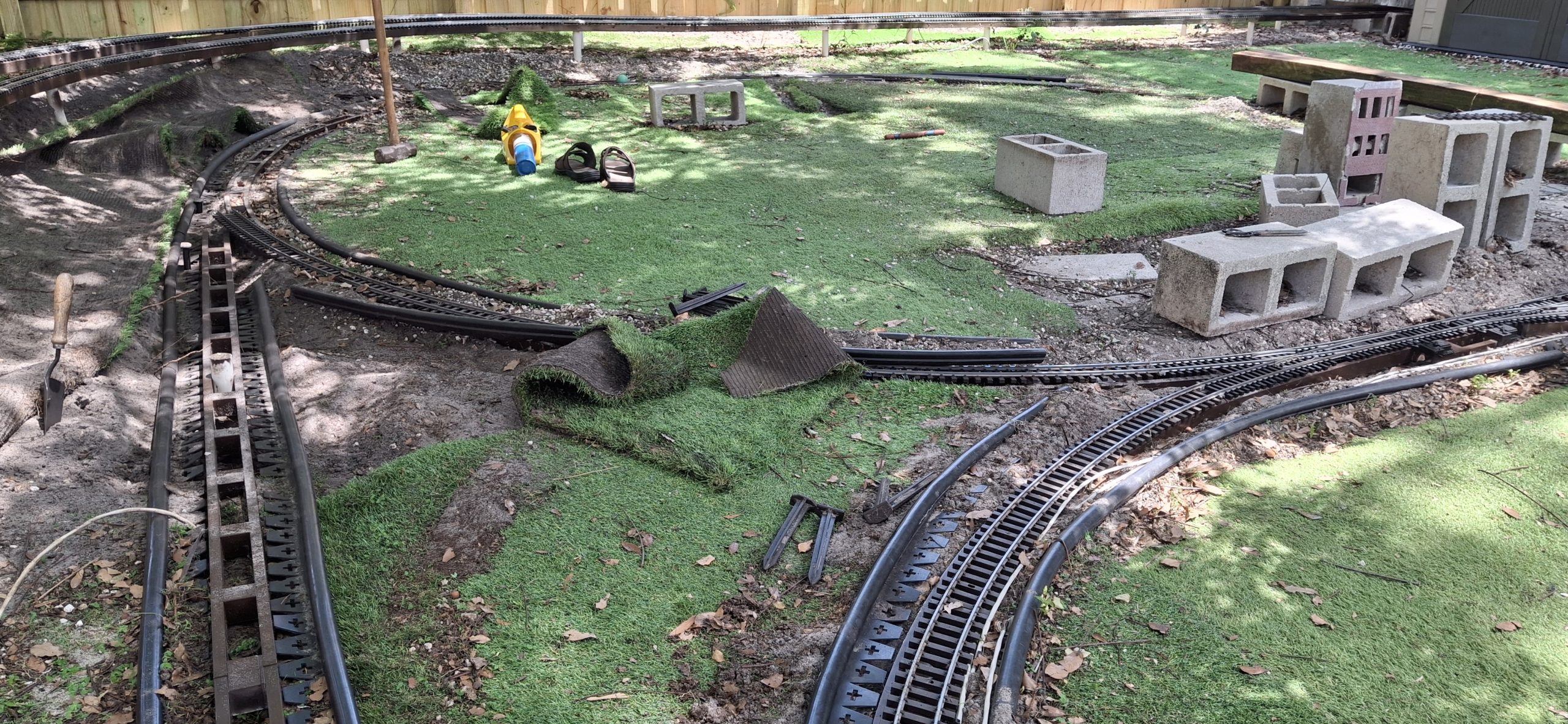
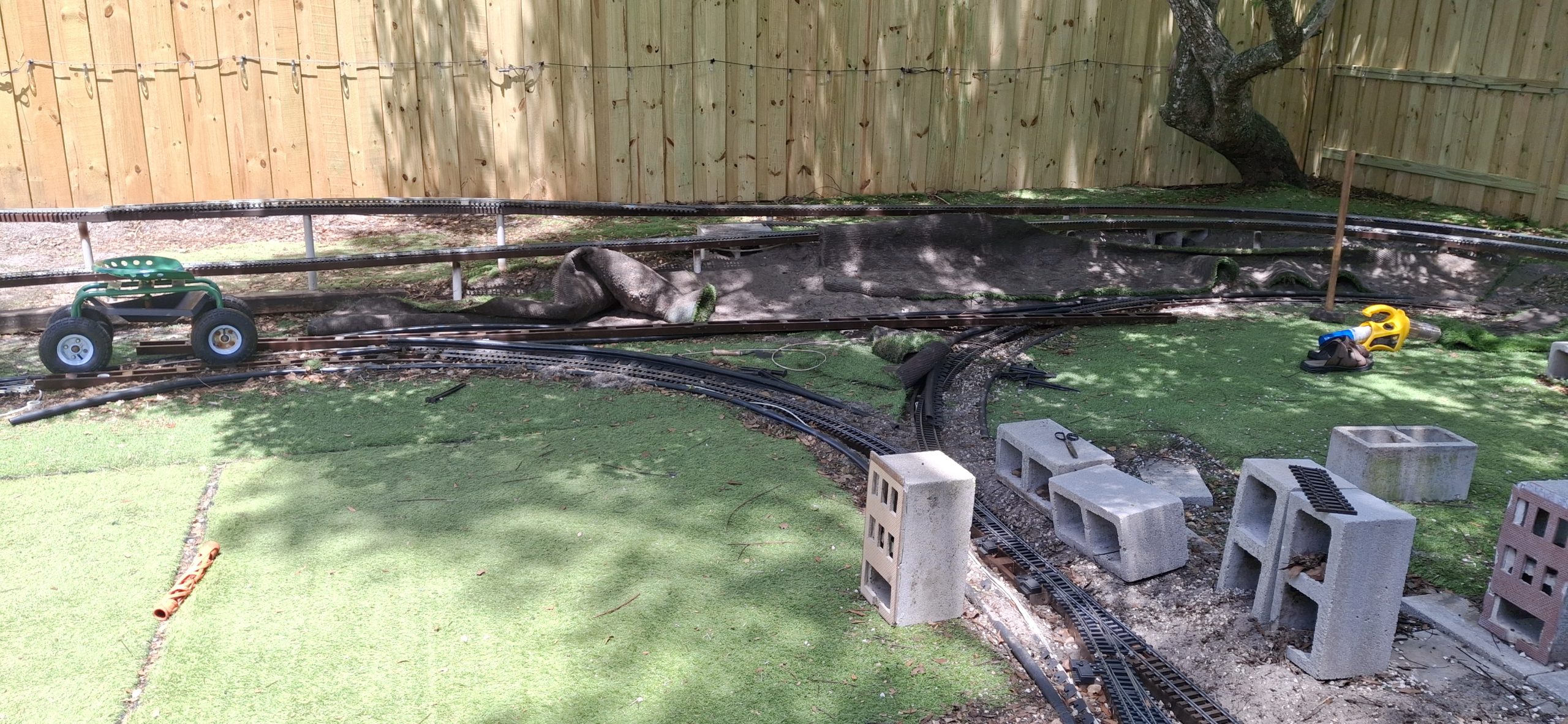
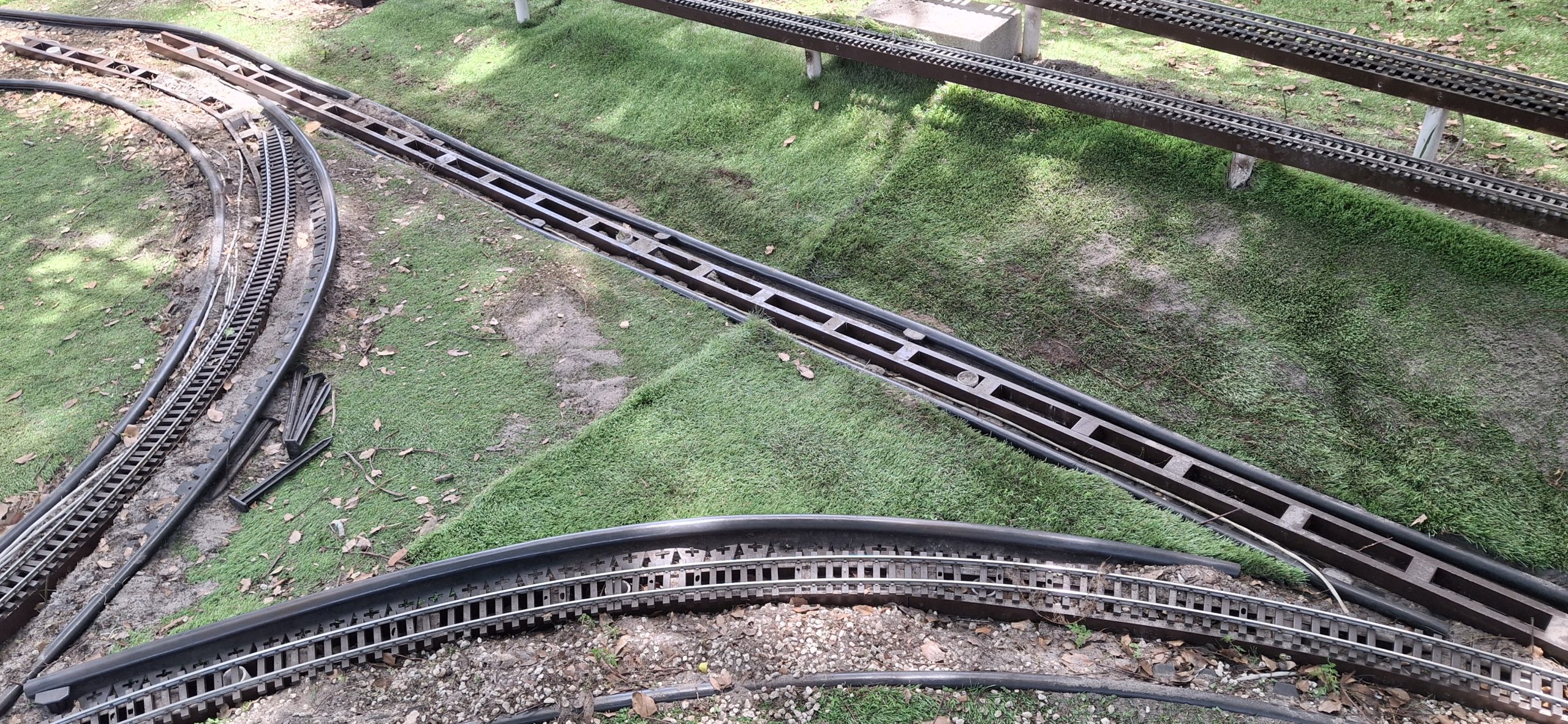
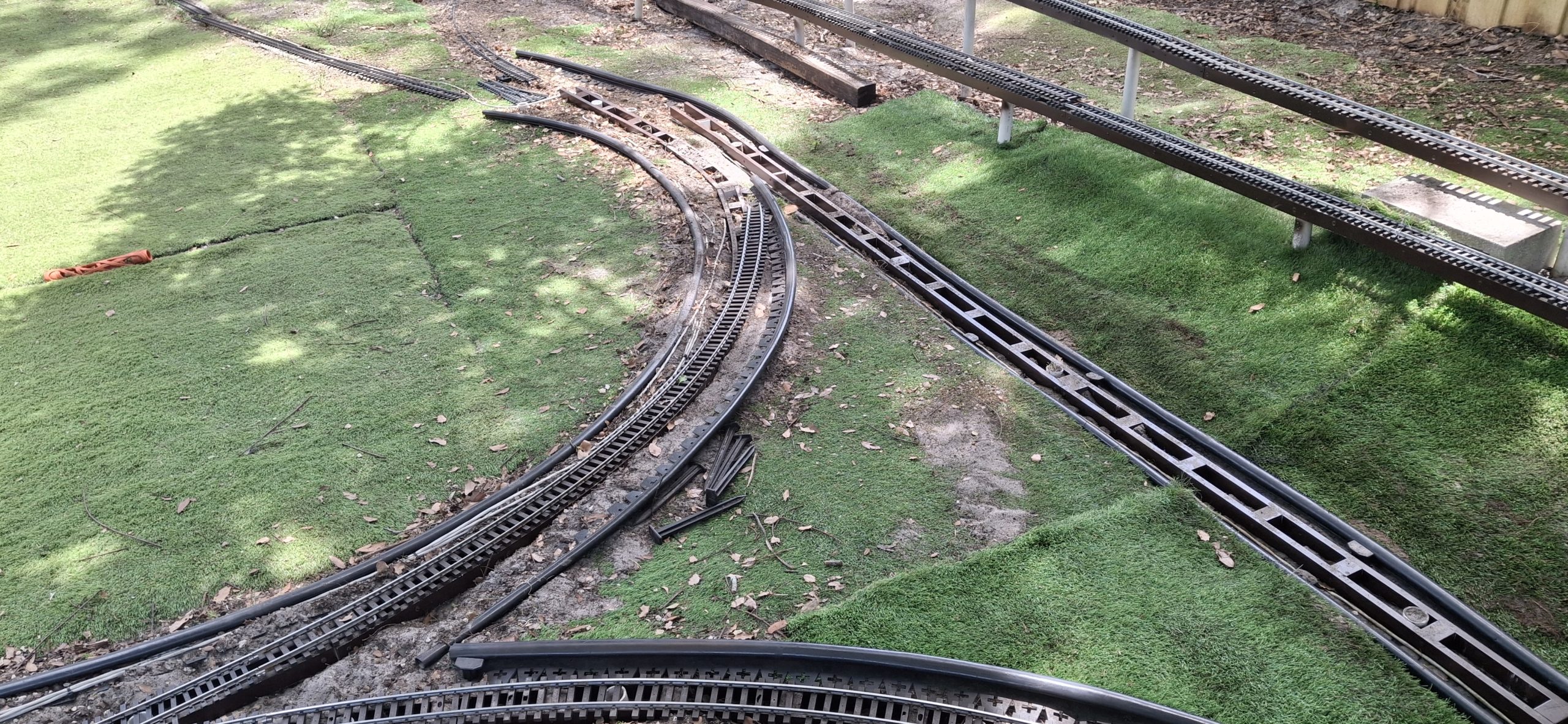
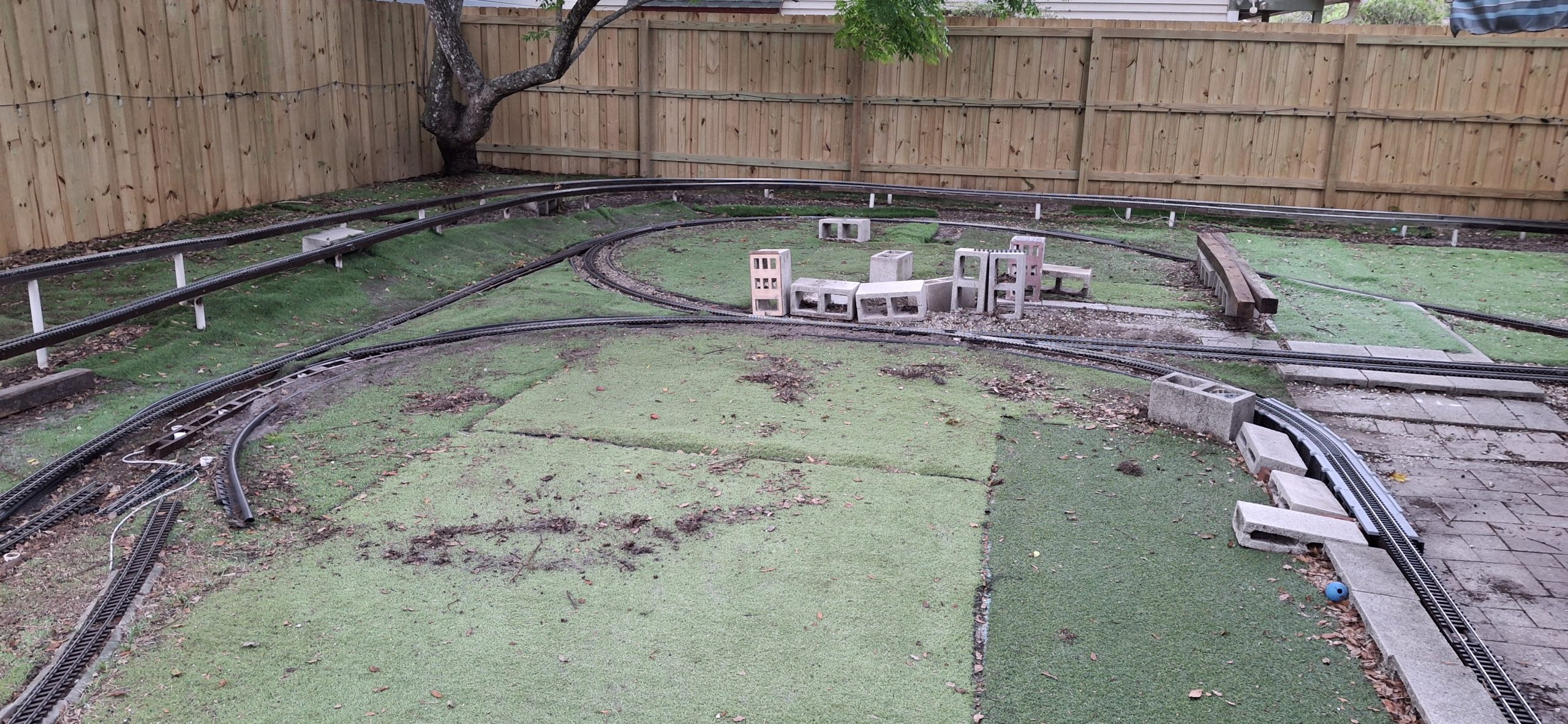
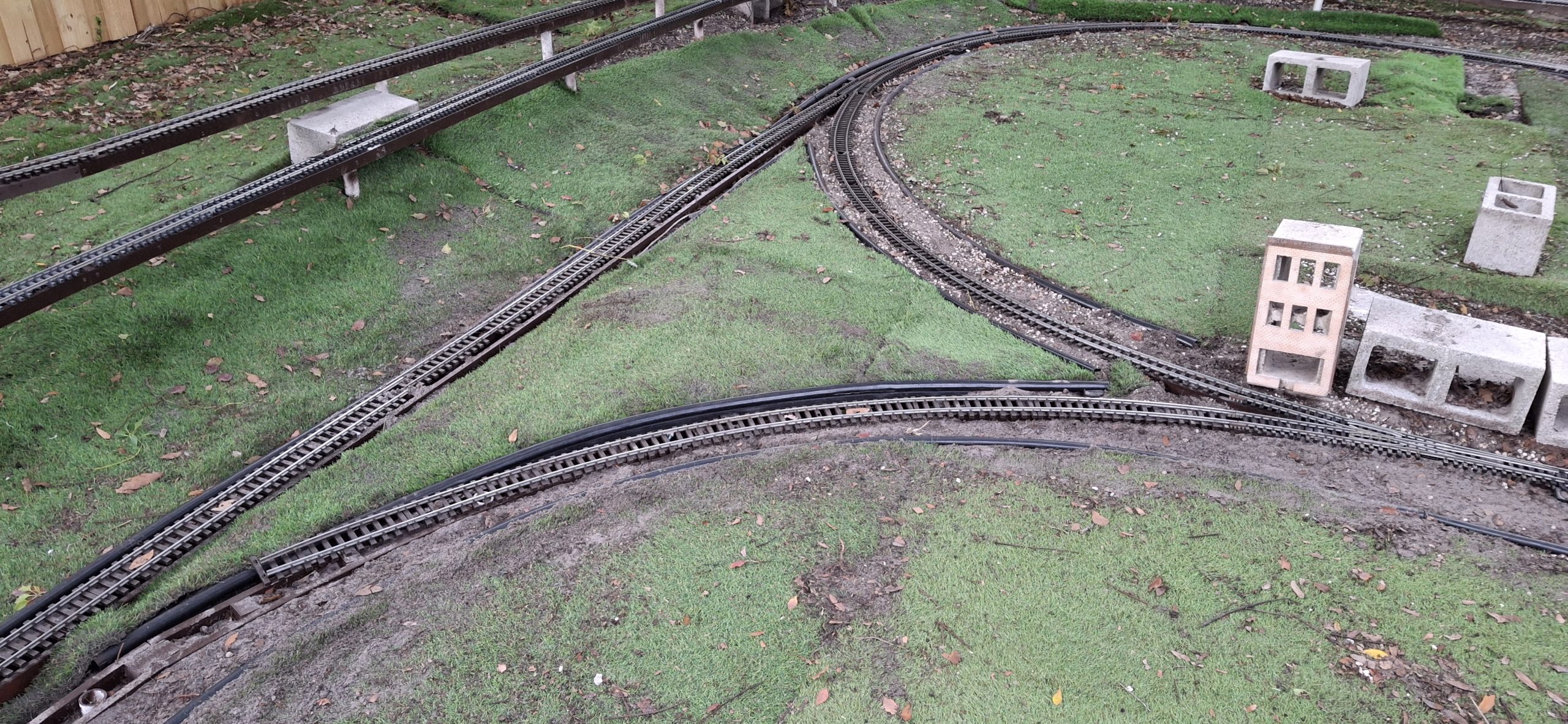
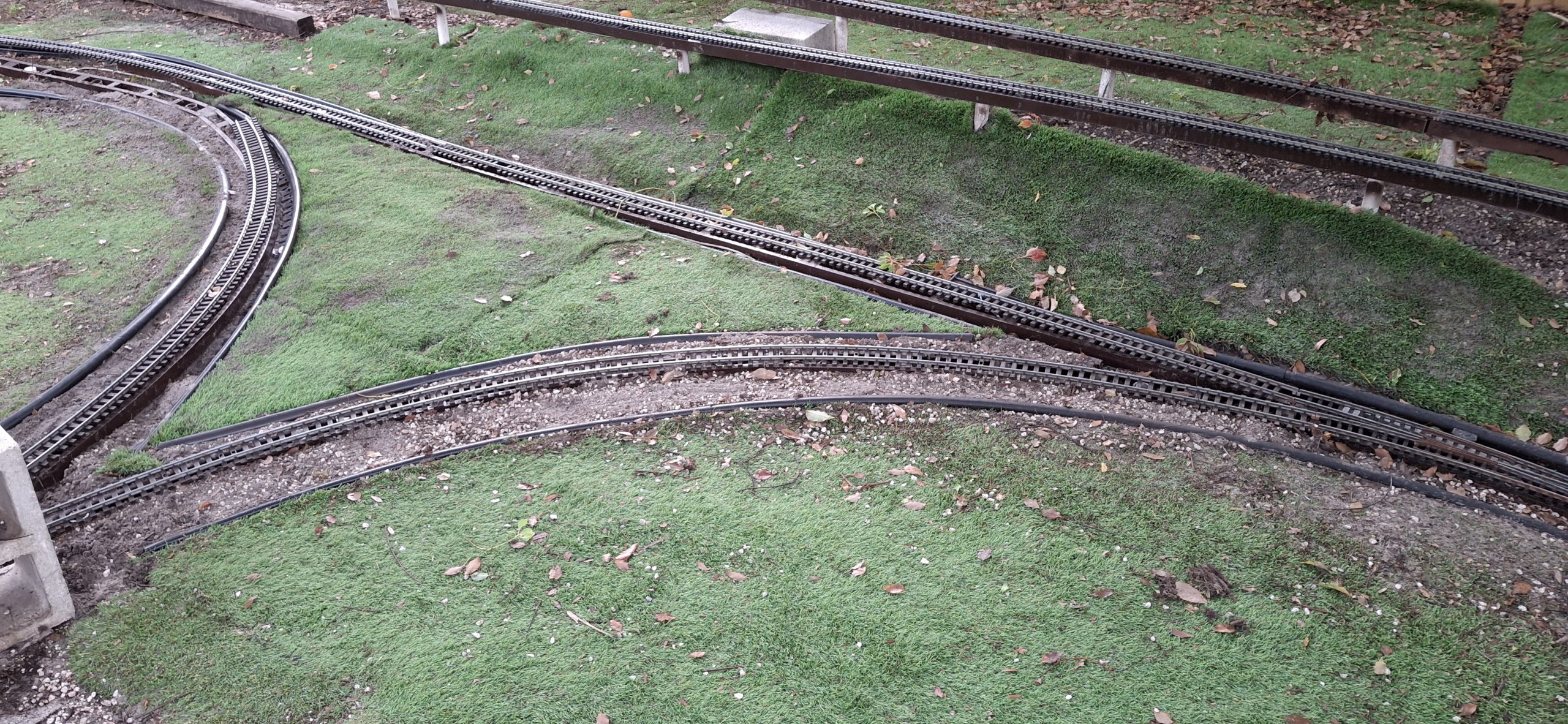
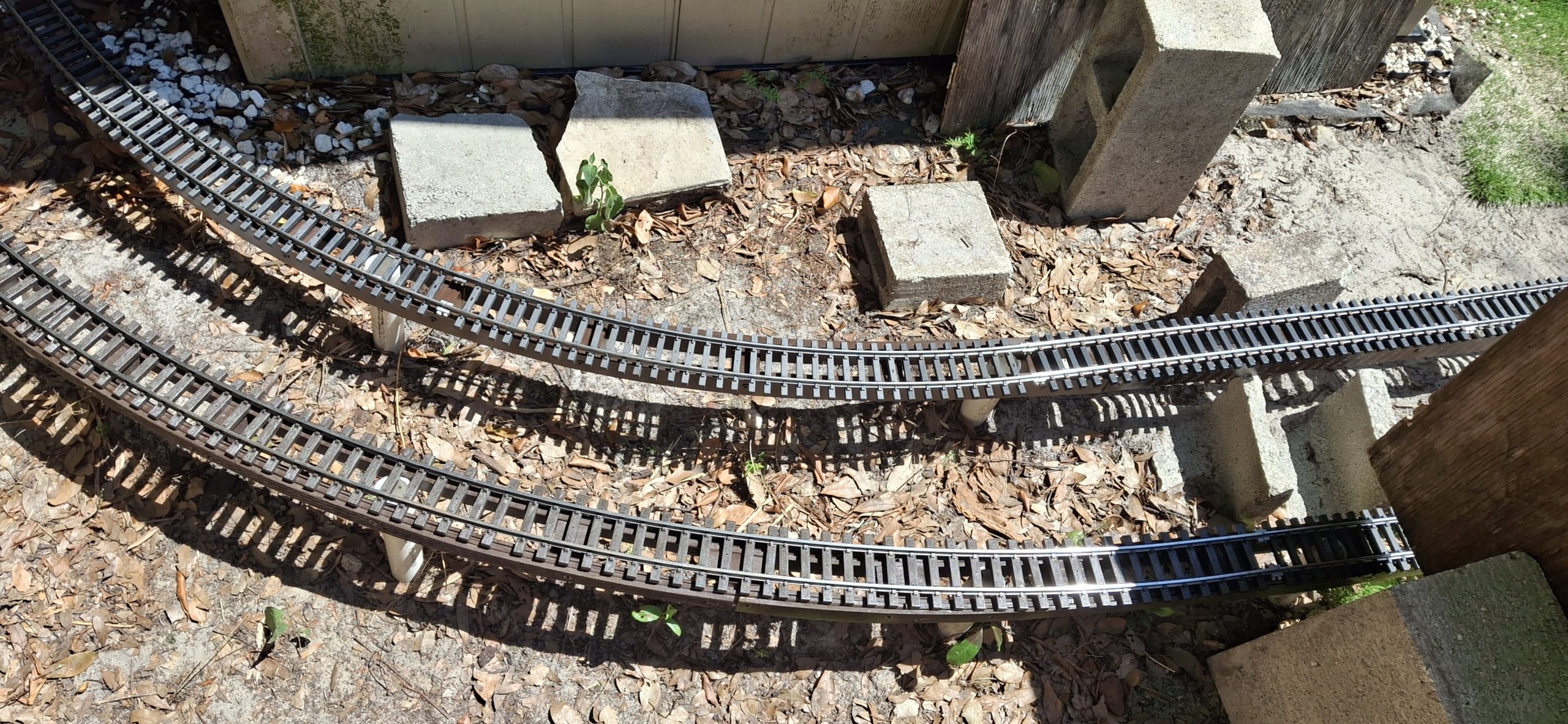
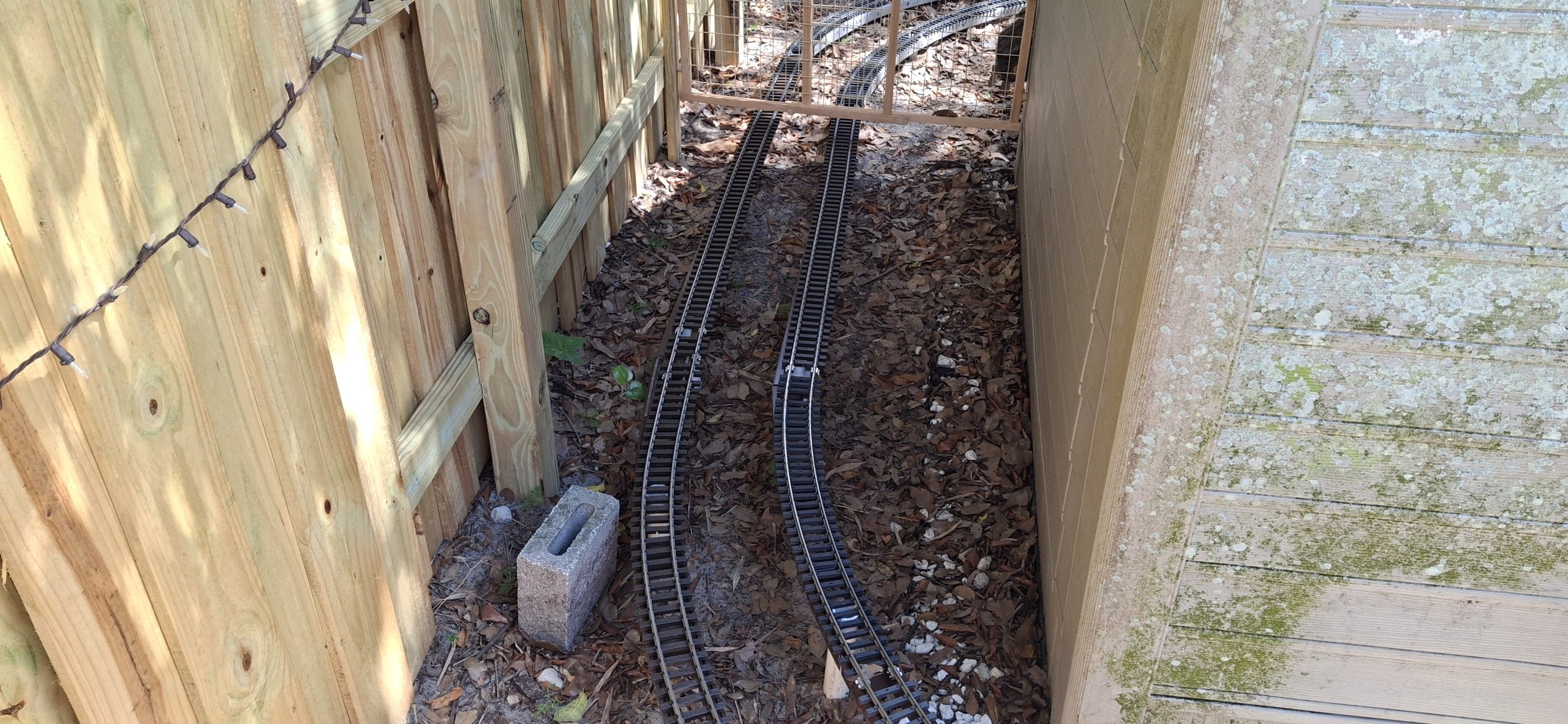
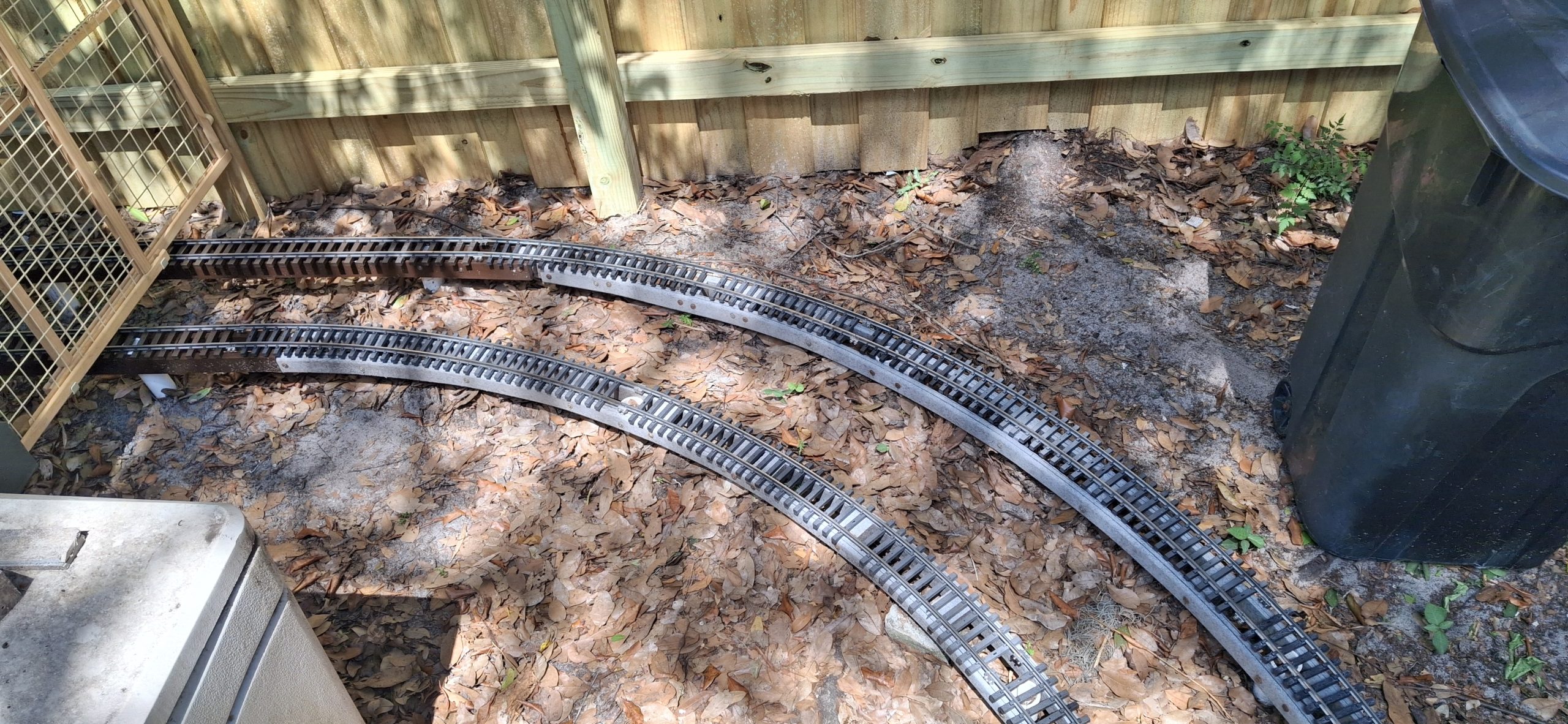
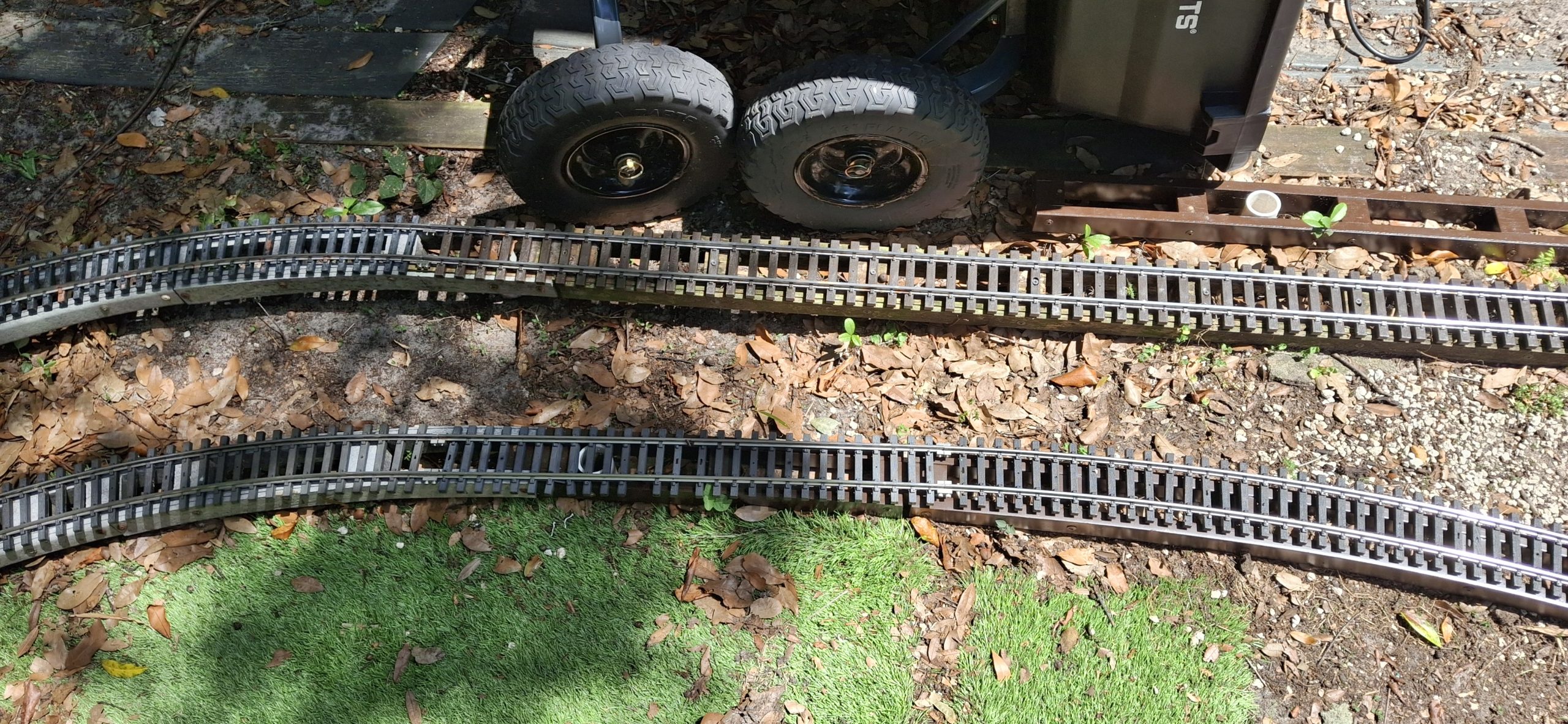
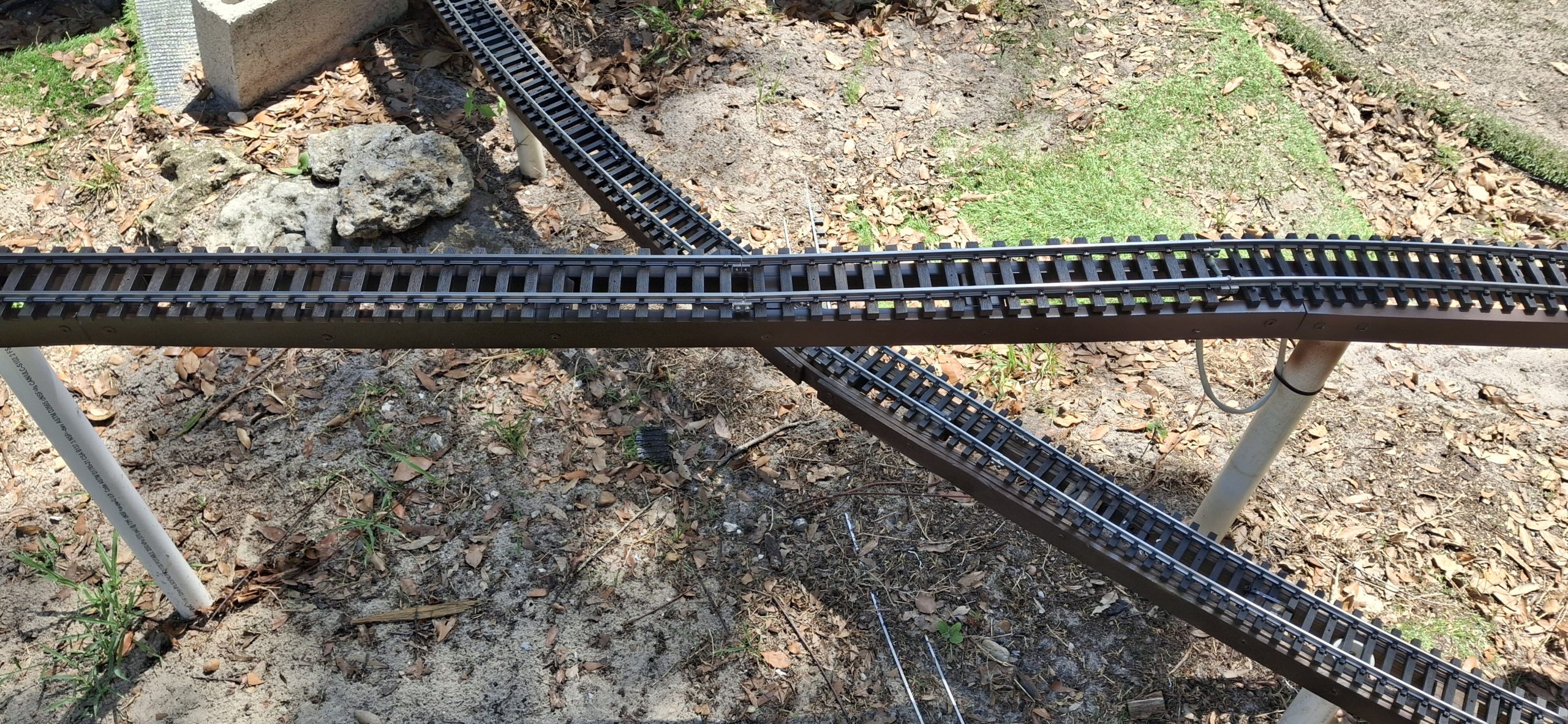
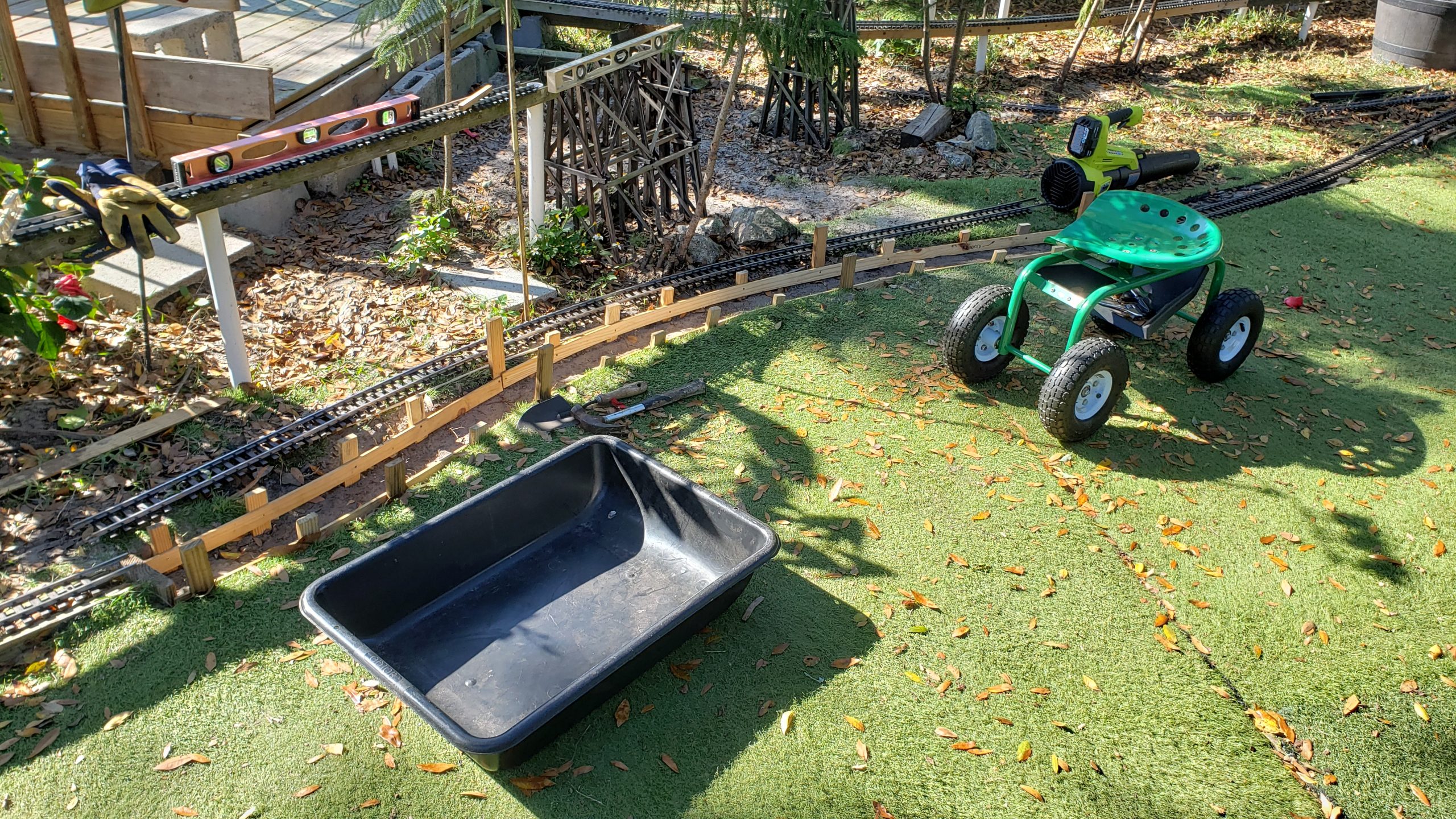
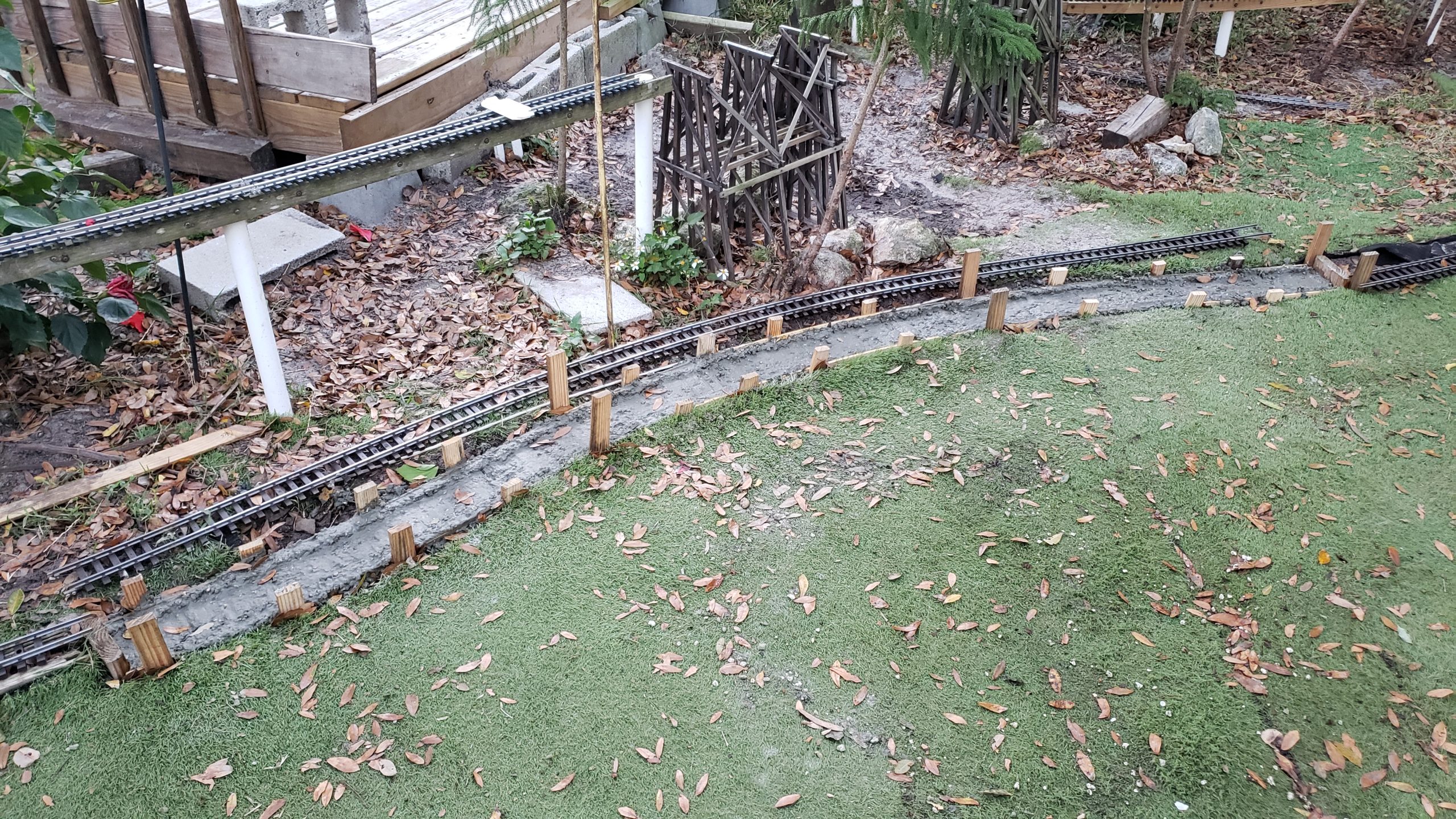
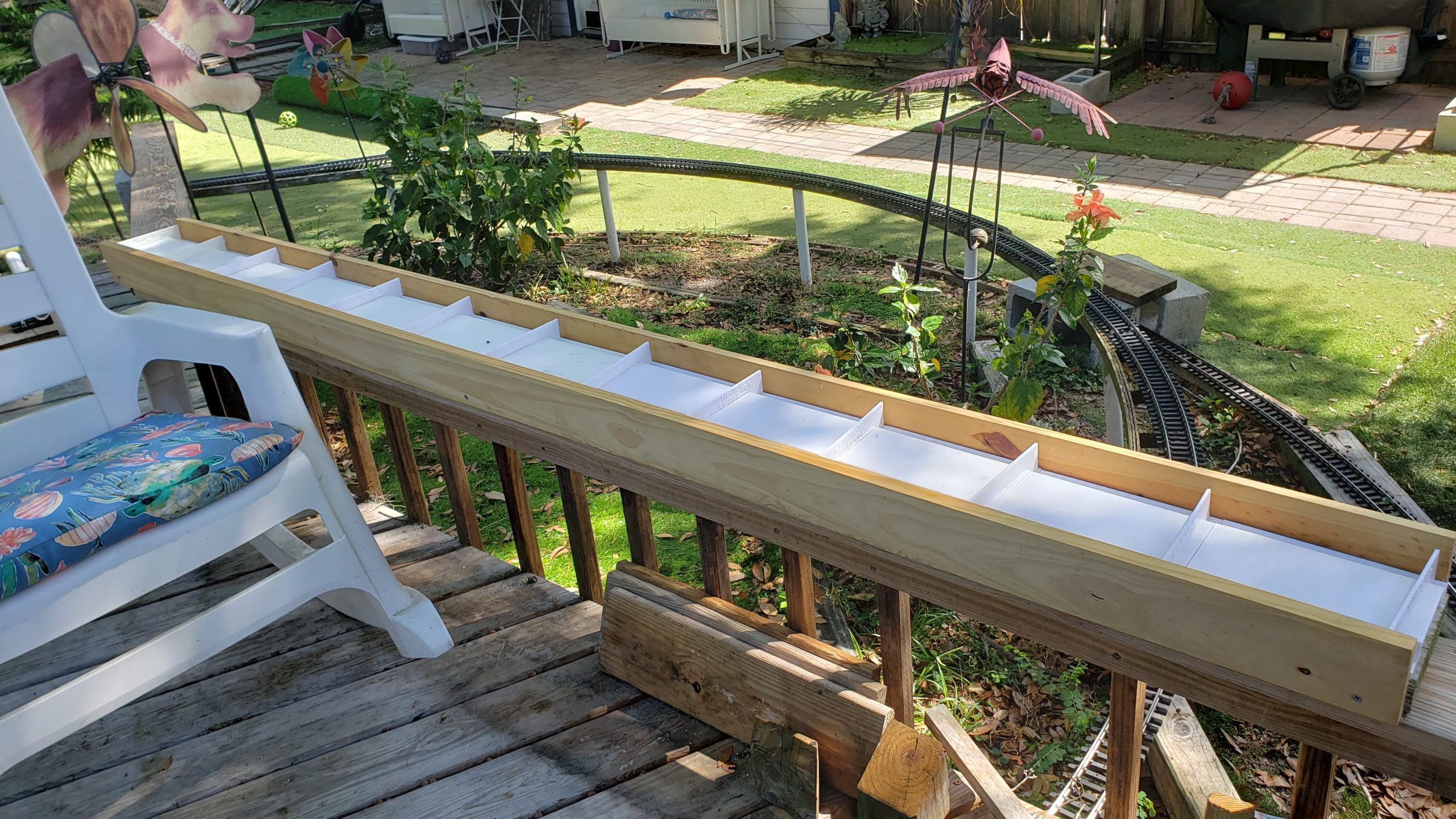
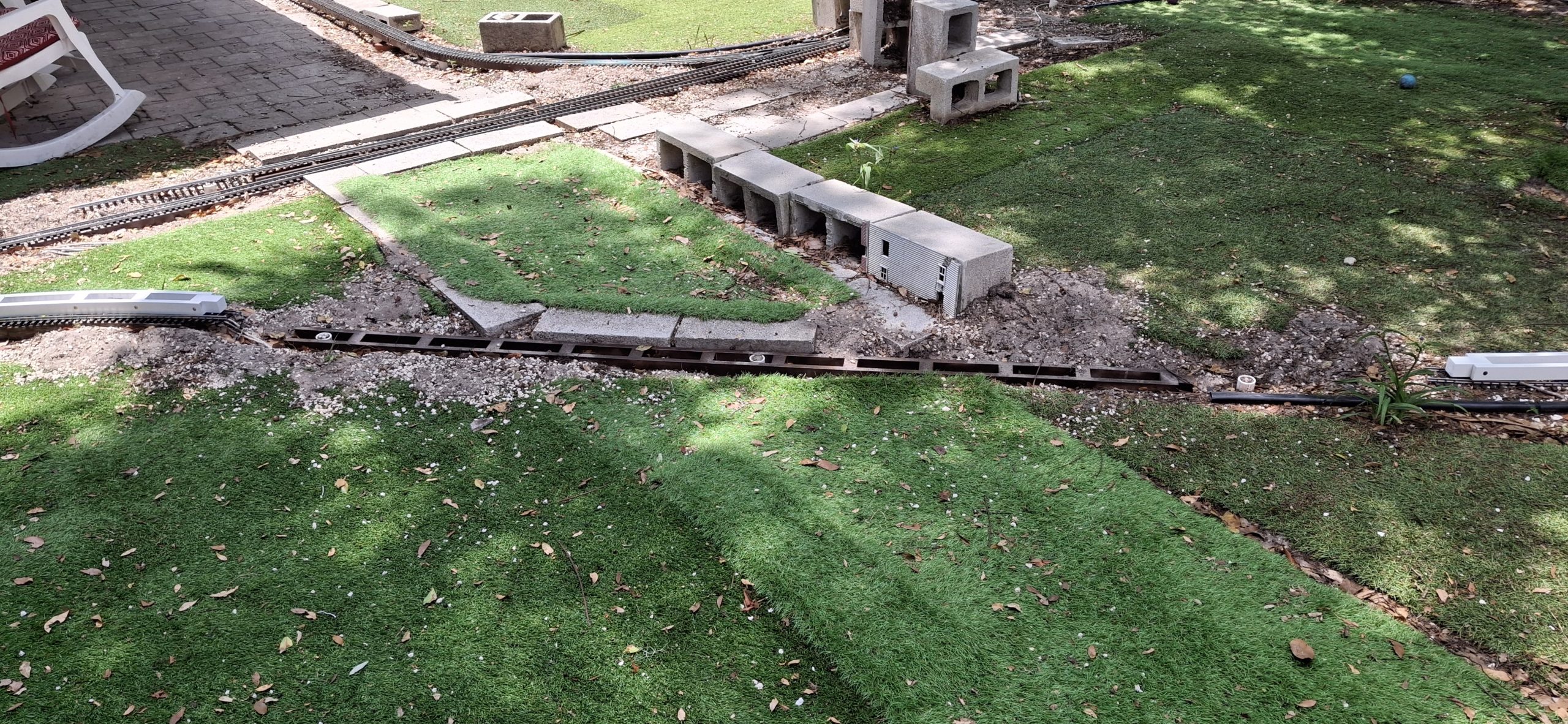
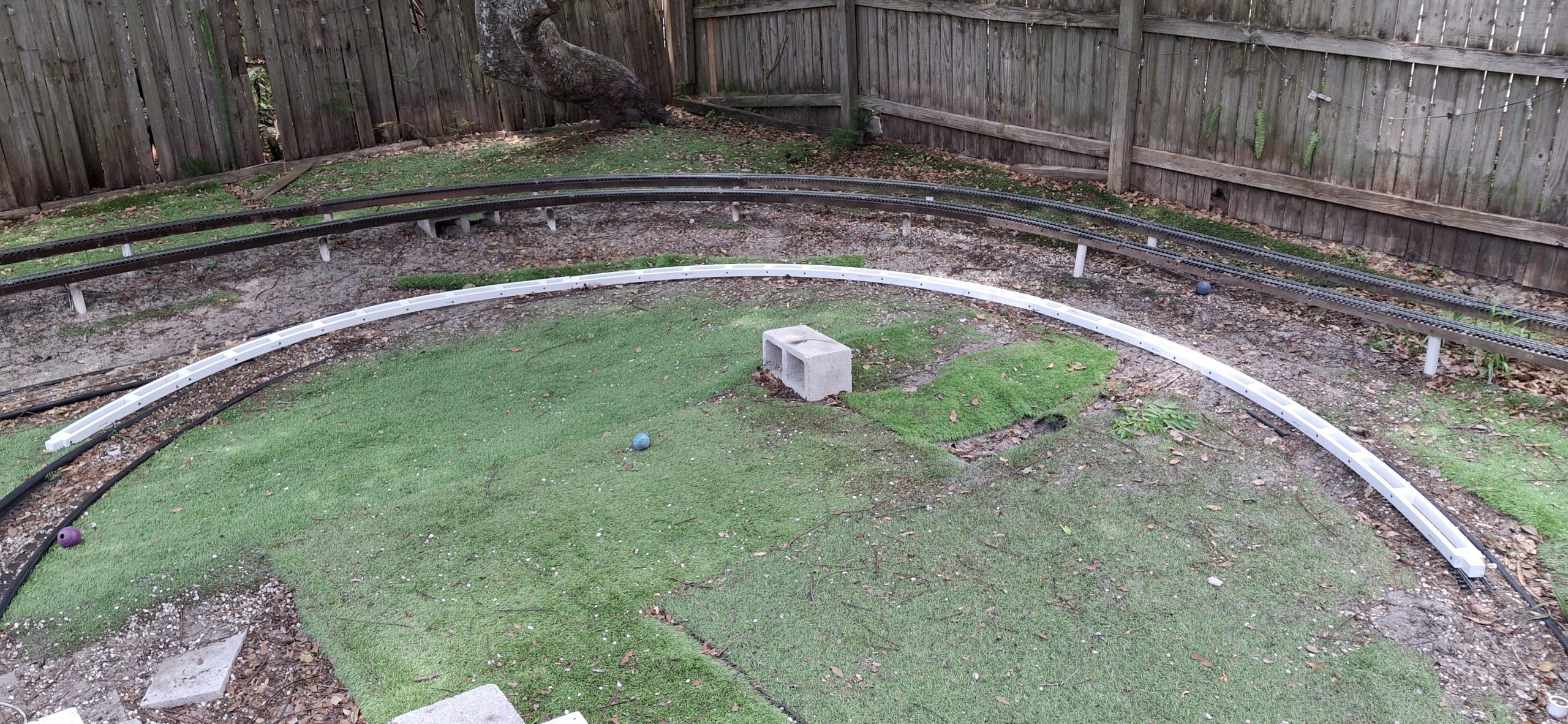
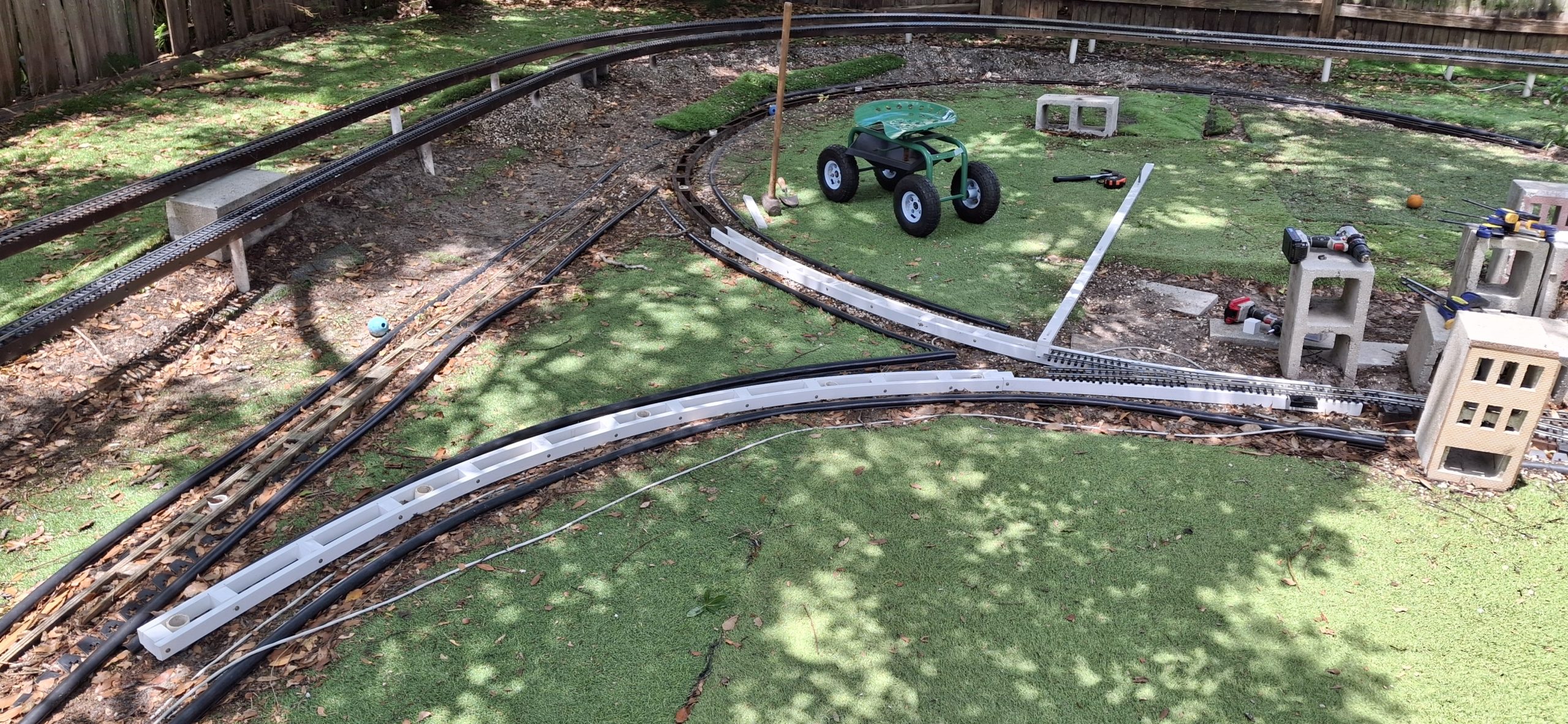
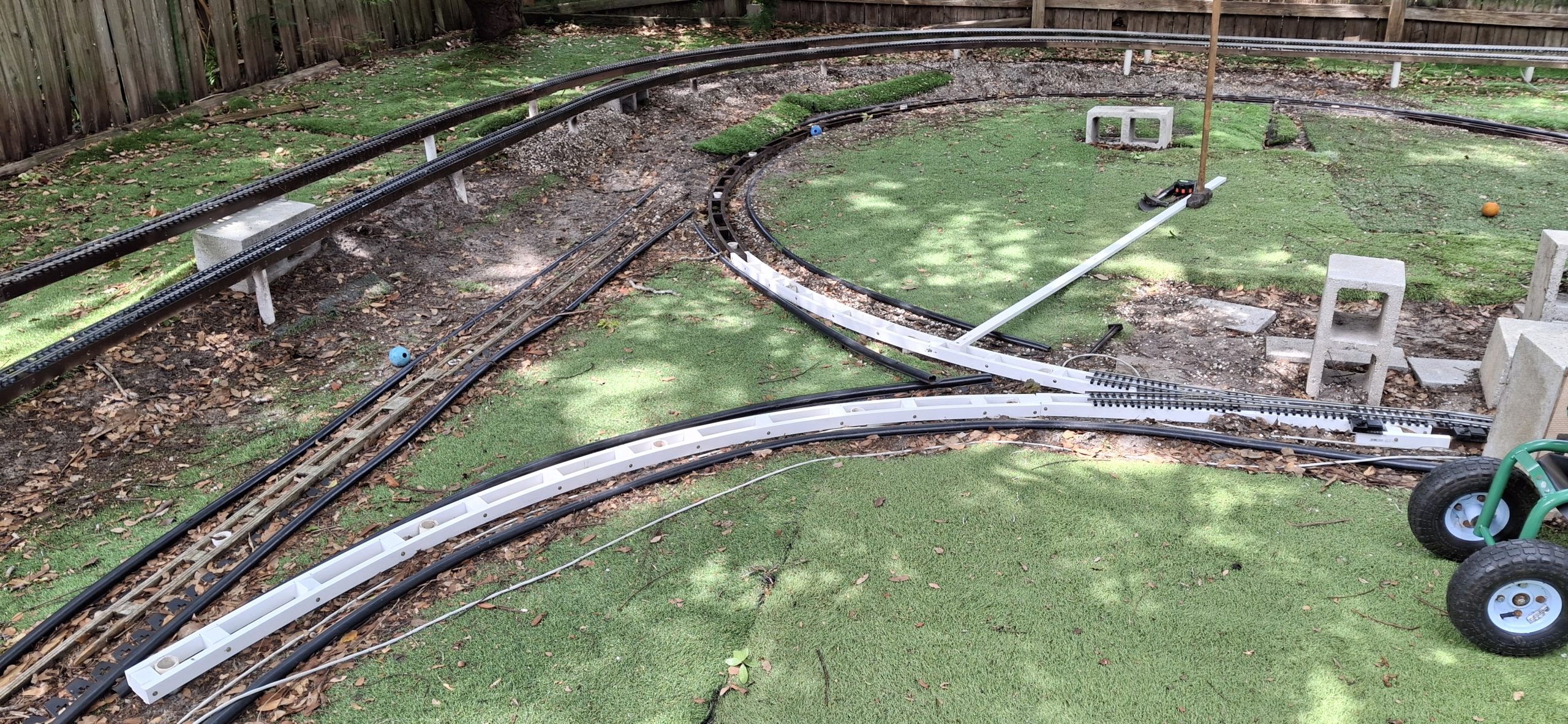
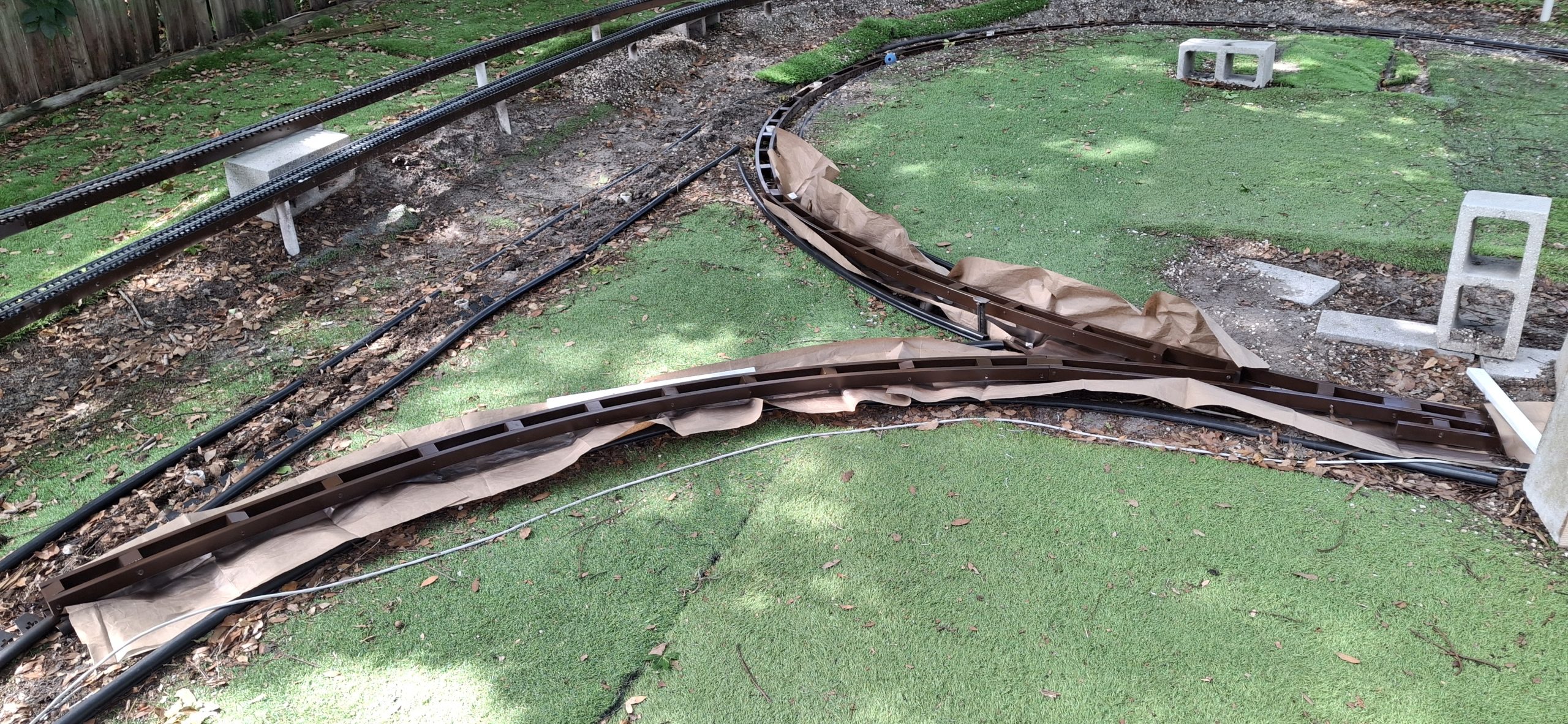
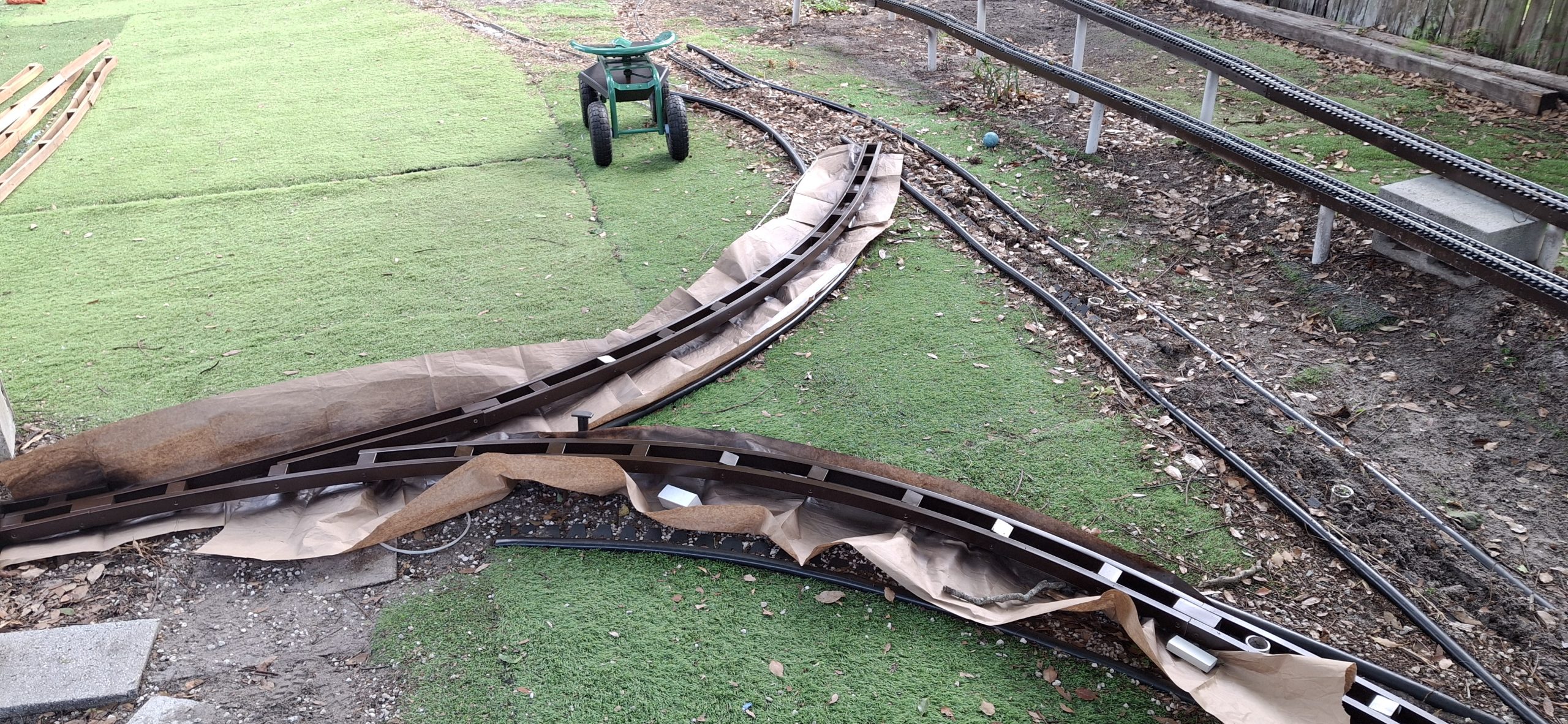
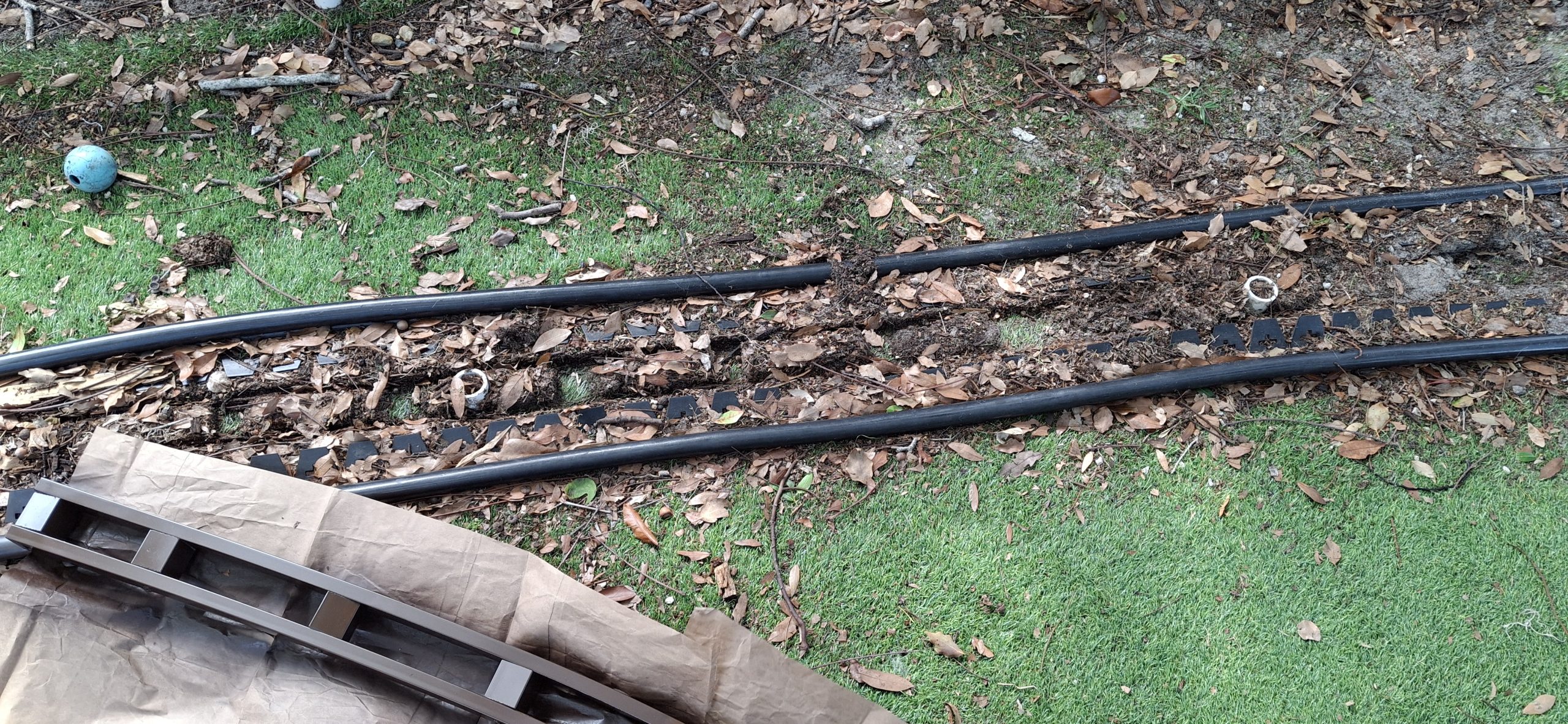
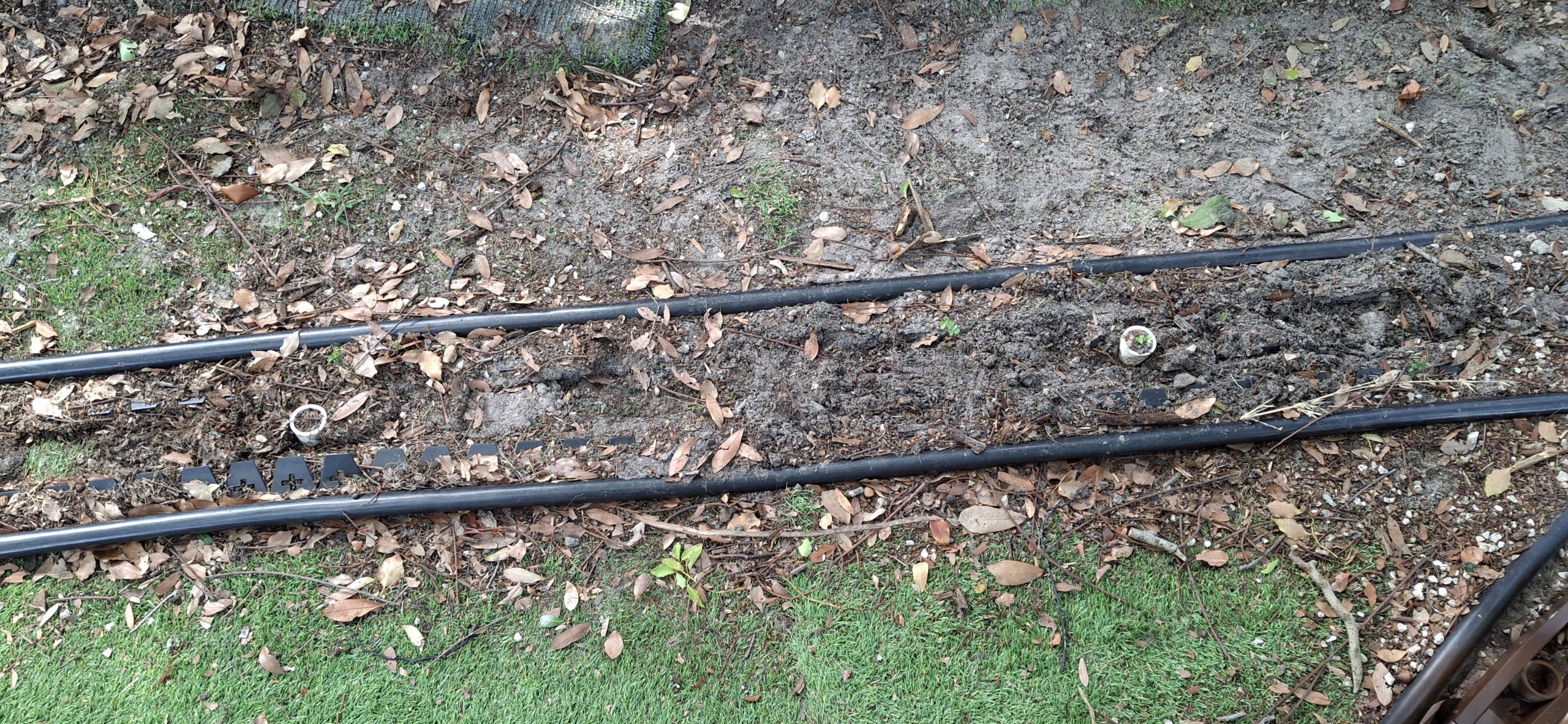
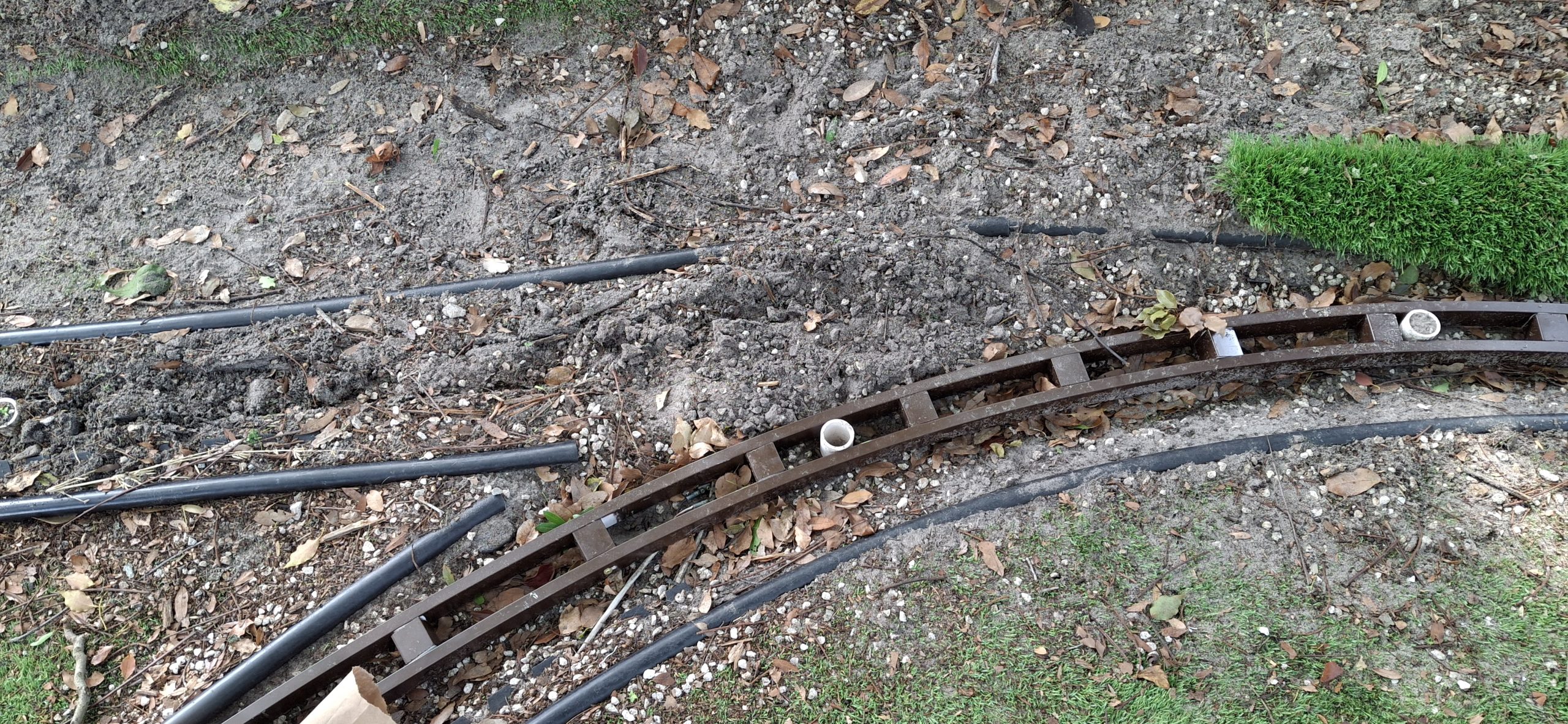
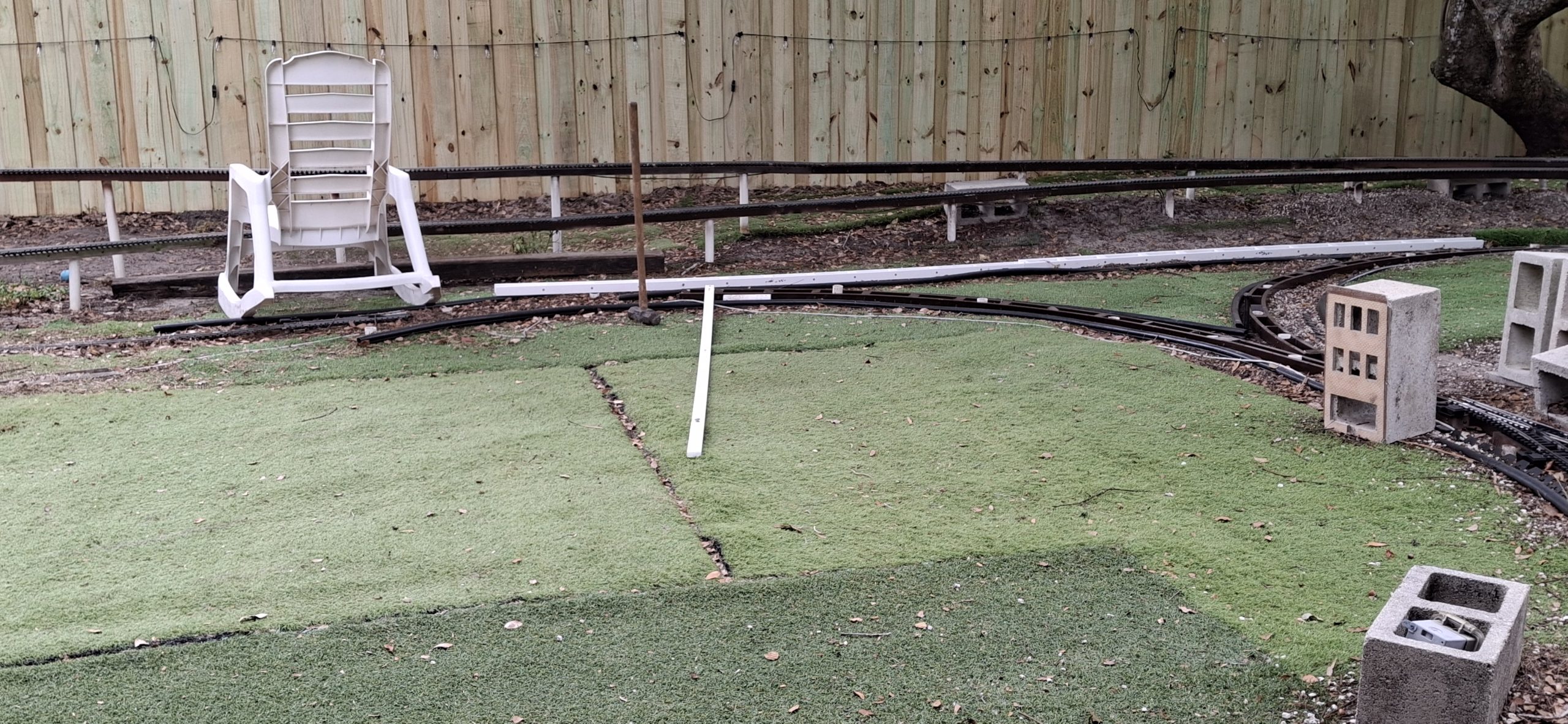
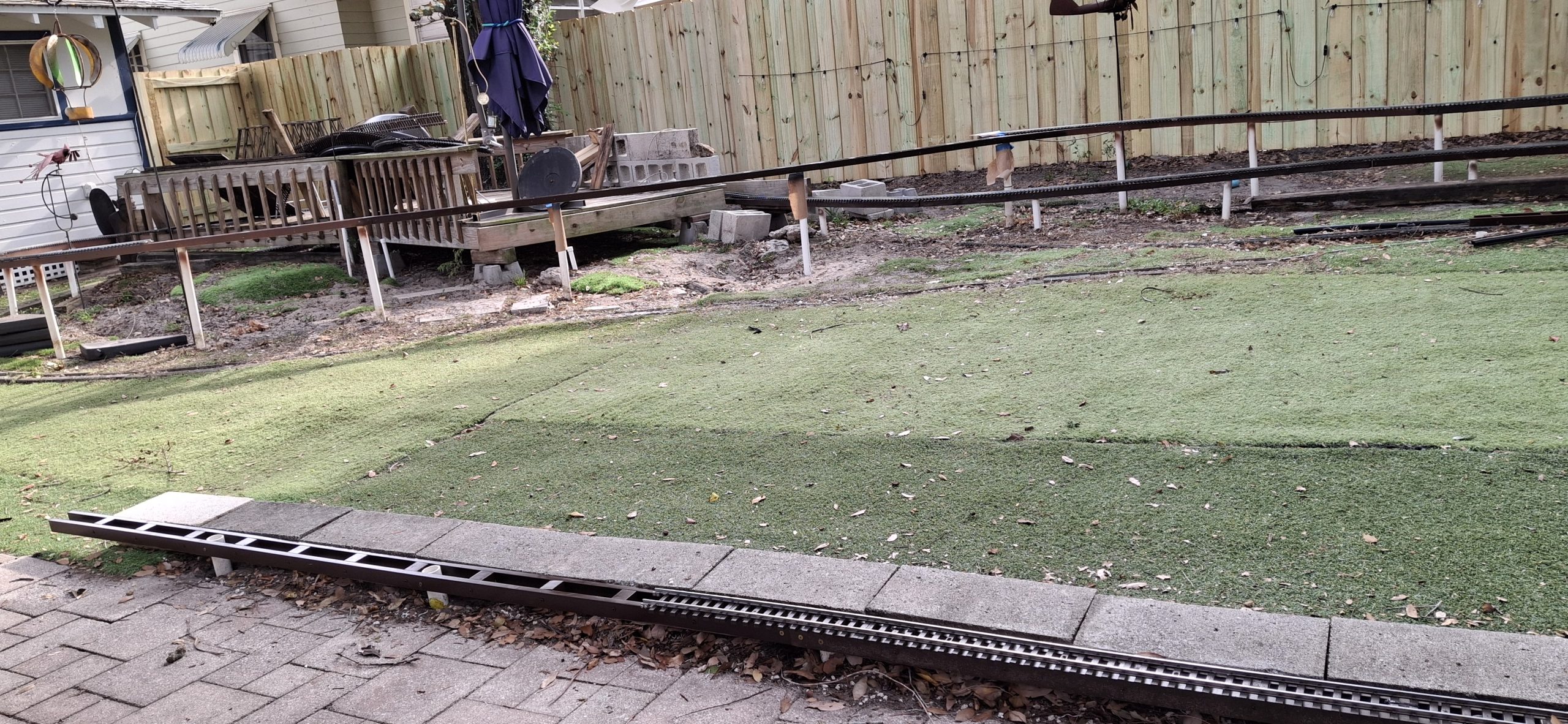
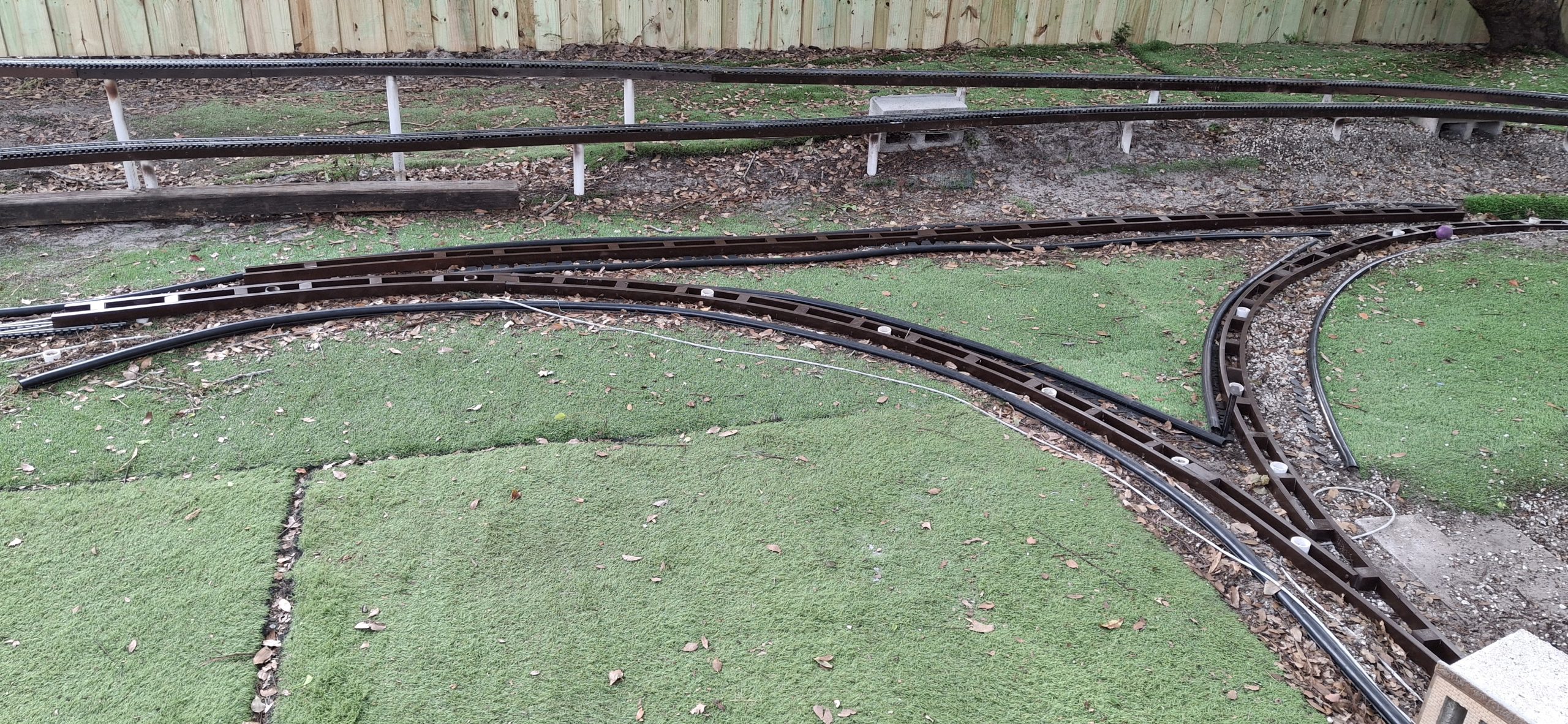
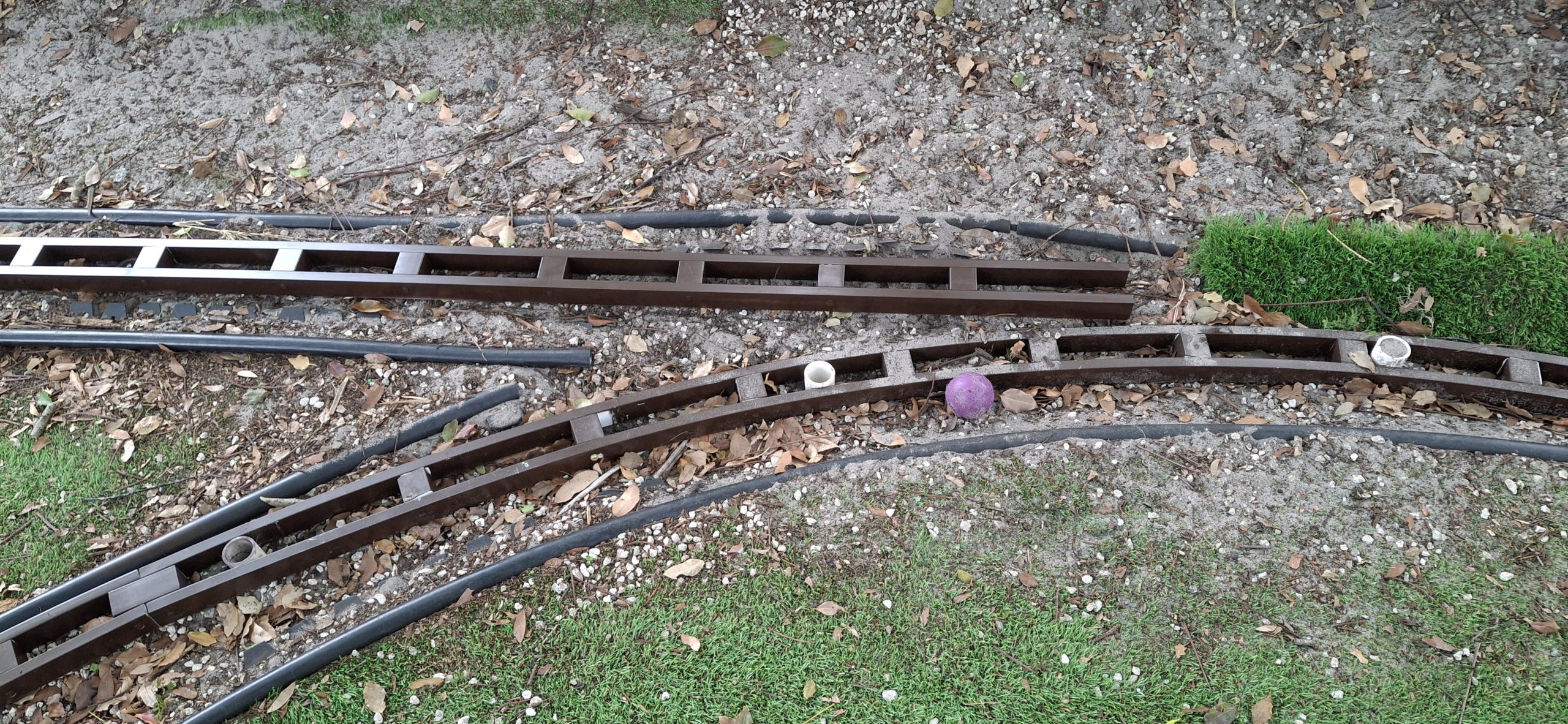
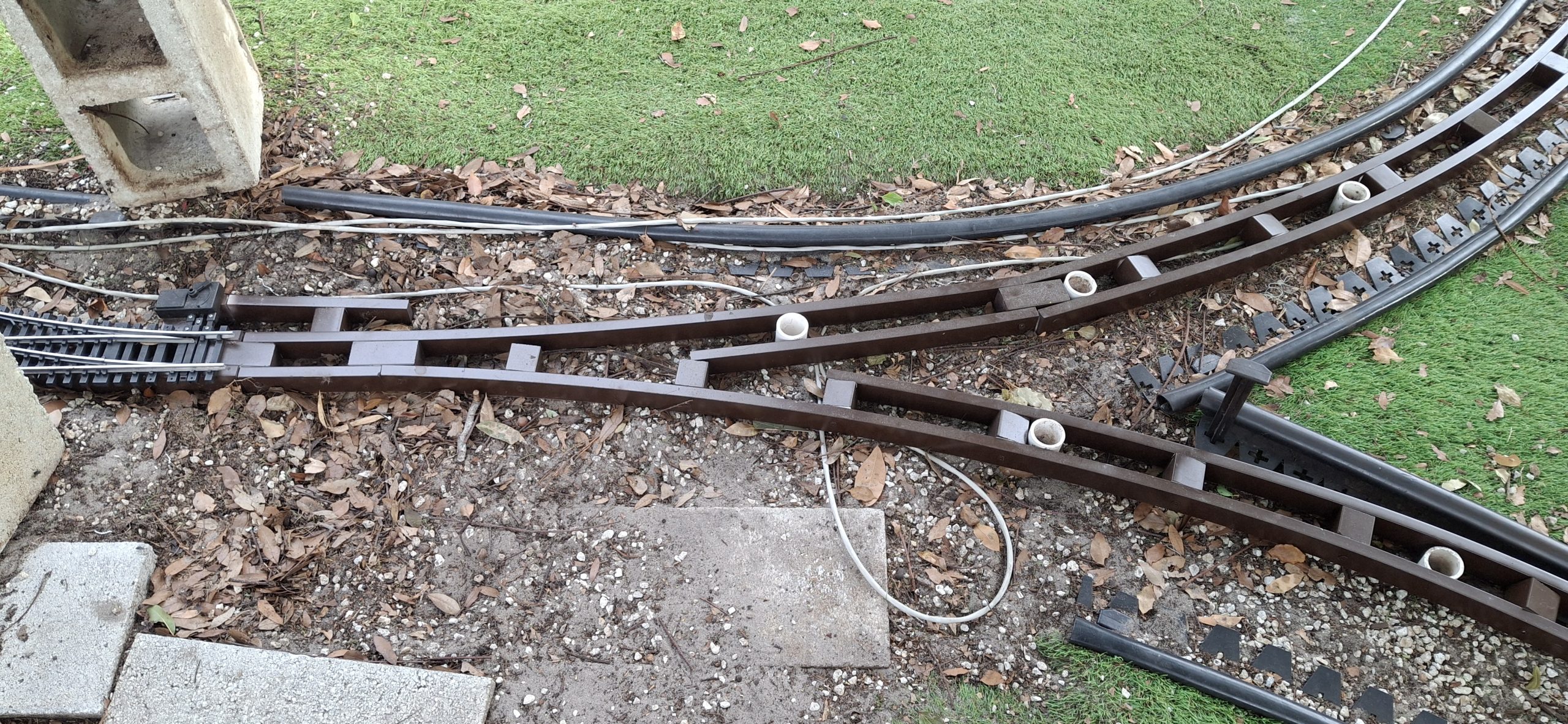
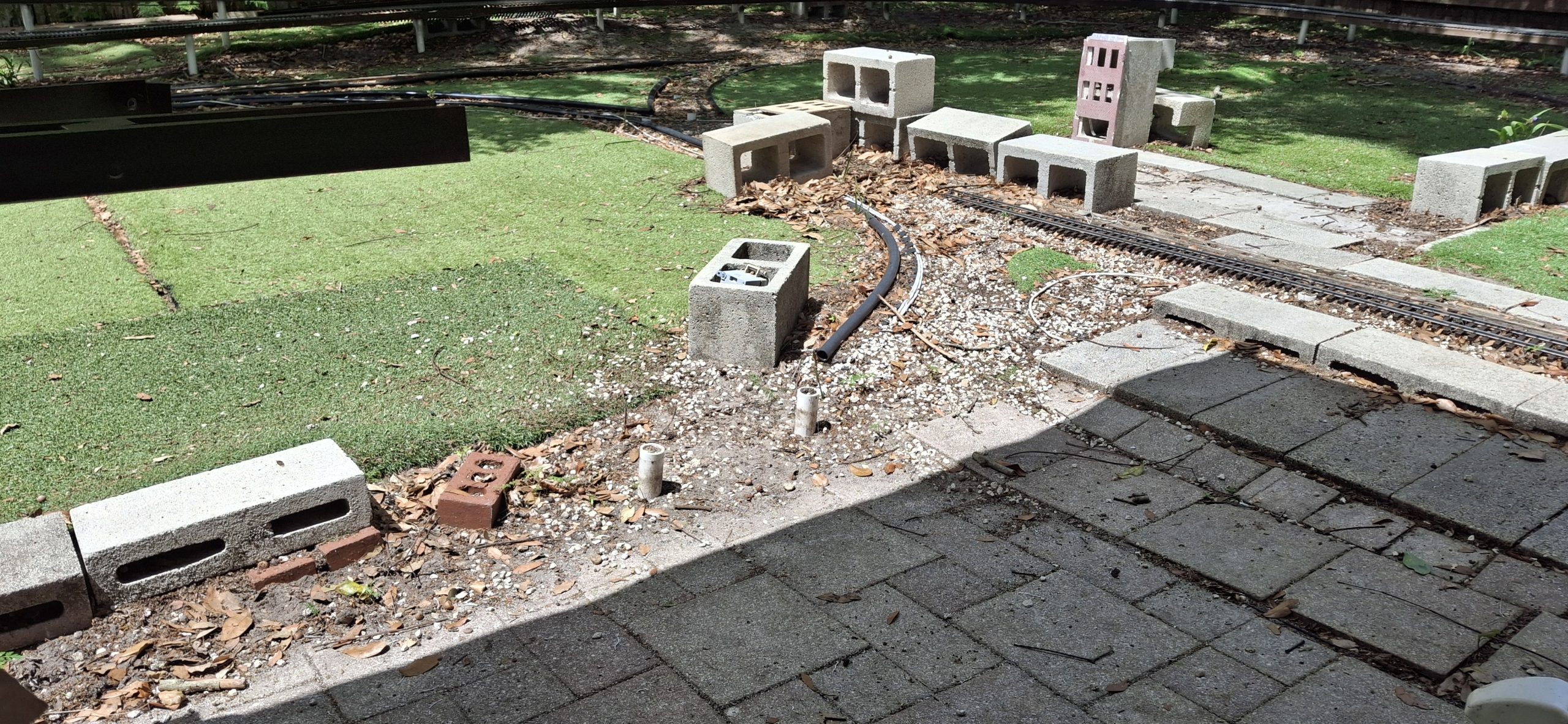
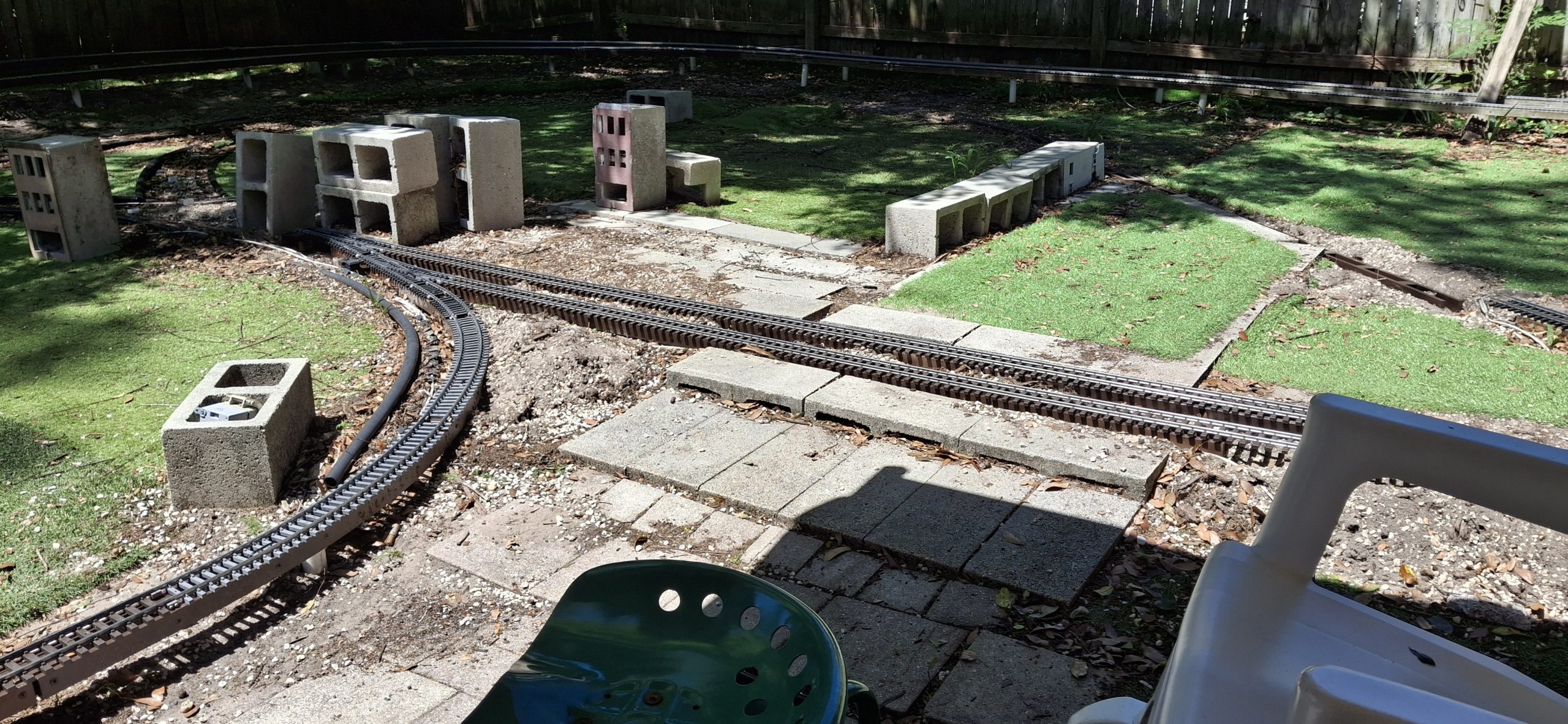
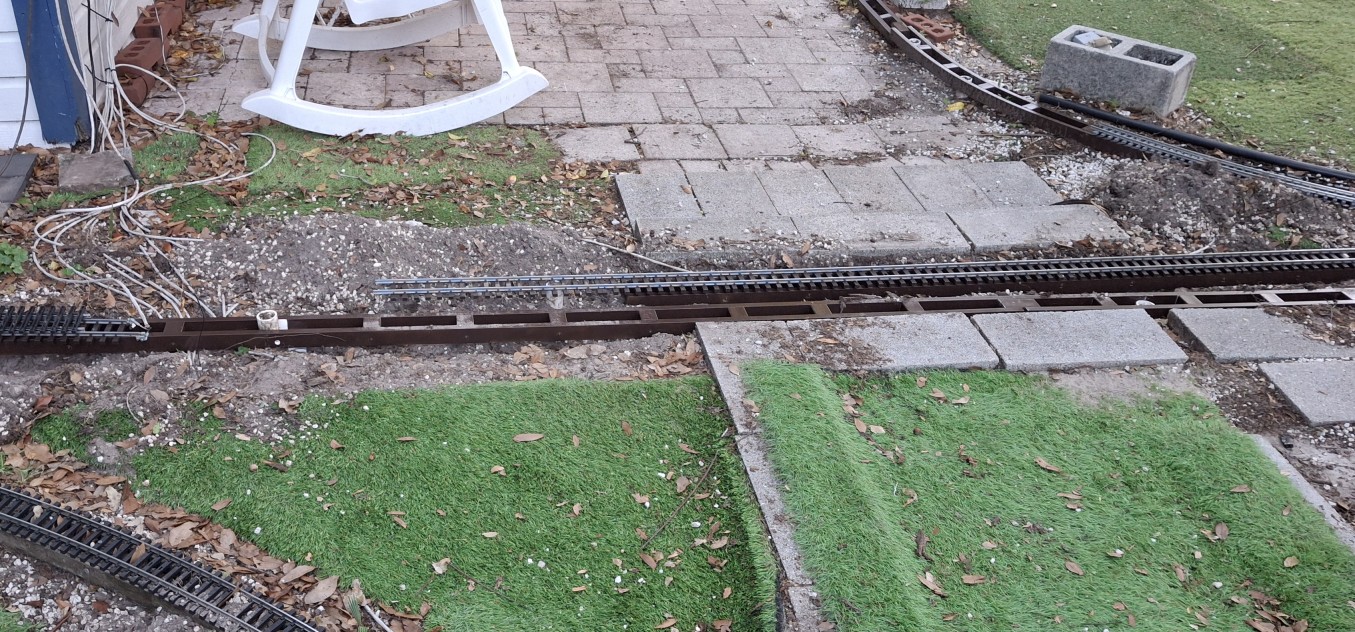
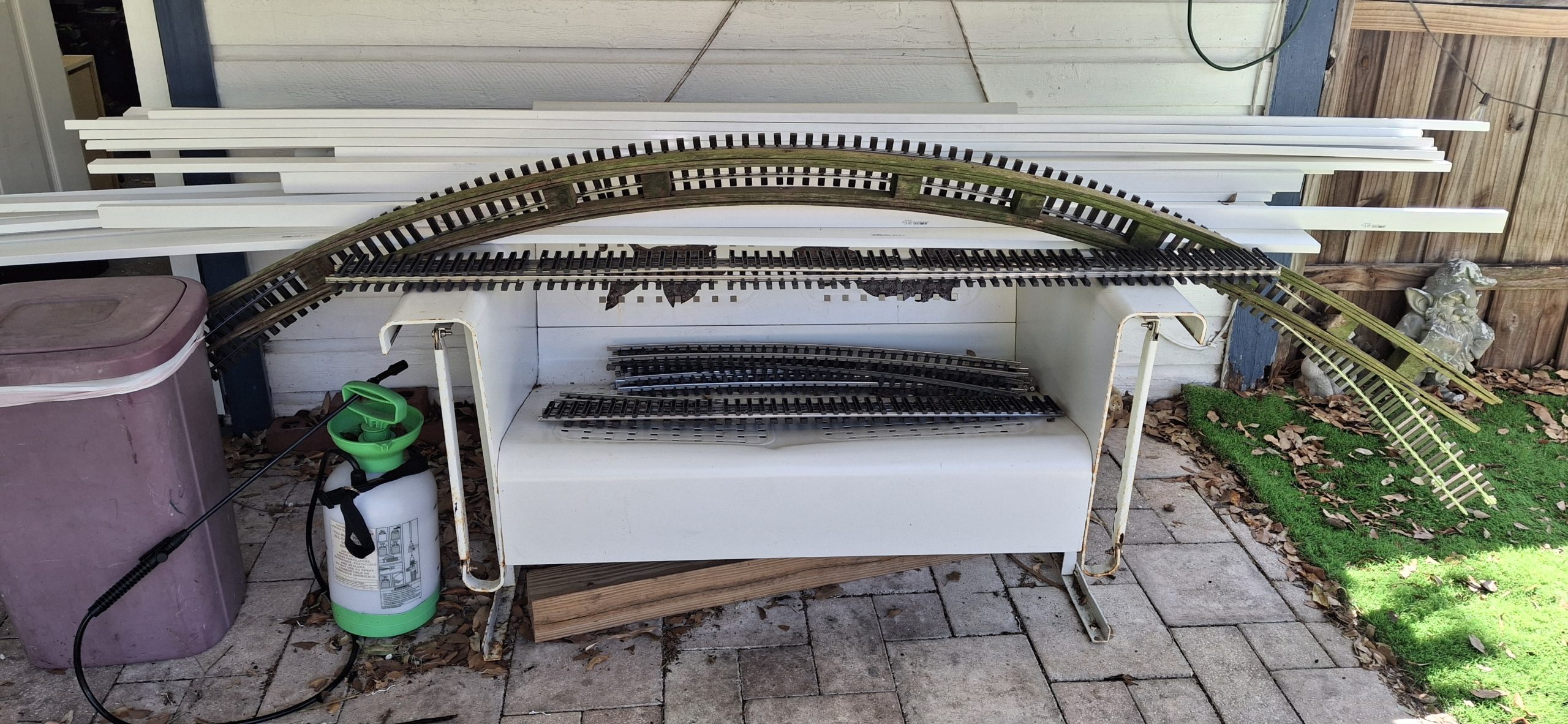
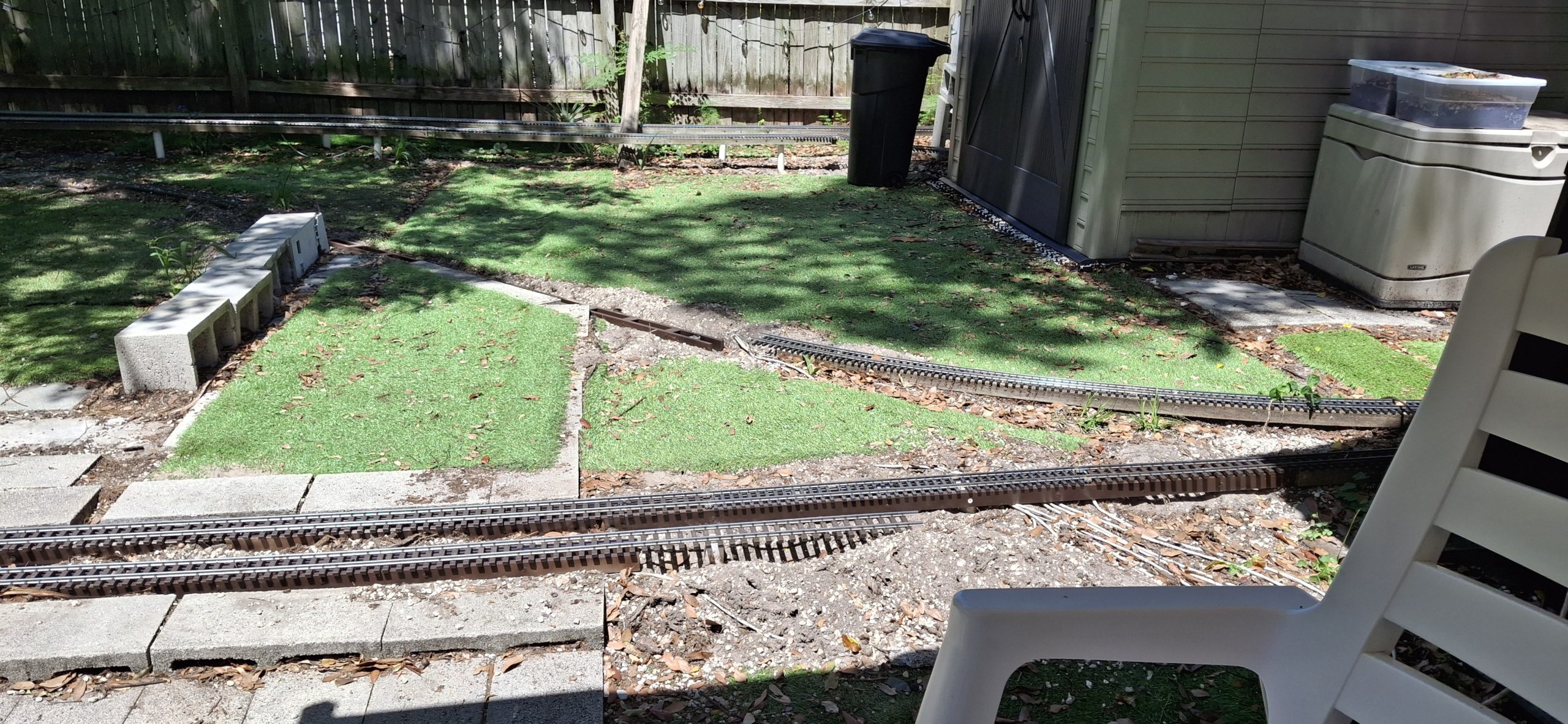
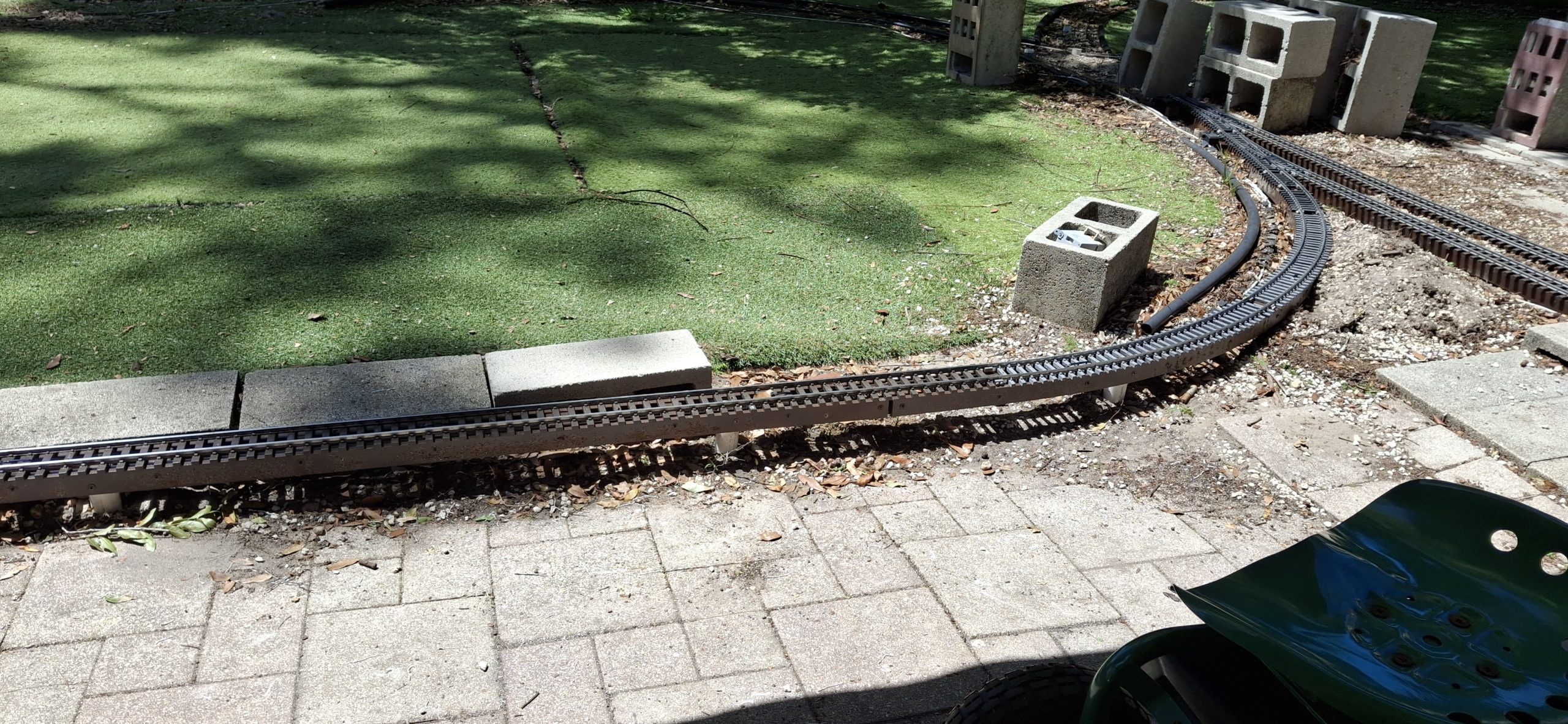
The new fence is in and it’s time finish up behind the shed. The mainline, switches to the sidings off the mainline, and the sidings themselves are all back in place. All the elevated sections have the track back in place as well. All that remains are the wye and ground segments from the downtown loop to behind the shed.
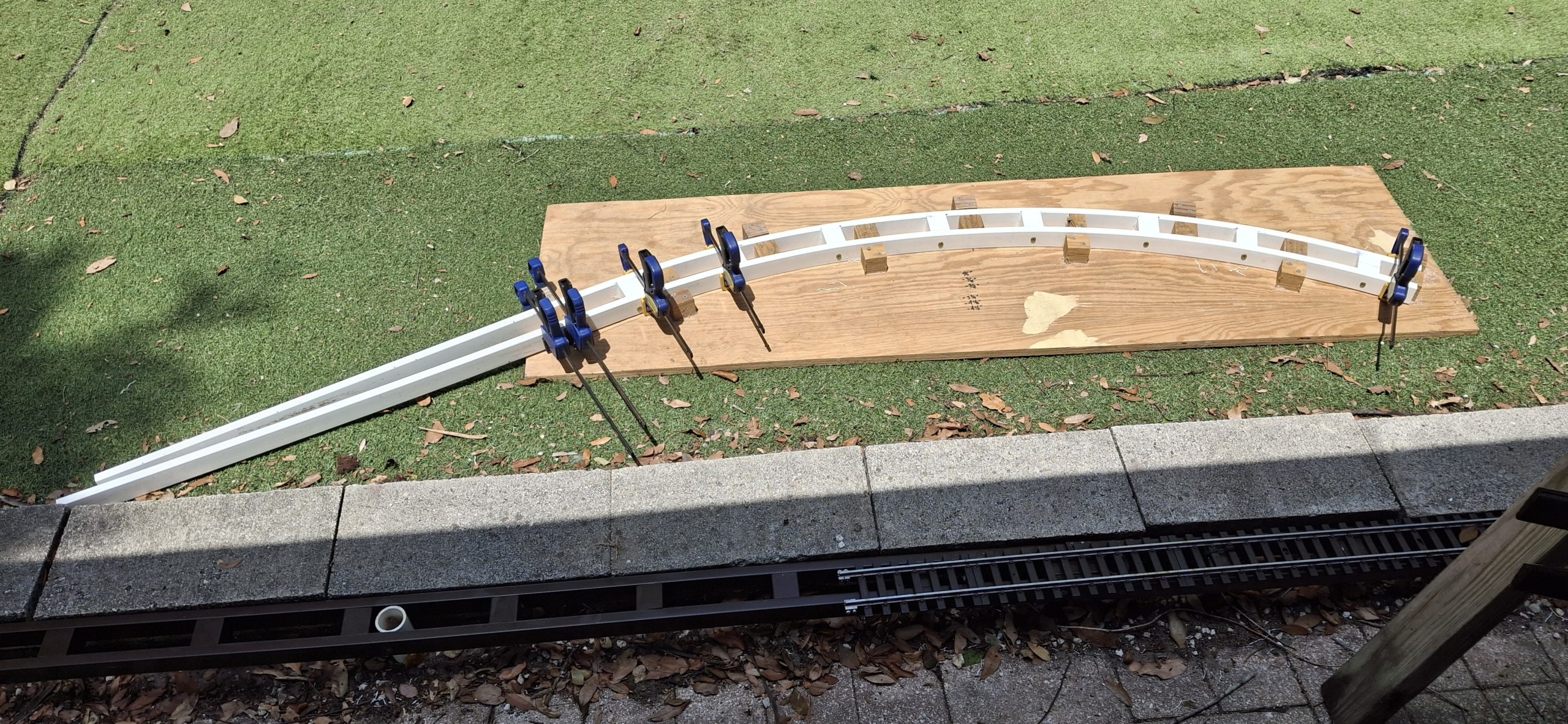
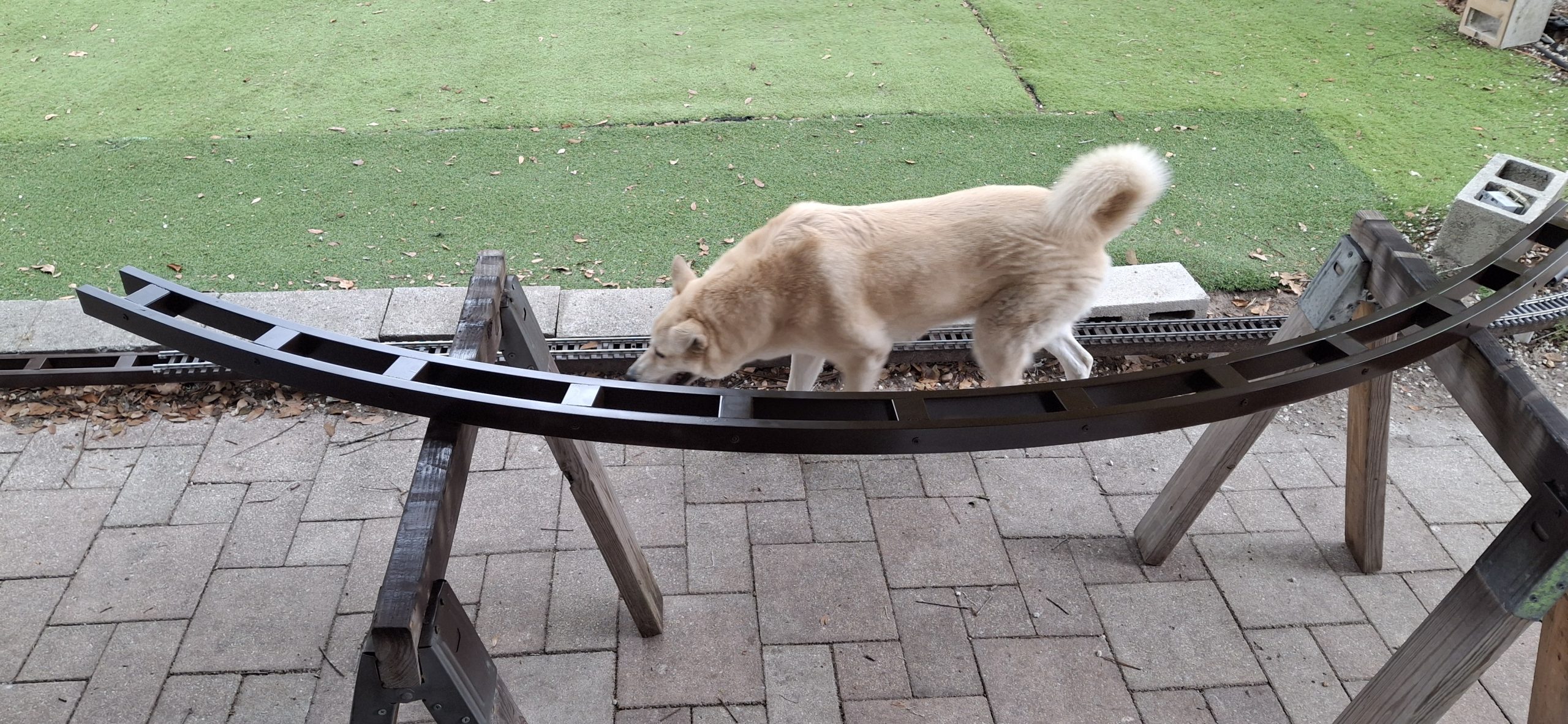
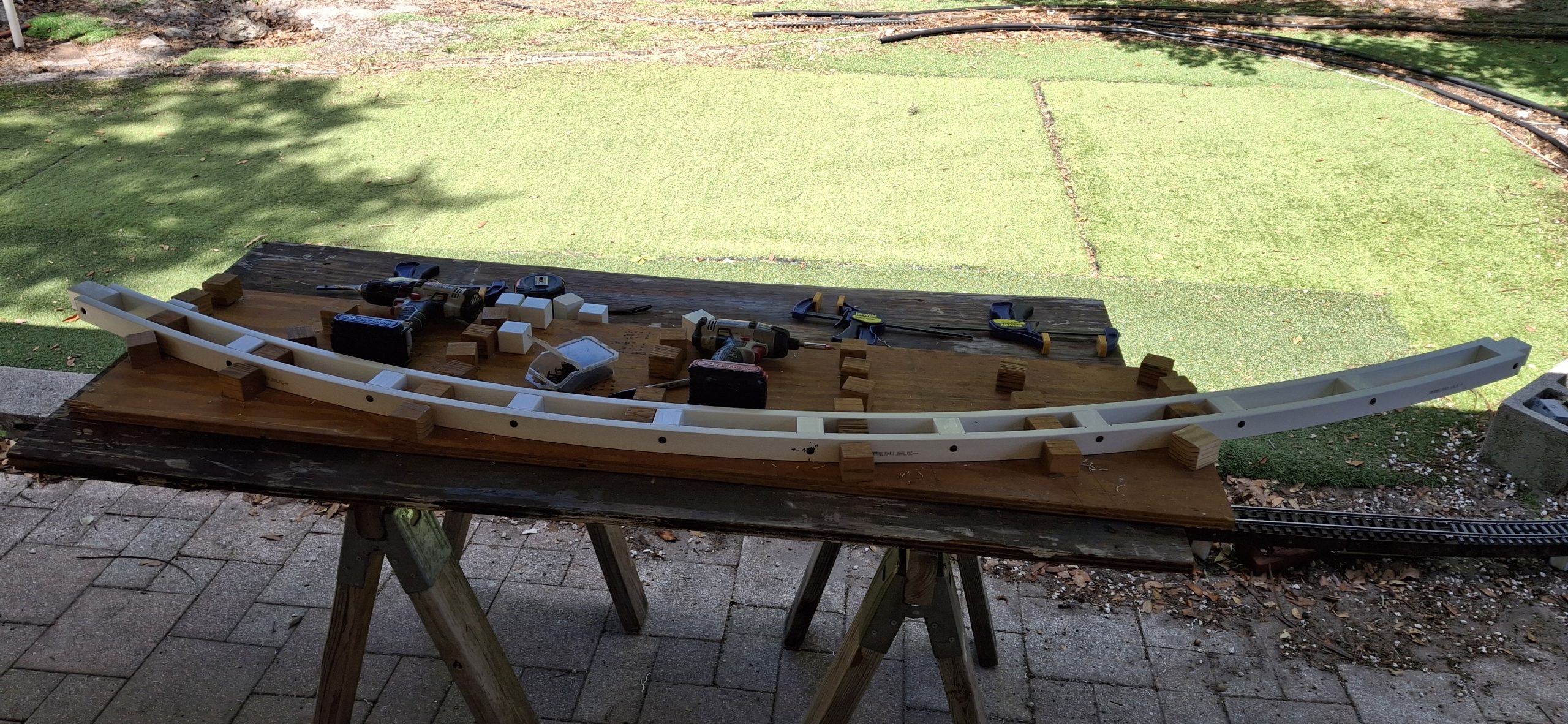
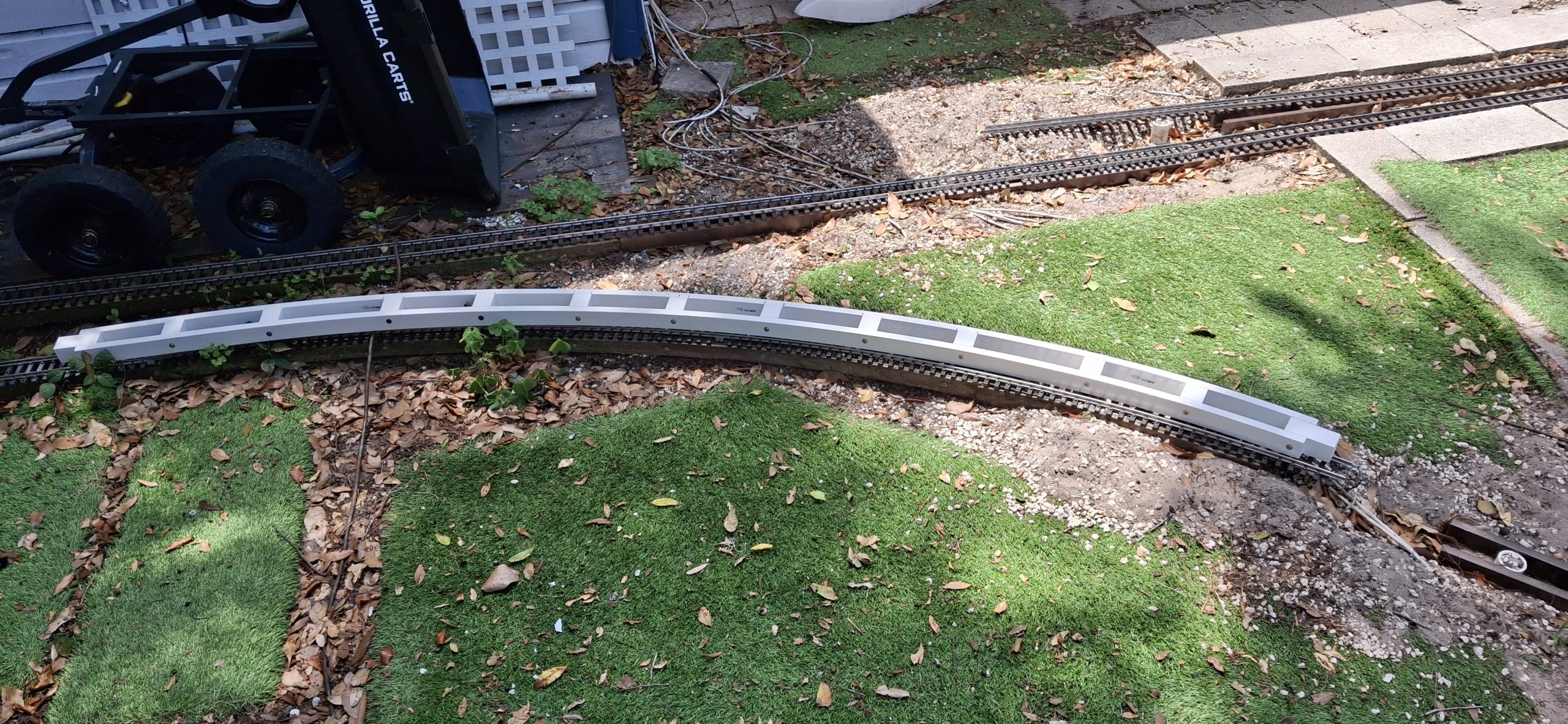
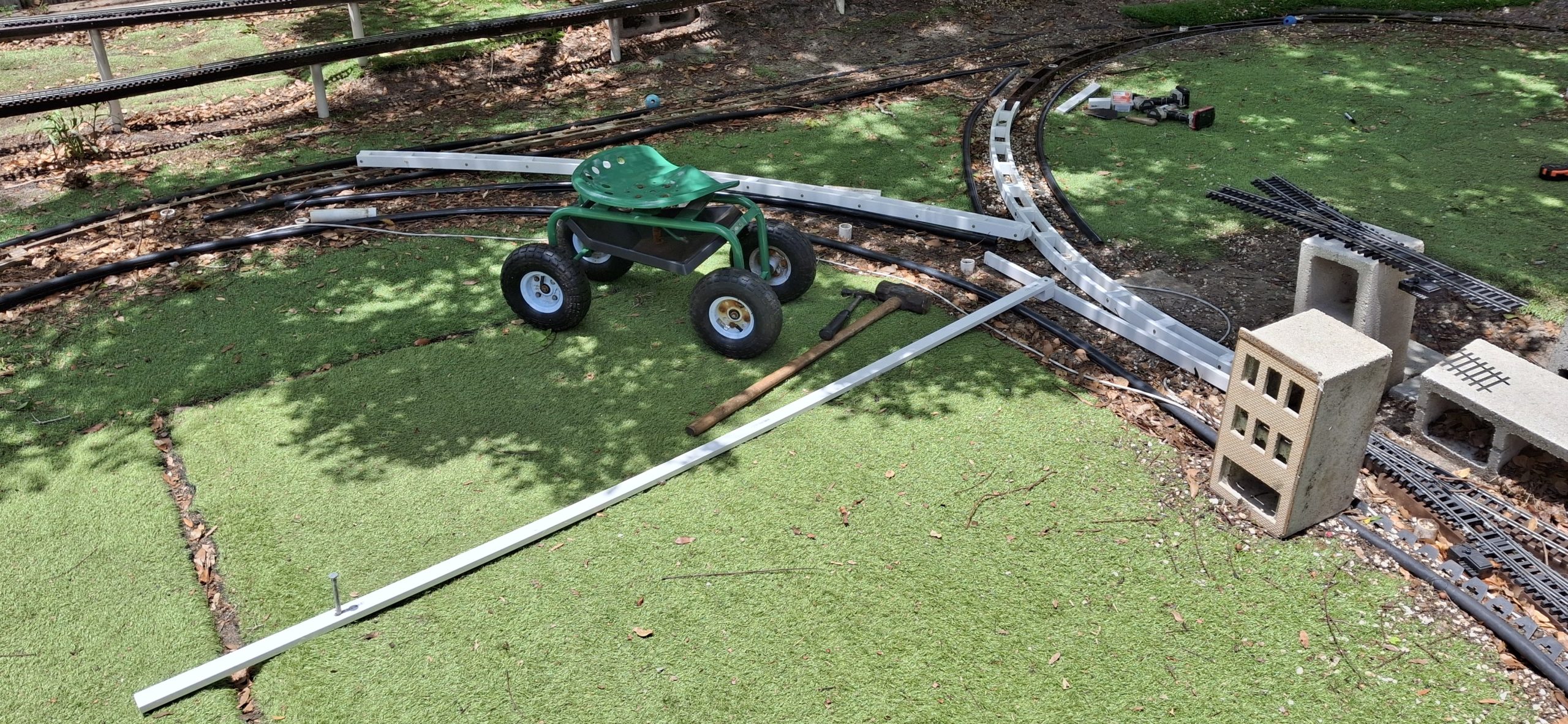
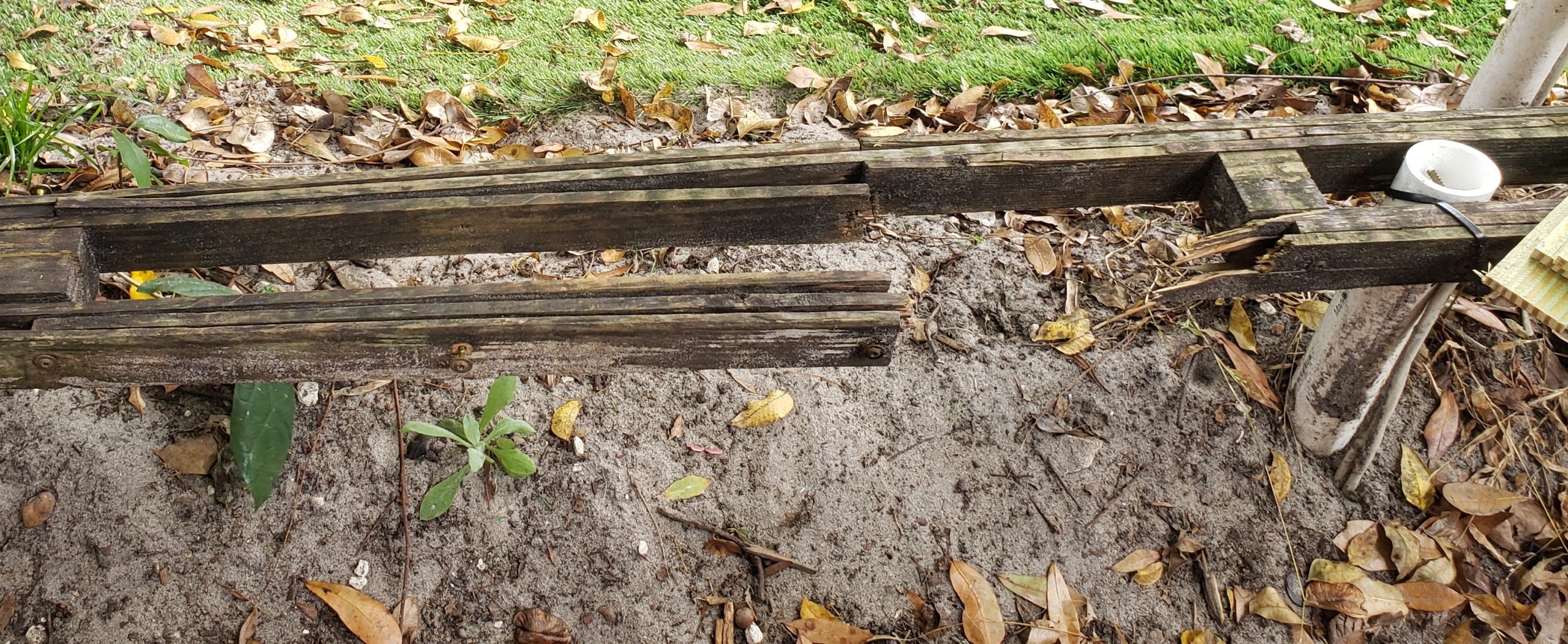
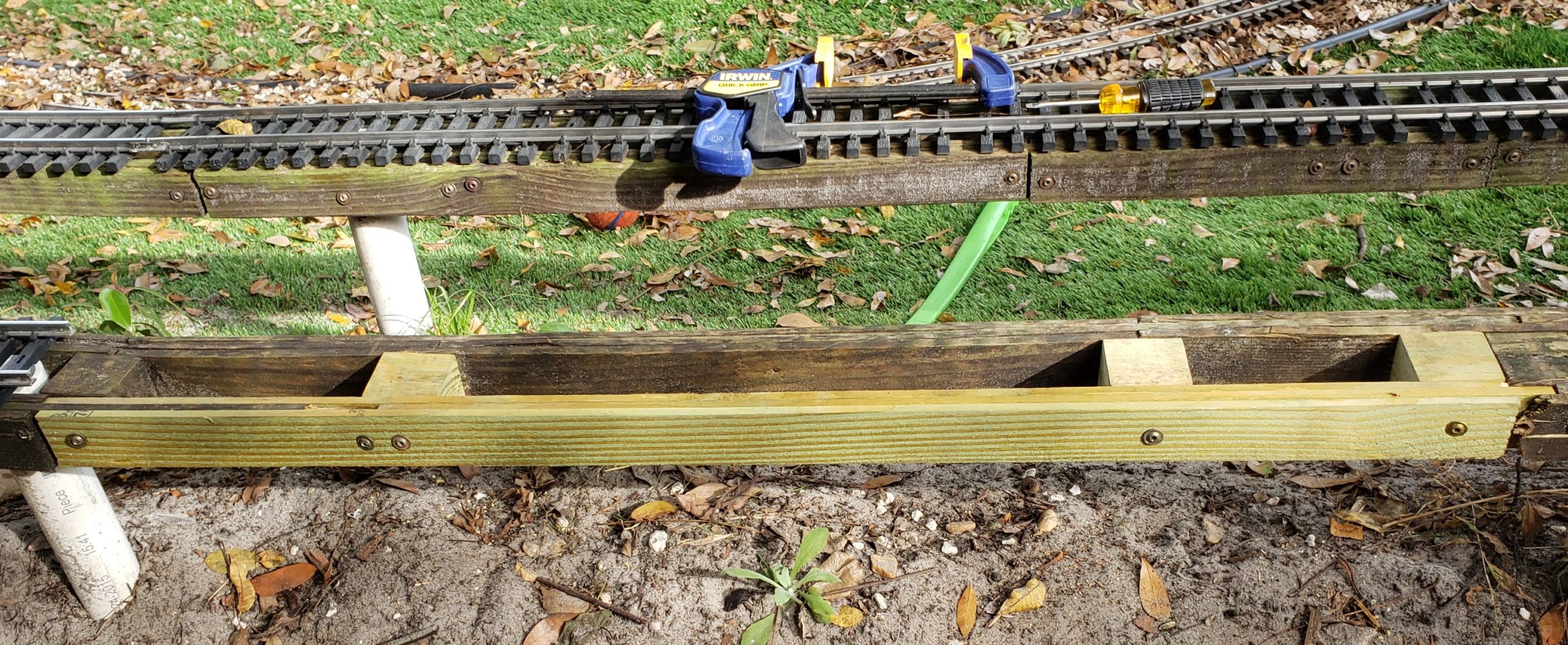
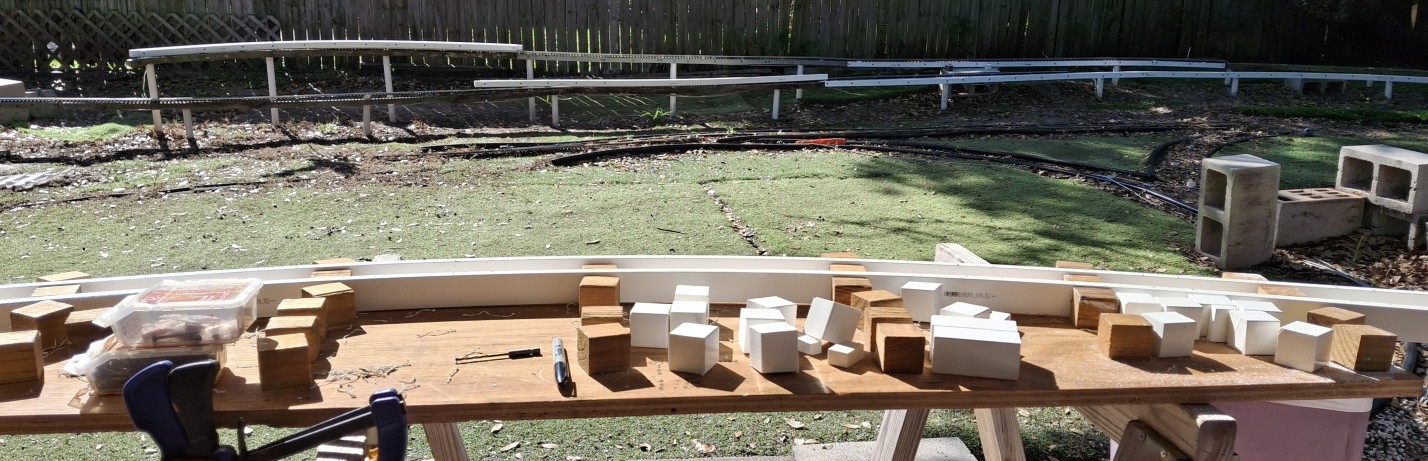
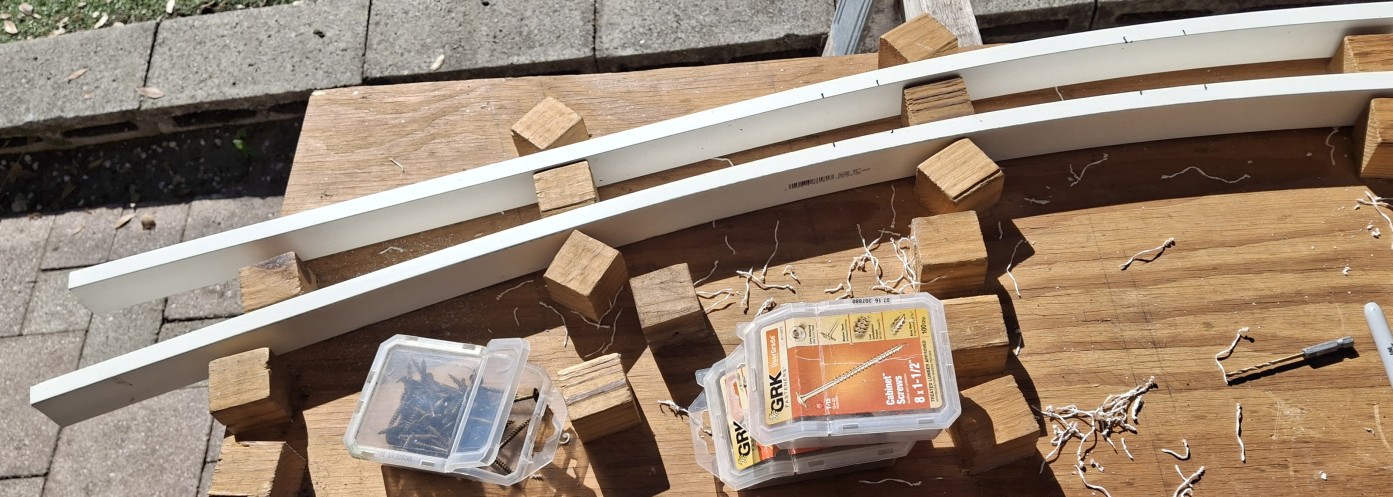
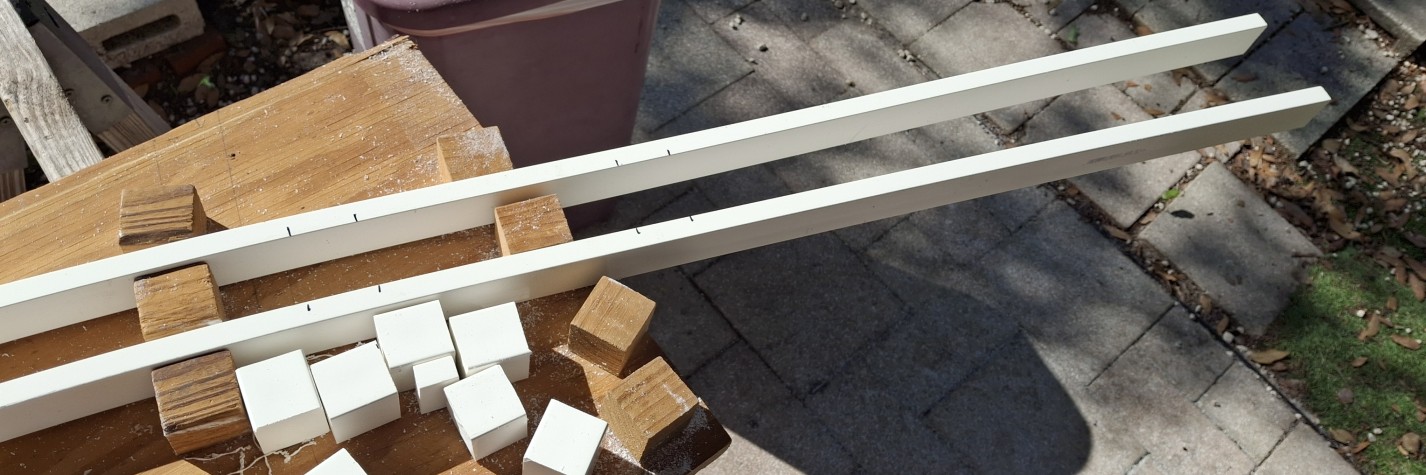
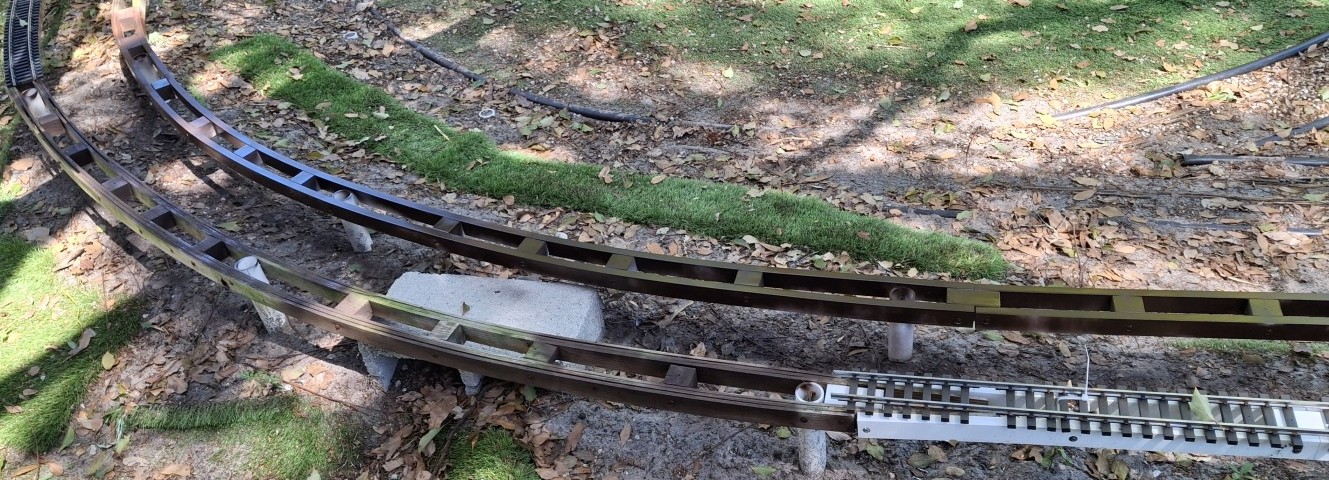
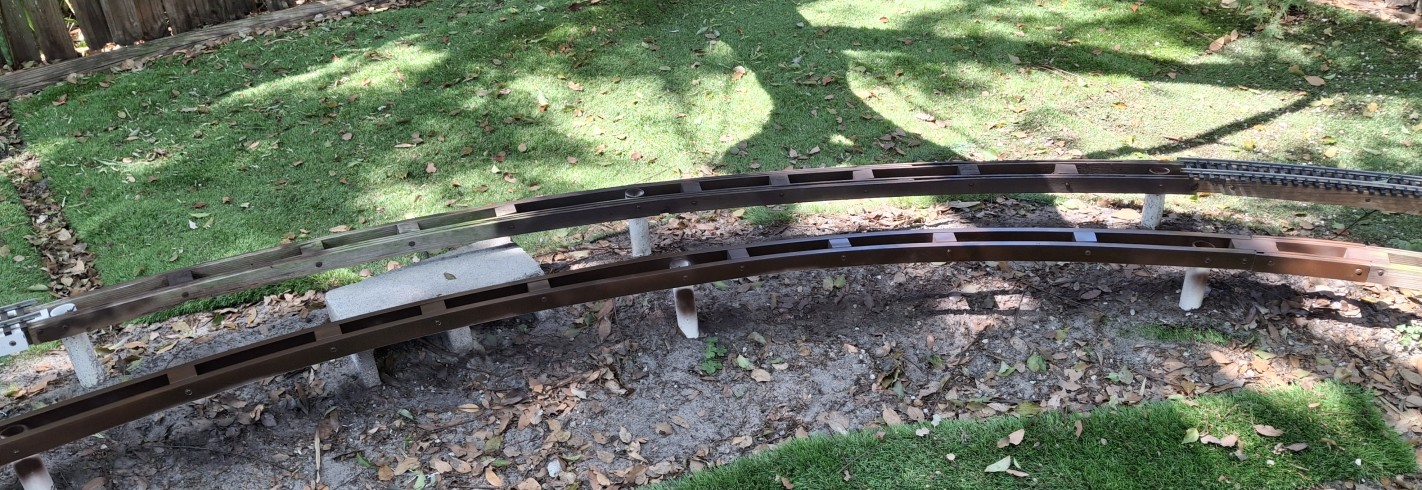
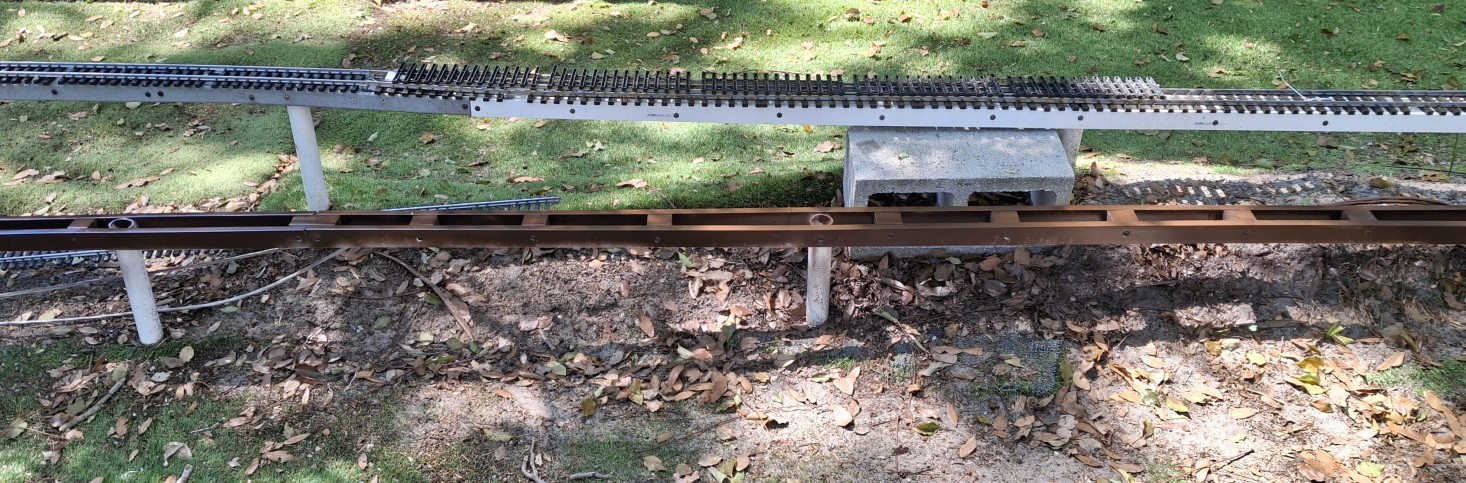
The Last Remaining 10' Diameter Wooden StringerGluing The 10' Diameter PVC Stringer Half At A TimeKai Inspects Stringer Construction
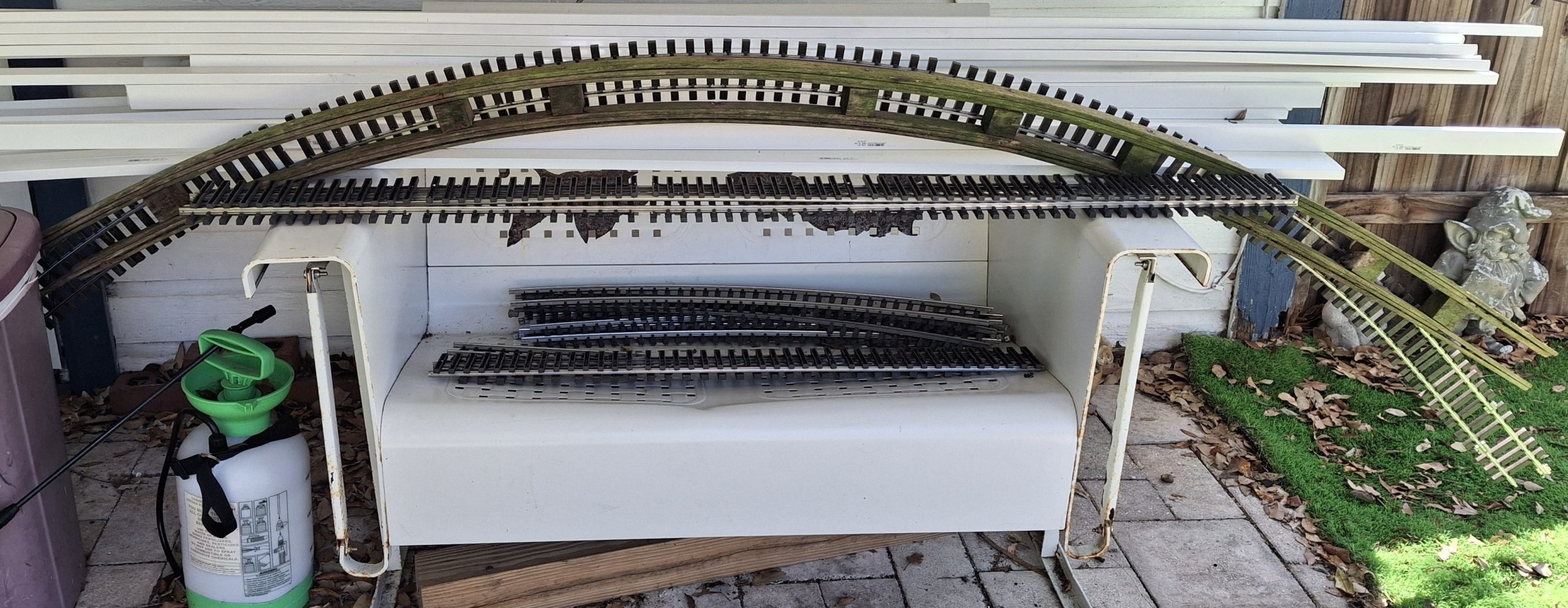
Reworking The 10′ Diameter Stringers
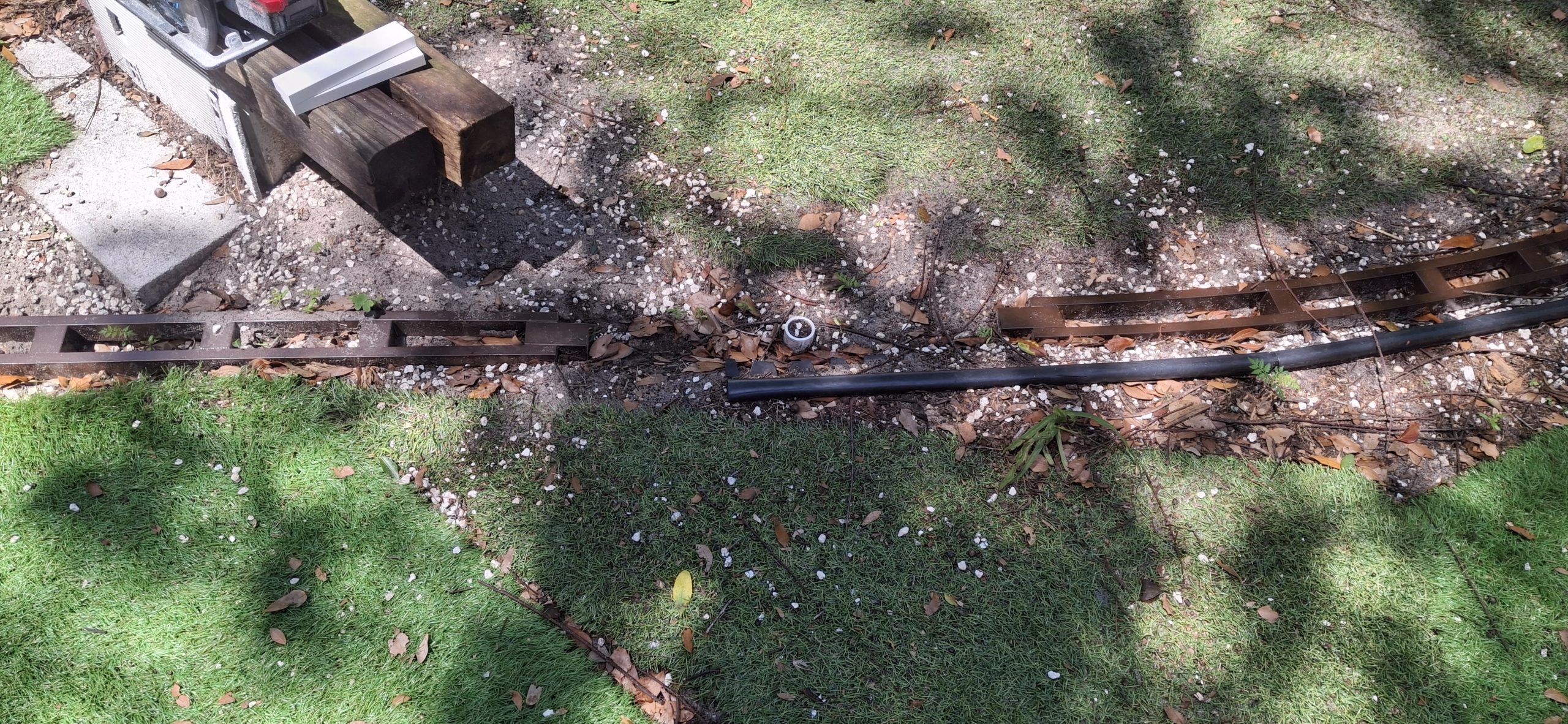
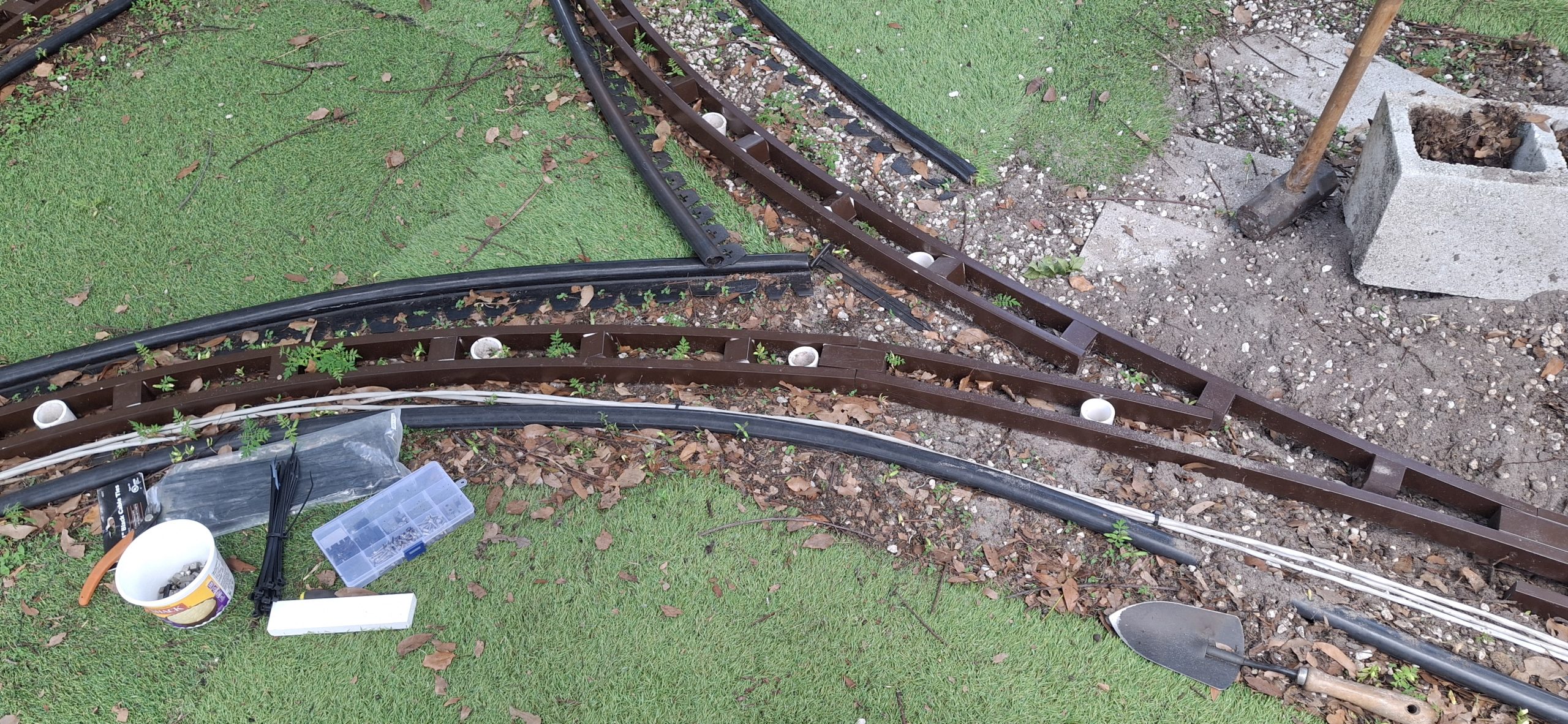
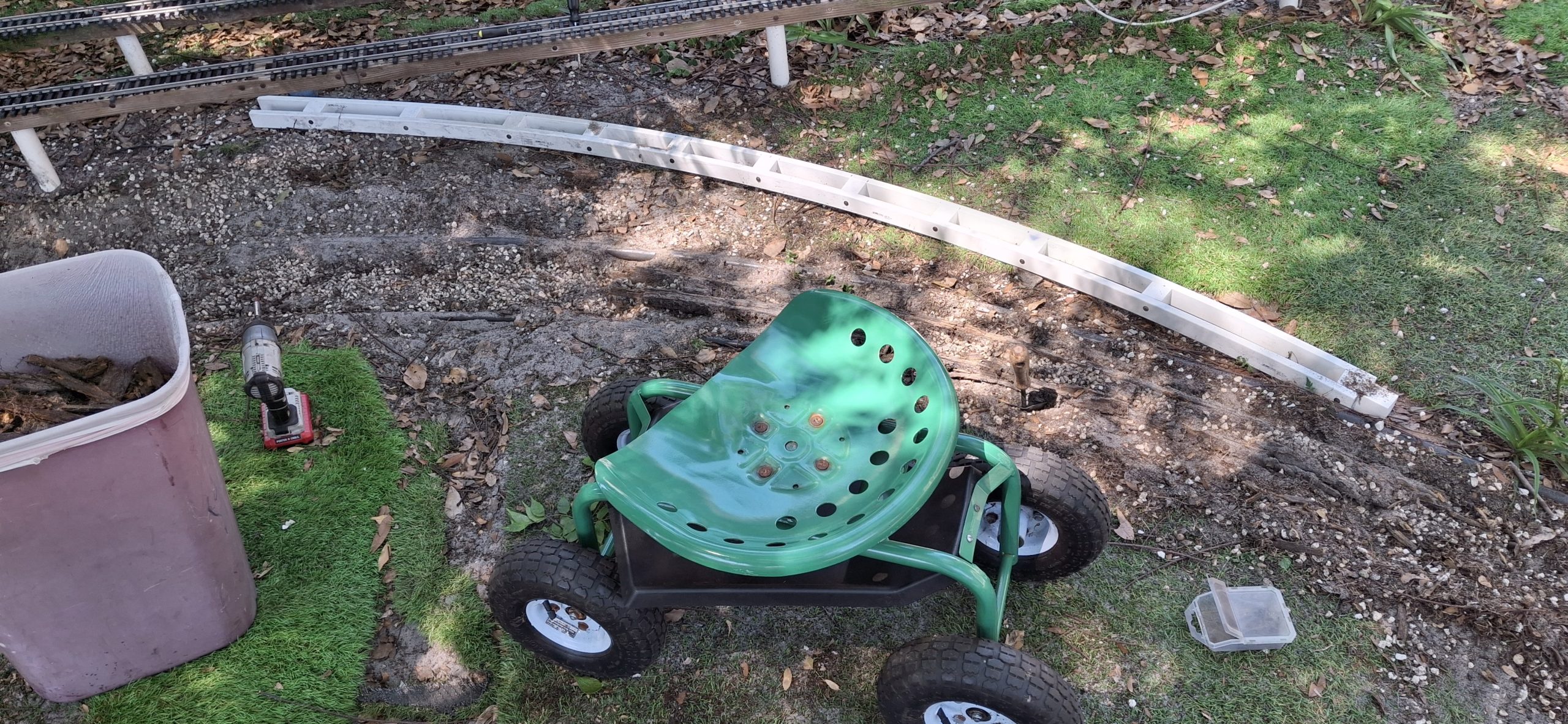
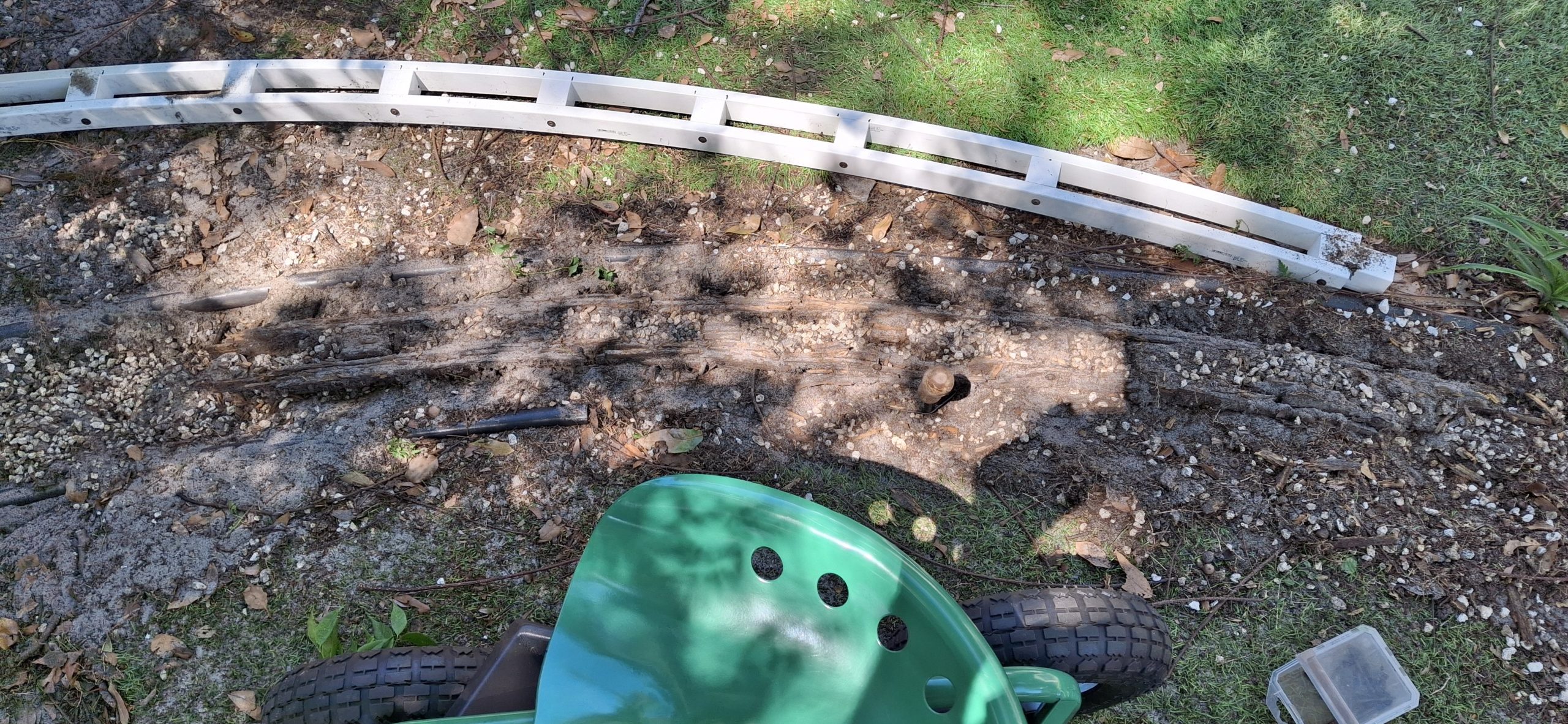
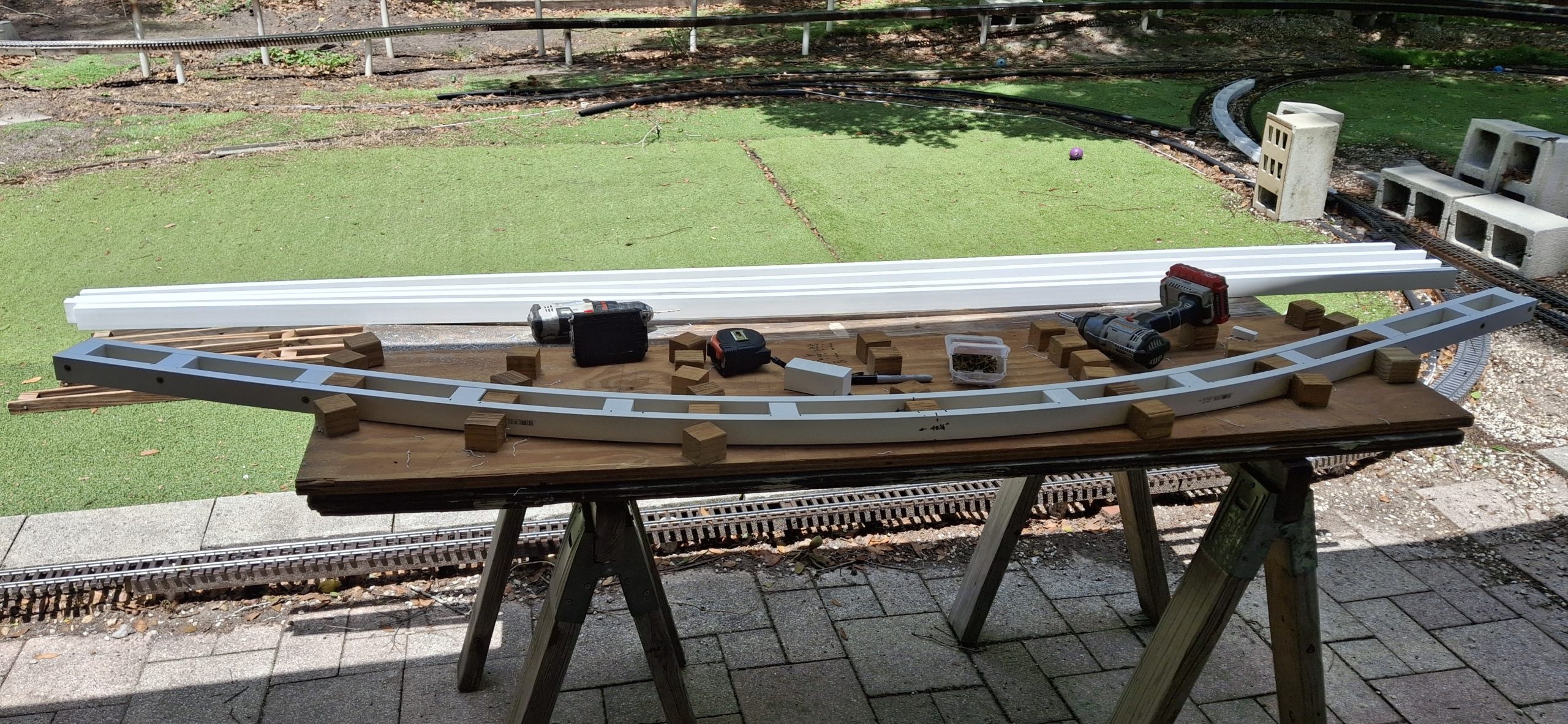
With the wood stringers it was easy enough to just use the posts to hold everything in position. These PVC stringers aren’t so forgiving. The spacer blocks want to twist, like pulling a candy wrapper on both ends to unwind it. The screws want to pull out of the PVC “end grain”, much more so than wood spacer blocks. We’ll have to glue them.
Easier said than done! Sitting it in the sun to make it “bendy” doesn’t hurt. Thankfully only the one destroyed by the hurricane, now long gone, needs replaced. The other two that remain on the side between the shed and the garage are questionable, but still functional. But before installing the new stringers, those blasted “Asparagus Ferns” have to go!
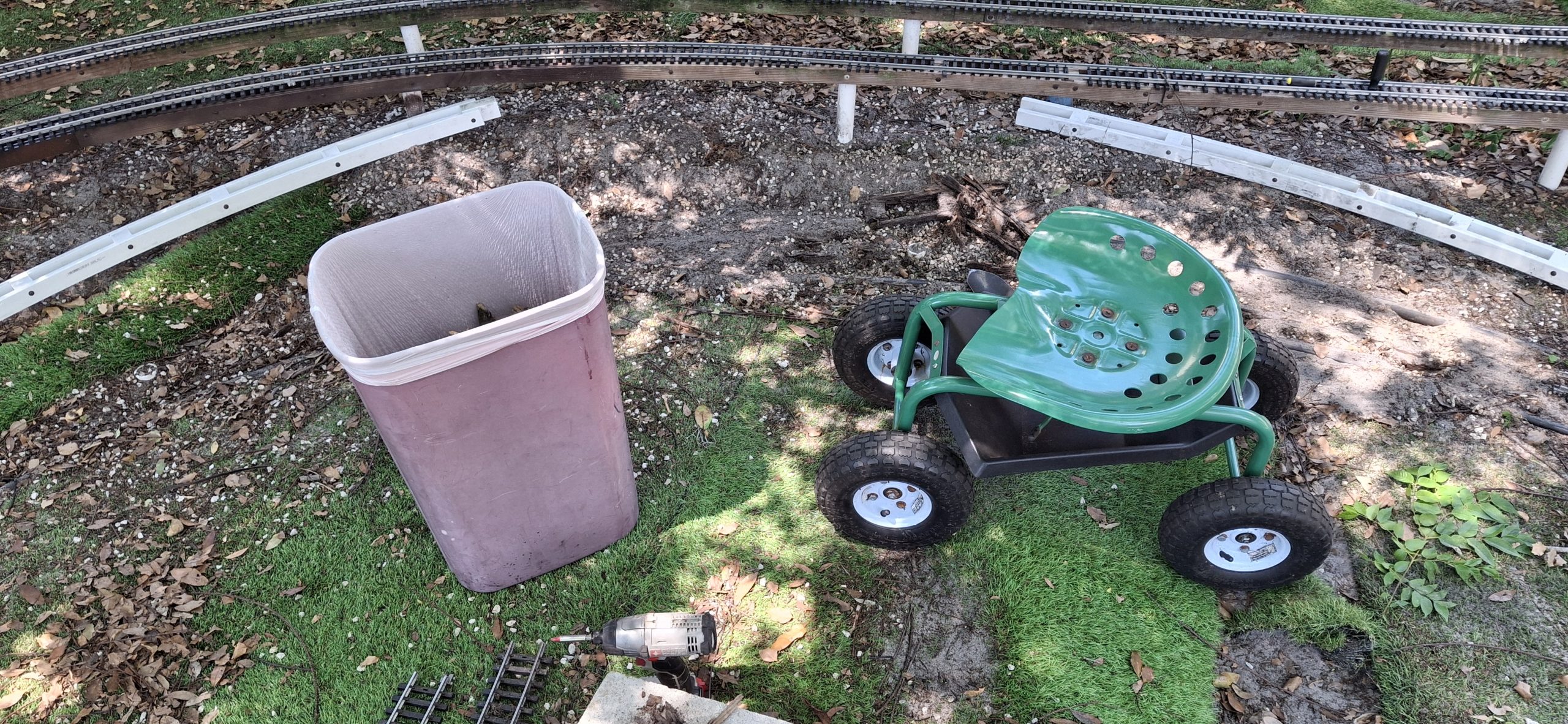
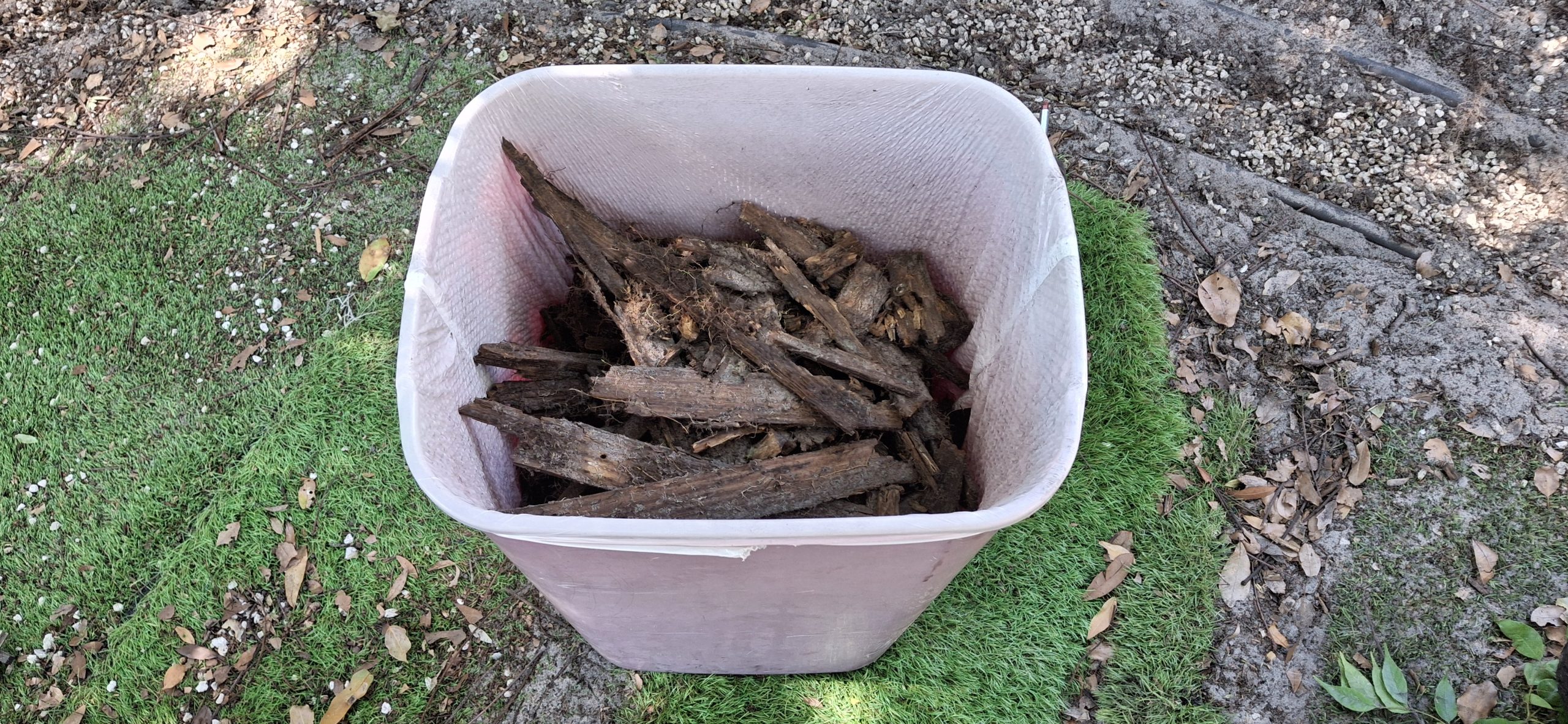
Not sure who thought these things would be a good addition to their yard, but they are absolutely annoying! Thorns sharper than roses, impossible to eliminate, short of digging them out by the roots. And that’s what was done. Not a single one remains. If one decides to pop up later, it just means there’s a root that was hiding and overlooked.
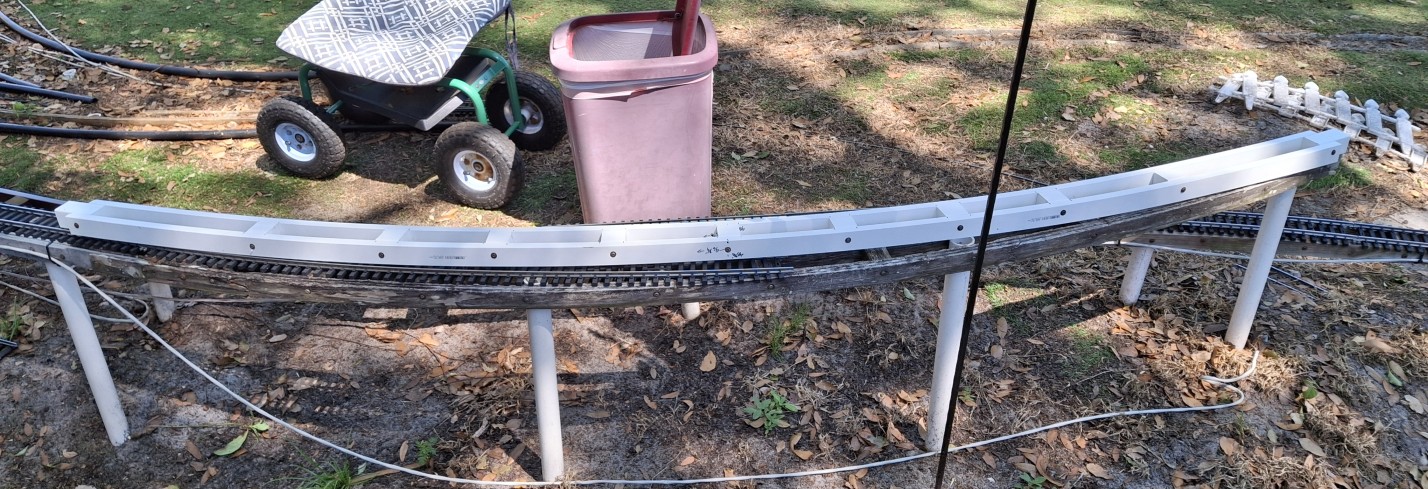
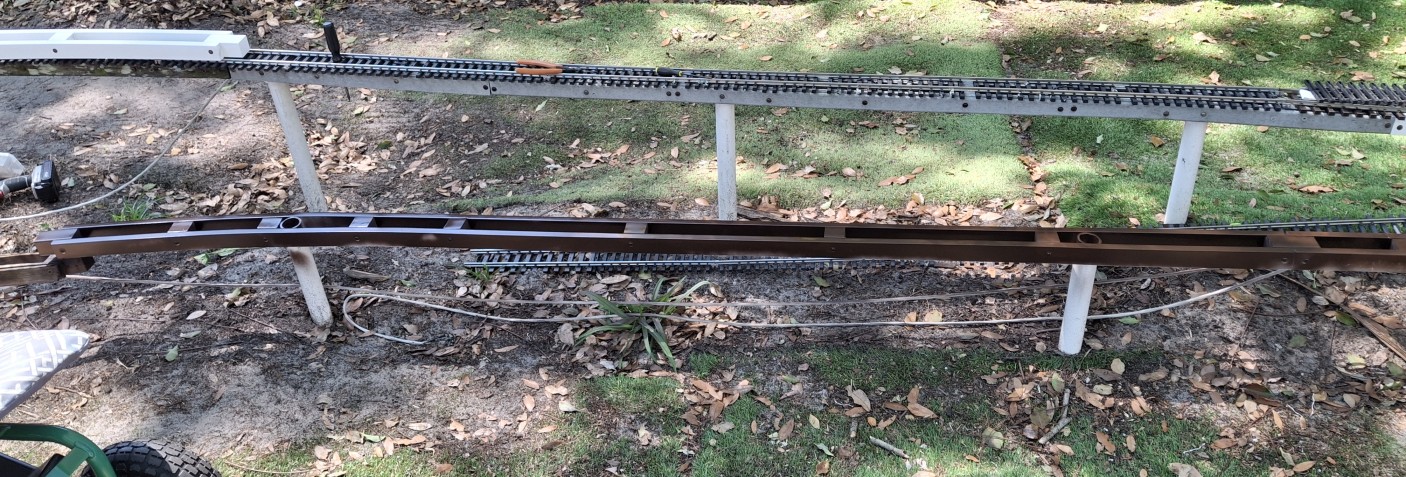
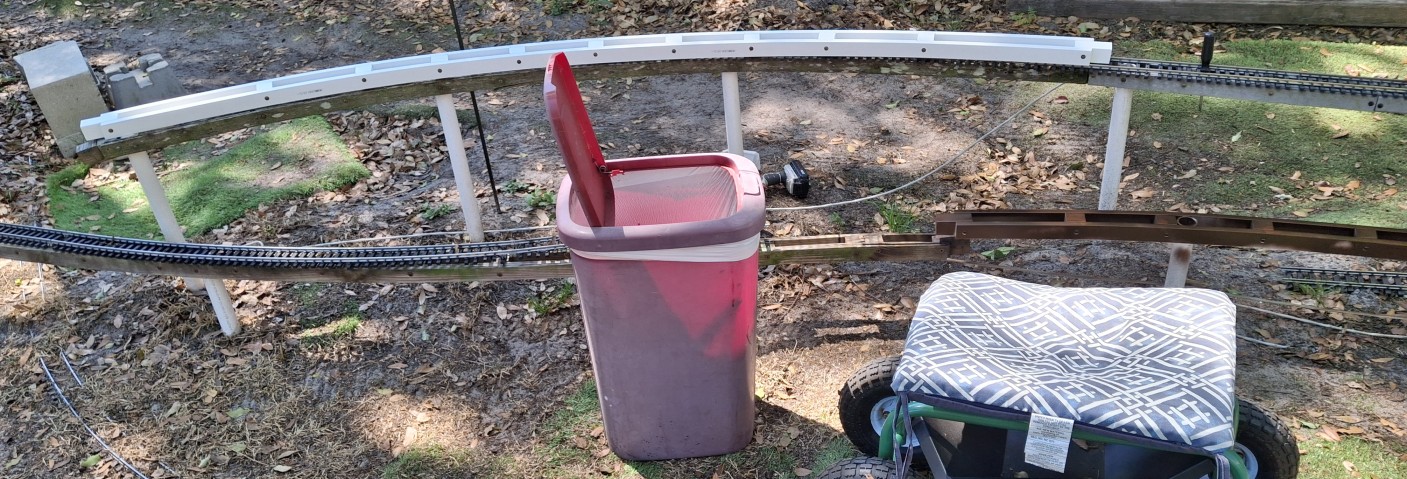
Remaining Wooden Stringer Painted To Protect It.New 10' Diameter Curve Installed.The Work Ahead - Need New Stringers To Connect Curved Ones.
Memorial Day Weekend Progress
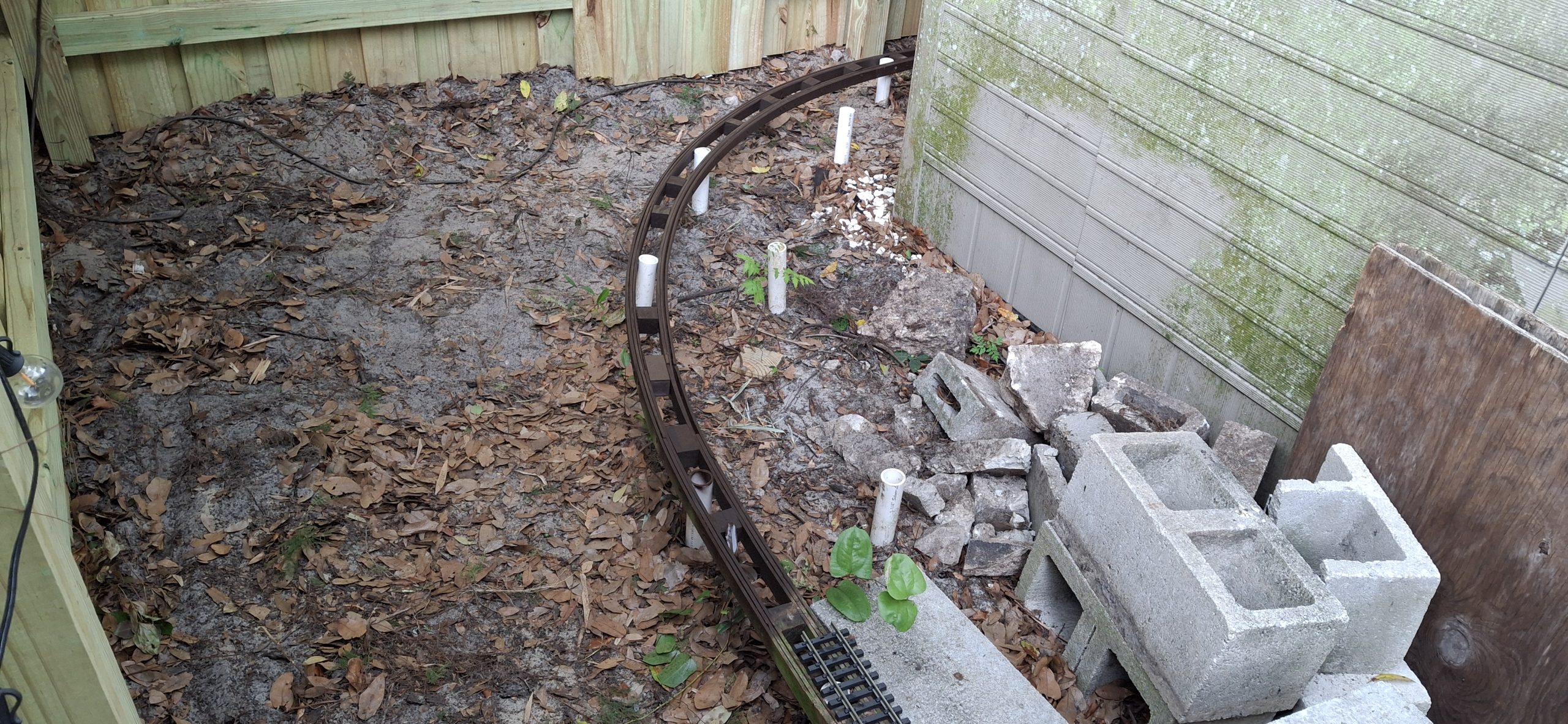
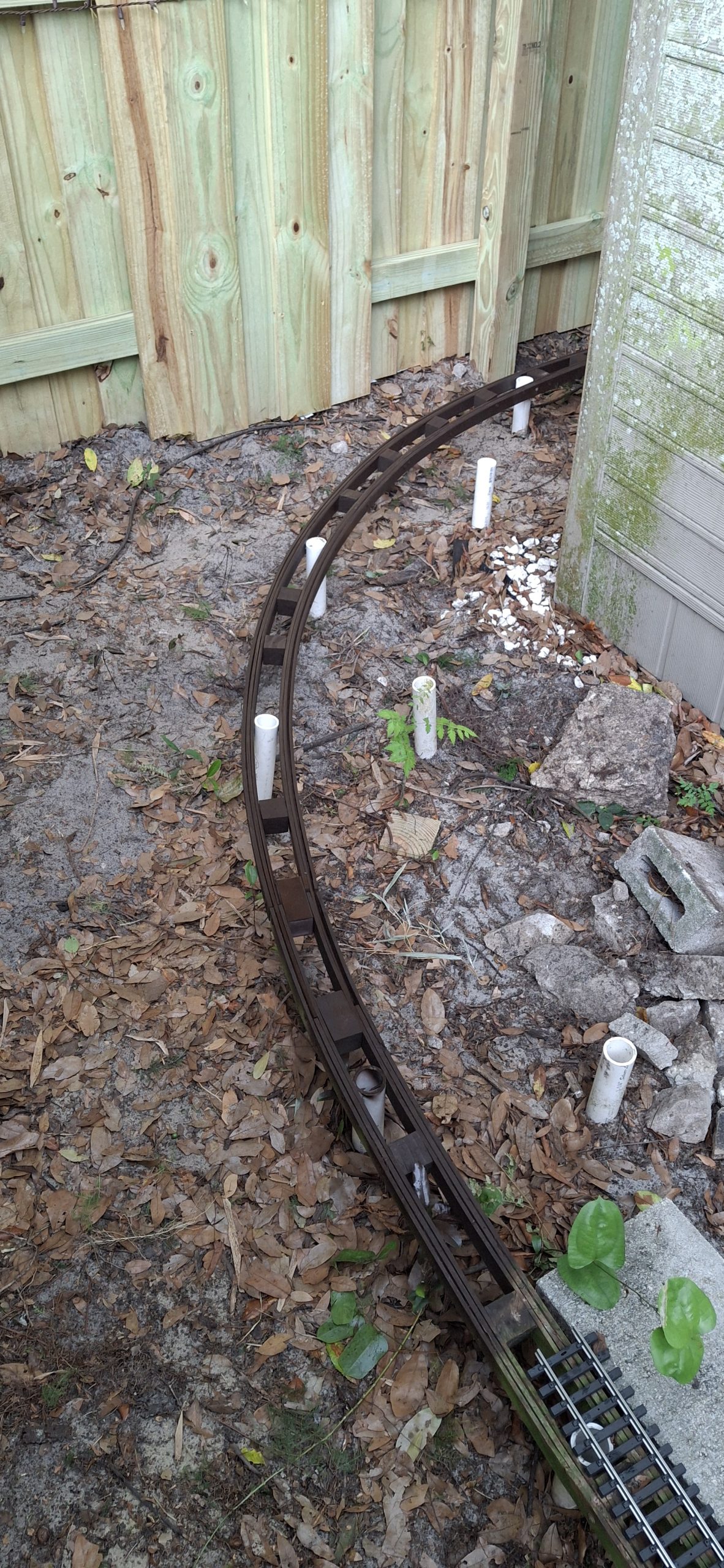
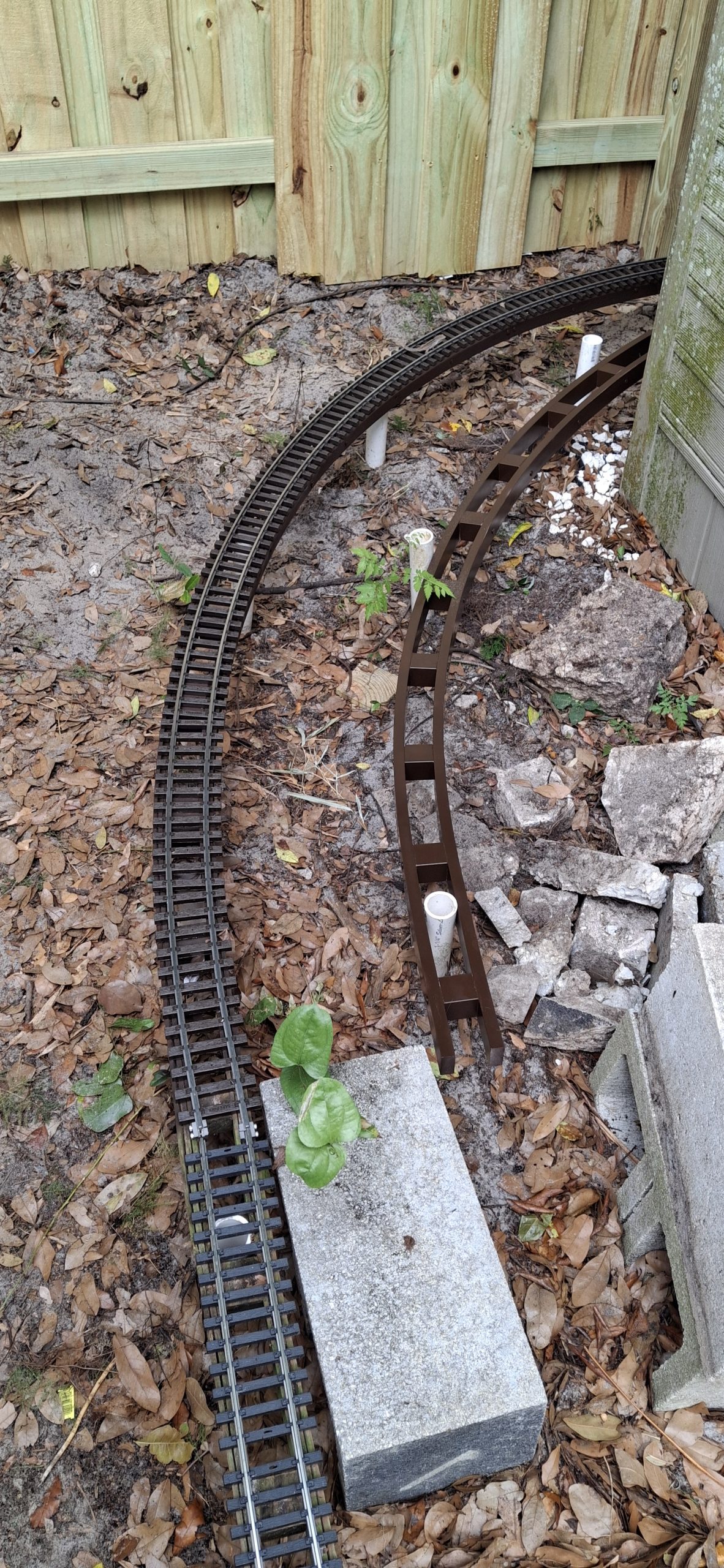
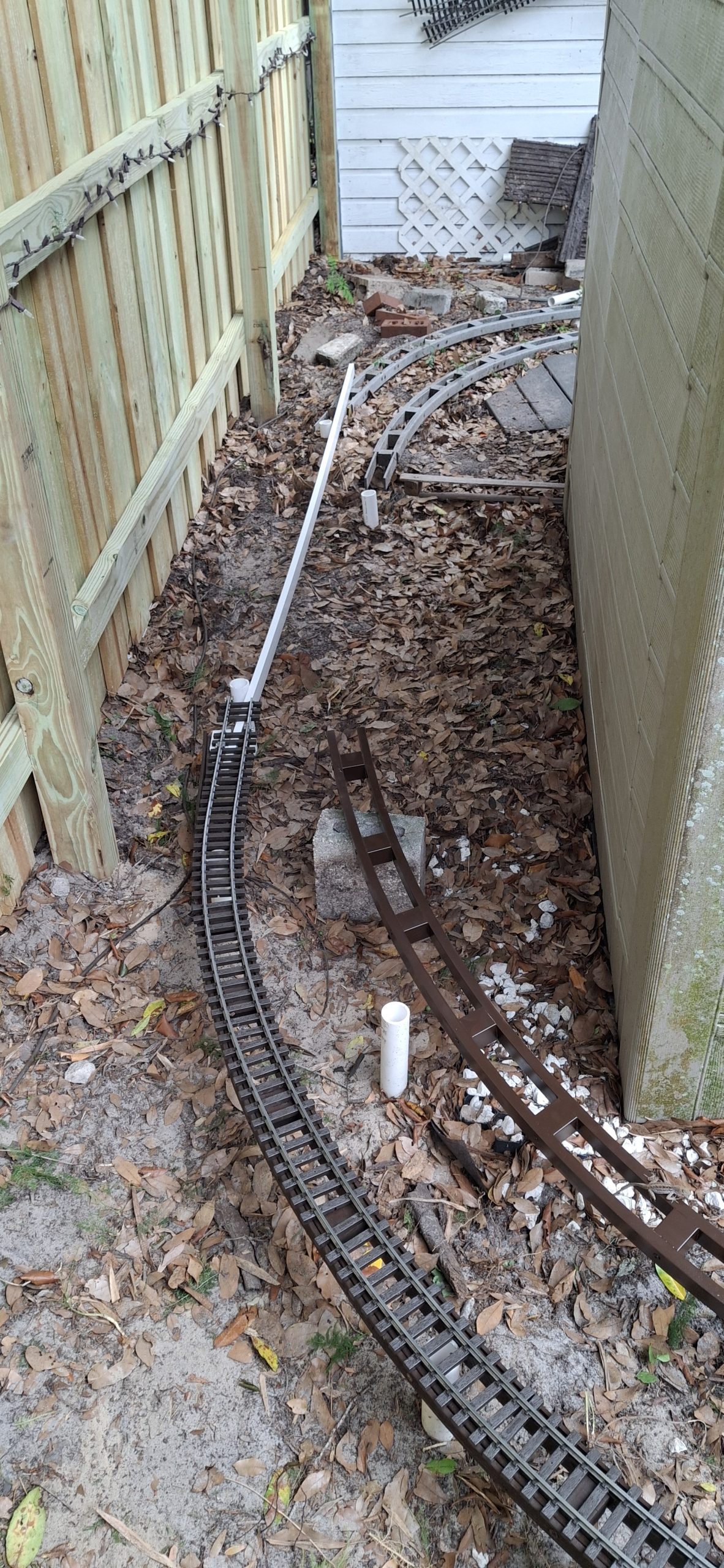
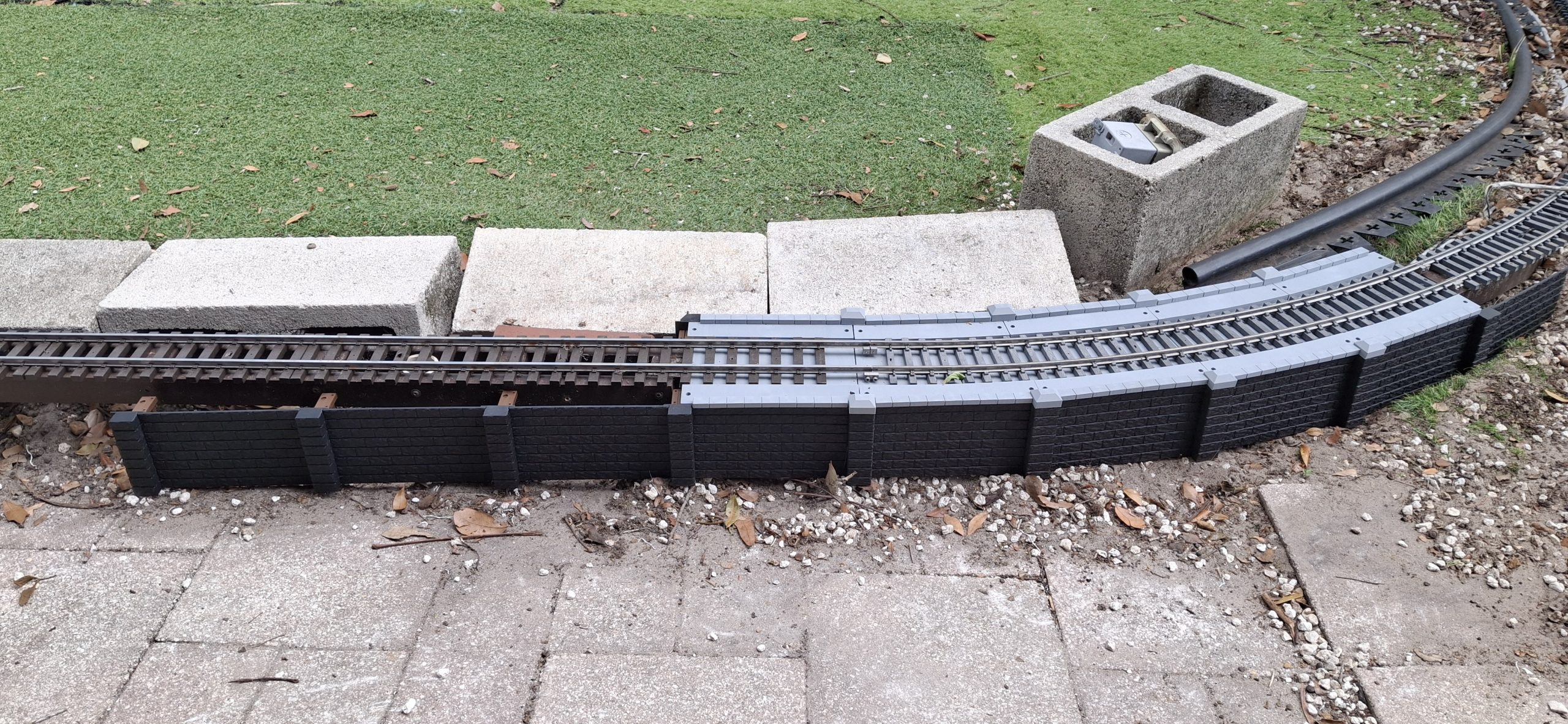
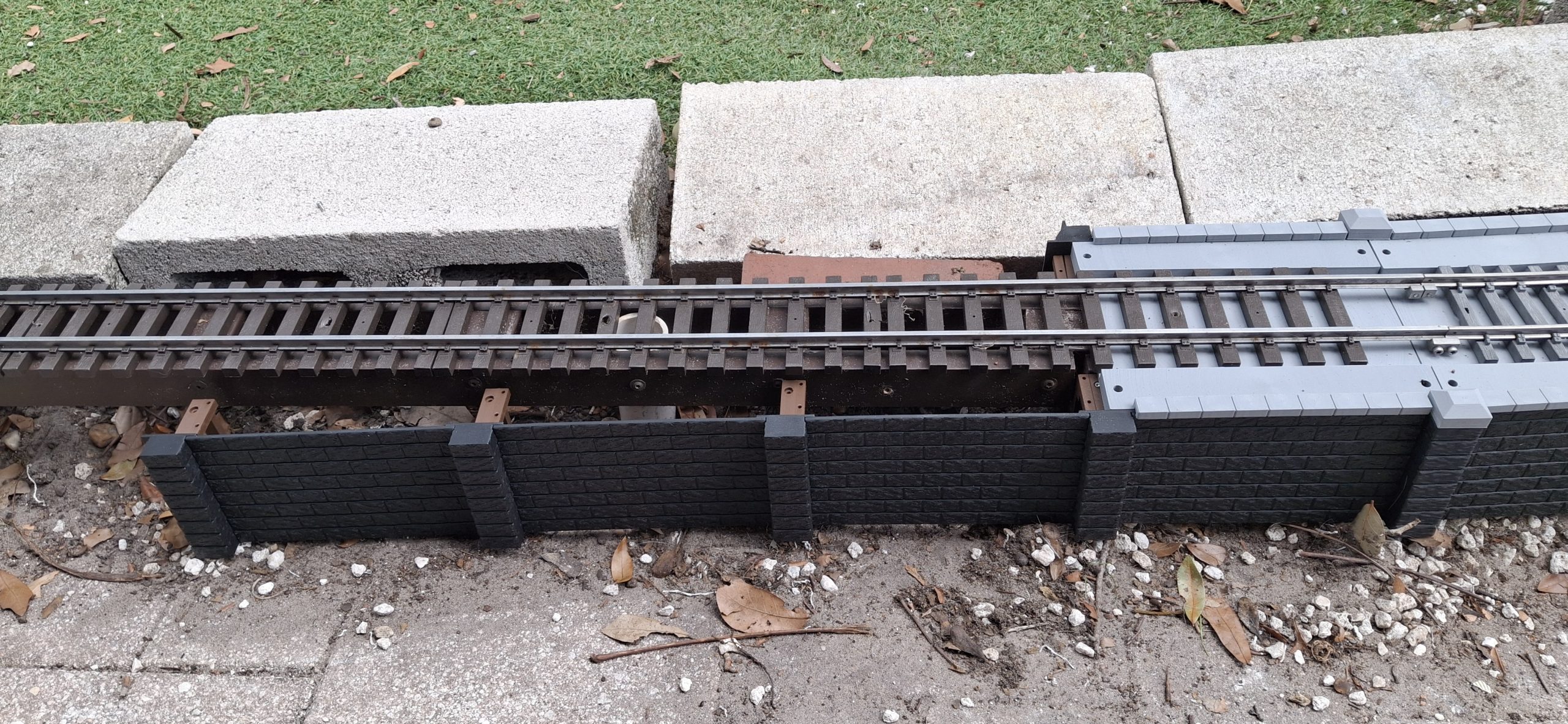
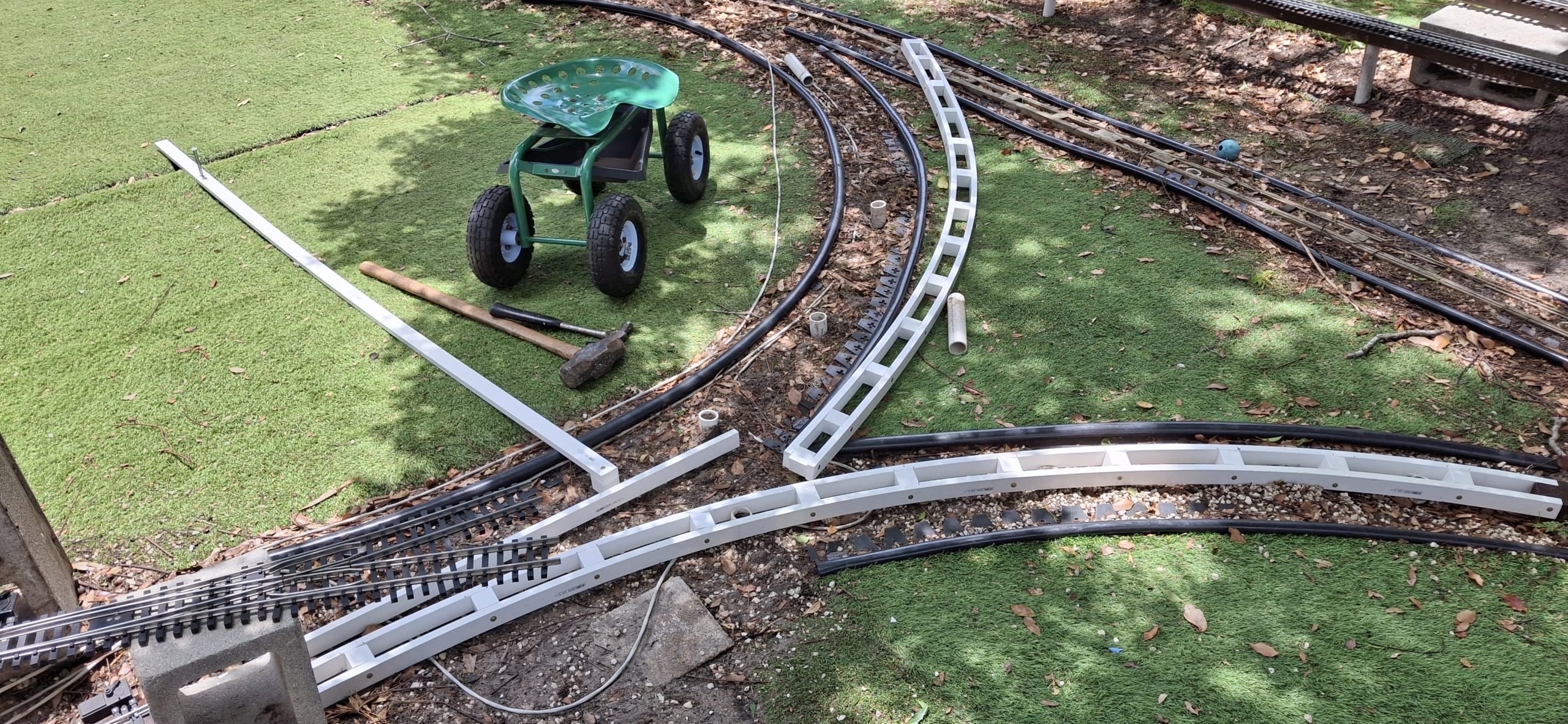
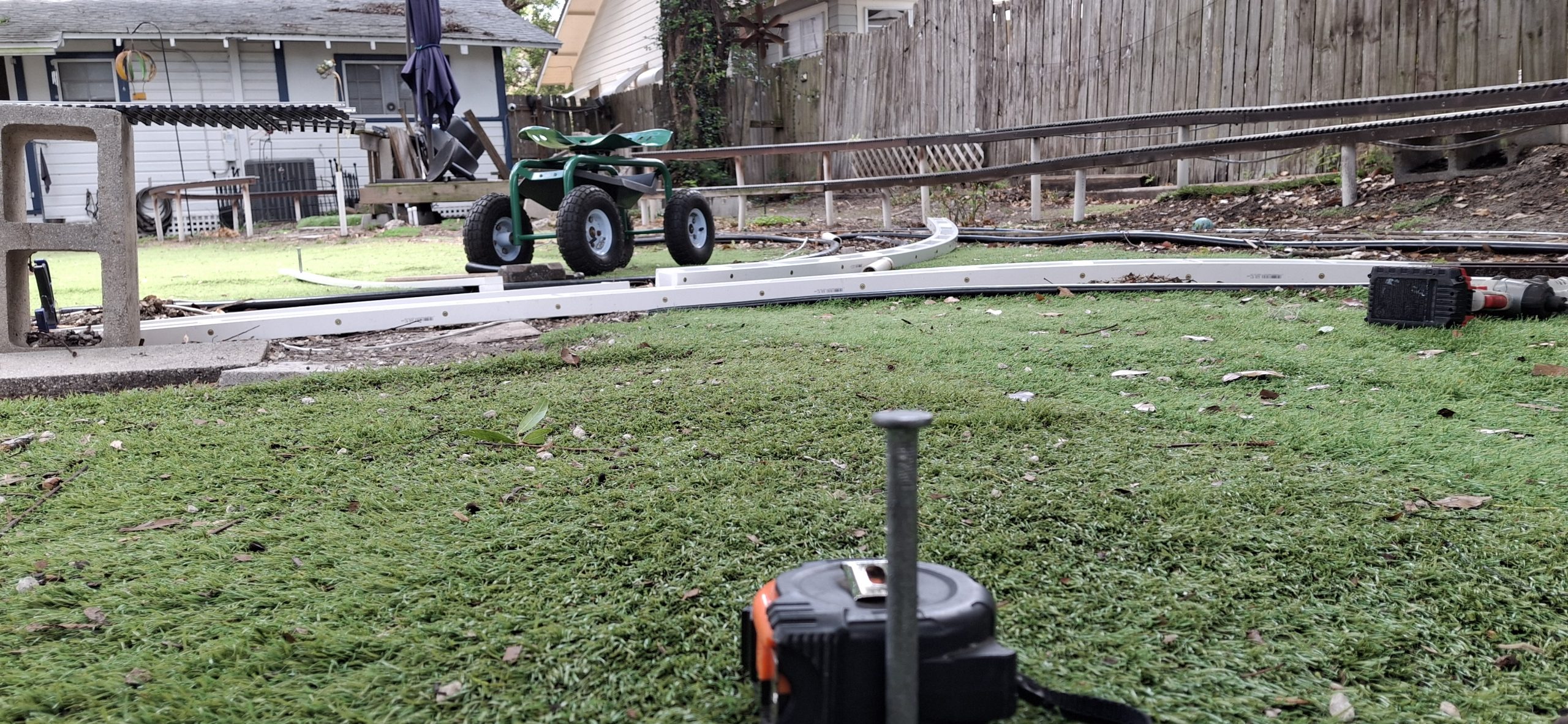
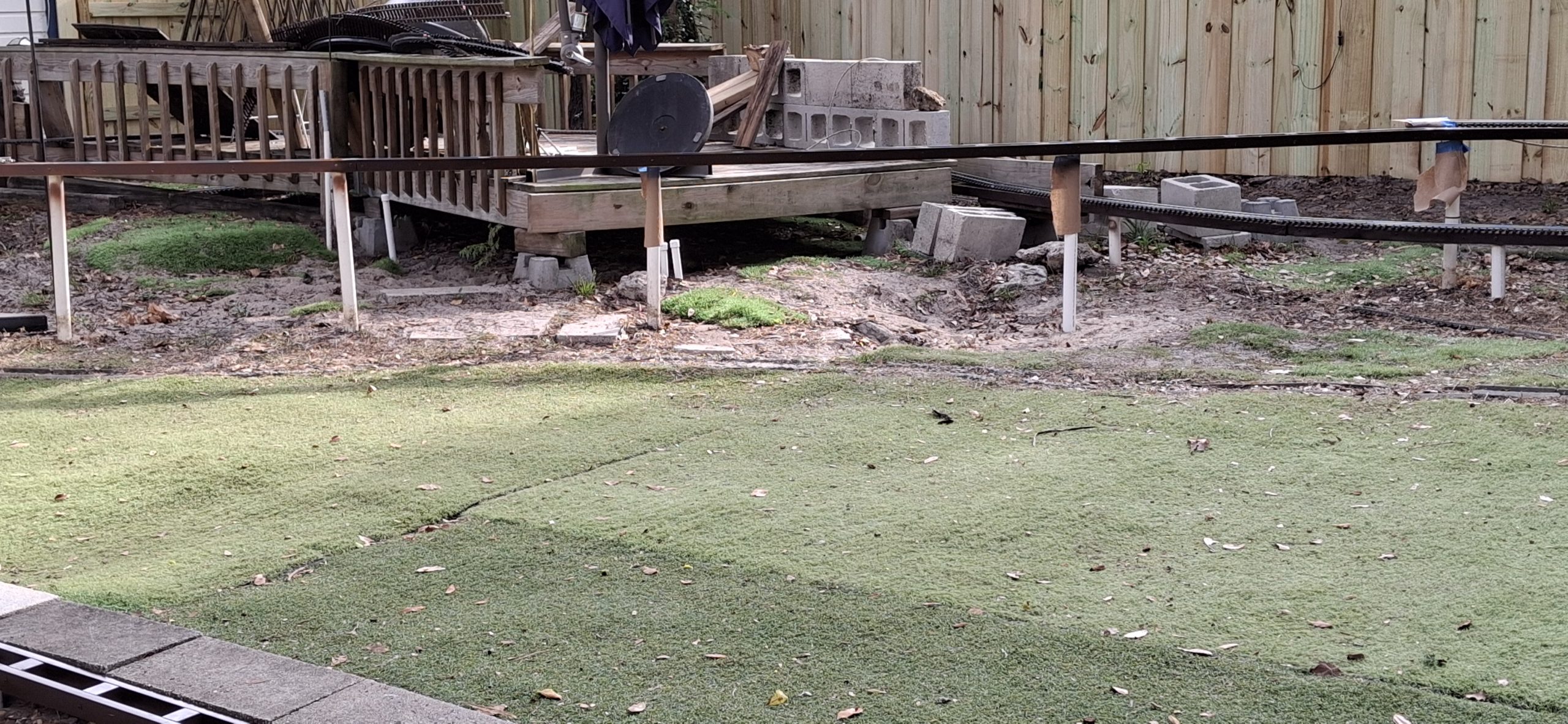
Between replacing the stringers and modifying the design of the new curved turnout, it’s been pretty busy this Memorial Day weekend. But there are still many more stringers to replace. After placing the new 10′ diameter curved stringer, it was apparent the posts had been pulled out behind the shed when the new fence went up. The hope was they could remain in place. No such luck.
Without them in place, more time was spent guessing where those posts actually go than painting and installing the connecting stringers. But at least that’s done now and ready for track. Once it’s repaired that is. Anyone who’s ever used Aristo-craft track and had to deal with those tiny, fumbly 2mm screws knows what a pain it is to remove them just to reseat the rail in the tie strips.
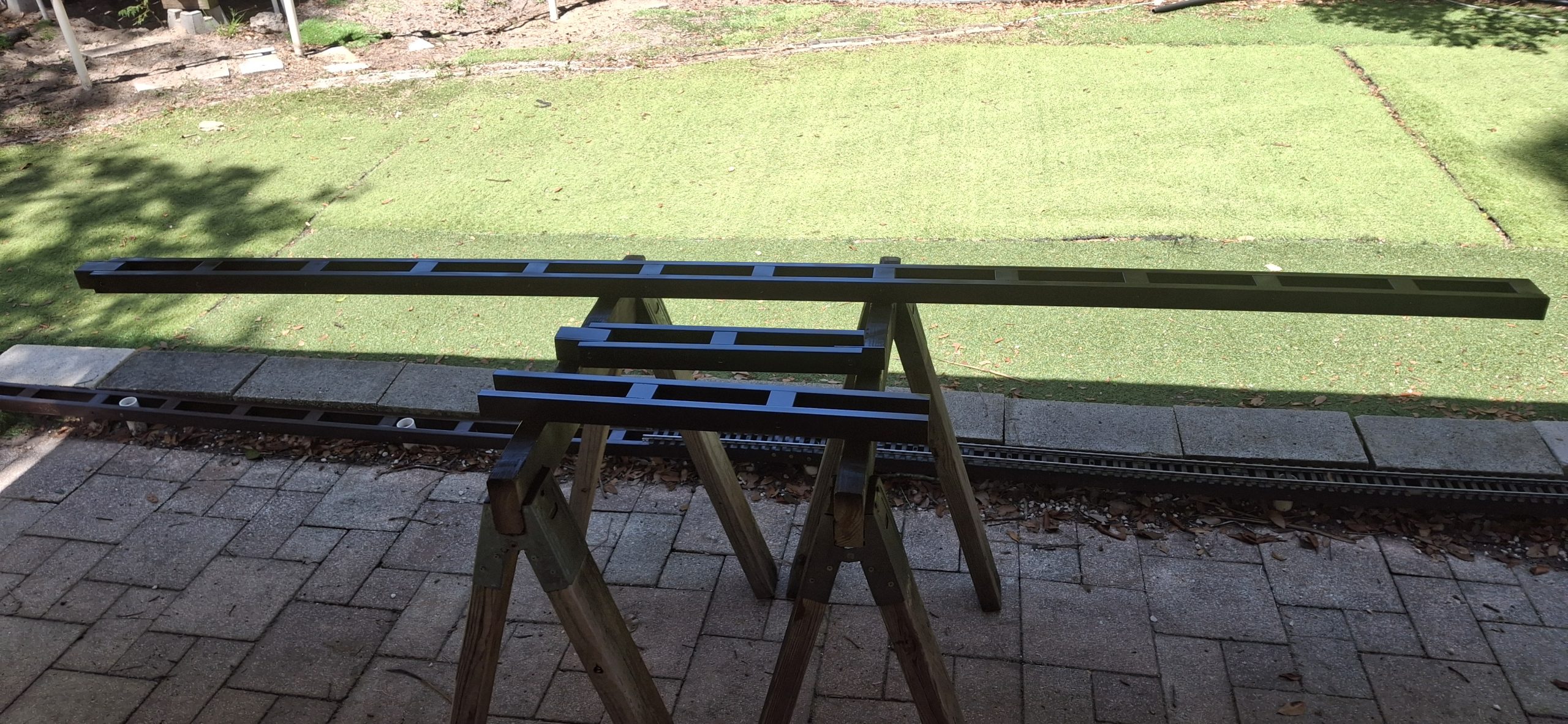
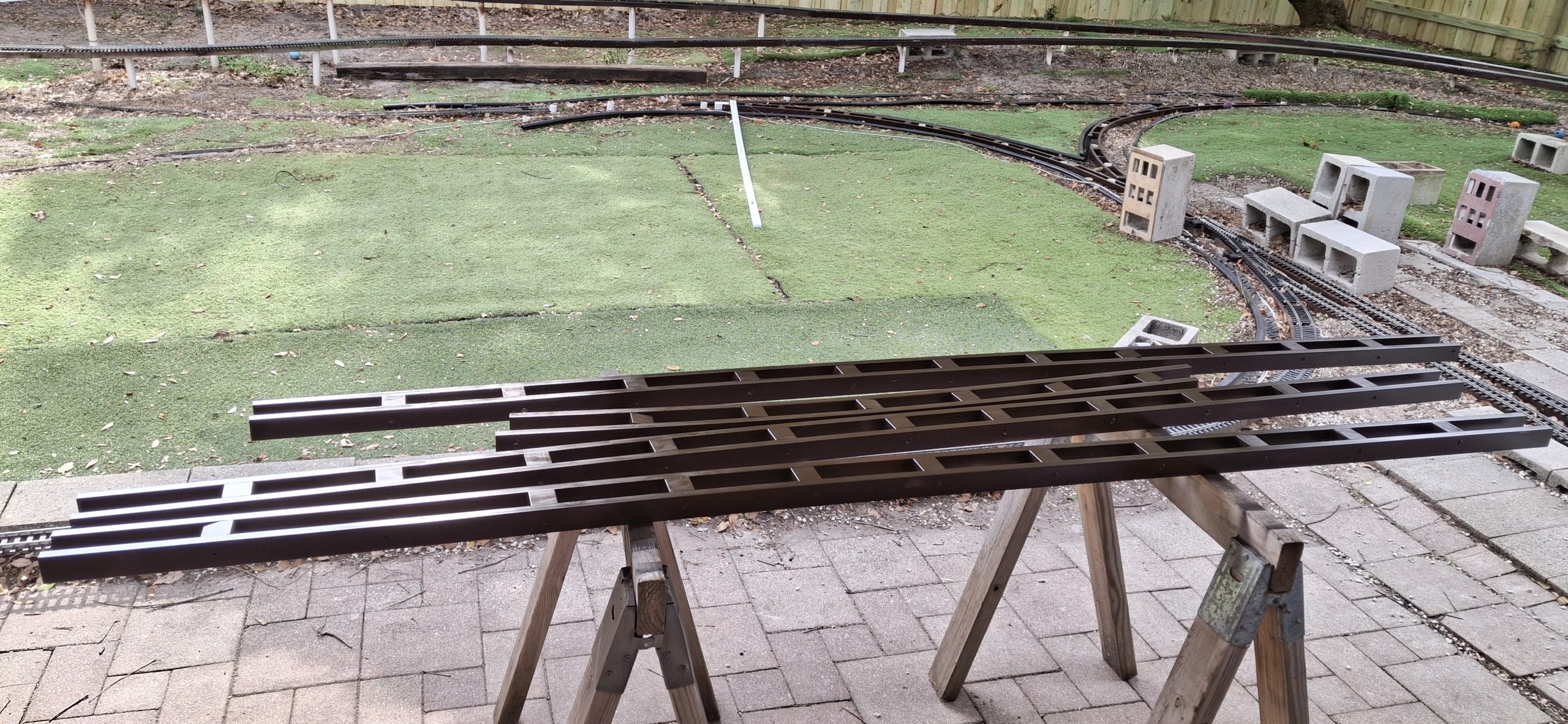
Moving on to complete the remaining straight stringers now that the stringers behind the shed are complete. The diagonal stringer that forms the Main Street crossing is already in place, so the short connector sections are next on the list. Before long they’re assembled and painted and ready to install, along with a new siding extension. So in they go.
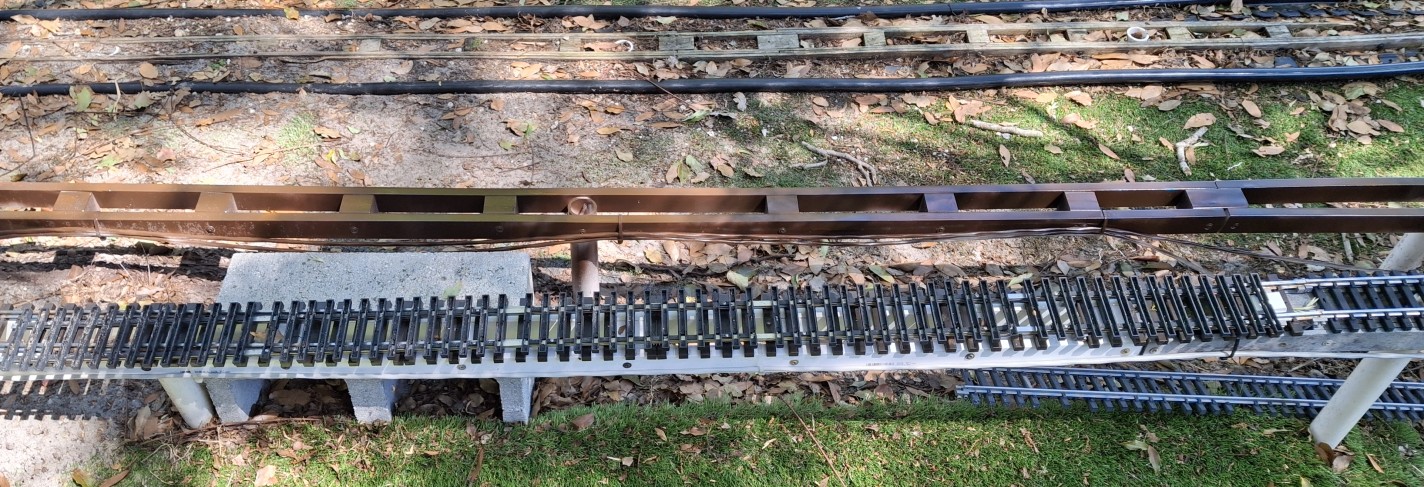
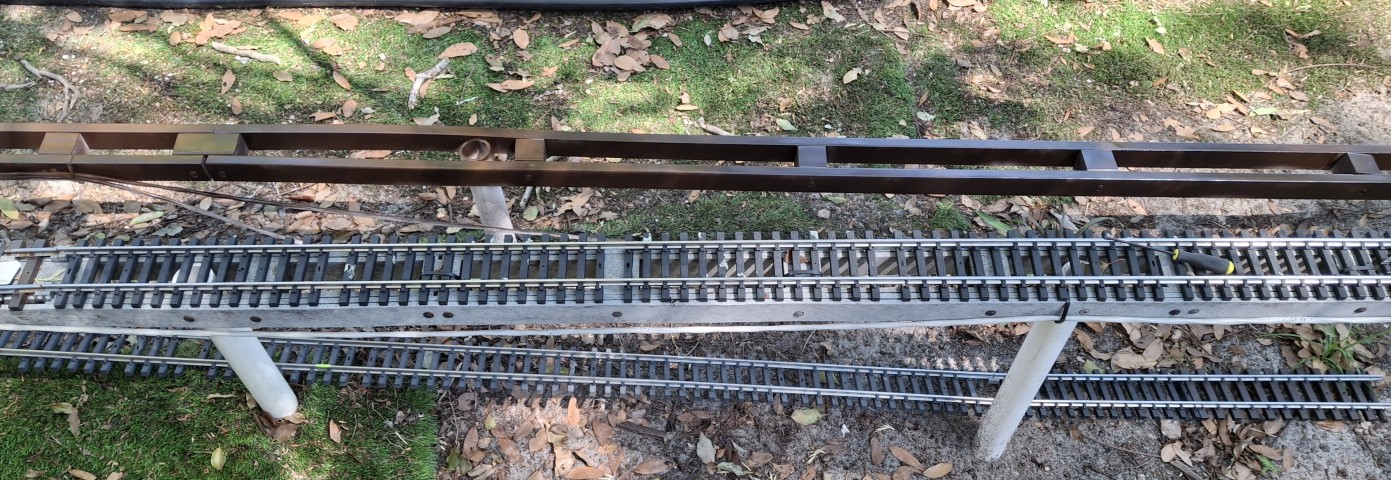
Straight Sections To Replace Main Street CrossingReady To Install Short Connector StringerReady To Install Last Short Stringer To Complete Downtown Loop
New Solutions To Old Problems
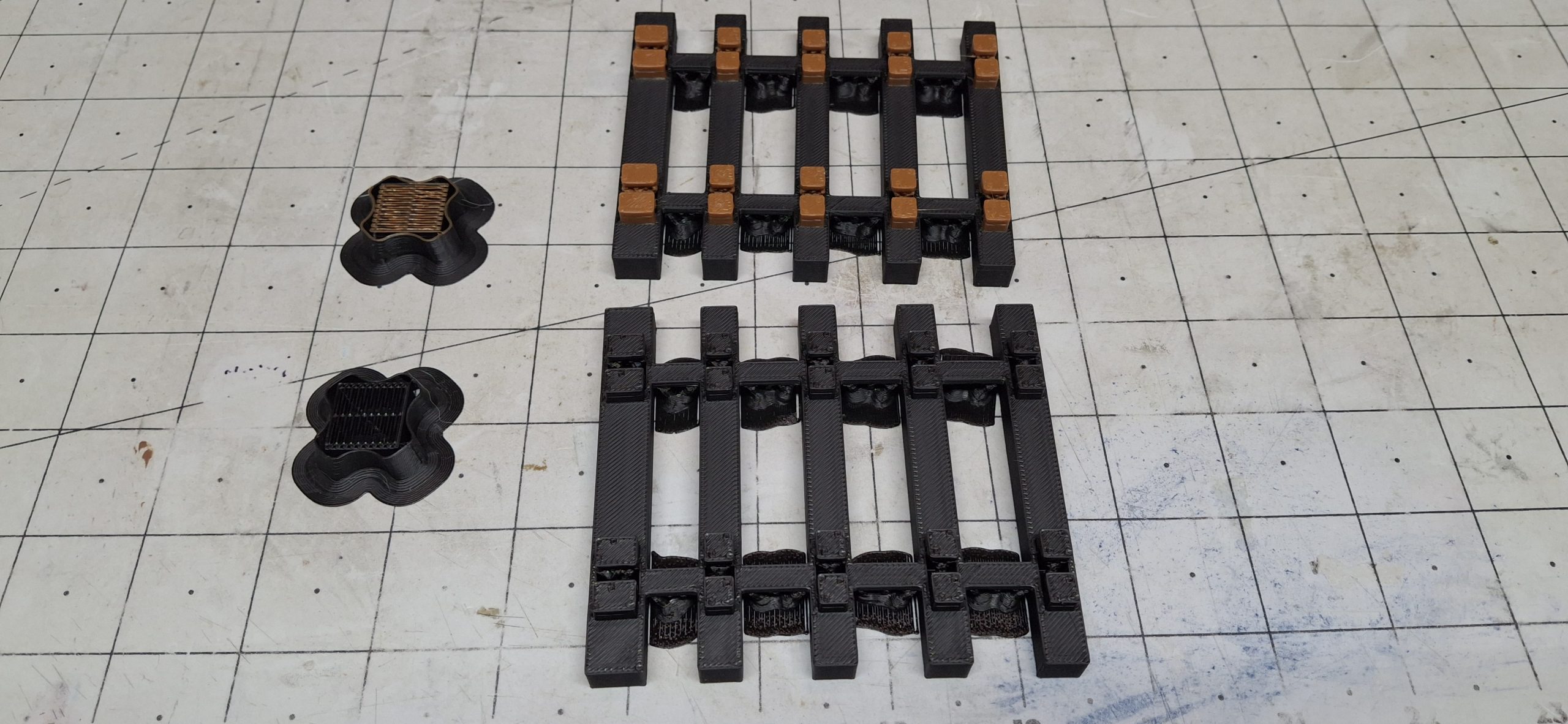
I bought a number of rolls of High Temperature PLA (HT-PLA) filament to print my own ties for the curved switch design and replacement tie strips. Other applications include cut stone block retaining walls and brick downtown apartment storefront buildings. As usual, nineteen different projects going at once, if not nineteen thousand!
One other item of note that applies to the wye switch, the curved switch, and the HT-PLA. Previously I had designed and printed insulated replacement parts for the SplitJaw™ clamps on the diverging routes of the wye using standard PLA. It quickly became apparent that PLA is no match for the Florida sun! Another one of those found out the hard way items.
Essentially the PLA slowly deformed in the heat until the track joints simply gave out and popped open with all the stress those curved wye leg rails are under. Hopefully this recent improvement of HT-PLA will fit the bill. But before using HT-PLA in earnest, it has to withstand the test of the Florida sun and heat. We’ll find out soon enough.
Testing HT-PLA Brick Walls Under The Florida SunTesting Cut Stone HT-PLA Brick Walls Under The Florida Sun Building (Printing) Out The Station Platform One Wall At A TimeA Section Of The Prototype Curved Switch Ties Printed In HT-PLA
Surprise! Surprise!
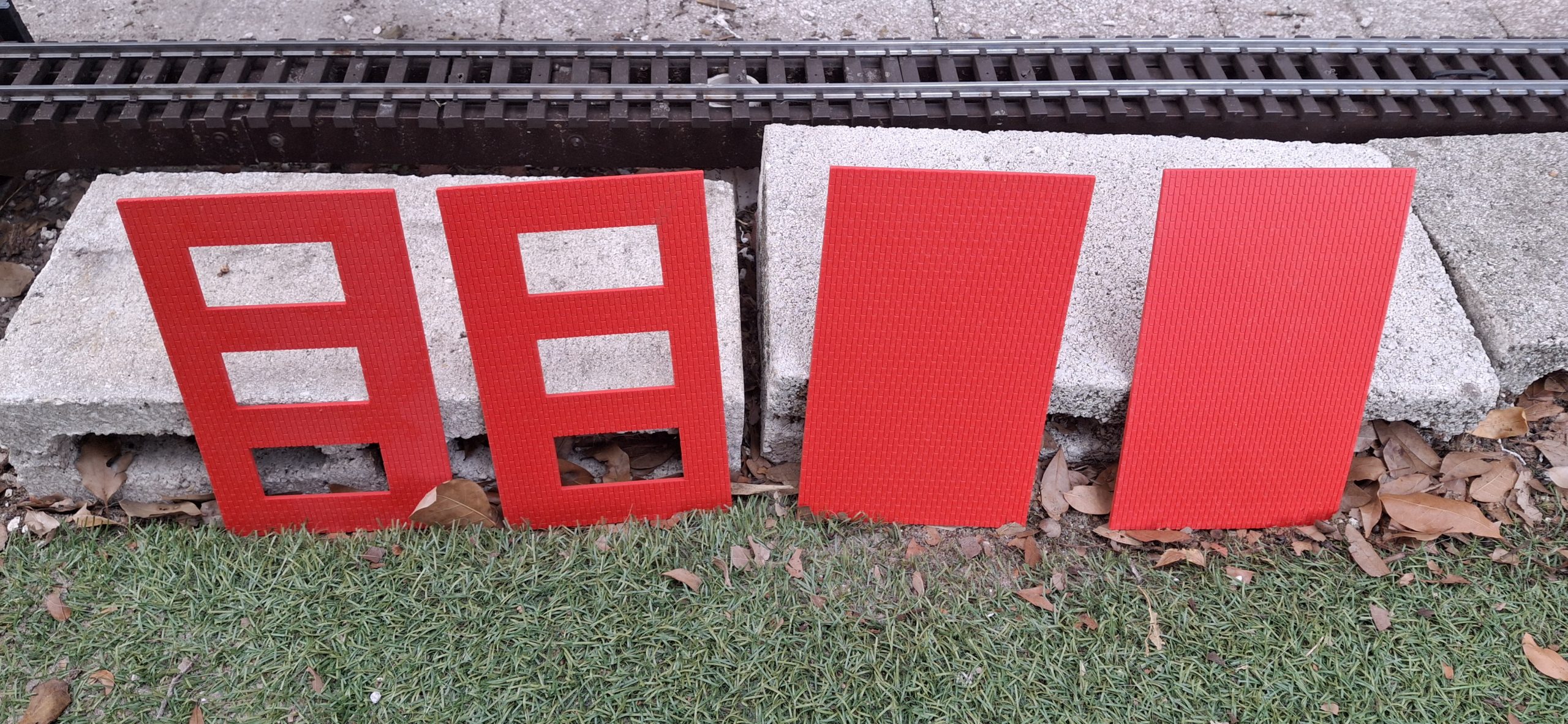
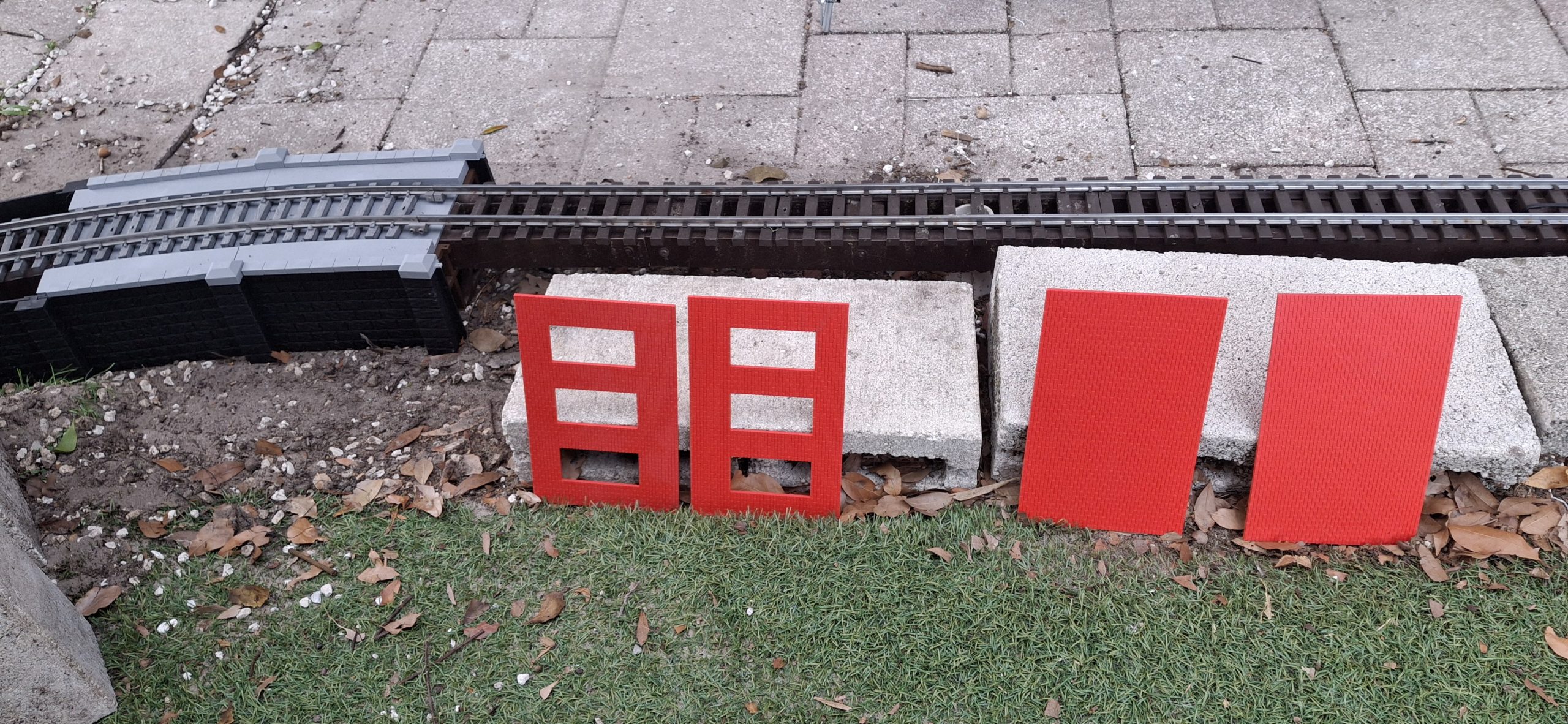
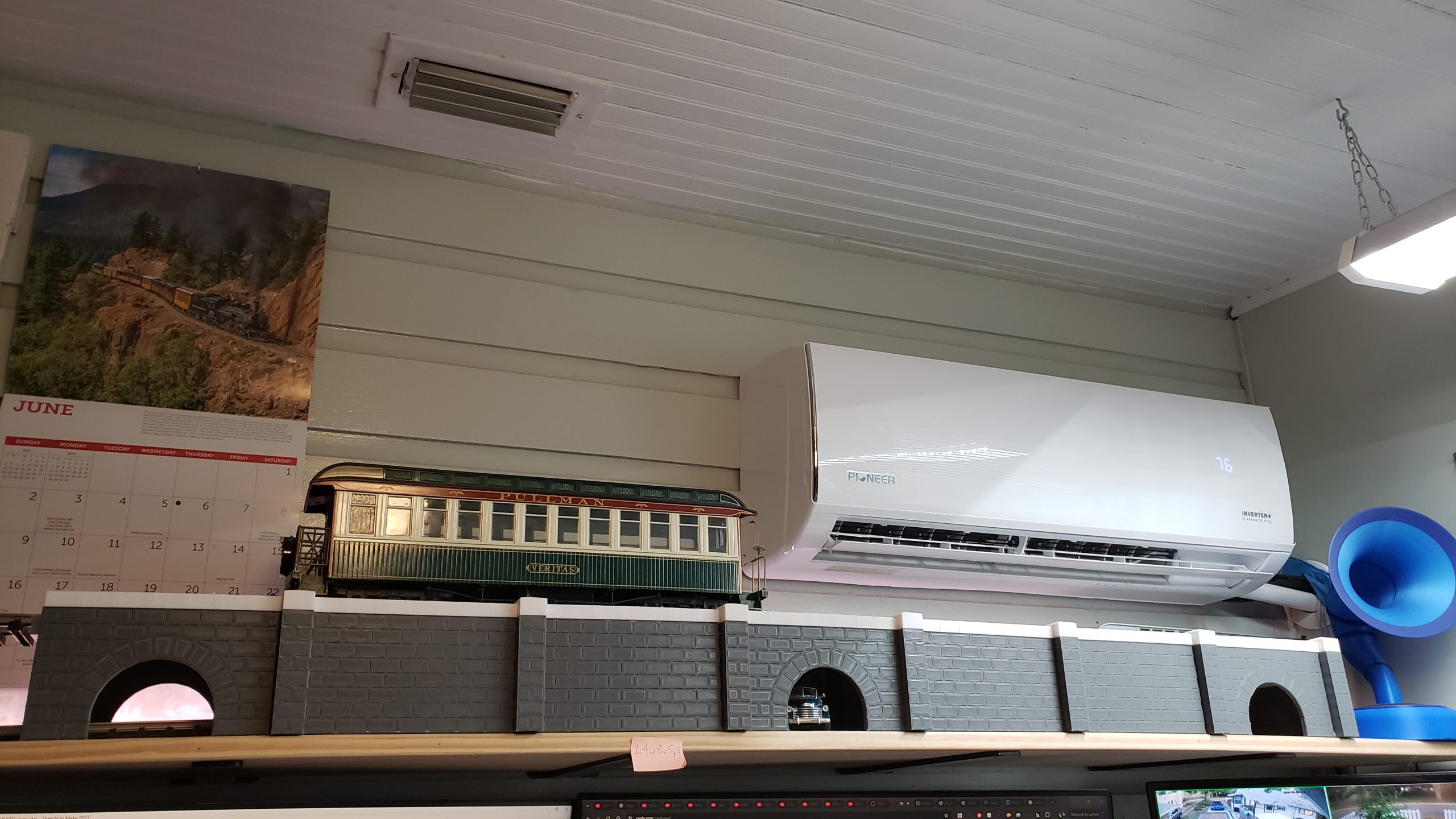
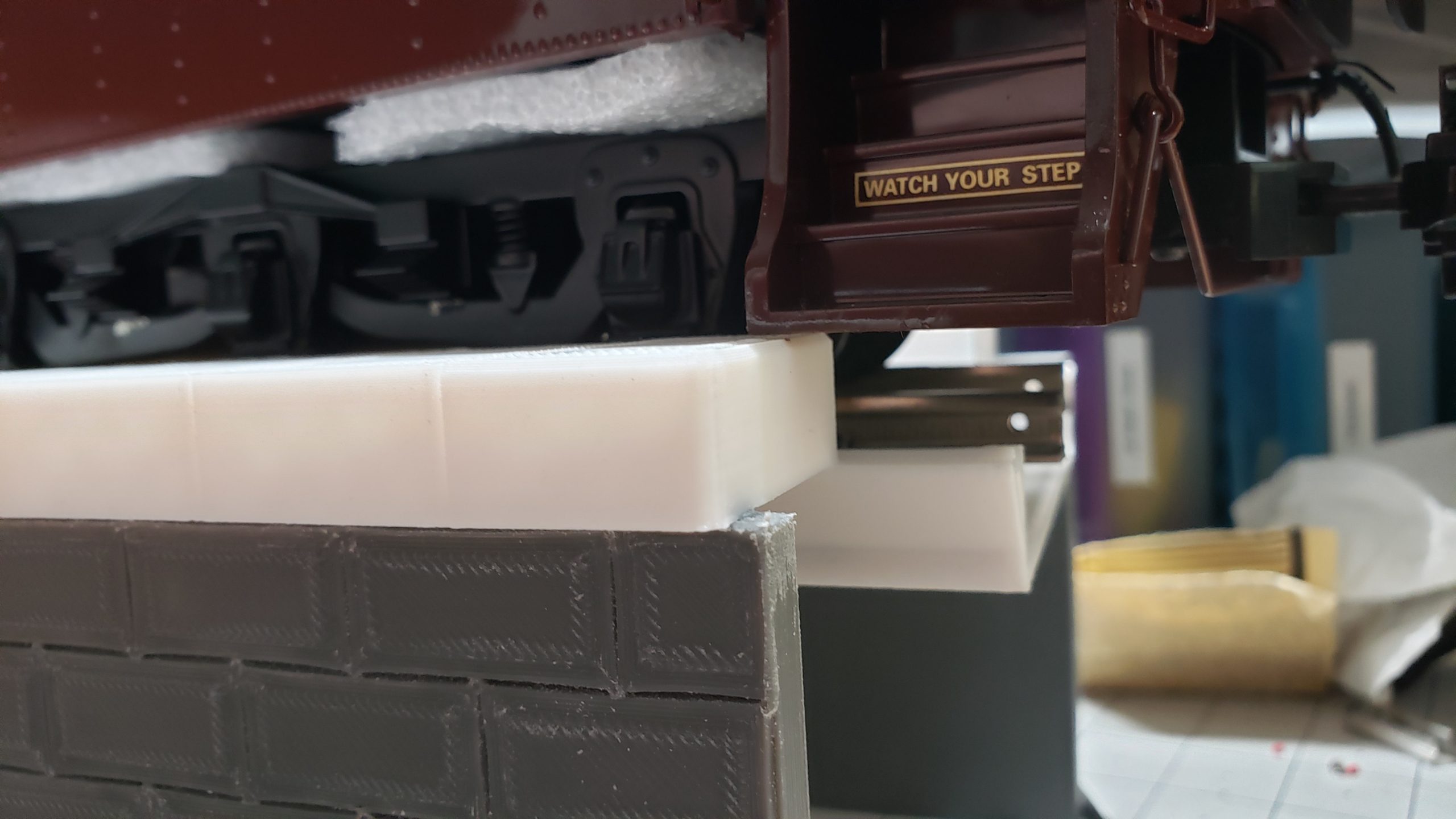
Not much surprises me anymore, but I am absolutely amazed at the performance of this HT-PLA! The first test was printing and annealing 8″ long brick walls, fairly thin at ⅛” thick, then leaning them over the 4″ tall half height concrete blocks that make up the station platform and leaving them out in the sun all day. They remained straight and tall, no bending, sagging, or warping!
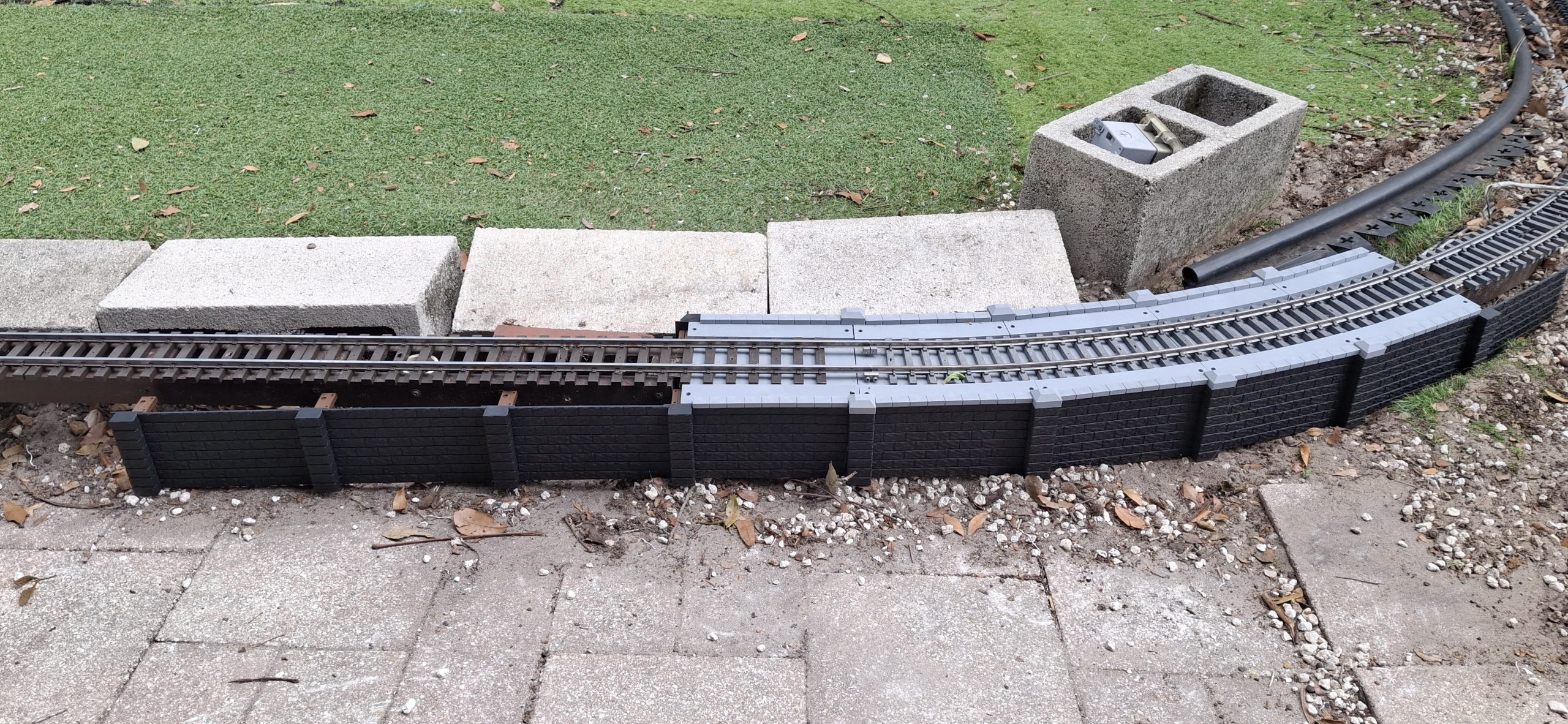
Next was 4″x7″ black cut stone block retaining walls. Same outcome! As expected, being black, they got hot. Really hot. Like nearly 150°F! I got out the infrared thermometer to measure. It and most of the turf were ~145°F! The darker green turf was even hotter at ~155°F! I don’t know how Rocket can stand to walk on it, let alone lay down on it, but I couldn’t get him to move from there!
Those cut stone retaining walls were entirely another project. I’ll have a post about them to link to soon. Let’s just say it took a number of different false starts just to get something that could be 3D printed. But after a few design iterations, it’s now a viable part of the station siding facelift. Let’s just say I ordered a LOT more spools of HT-PLA filament just for them. Stay tuned for more details.
Diverging Routes Of Wye SwitchMainline Side Of Wye Switch ConnectionPreparing To Install The Wye Switch
Progress Continues
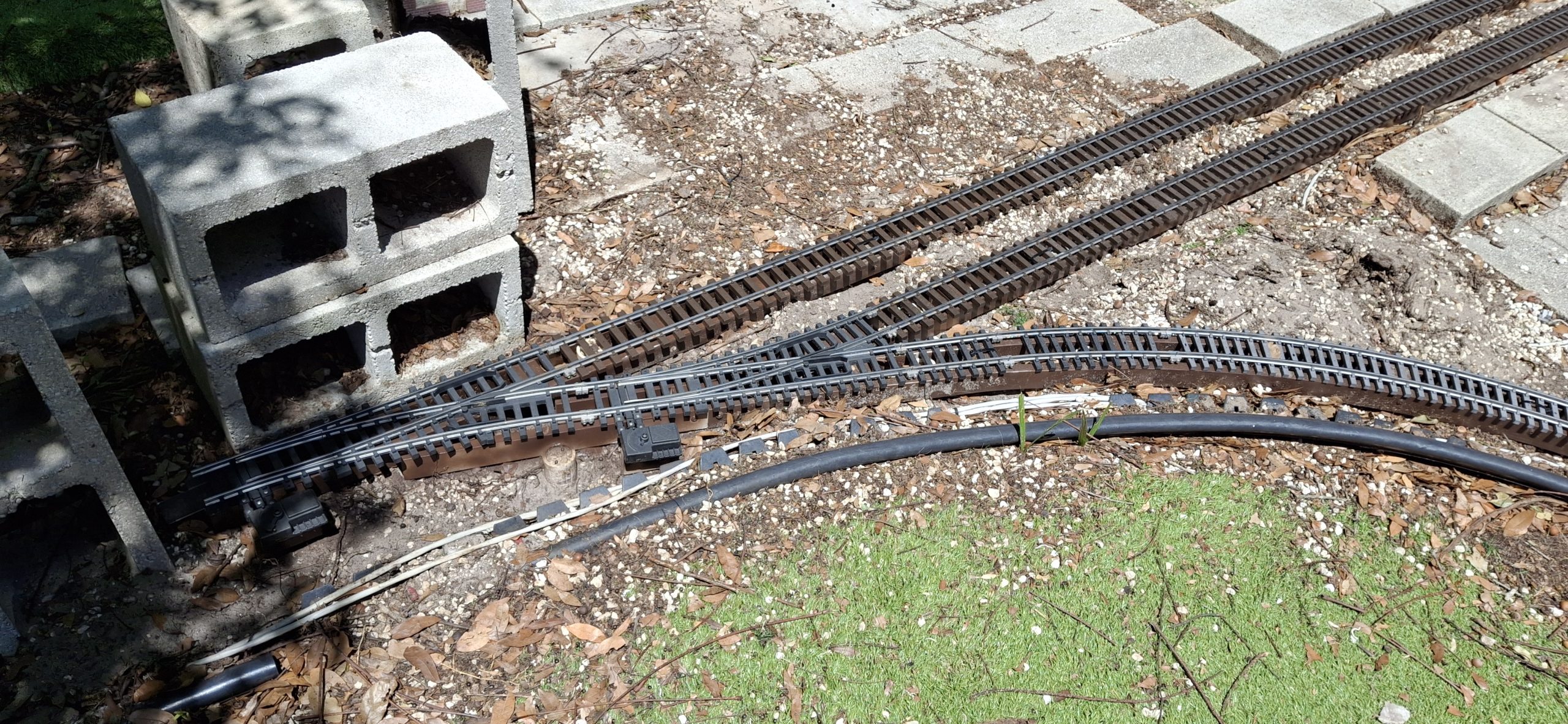
Fast forward a few weeks and it’s time to install the wye trackage, starting with the wye switch. The mainline switch and sidings have been installed for nearly a month now. Time to get the track and as much of the wye installed as possible, in anticipation of the new curved switch prototype.
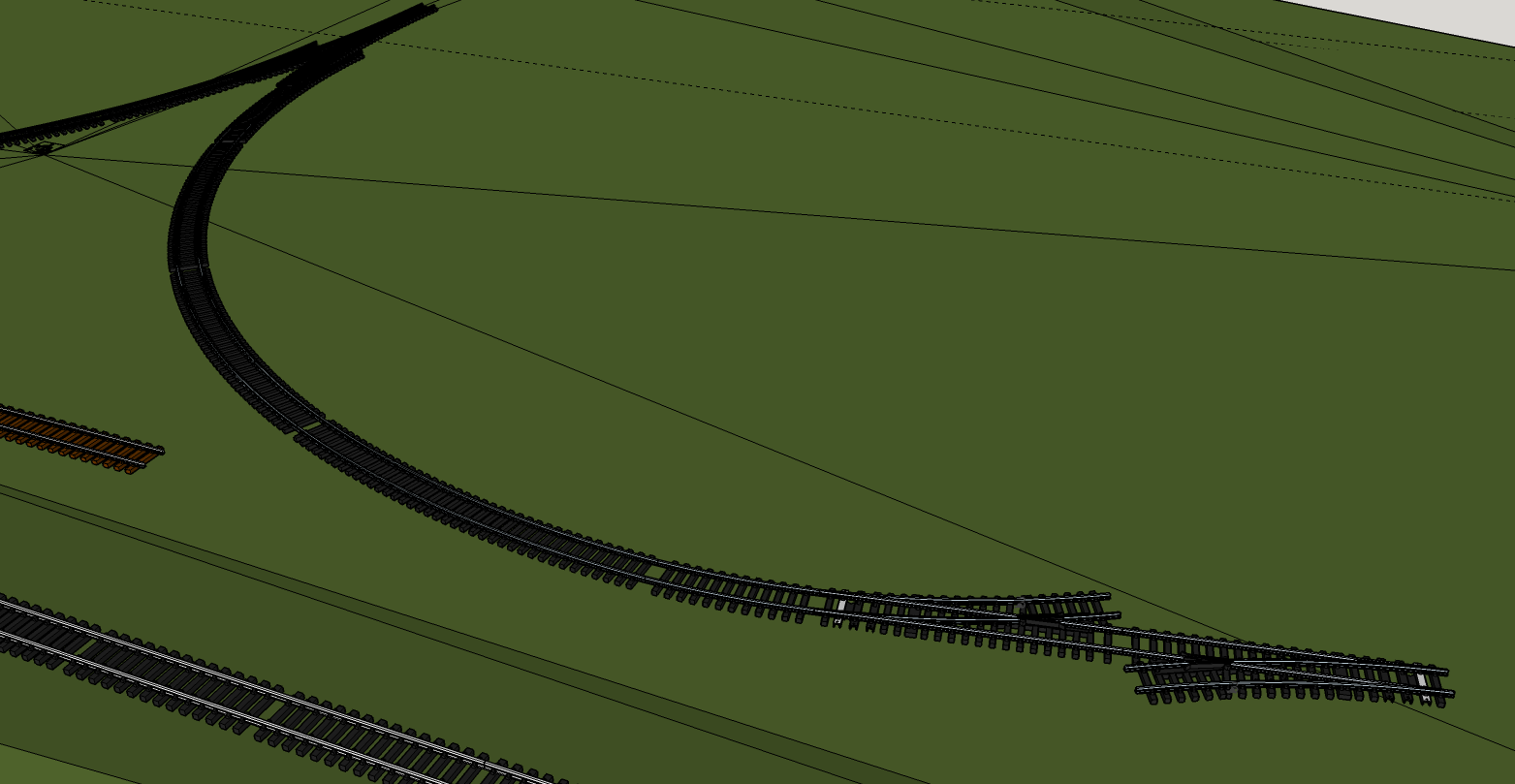
The curved switch design began in earnest the beginning of May, and has slowly evolved into its current incarnation, using HT-PLA for the ties, frog, and throw bar. Even an adapter for the standard Aristo-craft switch machine. There’s even a preliminary version of a servo driven switch machine on the drawing board, now printed using HT-PLA. But that’s yet another project for another day.
The most difficult part of refurbishing the wye is already done, with the exception of figuring out which of the many curved flexible track sections are the two that go there. Actually, a number of them will fit, just not sure which are the right ones. But I’m getting ahead of myself again. Time to fit the wye switch in place. The curves will follow.
Levelling Wye Stringers And Deciding Where The Flex Track FitsDeciding Where The Rest Of The Flex Track Fits Deciding Where The Rest Of The Flex Track FitsDeciding Where The Rest Of The Flex Track Fits
While We’re At It
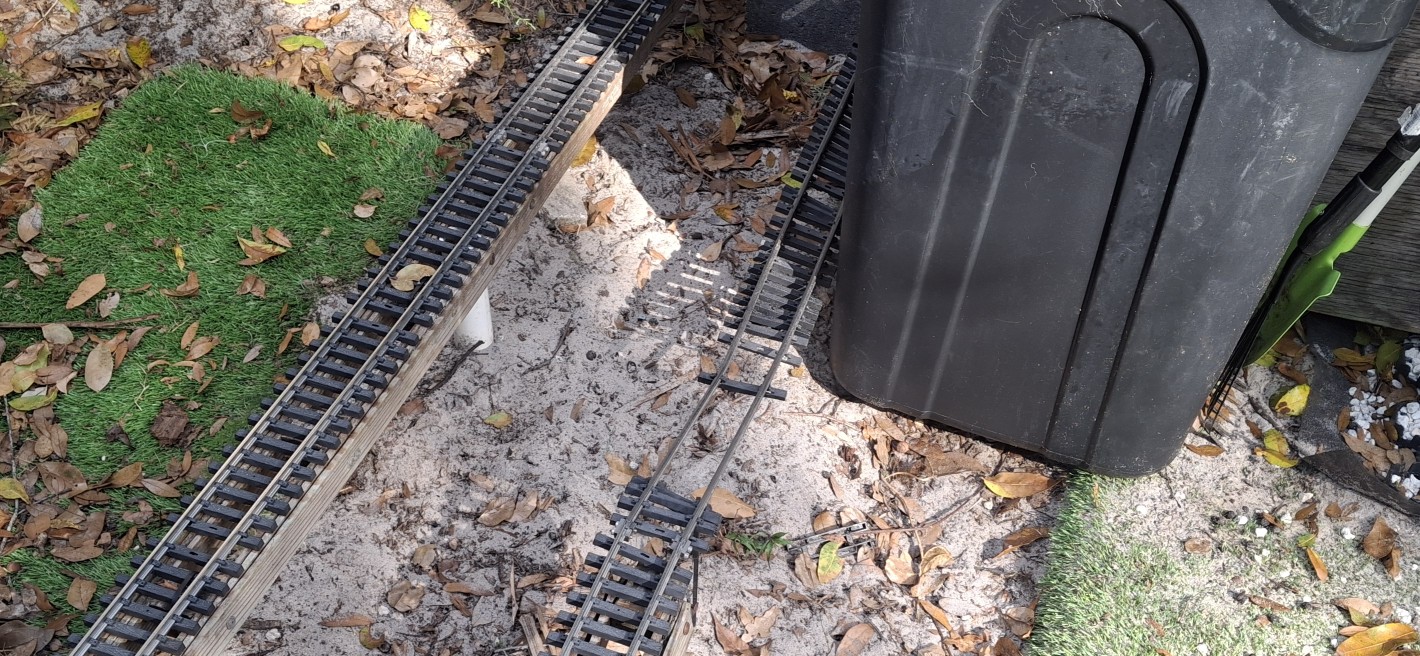
While I was going through the rest of the flexible track sections looking for the wye pieces, I decided to figure out where the rest of them belong too. The original thought was to just get the downtown loop operational to be able to continuously run trains. That’s still a ways off, but the 4th of July will be here before we know it. We’re not missing that deadline!
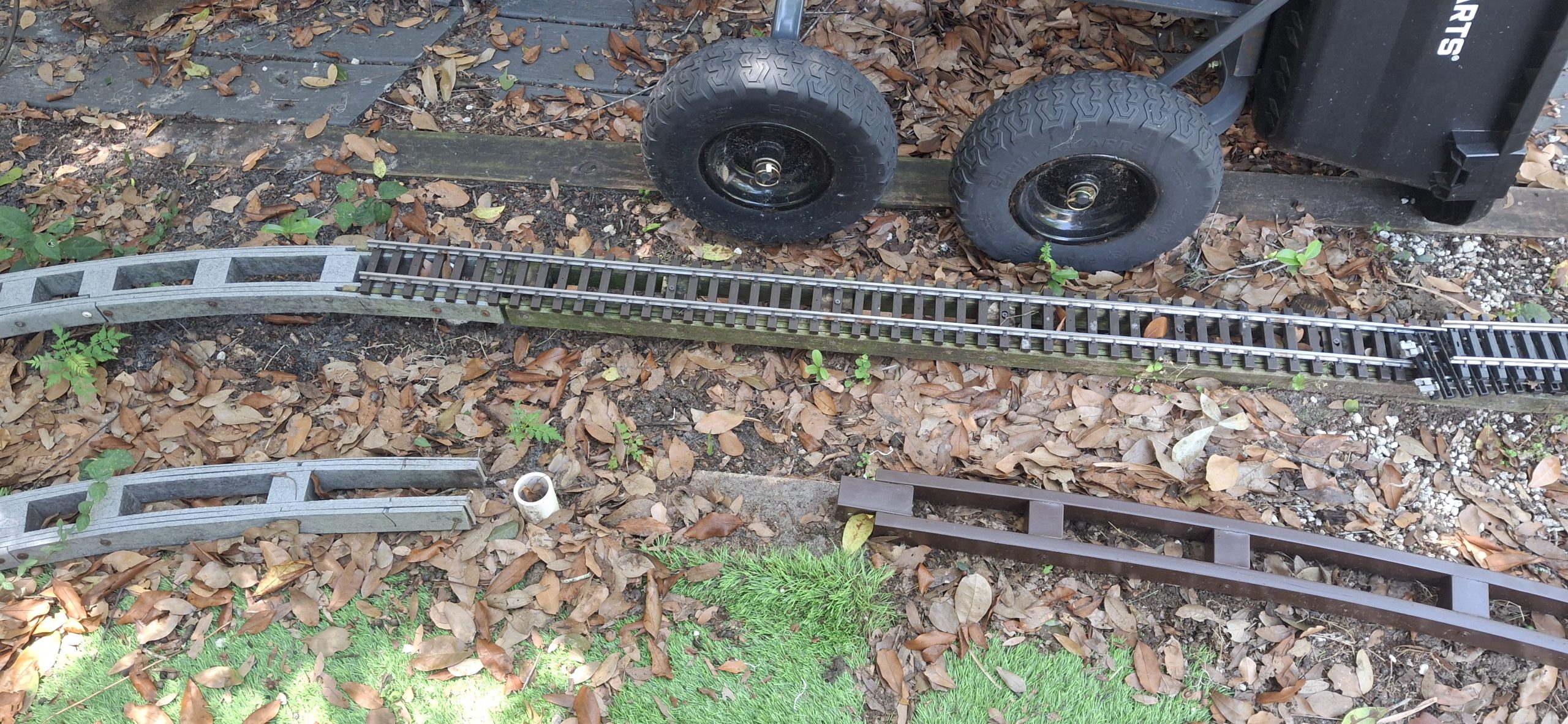
It took a number of iterations to figure it all out, just like the wye legs did. For now the track’s all just laying on the ground approximately where it goes, waiting for another time to work on it. The remaining parts of the wye need finished before any of it can be connected, so it will have to wait until that’s done first. Then the drudgery of removing what remains of the rotted stringers begins.
Again, that’s not on the schedule. Not yet anyway. Just getting the continuous loop up and running is the goal, and it’s almost a reality. Just a few more things until the first test run! But those things are going to take another weekend, if not two, putting us well into June.
Partial Goal Complete. Wye Switch And Curved Legs Are InYet To Be Determined Track And Switch ArrangementWye Switch And 14' Diameter Curved Legs
About That Wye…
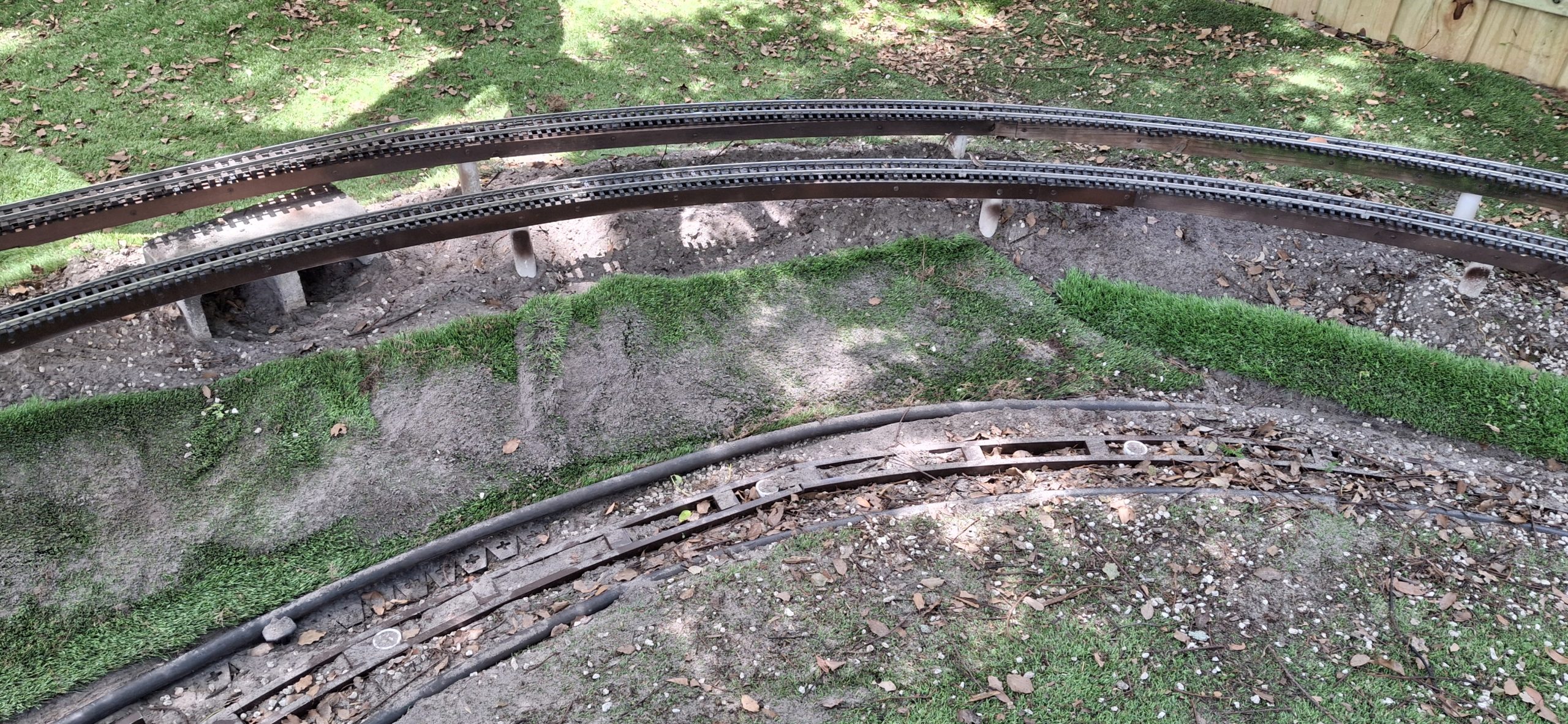
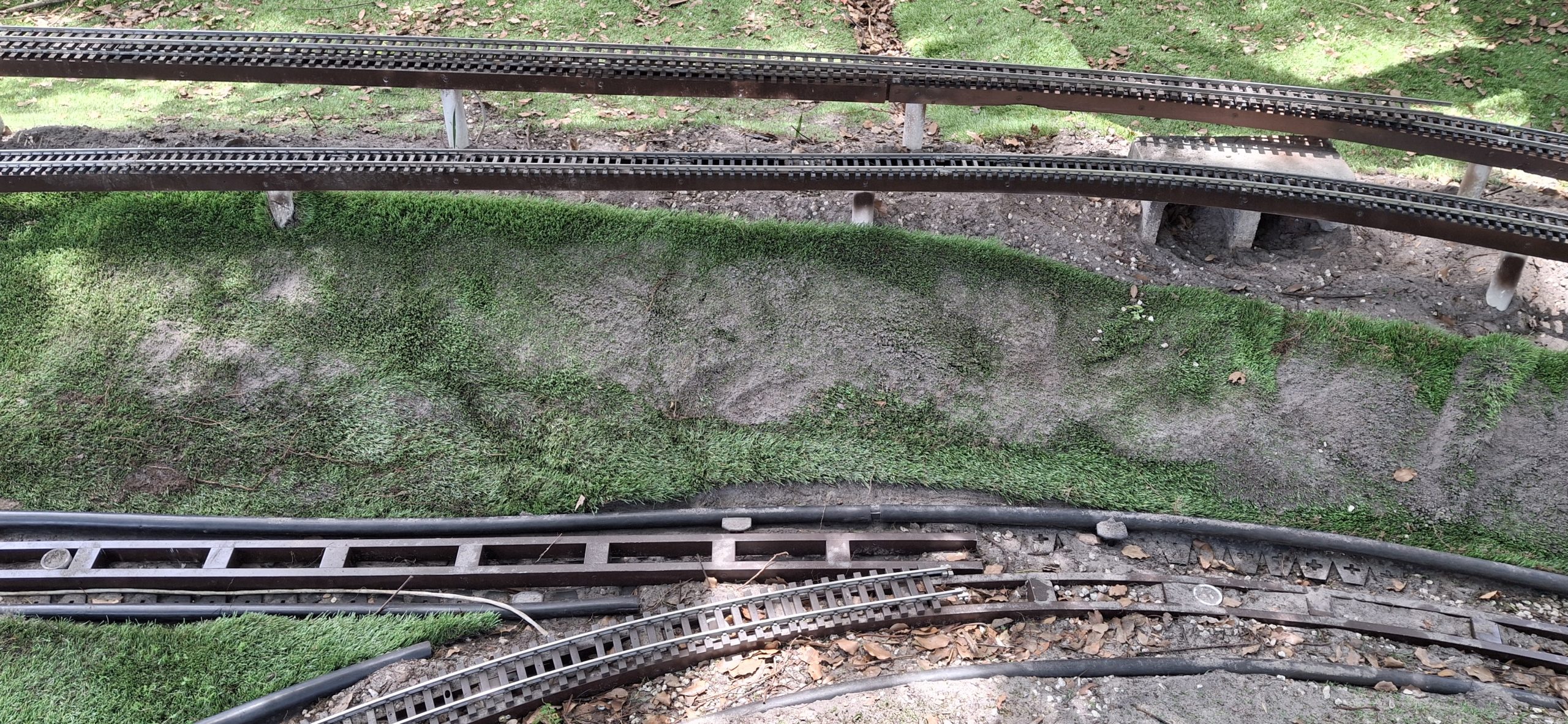
Setting and levelling the stringers for the legs of the wye takes the entire weekend, but is well worth the effort. More excavation is required, but it adds more dirt to build up the embankment with. Enough dirt that the turf needs pulled up to allow contouring the additional overburden. But I’m getting ahead of myself again.
The turf is two long sections that are way too heavy to lift all at once, covered in a couple inches of leaves and acorns and gravel and already full of trapped dirt. You name it, it’s covered in it. All of it is slowly shoveled off and added to the base of the elevated track section just beyond using just that small, hand sized garden spade. Building up that embankment is slow going for sure.
Beyond that, the turf needs cut from beneath the long straight leg just to extricate it and excavate even more dirt to set those stringers in place. That hadn’t been part of the original plan. But because the turf’s essentially trapped beneath the stringers, it has to be done. Slicing the turf along the plastic edging that defines both sides of the right of way frees it up.
Can’t recall why it was done that way the first time around with just access openings in the turf for the posts. Perhaps the thought was it would reduce the likelihood of rot. The evidence proved otherwise. Perhaps it was more expedient. Certainly paying the time penalty now for that decision in the past.
Alright, Who Threw The Hand Grenade?Dirt Trapped In Turf Now In A Pile As Edging Is ReworkedThank Goodness It's Shaded
Earth Moving
Thankfully it’s in a number of pieces, but even those are heavy. They are so heavy with trapped dirt I can barely lift one at all. The trick is to lift by an end or corner and shake the dirt loose into a pile that can then be easily moved where desired. Slowly but surely the dirt is shaken out of the turf, little by little, until the entire length is now laying upside down on top of the embankment.
More dirt needs moved and contoured with the flat shovel to shape the embankment. Posts need persuaded into place using the sledge hammer. Wiring needs rerouted and buried along the newly created “trenches” the stringers now sit in. Last but not least is cutting the remaining turf to fit the new topology. It’s exhausting work, in the midst of a heat advisory, but well worth the effort.
The embankment finally looks like an embankment. The wye finally looks like a wye. And best of all, it looks like it’s meant to be that way. Not an afterthought. Not a pile of dirt under the raised track section. Ann was not very happy about all that dirt at first, worried about slipping on it and falling while stepping over the tracks. But now she says it looks great, like it’s supposed to be there.
Turf Still Has Trapped Dirt Turf Still Has Trapped Dirt Embankment Looks The Best It Ever HasStill Have Work To Do On South Leg
Unveiling The Curved Switch
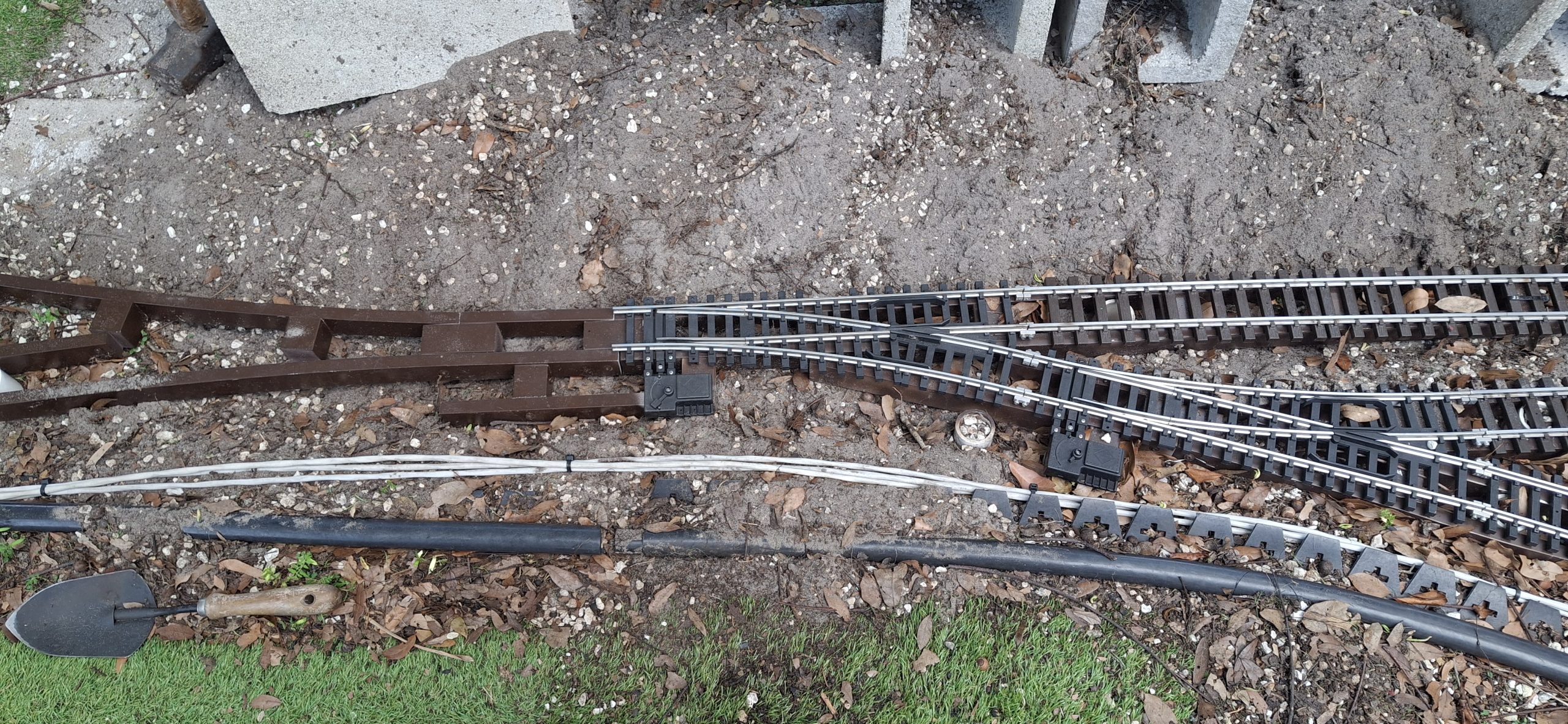
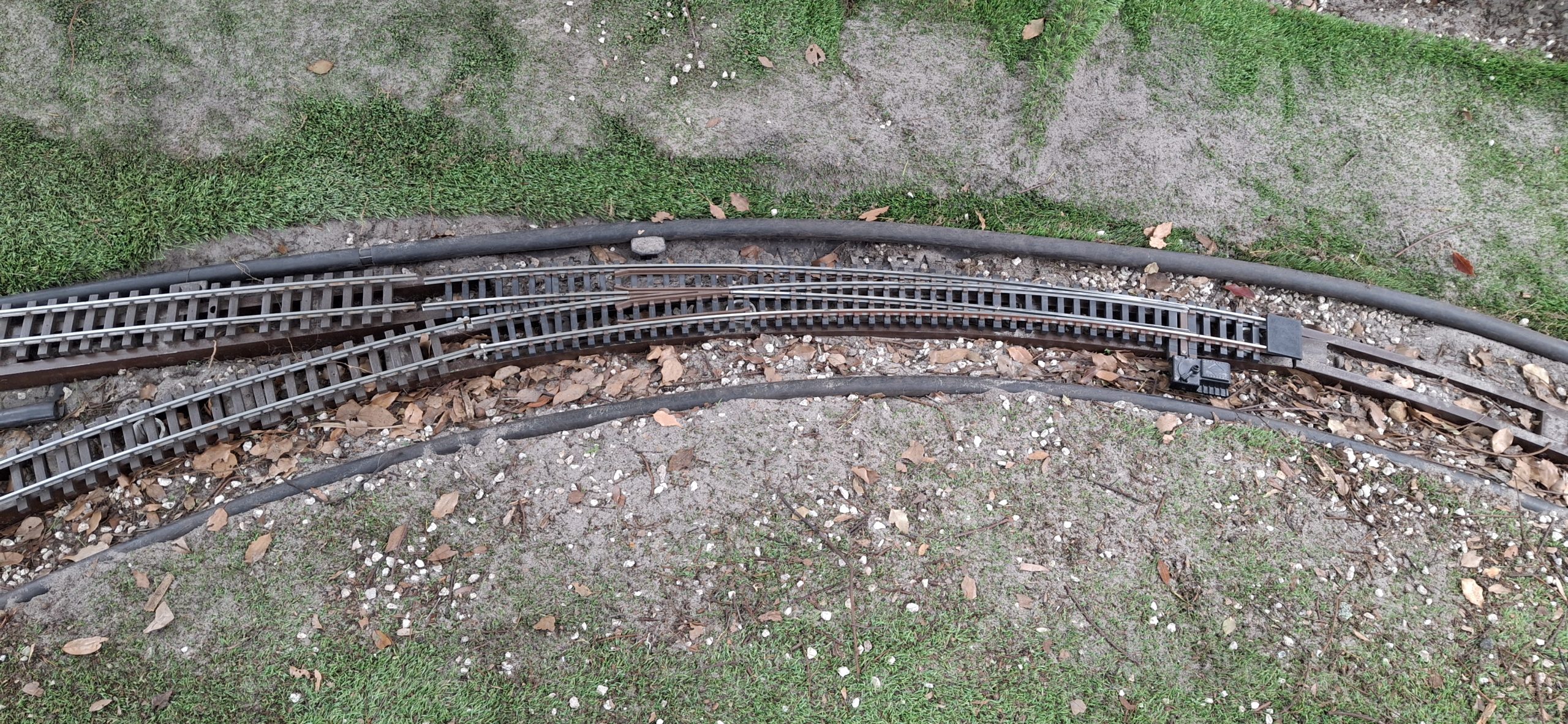
Fast forward another weekend and it’s finally time to test out the prototype curved switch. At four feet long (~122cm), it’s a bit unwieldy. Getting it from the workbench and out the back door to the wye was a real feat, but it fits like a glove! Perfect! Can’t wait to see whether it works or just derails everything.
For now, just the 14′ diameter diverging route is connected to the North curved leg of the wye, but the 20′ diameter route provides the starting point for laying down the straight leg of the wye. The track for the other side of the curved switch can now be put back in place too.
That much needs to be completed to be able to lay the rest of the ground level track up to and around the curves behind the shed. Hopefully it’s apparent why starting from that mainline switch and working the wye and the rest of the track from there is mandatory.
Prototype Curved Switch Fits Like A Glove!Jasper Shepherding His Brother, RocketJasper Pestering His Brother Jasper No Longer Asking His BrotherJasper Trying To Convince Brother To Pick OneSQUIRREL!
Growing Pains
We’re using standard SplitJaw™ rail clamps on the mainline side of the wye switch and our homebrew “double” insulated clamps on both the diverging routes. In this case, double insulated isn’t meant in the sense of power tools, but rather a double length rail clamp, using four screws where the standard clamps use just two. Lots of growing pains there.
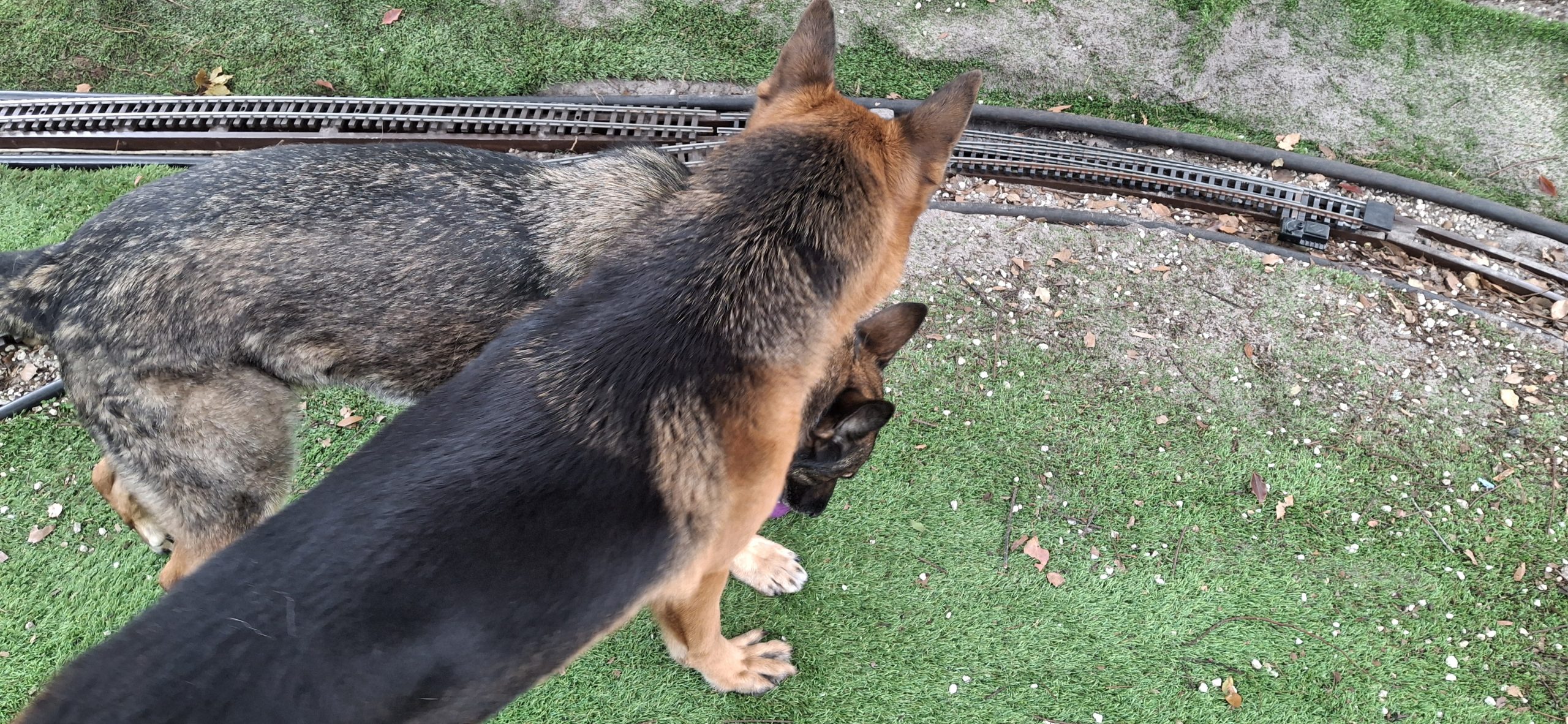
Every time I look, the dogs have once again pulled the joints loose or broken the clamps altogether! The prototype didn’t allow them to tighten all the way. Subsequent versions using annealed HT-PLA just didn’t have the strength. Many design iterations later they finally survive the constant pounding of fetching the ball and chasing the squirrels. Double insulated and now double thick!
And now that the rail clamps keep everything together, all the track moves together… Right off the stringers! This is going to take more than wire ties to keep the track aligned and remain on top of the stringers. Going to have to think about that one. First thought is something like the deck sections that hold the track in place for the station siding. We’ll revisit that later.
Reworking The Edging Profile To Better Match The TrackWye Trackage With Prototype Curved Switch In PlaceWye Trackage With Prototype Curved Switch In Place
Growing Trackage
The curved switch is designed to replace a full 14′ diameter section (22.5°) plus an additional 1⁄3 section (7.5° – grand total of 30°). If geometry and angles aren’t your thing, it takes sixteen of the 14′ and 20′ diameter sections to complete a circle. It only takes twelve of the 10′ diameter sections (each section is 30°). The curved leg of the wye is a single piece of flex track just the right length.
Long story short, there are three remaining 14′ sections to place after the switch points bringing us to point due East. Those 14′ sections connect to two 20′ diameter which turn us Southeast. Those connect to two 5′ long straight sections, running diagonally across Main Street. A short connector section joins to another set of two 20′ diameter sections that bring us back to due East.
From there a 2′ straight section connects to three 10′ diameter sections, bringing us due North behind the shed. The mainline also crosses Main Street, but perpendicularly. It then connects to another set of three 10′ diameter sections, again bringing us due North behind the shed.
10' Diameter Curves Connecting The Elevated TrackStraight Sections Behind The Shed (Yes, That's A Baby Gate) 10' Diameter Sections Connecting Ground Level To Elevated TrackMainline (Top) And Downtown Loop (Bottom) "Triple Decker" Connection From Elevated Track To Deck LoopOur First Attempt At Making Our Own Tie Strips Put To Use
All Coming Together
It’s all coming together rather nicely. The only missing trackage is the 10′ diameter curves and the straight sections to connect them behind the shed (and all of the lower loop around the deck). I didn’t think I had enough of those 10′ diameter sections left that could be repaired, but it appears I was wrong. There were enough for all but one quarter circle, made up with flex track.
The remaining straight sections behind the shed will need cut to fit. Time to break out the tape measure, Dremel saw, and diamond files. Might also need a few new tie strips to hold the rails in place. My skills with the Dremel saw leave much to be desired. Nothing a diamond file won’t fix, but need to start thinking about designing and 3D printing a “chop saw” jig for making precise cuts.
That completes the entire continuous loop of track. It’s been a long time when we could last say that. With that much done, it’s time to turn to the wiring. But it’s already getting late on yet another Sunday out in the heat advisory weather. The wiring will have to wait for next weekend, along with running trains. As much as I’d like to test the track, patience is prudent.
At this point. it’s almost like starting over with the wiring anyway. Thankfully all the fuse positions and most of the cables are labelled, albeit upside down on the fuse box and weather faded sharpie on the cables. The three new wye cables aren’t labelled at all! Need to break out the multimeter and start testing. Next weekend.
Question? Concerns? Leave A Comment!
If you have any questions or concerns, please feel free to comment on this post. In any case, you’ll need to create a user account to do so. We don’t use any personal information for marketing or to spam you (see our privacy policy). You’ll receive a verification email. Reply to the link provided to verify your email address. It’s all automatic. No waiting on moderator approval! No spamming your inbox with useless advertisements and “Special Offers”. None of that nonsense. We do it this way to prevent bots and spammers from detracting from your experience.
Welcome back! This is the story about achieving our long time goal of 3D printing realistic cut stone blocks. For the longest time it was out of reach, mainly because of my limited abilities, coupled with the limitations of the tools I’m using to capture the designs. But renewing the search to find new approaches to solve the design problems finally paid off recently!
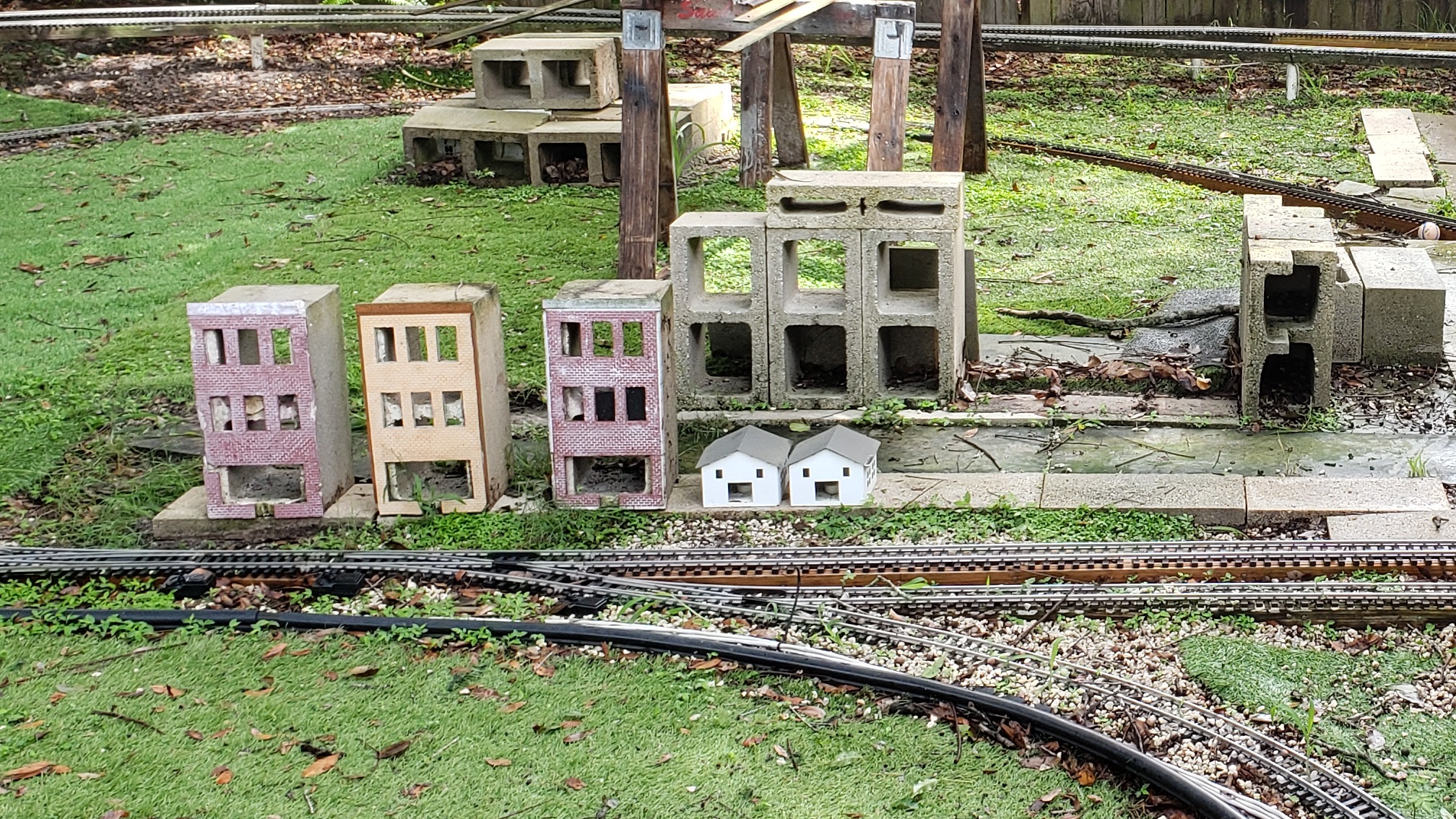
Before we dive right in there’s some history we need to cover. It may seem like the long way around, but some backstory helps describe the problems looking for solutions, and the journey to find them. This all started long ago when we decided to use the concrete patch casting method for the walls of our Downtown Marketplace buildings.
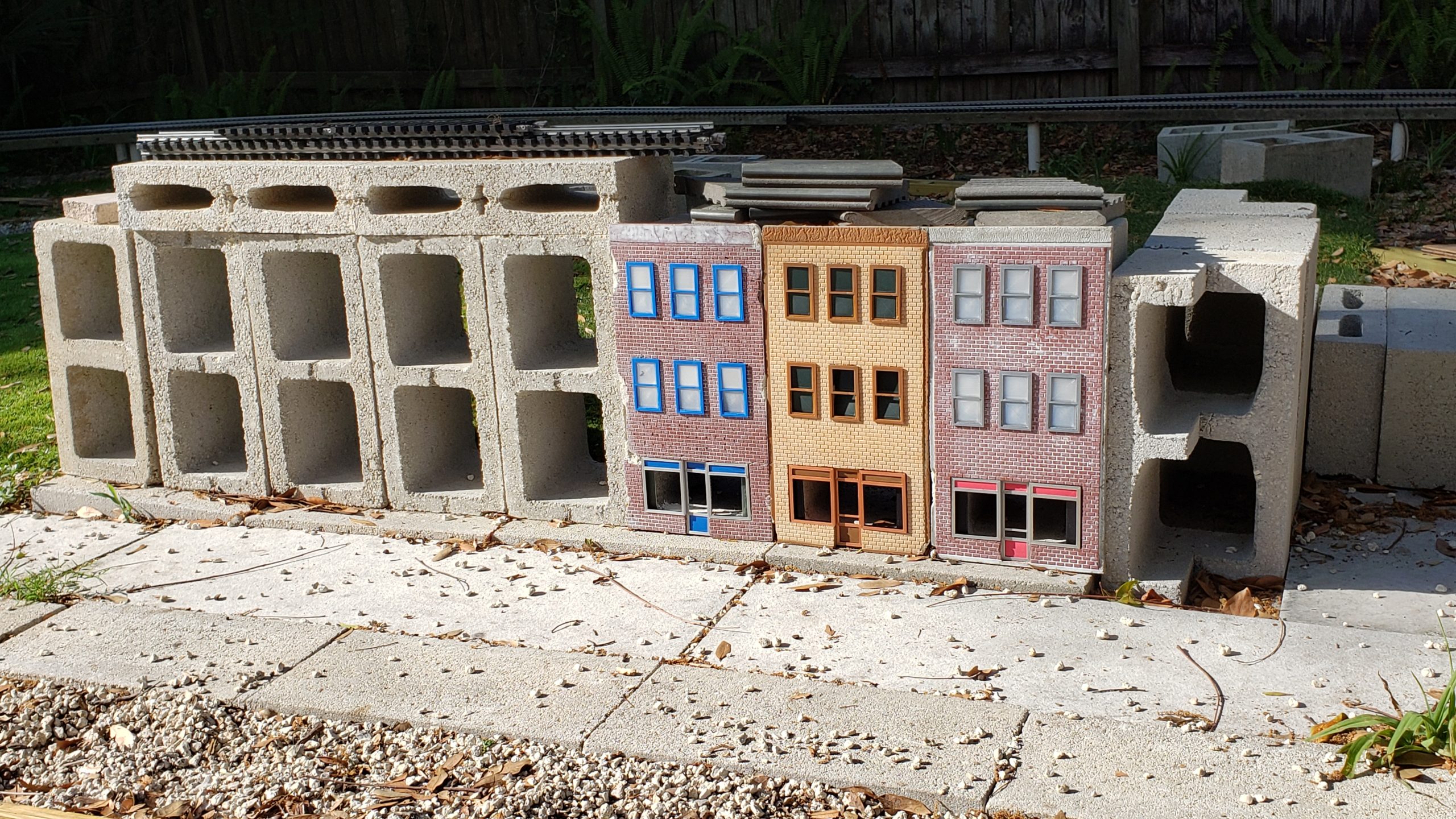
We were off to a good start, learning from the mistakes of the first casting, and made two more. Painted, weathered, and detailed with 3D printed windows, doors, and display cases, they were impressive. We used mortar to attach them to concrete blocks for added strength against the Barkyard’s marauding German Shepherd population. Then other priorities stole us away.
I wanted to give proper credit where it’s due, but I’m sad to say the original site (rrstoneworks.com) I used as a reference for this technique is no longer online. They sold plastic pattern sheets and actually sliced real stones into what they called “Stone Sticks”. I have two boxes of them, with no way to get anymore of them. Need to check the “Wayback Machine” for anything useful…
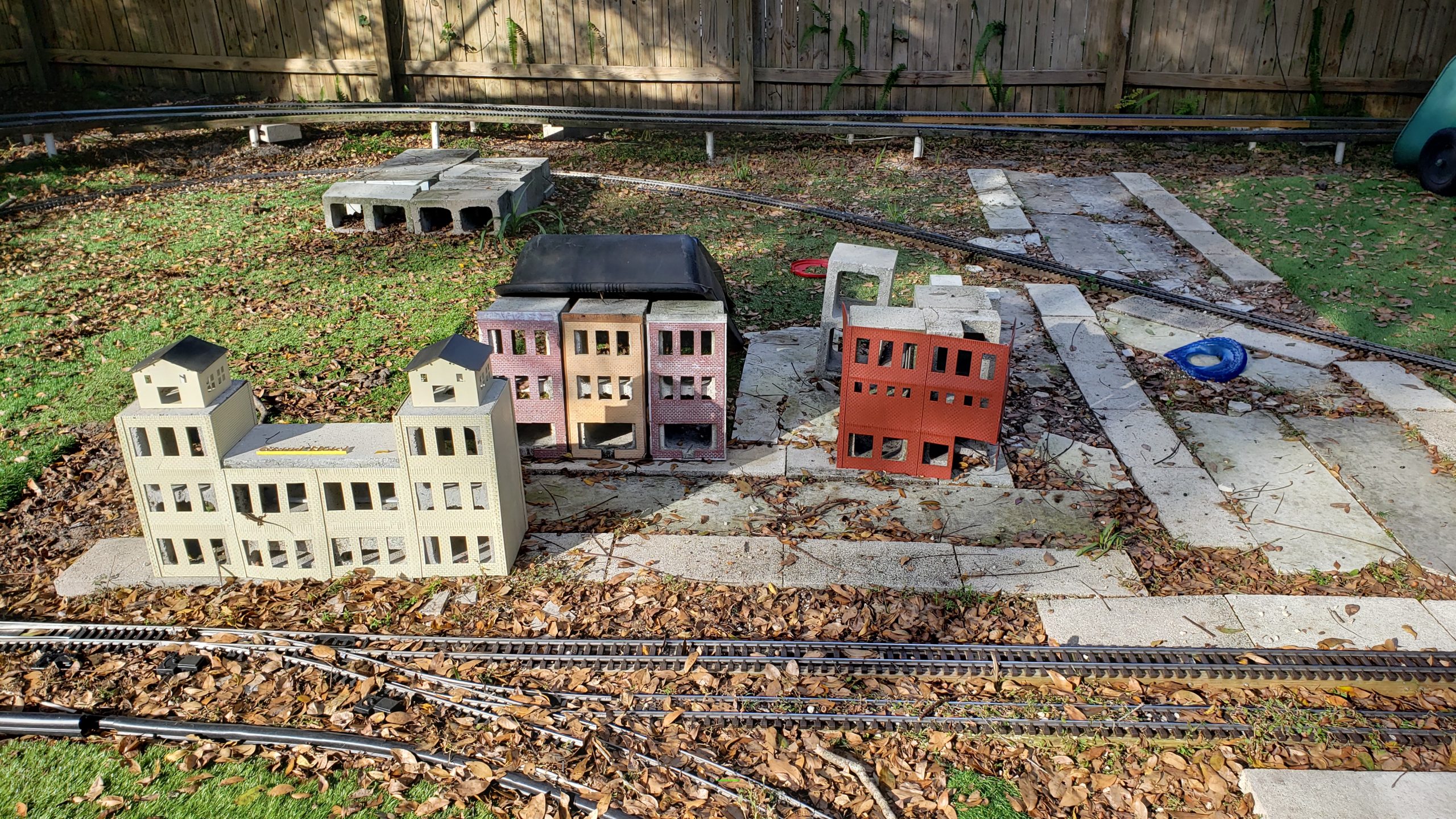
It didn’t take long to realize the 3D printed PLA parts weren’t up to the task. The final nail in the coffin was the grand experiment, the Grand Hotel, also 3D printed from PLA. It lasted only days before it warped, got brittle, and fell apart. Another failure. The only thing durable enough to last over the years were castings. We detailed what it took to make that happen in this old post.
Fresh Downtown Marketplace Storefront Apartment Buildings With PLA DetailsThe Grand Experiment - The Grand Hotel And Corner Drugstore - Failed Within DaysThe Remains Of The Downtown Marketplace Long After The PLA Details Failed
A Bit Of History
Fast forward a bit to casting retaining walls for the track to climb the grade it makes along the back fence and around the corners. We’ve already moved a LOT of dirt to create the embankments with the proper slope that sits beneath the tracks to support the retaining walls, pretty much following prototypical practice.
Struggling with designing casting molds for weeks, then months, the final version is still lacking years later. It lacks a definitive means of supporting the walls and connecting them together in a rugged fashion. It lacks a mechanism for adding on new segments to previously placed ones. Most bothersome is the lack of detail in the large, cut stone blocks that make up the wall.
The idea was to pour concrete into forms that would capture the castings and hold them in place while the concrete hardened then remove the forms. The design progressed about this far, printing mockups, and assembling them to help visualize what we’d encounter when doing this for real with mixed concrete ready to pour, detailed in this post. It was overwhelming. The design was tabled.
Casting Mockups For Walls Including Culverts And CapstonesCasting Mockups For "Curved" Wall Sections Testing For Interference With Older Cars Casting Mockups For "Curved" Wall Sections Testing For Interference With Modern CarsCasting Mockups For "Curved" Wall Sections Demonstrating Interference With Modern Car
More Backstory
Fast forward a bit more to casting concrete roadbed bricks. Another learning process. Another shelved approach. The original approach was to form and pour in place, then “screed” the ballast profile into the wet concrete, like those concrete curbing machines do. That proved to be a lost cause, perhaps because the mix wasn’t wet enough, perhaps because I’m a novice and not a Mason.
The next iteration was to create a long mold to cast individual “bricks” from the concrete. Screeding the top flat was much easier than trying to form a profile shape, but setting up the mold with all the pieces in place then cleaning up the mold afterward was tedious and time consuming. The mess of pouring concrete and the strenuous effort of mixing it adds up to more effort than reward.
Another drawback to any sort of casting is the amount of time involved, beyond the preparation and effort. It’s a series of “hurry up and wait” events that have to occur within a fairly strict timeframe. Once mixed, the pour has to occur quickly afterward. Then wait at least a day but not much more than that before removing the green castings from the molds. Time to find another way.
First Cut At Concrete Roadbed - Cast In Place FormsFirst Cut At Concrete Roadbed - Ugly Casting With Terrible Detail Next Generation 3D Printed Individual "Brick" Molds Cast As Continuous PourNext Generation 3D Printed Individual "Brick" Molds Cast As Continuous Pour Next Generation "Brick" Molds Broken Out Brick By BrickNext Generation Roadbed "Bricks" Ready To Lay
New Solutions To Old Problems
Previously I had designed and printed insulated sections for the SplitJaw™ clamps on the diverging routes of the wye. It quickly became apparent that PLA is no match for the Florida heat! Essentially the plastic slowly deformed until it simply gave out and the joints popped open with all the stress those curved legs of the wye were under. Another found out the hard way item.
Even PETG struggles with the heat. Nick was having similar issues with 3D printed parts for his “under hood” automotive applications, but he found a solution, High Temperature PLA (HT-PLA). He printed a set of coil mounts with it to test how well it stands up to the high temperatures in the engine compartment. The parts need “annealed” first though to give them their heat resistance.
As a test, he annealed one mount but not the other, then installed them on the engine. One melted. One did not. Needless to say annealed HT-PLA passed the test. He swapped out the melted one with another annealed one and they’re still going strong. I bought a roll of black HT-PLA filament a while back to see if this recent innovation will fit the bill for our needs too.
Bench Clutter Intensifies As More Stuff Moved From The Other House ArrivesMaking Progress But But Casting Bench Clutter Remains
New Opportunities For Old Projects
The bench space issue in the garage has delayed further casting, waiting for the bench to be cleared off, literally for years now. The reason for castings is twofold. First is durability when faced with constant pounding from three German Shepherds. The second is resistance to the brutal Florida heat and environmental challenges in general. Concrete holds up better than wood or PLA.
PLA lasts only days before warping. We found out the hard way with the Grand Hotel “skin”. We need a quick way to test this HT-PLA in the baking hot Florida sun. The quickest way there is to print something we’ve already designed, like one of those brick walls from the Downtown Marketplace stores. But instead of manually editing it to make it thicker, it’s time to try out OpenSCAD.
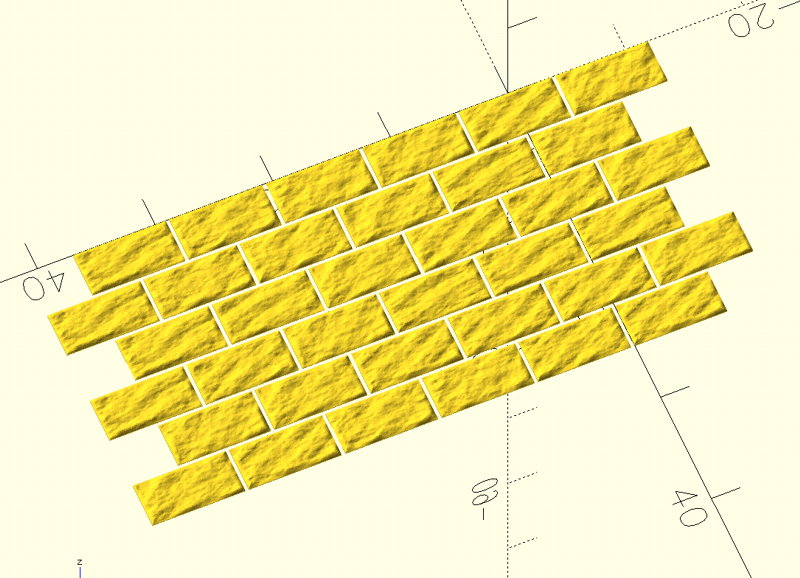
What better test for something that’s an exhaustively “manual intervention required” task than laying out a brick pattern? In a little over an hour the OpenSCAD model is rendered, exported as STL, and printing! While that’s printing, it’s time to learn even more about OpenSCAD and make the hard coded preliminary model more parametric.
Parameters like how tall and wide is the wall? How many windows? What scale? Brick dimension? Adding those features took a little more than a day to resolve, but now it’s totally configurable and can even create Downtown Marketplace storefronts! Just flip the switches and change the values and render another model, then export the STL and print!
Original OpenSCAD Brick Wall Approach With Code SnippetRevised OpenSCAD Brick Wall Design With Header, Column, And Mounting HolesTesting HT-PLA Brick Walls Under The Florida Sun
Test Time
Before going any further with the grand experiment of HT-PLA, we need to test whether it will perform as required. I expect it to perform as well as it did for Nick. The first brick walls were printed using red HT-PLA. They were then annealed at 100°C (212°F) for 30 minutes as recommended by PolyMaker, the filament manufacturer, and allowed to cool back down slowly in the oven.
Glad I saved the “Easy Bake” toaster oven from the scrap heap. The only thing wrong with it is the broken handle, quite the nuisance when dealing with that hot glass door. It still works fine though. And it’s old school! Everything’s set using dials, including one of those timers that winds up and slowly ticks away, counting down to DING! It’s done. No modern computer crap to fail.
Once annealed, I set the walls out in the sun all afternoon, standing against the half high concrete blocks, where they can bend at about the halfway point under their own weight if they’re going to. Thinking the oven was plugged in when it wasn’t, the first brick panel didn’t get annealed, creating a side by side comparison test similar to Nick’s. That panel warped slightly into a convex shape.
But the rest of them passed the test with flying colors! WOOT! They’re only ⅛” (~3mm) thick and no deflection whatsoever! No warping. No distortion. No discernable changes at all. Nothing. Absolutely amazing! I tried re-annealing the warped one using a weight to try to flatten it back out, but it just warped into a concave shape this time. Oh well, at least now we know what to expect.
New Belt Grinder (Top Left) And Old "Easy Bake" Annealing Oven (Bottom Right)
Riding The Wave Of Success
It’s the convergence of multiple successes coupled with a potential solution to the heat resistance problem that prompts pulling the cut stone retaining wall design out of mothballs. A quick search online reveals a post on the Model Railroad Hobbyist forum by Glenn Butcher about his solution to the exact thing I’m looking to accomplish! What are the odds?
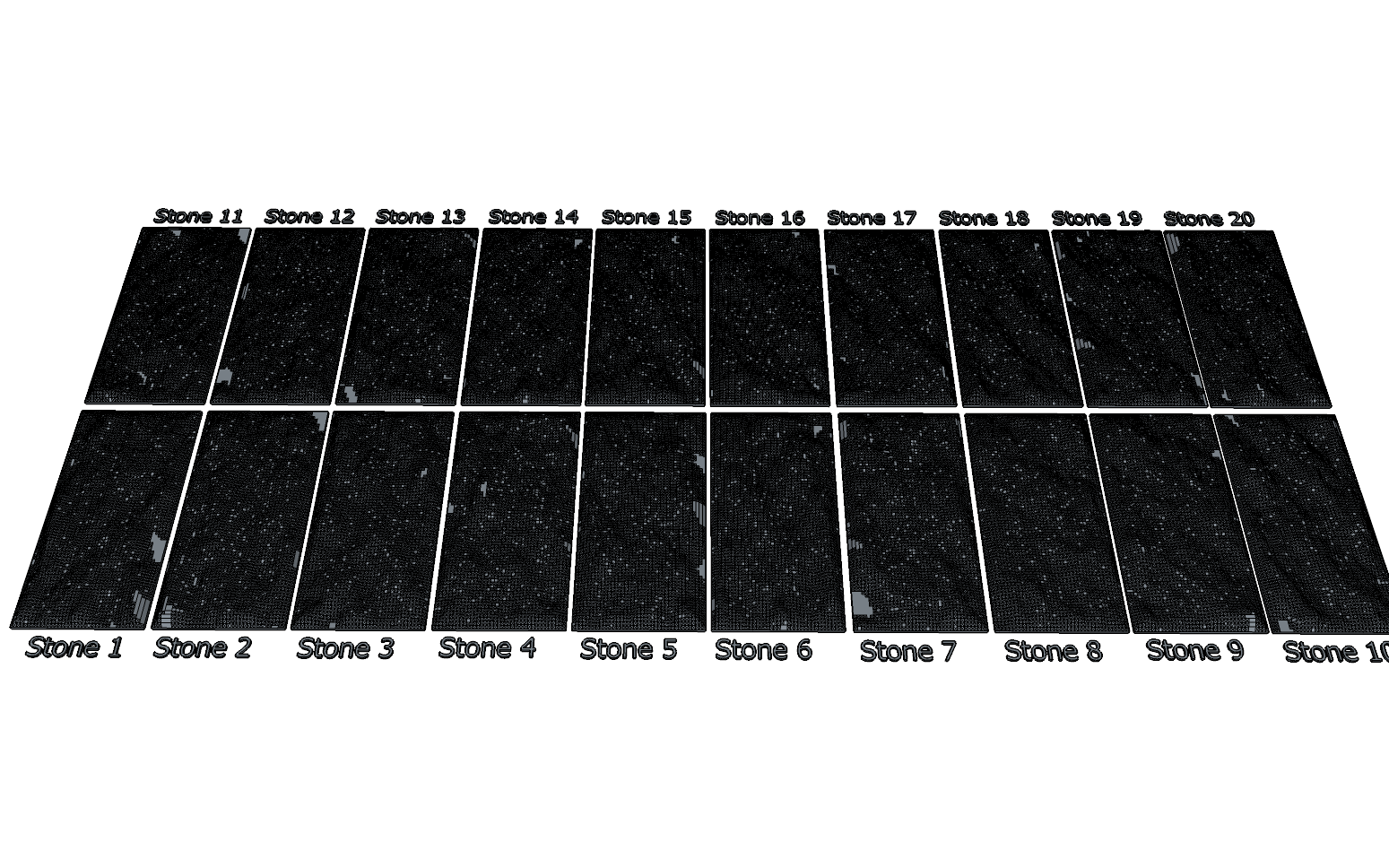
At first glance it’s way too overcomplicated as a quick solution, but then I see that Glenn has already created 20 textured stone STL files, and in OpenSCAD no less!. Now that’s the ticket! Without getting way too technical, he generated “height maps” to use as the textures using a technique the makers of Star Wars used to generate realistic, computer generated terrain.
In fact, the approach is captured in a publicly available library, libnoise, that anyone can use in their own programs. That’s exactly what Glenn did then shared his work, noisetool, online. Sounds good, right? The drawback is those height map files for OpenSCAD are tens of thousands of lines long. Each. Now put 20 of them in one program! Good luck scrolling through something that big!
Glenn's OpenSCAD StonesGlenn's Reason For Making Stone Walls
Making It Work
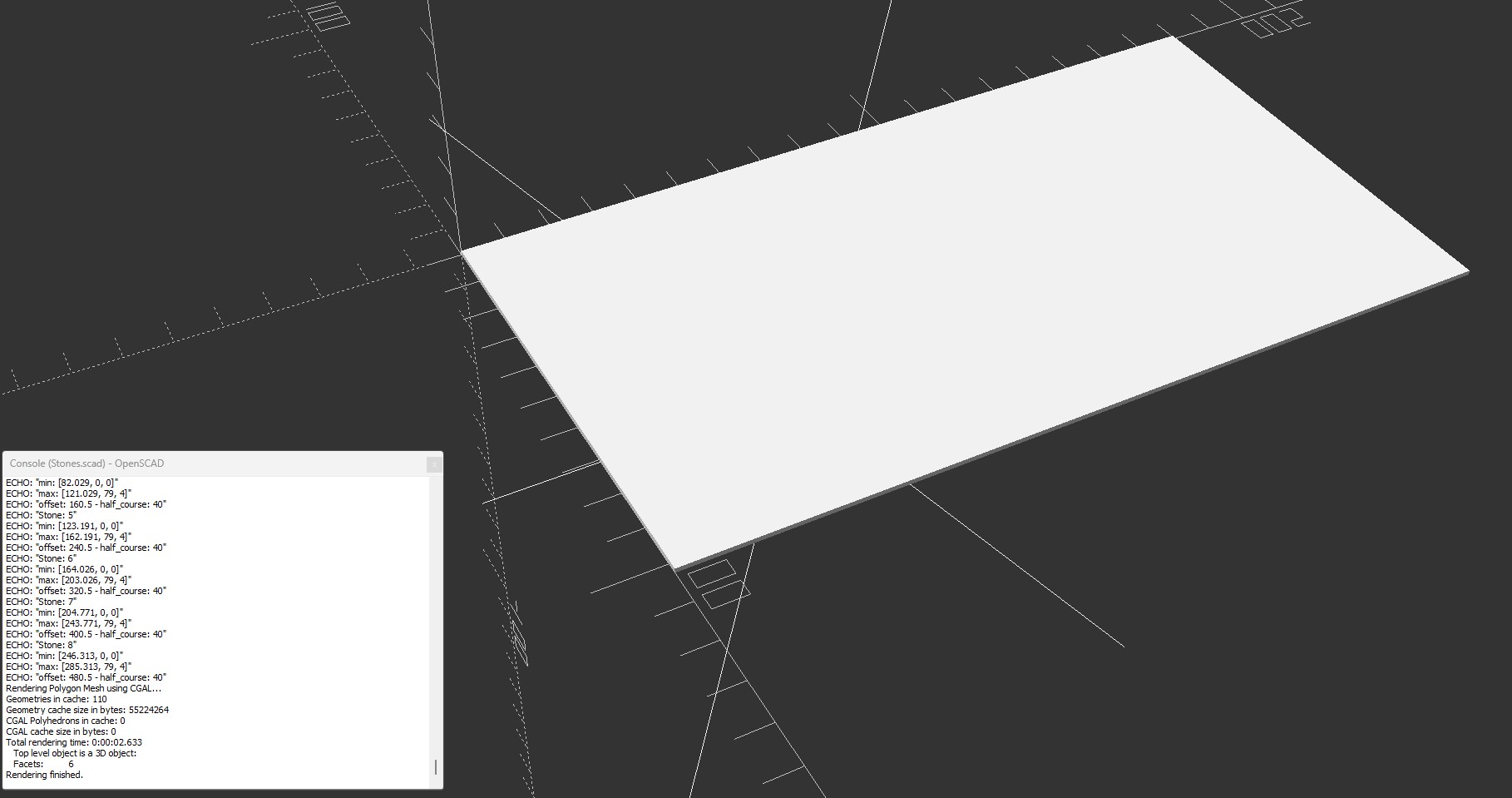
I know, engineers, right? I thought I over-engineered things, but Glenn takes it to a whole new level. That’s a good thing! Each of these textures is meant as a 3″ x 6″ HO scale wall, but our cut stone blocks are ½”x1″, a 6:1 scaling factor. If we want one out of six in two directions, 6 x 6 = 36, and we only want one of them. We could throw out 35 of 36 values and still have plenty of detail.
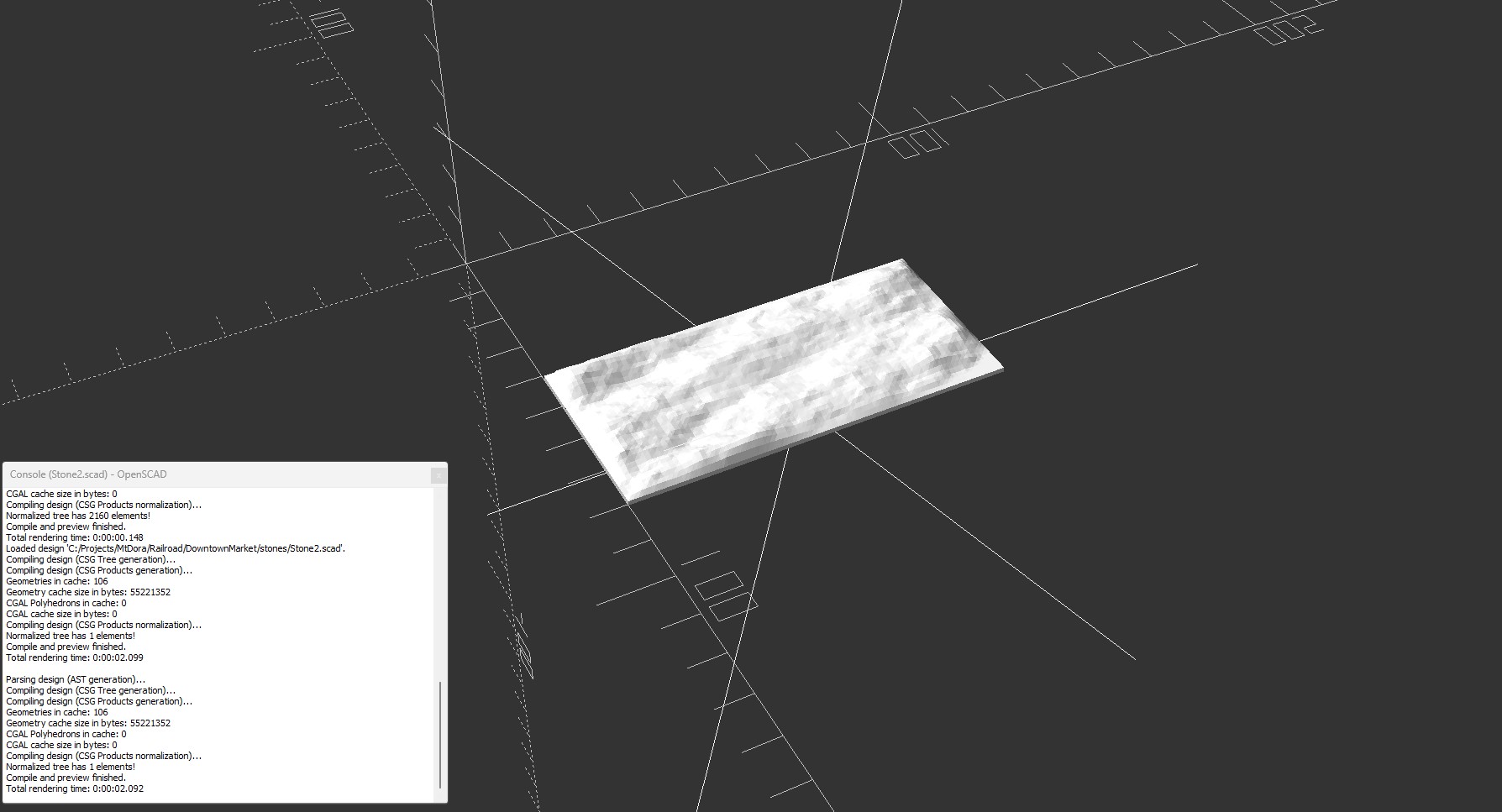
In an attempt to work around pasting all those huge files into OpenSCAD and simply import a series of 20 files that captured each of those height maps as solid models I used an online tool that converts STL to OpenSCAD files to be able to import those 20 STL files as modules I could include in OpenSCAD and then arrange them programmatically.
I get it all working up until I try to actually render it to export the STL and get a “Thrown Together” error for every stone! Not sure what that means or how to fix it. A quick search says I should try a development version newer than the 2021 release version. I don’t have the time to throw at getting a development version of the program working. This was supposed to be a quick win.
Individual Render Of Glenn's Stone2Design View Using All 20 Of Glenn's StonesRender View Using All 20 Of Glenn's Stones - Where Did They Go?
Next!
Well that was a LOT of wasted time for absolutely no reward! Time to get it working in SketchUp. I imported the series of 20 STL files that captured each of those height maps, one at a time, into FreeCAD. Once there, I created a mesh from the STL, optimized the mesh, and then created a solid from the optimized mesh and exported them as .dae design file models SketchUp understands.
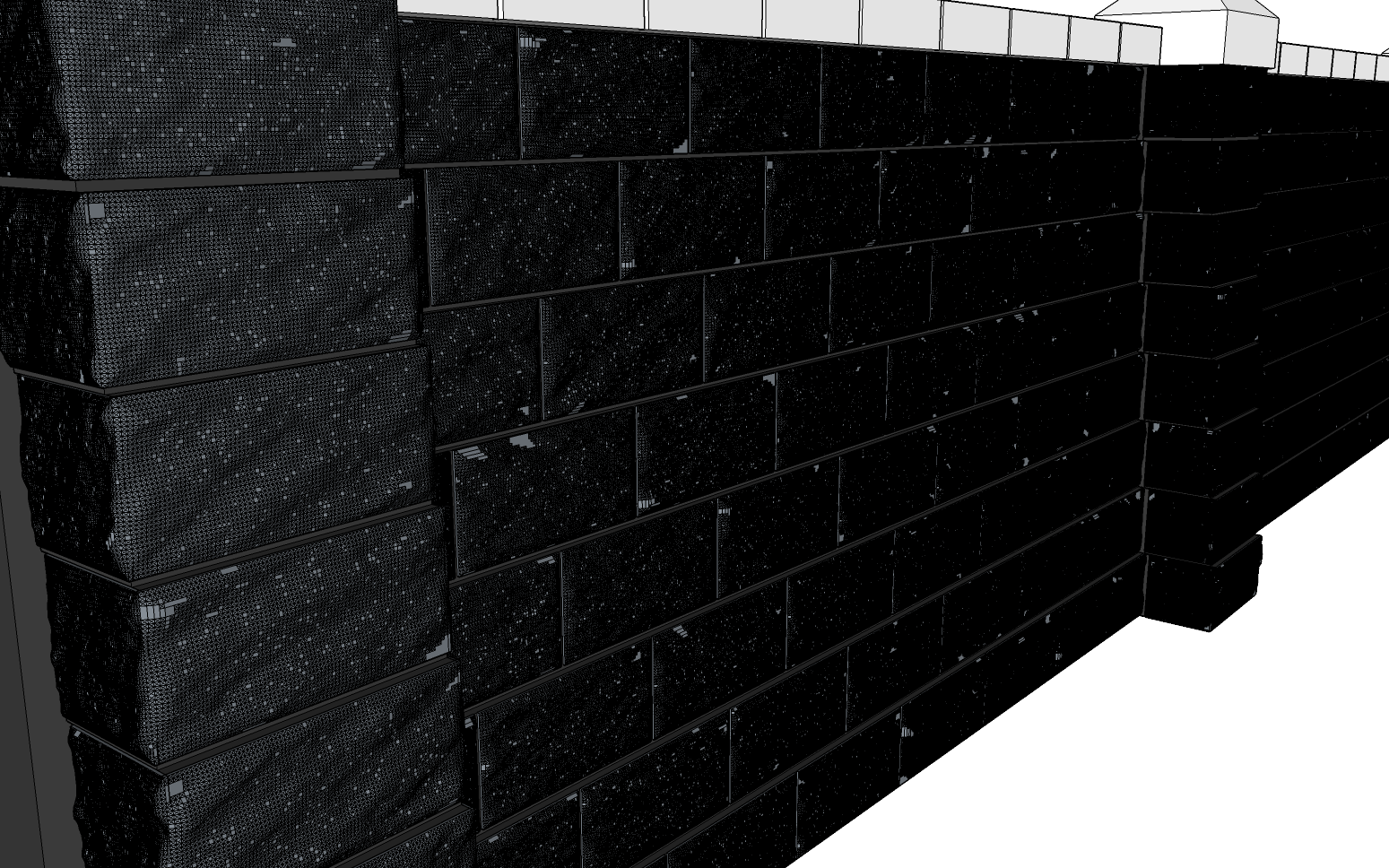
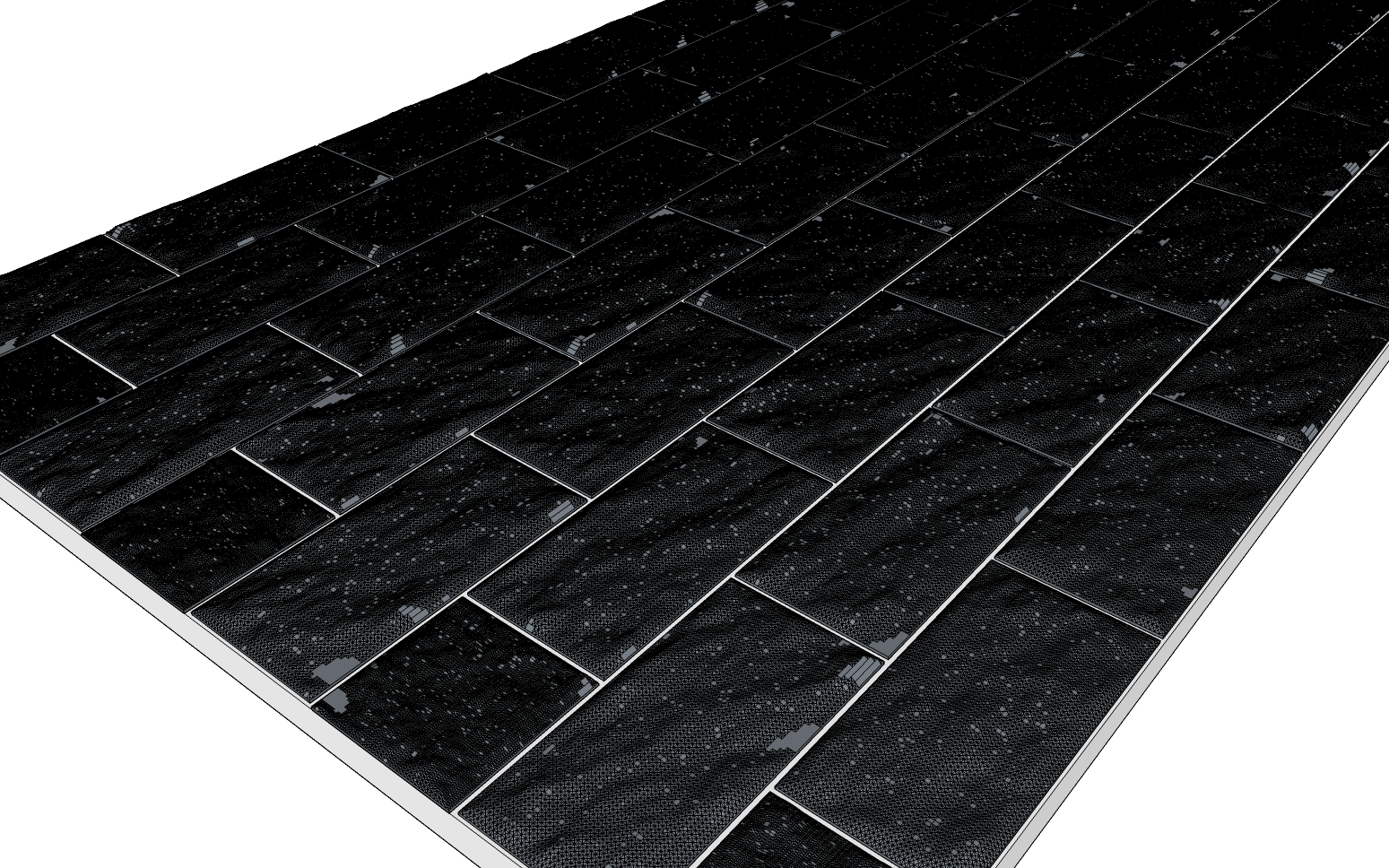
Alright, I promised I wouldn’t get too technical, but it’s worth noting how I created the models. Rather than write a program to sift through all that data and throw out what we don’t need, I just pulled the solid models exported from FreeCAD into SketchUp. From there they’re scaled and the stones manually arranged into our familiar 4″ x 7″ retaining wall segments.
Next HT-PLA test, black cut stone retaining walls. If anything doesn’t stand up to baking in the hot Florida sun, it’s black anything. Anyone who has a black car interior knows how scalding hot those surfaces get after baking in the sun all day. Can’t even touch the steering wheel for minutes, even after the A/C is blowing cold on it, and even then you wish you had gloves.
Laying Out And Resizing The 20 Cut Stone TexturesResized Stones Laid Out In 4"x7" Flat ArrangementRendering Of Realistic Cut Stone Retaining Wall
Adding Realism
It takes some time to get all those stone models imported and resized to fit our existing retaining wall dimensions. It’s soon apparent there’s WAY TOO MUCH DETAIL! What used to be snappy response times are now so sluggish I’m wondering if I actually pressed the key or clicked the mouse. In any case, I lay out a pattern of blank, mock stones then replace them with the imported ones.
One by one I substitute the textured stones until I’ve used all 20 of them, the first three courses out of eight. The next three courses I start at the beginning again, but flip them along their green (Y) axis, from left to right, effectively making them a mirror image of the originals. The last two courses use a similar approach, except this time flip along the red (X) axis, mirrored from top to bottom.
That leaves the “half” blocks at the end of the staggered courses. I chose a handful of stones that look the flattest, with the least amount of detail, because sizing them to half their length will stack twice as much detail in the same amount of space. It works out well and the mock half blocks are replaced with the actual stone models in a similar fashion to the full blocks.
There! Now we have a “flat” wall with realistically textured cut stone blocks that we can test with. Well, once the STL is exported, sliced and 3D printed we do. First it goes into the Easy Bake oven to anneal. Then it’s punished by the Florida furnace. Fingers crossed this will hold up to the heat. The flat wall passes with flying colors! It sat out all day, then overnight, and again all the next day.
Testing Cut Stone HT-PLA Brick Walls Under The Florida Sun
Testing While Adding More Realism
Meanwhile I’m working on making the flat wall sloped to match prototypical construction. When I say “flat” I mean the blocks are stacked directly on top of the course below, with no lean either way. The prototype calls for an inward lean to account for the increasing forces exerted by more and more dirt the deeper down it goes. The sloped profile is more realistic than the original flat version.
Each new iteration of the evolving design gets printed and added as a new test subject. All the black test subjects have been baking in the sun all week with no discernable changes. Absolutely awesome! That means using the HT-PLA for tie strips is a possibility too! Time to try printing the switch ties for our new curved switch with it.
Another practical use is rebuilding the Downtown marketplace using HT-PLA instead of castings. It may not save much time over castings, each 5″x8″ wall segment takes hours to print, but it’s far less messy! And it certainly doesn’t take as much prep and cleanup time as casting. But we’ll save all that for another post.
Discarded Prototype "Hall Of Shame"
Some Caveats
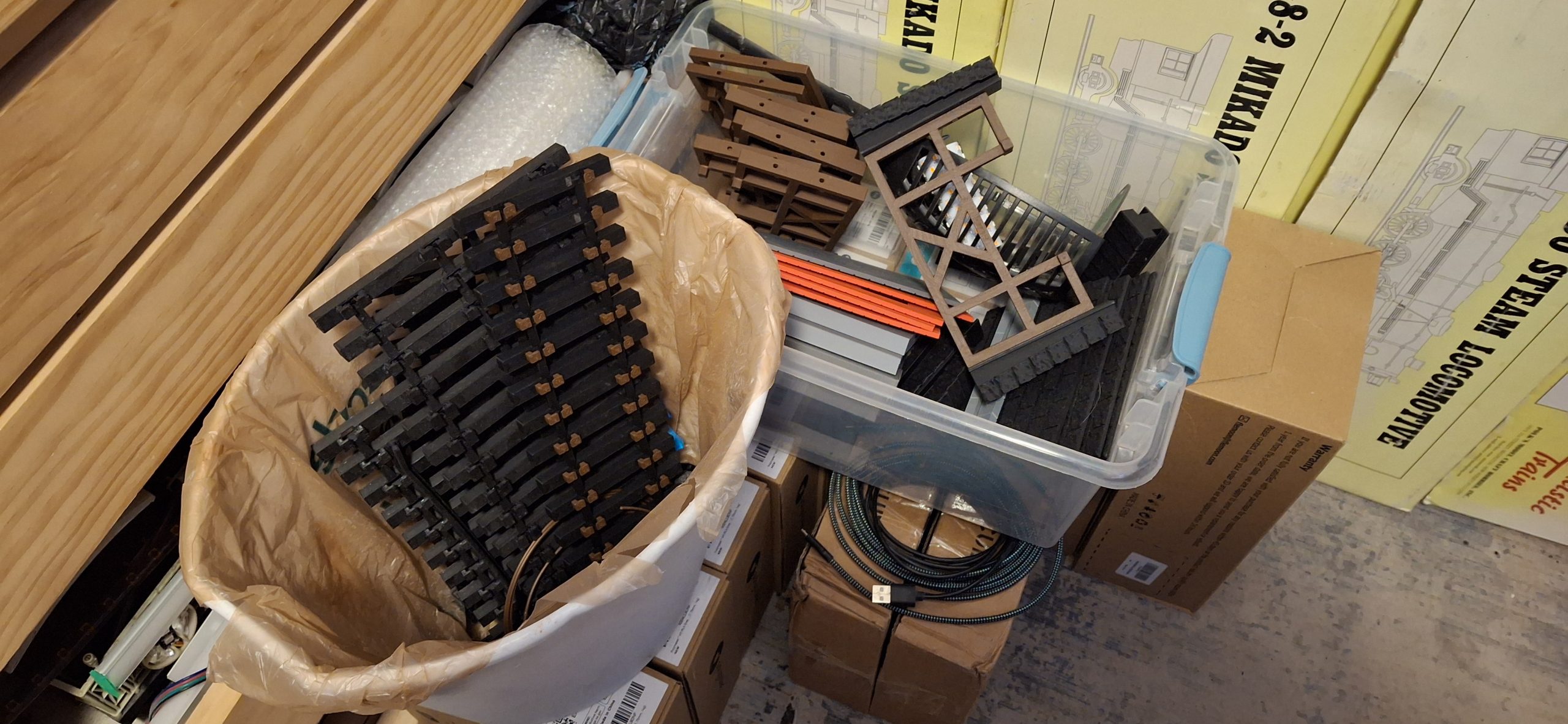
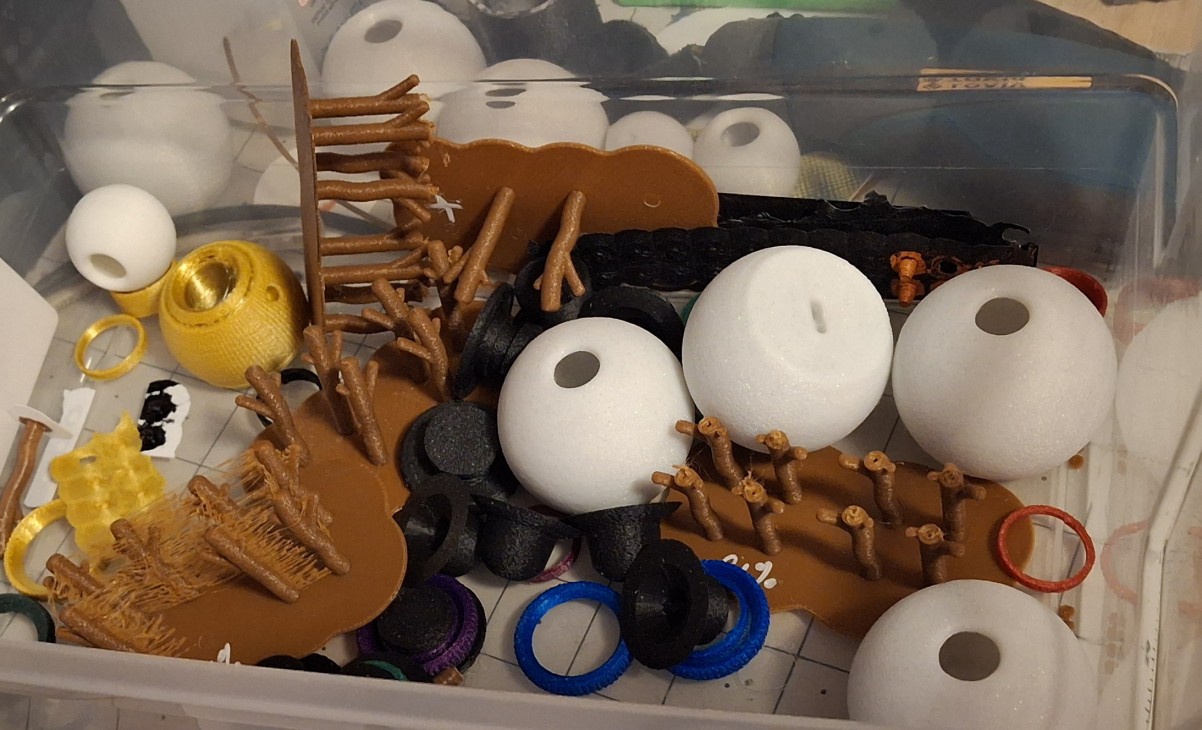
There’s something to be said for getting it right the first time. Something that seldom happens. I have a bin full of useless prototypes that didn’t make the cut. May as well get used to burning through at least a 1kg spool of filament prototyping a design to get to the production version. Or should I say a production version? There’s always that one last tweak to add…
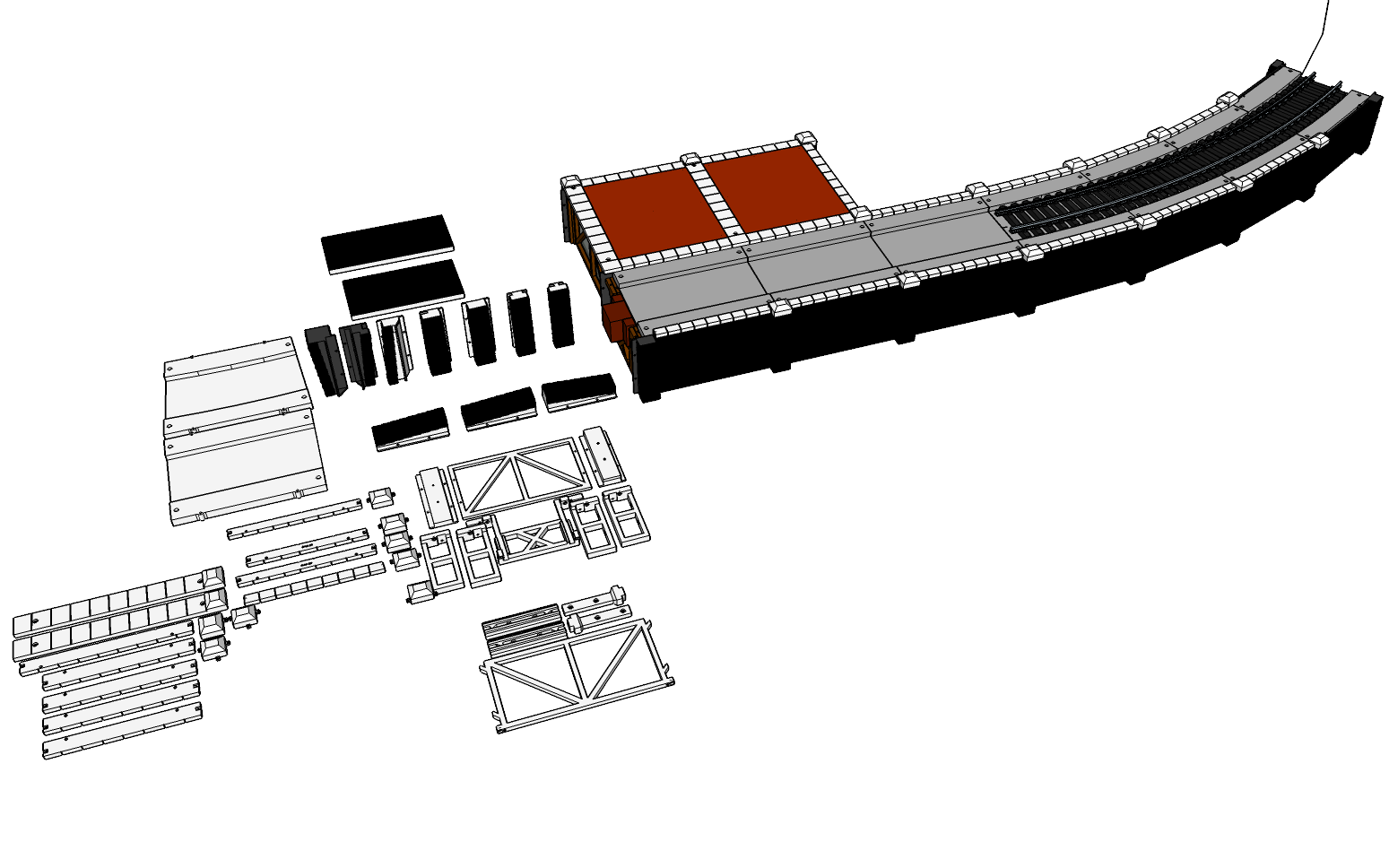
Each part of this design has evolved to suit the requirements of the station siding, and now by extension, the ever evolving station platform. But I’m getting ahead of myself again. The initial design elements are primarily the walls and pillars that join them together, the track deck and capstones, and the underlying frame that ties everything together around the stringers.
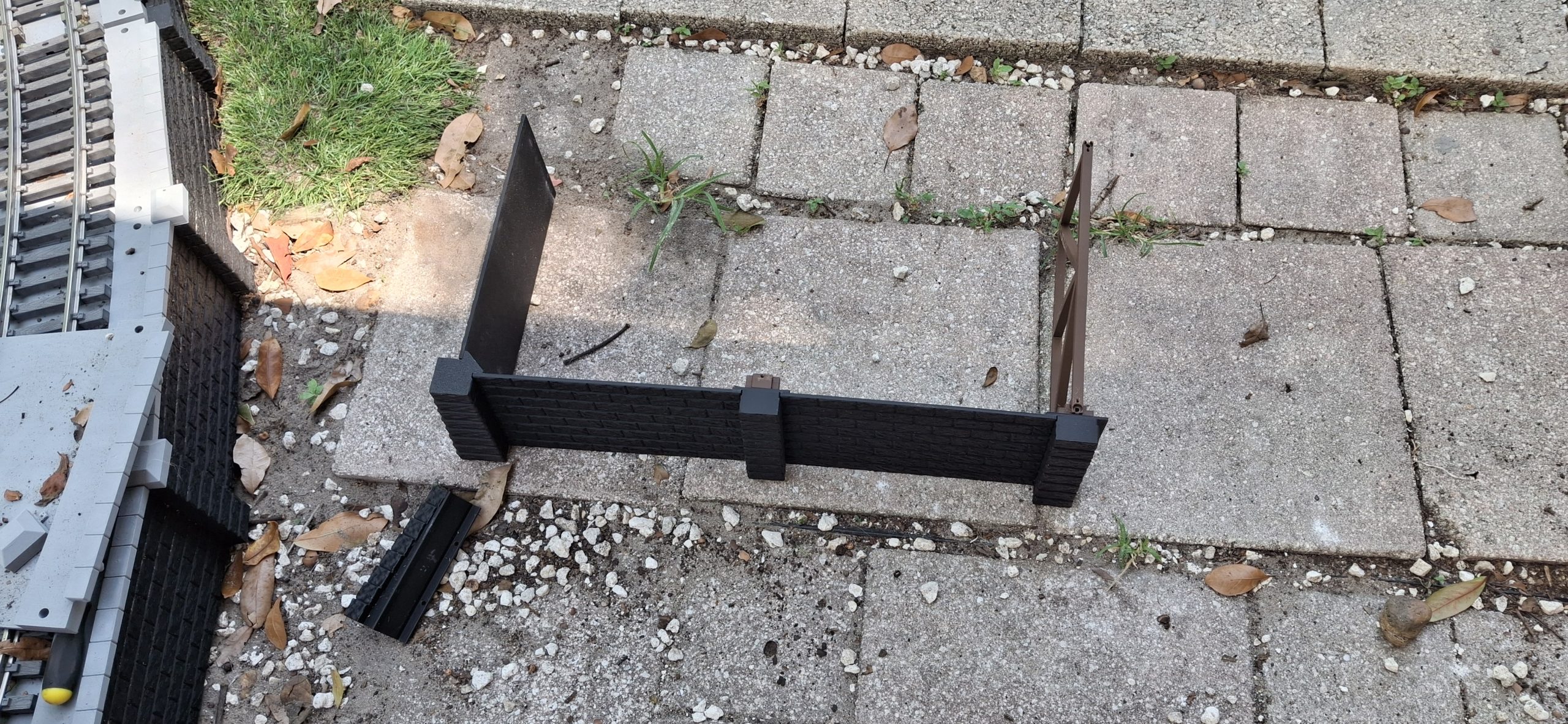
Originally the walls were glued to the pillars. More like solvent welded, similar to using plastic model cement. But it quickly becomes obvious after about four wall panels that a wall 10′ long can’t easily be moved all together all at once without breaking apart. Time to rethink the design. So now everything is modular, held together using M2.5 stainless steel socket head cap screw hardware.
Modular Design
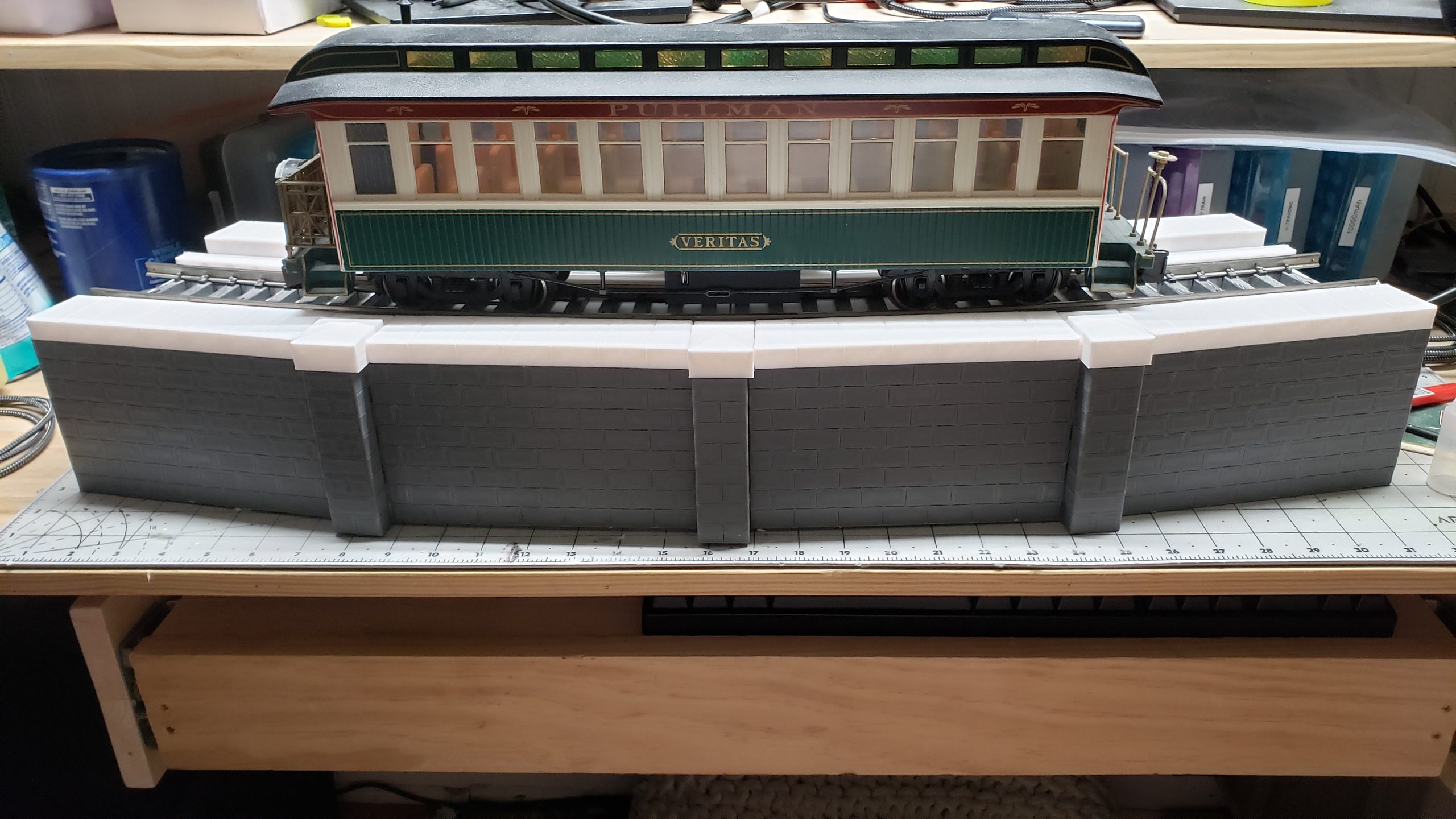
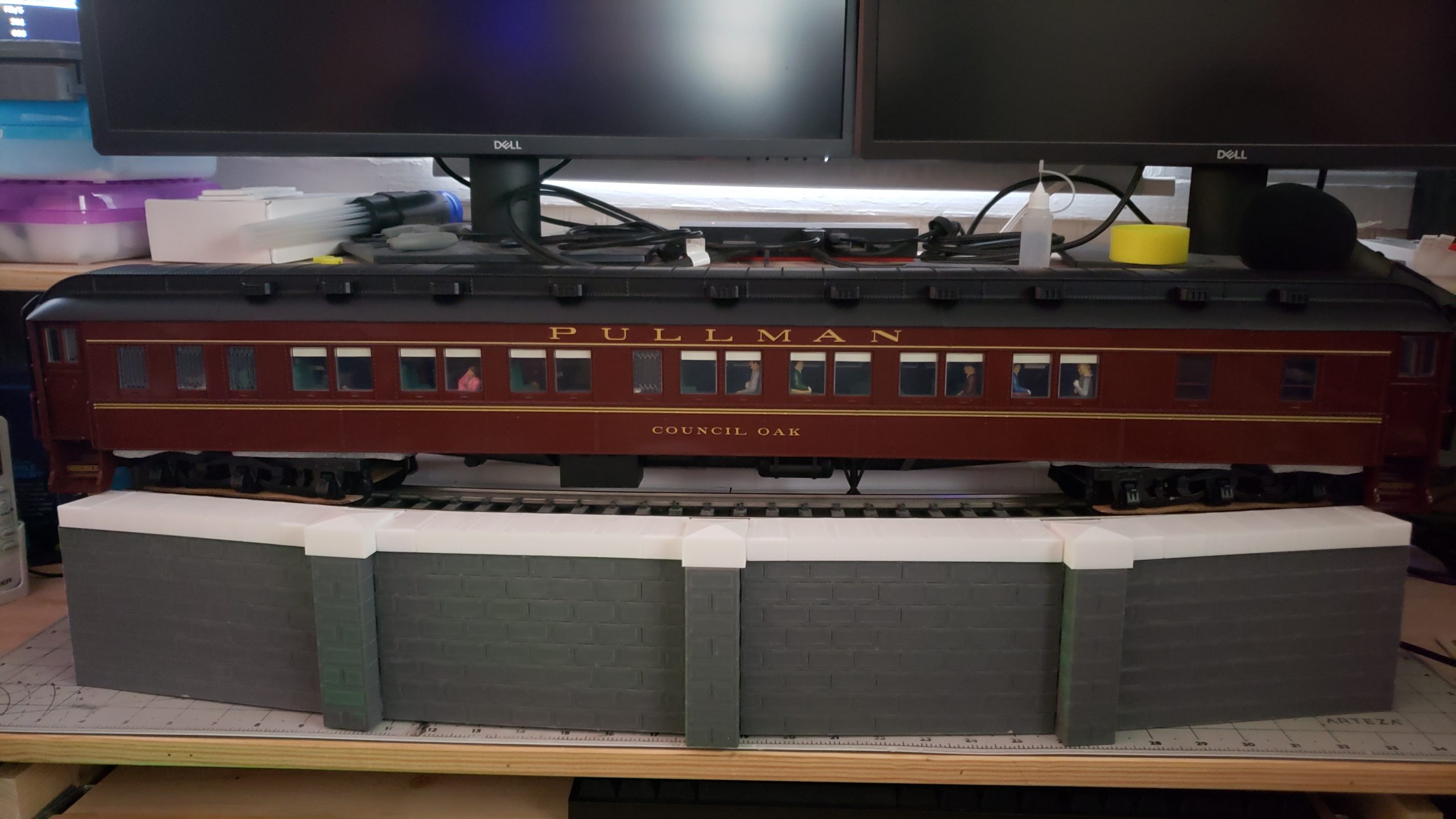
That four wall panel section is still sitting on the office book cases. I just can’t bring myself to throw it away yet. Why four panels? Because that’s the magic number of roughly 8″ (~20cm) sections it takes to make a complete 10′ diameter track section. The pillars are designed to angle each wall panel from the last by 7.5°. Four gives a total of 30°, the extent of a 10′ diameter curved track section.
Two M2.5x6mm screws hold the pillar to each wall panel, a set for each panel on either side of the pillar. The transition to tangent track and remaining walls have another pillar design that has no included angle so the wall panels remain straight and parallel to one another. There is one exception for the inside transition from 10′ diameter, mainly to accommodate track deck mounting.
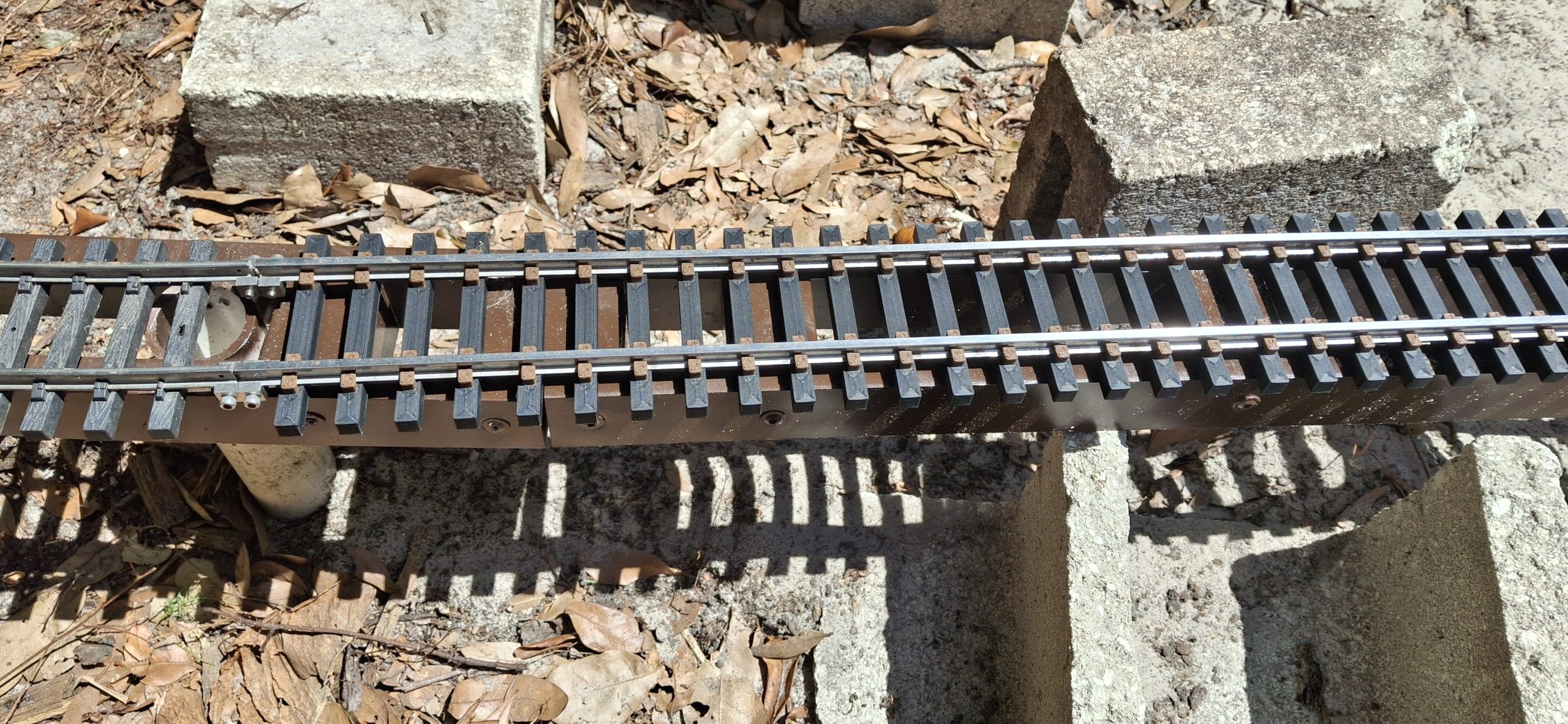
The track used to sit directly on top of the stringers, but now it sits in a “trough” in the track deck, as deep as the ties are tall. The “floor” of the trough the ties sit in is ⅛” (~3mm) thick and now sits directly on top of the stringers. The track is not mounted down to the track deck, but rather left free to “float” in the trough, and the track deck itself mounts to the underlying frame.
Modular Cut Stone Wall And Platform Design ConceptModular Design Details
Keeping Things Where They Belong
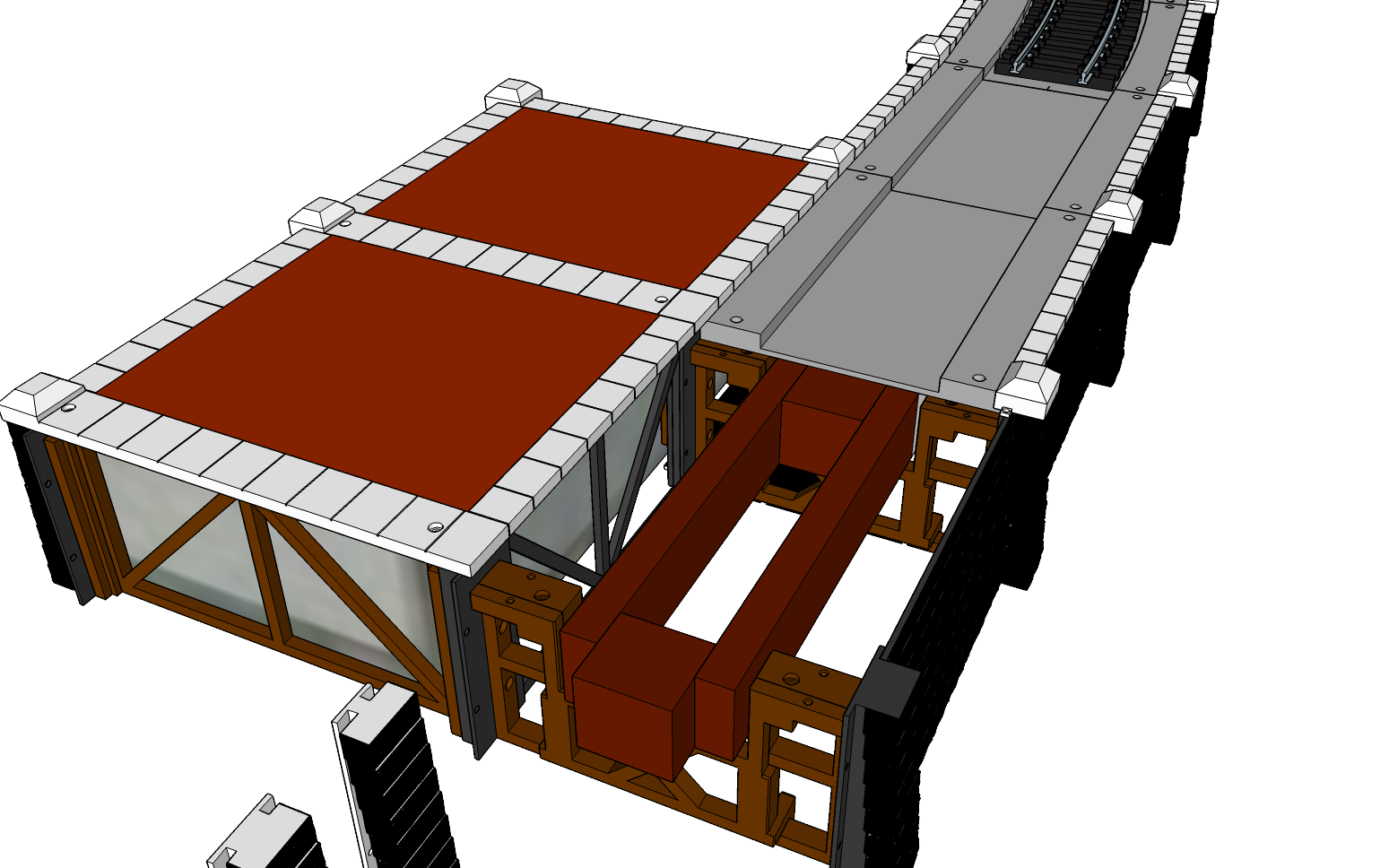
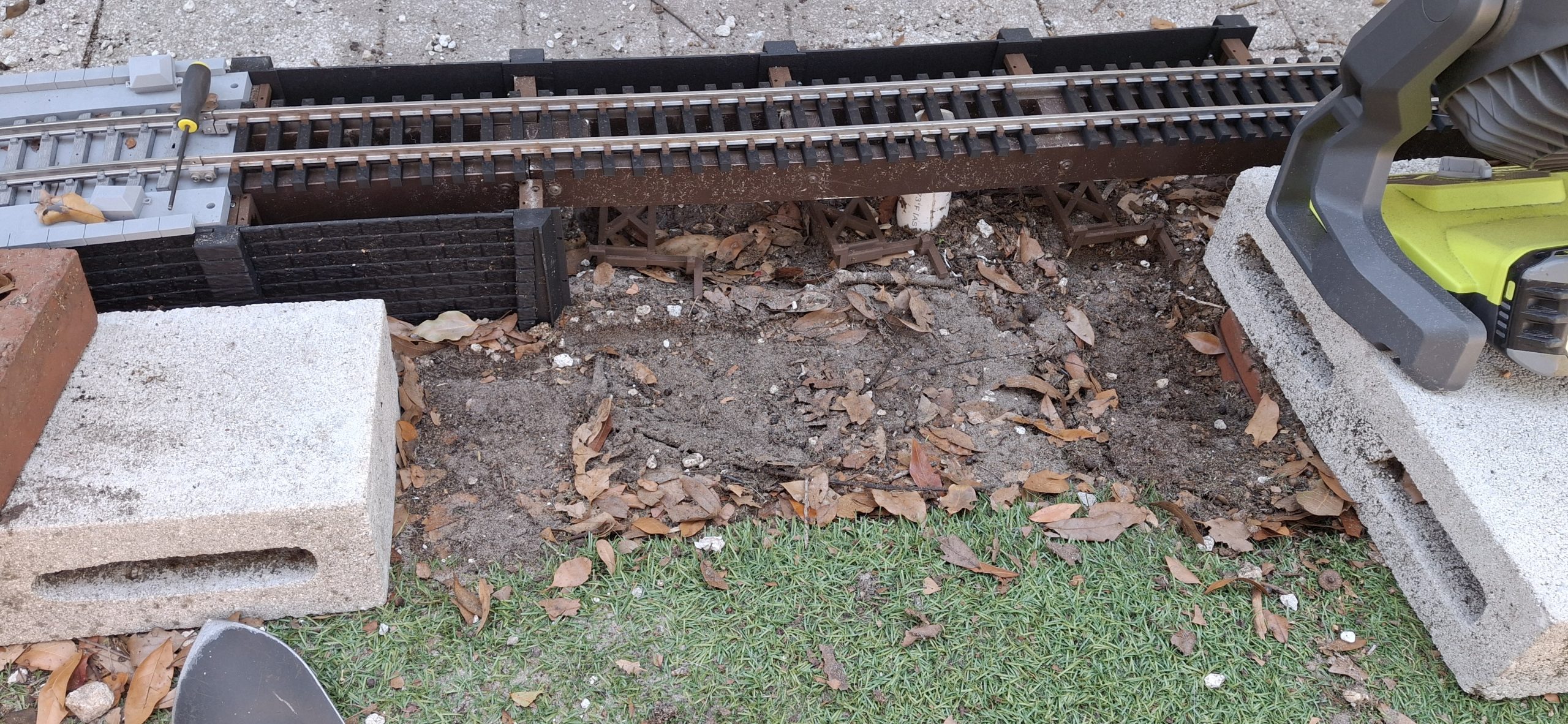
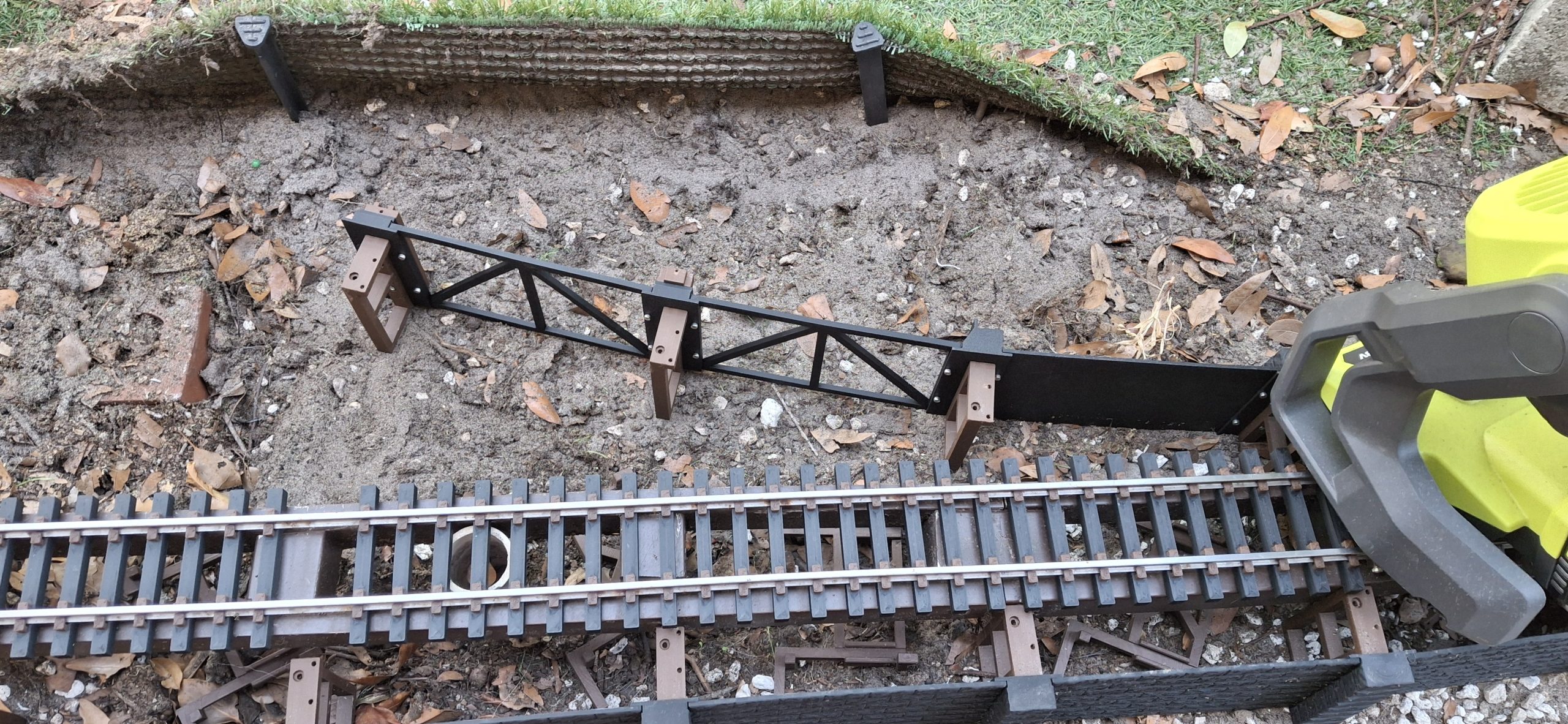
The frame surrounds the stringer, the main reference for track placement, holding things together and where they belong relative to the stringer. The frame is a three piece design. Two tall sections that mount to the back of each opposing wall pillar using two M2.5x8mm screws. The third “Twist Lock” piece pulls the opposing mounts together and locks the assembly around the stringer.
Leaning the twist lock back at an angle allows the set of “hooks” at the bottom to catch and hold just inside those two mounts, then by twisting it up into position, it locks everything together, including the wall pillars. The twist lock section is secured to the mounts using two M2.5x10mm screws from the top, mainly because that’s about the only access left once everything’s assembled.
The track deck itself mounts to the underlying frame using four M2.5x10mm screws, covering and blocking access to those two screws securing the frame pieces together at either end of the deck. The socket heads are recessed into the raised portions of the deck on either side of the track that forms the trough. Eventually they will be concealed by a fence, roof supports, or some other cover.
The capstone strips are secured to the deck from beneath using M2.5x16mm screws. Once the deck is mounted to the frame, they are no longer accessible. The single, larger pillar capstones can be held in place by simply inserting their built in tabs into the slots in the underside of the deck capstones. They can also be secured using button head cap screws, but it generally isn’t necessary.
Preliminary Station Siding Retaining Wall Design Testing"Twist Lock" Clamping Frame Design DetailTrack Deck And Capstone Design Detail
New Challenges
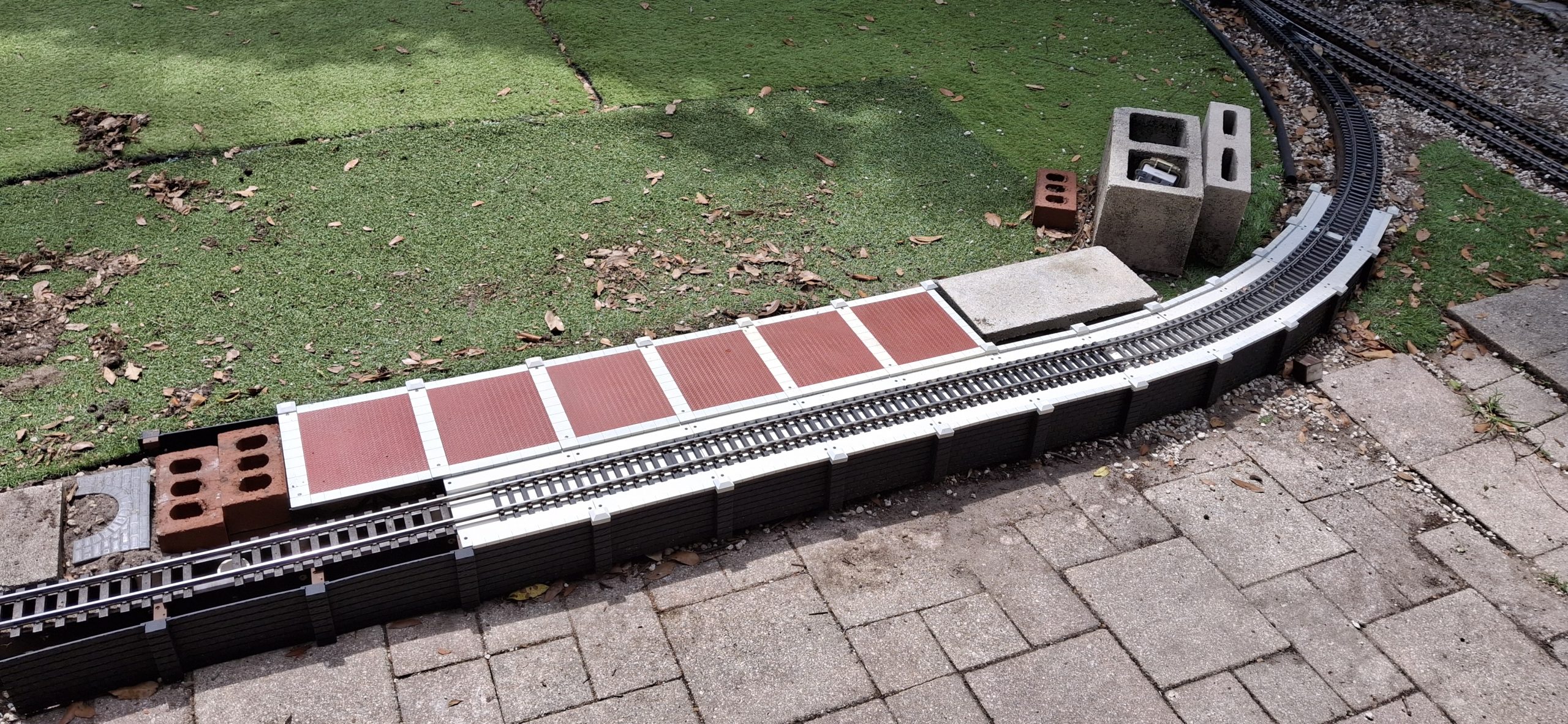
With enough 10′ diameter sections in place to account for the surrounding grade increasing to meet the track level and the kinks in the transition to tangent track hammered out, it’s time to think about the station platform and how to connect it to what we have so far. More specifically, how to incorporate the old station platform 4″x8″x16″ half height concrete blocks into the new design.
The whole sad story about how nothing’s left of the original station platform was left out of the earlier history lesson. The abridged version is there used to be raised bed planters along the entire length of the patio. Those blocks sat between them and the track stringers, with a roof of sorts from the planters above acting as a covered station platform.
The planters were removed long ago, leaving just those blocks along the station siding track. Because the track sits roughly 4″ off the ground, any kind of platform would need a good bit of support or dirt fill beneath to hold up to the constant pounding from the pups. We already have all those blocks just sitting there anyway, so why not incorporate them into the design?
Detail Of "Twist Lock" Frame Surrounding StringerClose Up Detail Of Transition From Approach To Platform WallsClose Up Detail Of Transition From Approach To Platform Framing
Transitioning From Curved To Tangent
Before we can use those half blocks, we have to transition from the curved approach to tangent (straight) that will become the station track alongside the platform. This is the exception for the inside transition described above. The exception it refers to is where the curved track deck meets the tangent track deck.
Originally the thought was to have a transition track deck and transition pillars. Partway into that design it was discovered that not only would it take one transition track deck, it would need two of them and both of them would be different! Basically one to go from 7.5° apart to 3.75° apart, and then from 3.75° to straight and corresponding pillars to match. But that didn’t make sense.
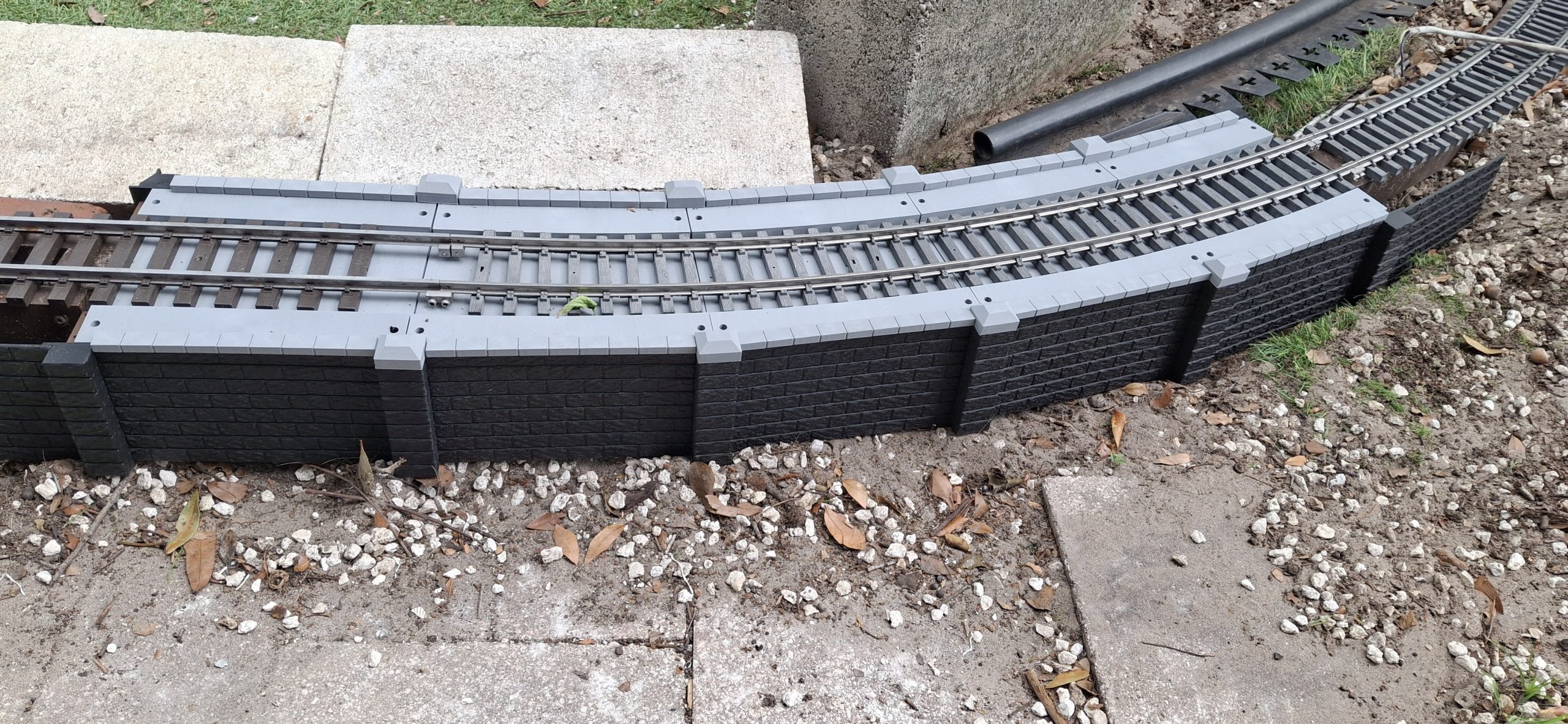
The current design simply reuses the curved and tangent track decks along with a regular 7.5° pillar outside and the new transition pillar inside. The inside transition pillar has a 7.5° angle too, but the stones are offset from the middle of the angle to account for the track deck mounting locations. I feel like I’m waving my hands again, but this gets us from curved to straight using fewer parts.
By shifting the mounting points on the inside transition pillar to accommodate the standard track decks, it eliminates the need for at least three or more additional, specialized parts, only useful in this one situation. Too bad I didn’t think of it before designing a number of those specialized parts first and then having to toss them out after wasting all that effort.
Transition From Curved Approach To Tangent DetailTransition From Approach To Platform Detail
Transitioning To A Platform
So now that we’ve transitioned from curved to straight, before we can use those half blocks, we still have to transition from the current approach track with retaining walls on either side to a platform with a retaining wall on one side and a station track on the other, the station track with its own retaining wall on the other side, continued from that side of the approach track.
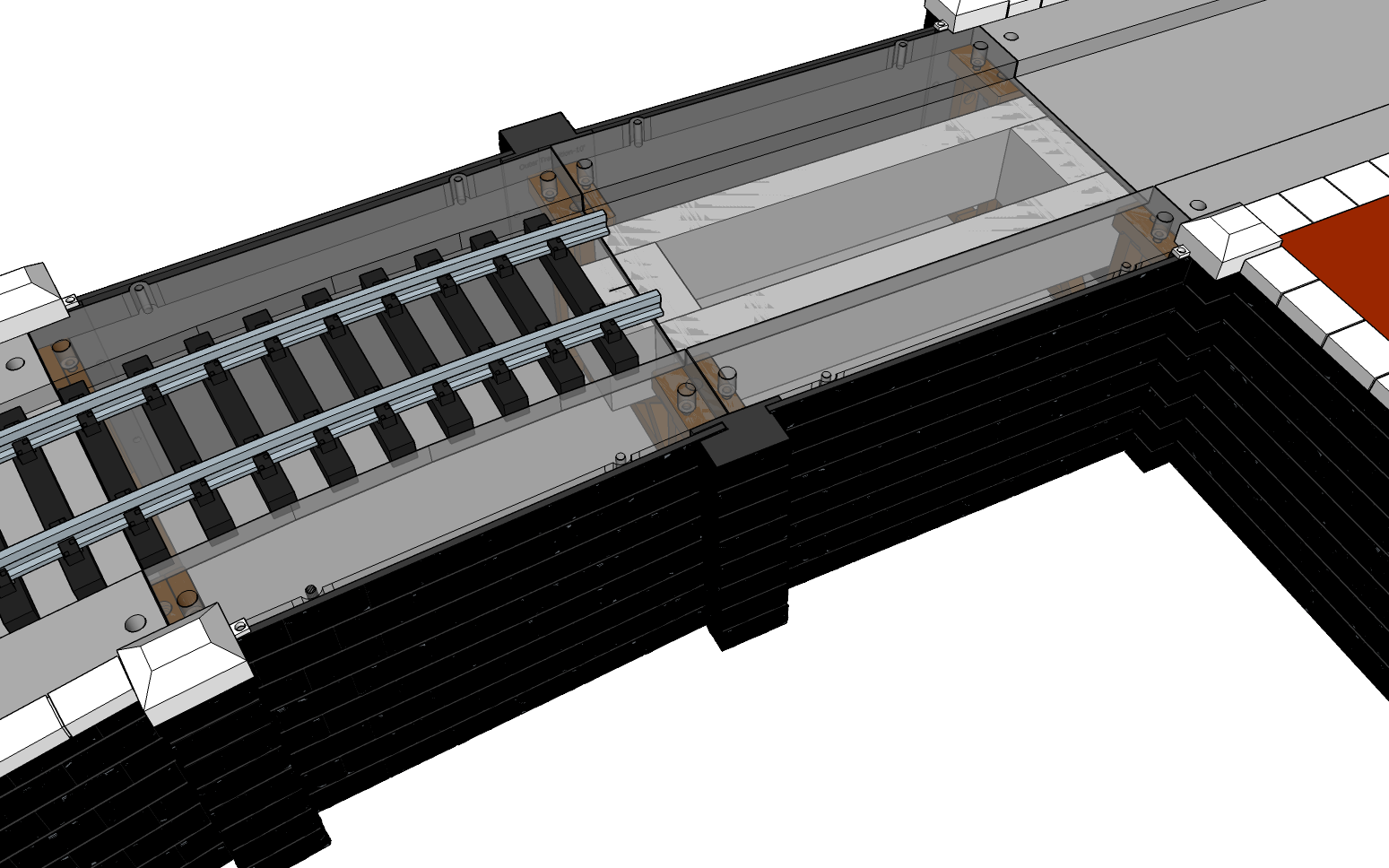
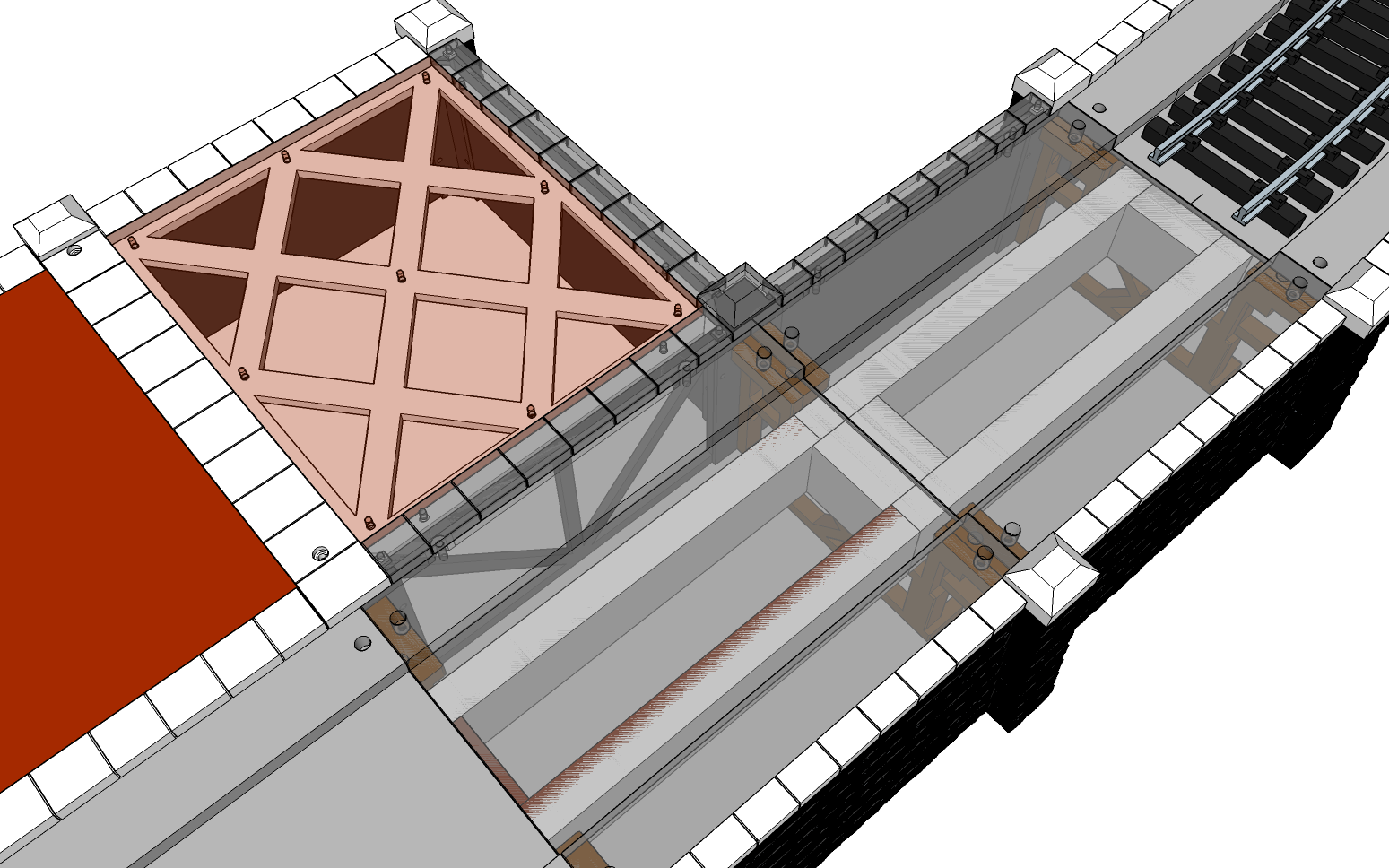
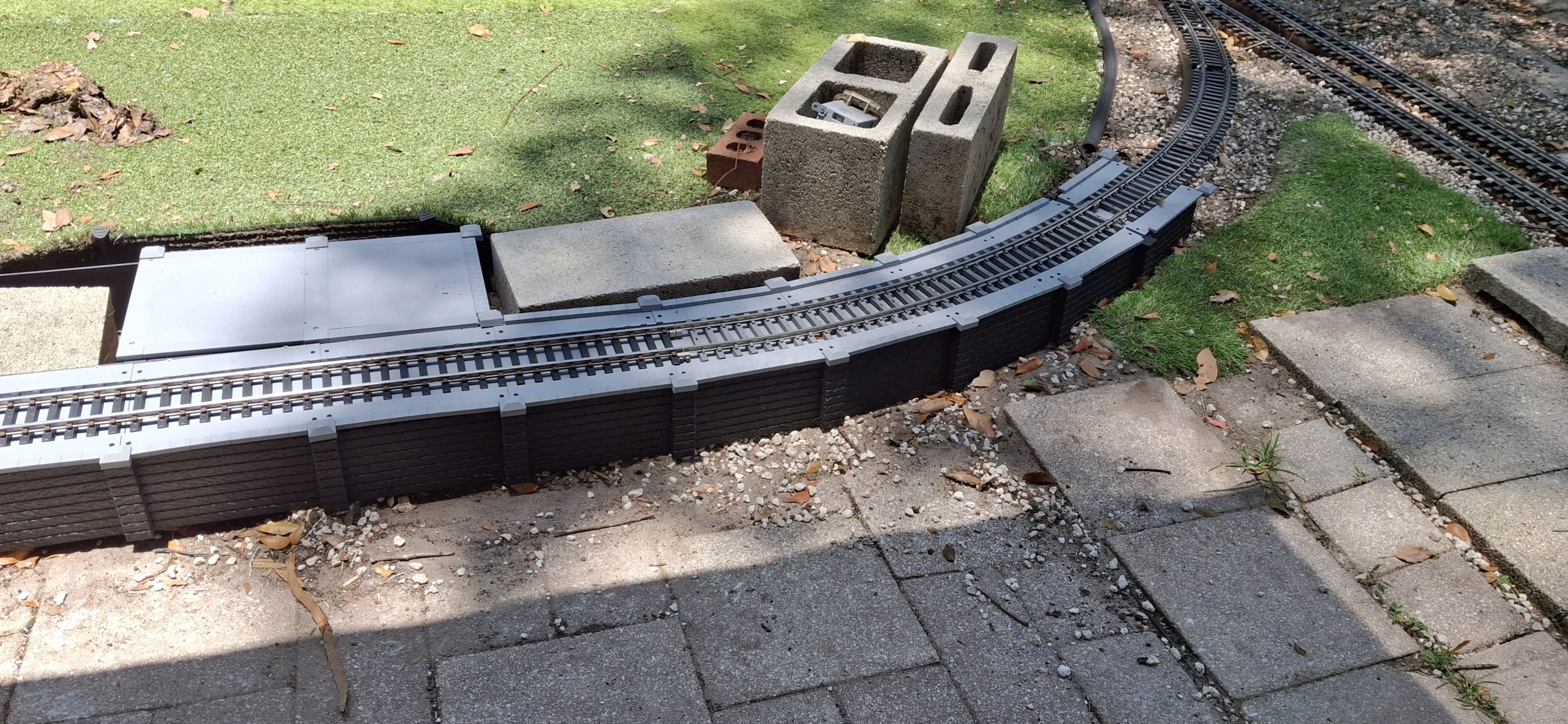
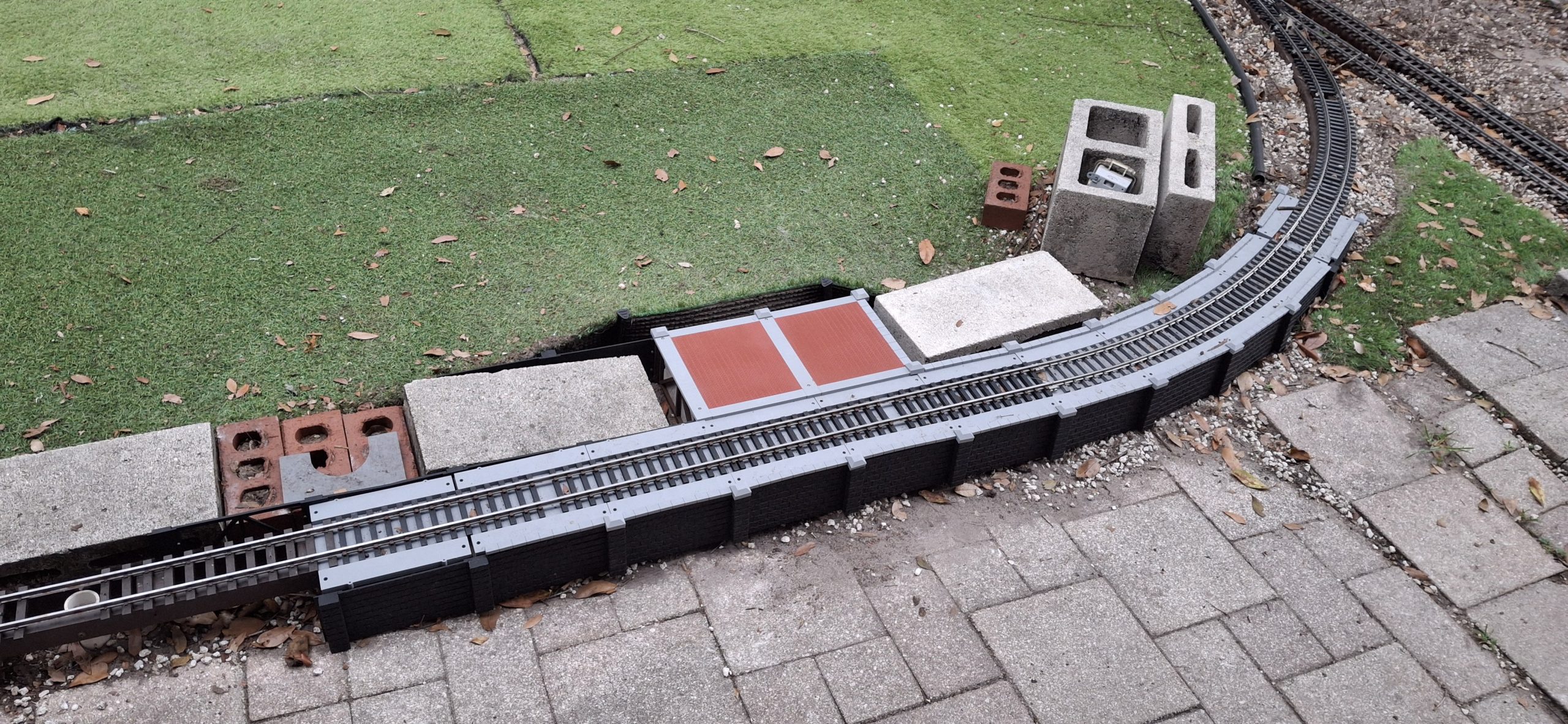
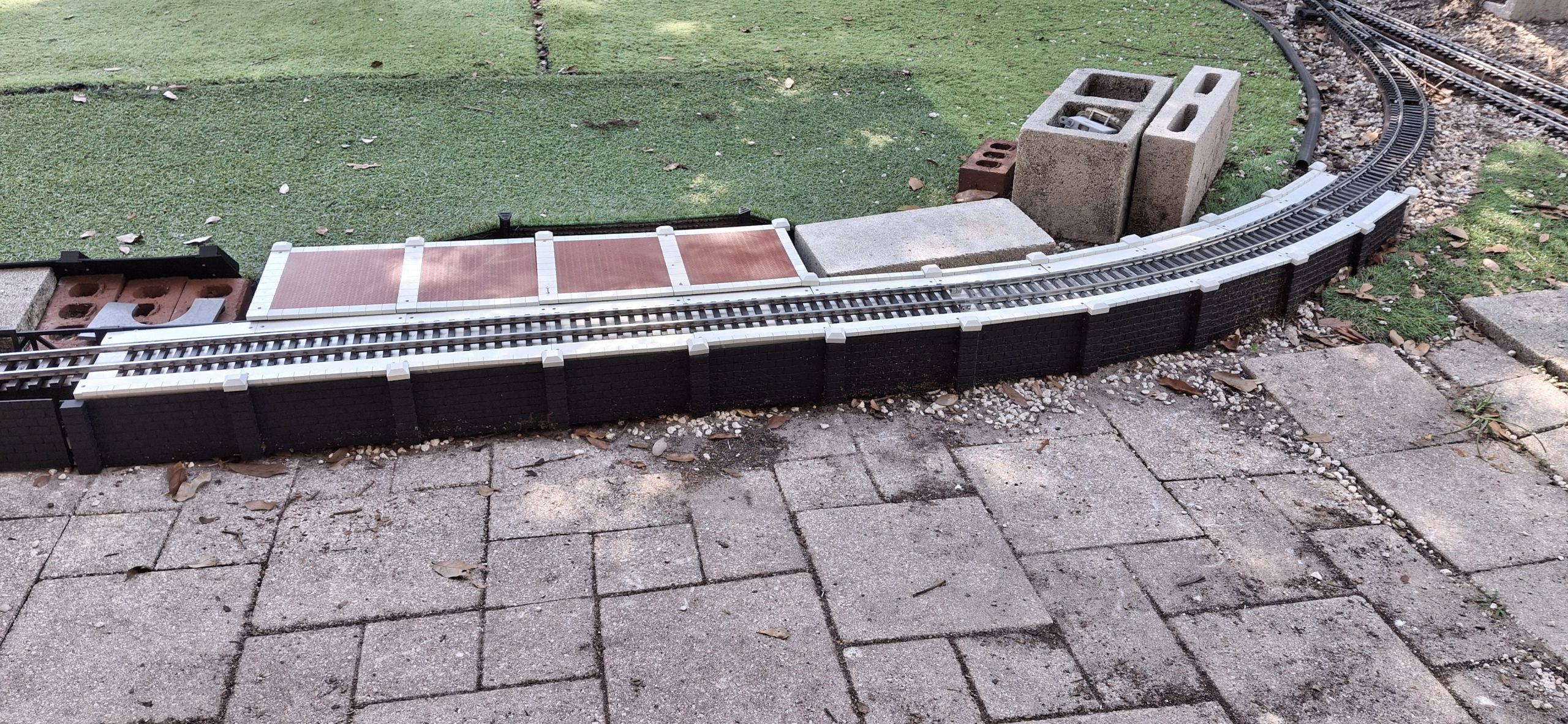
Hopefully the “see through” panels give a better view of how all these 3D printed parts come together to give the illusion of a believable scale model. For me, seeing them slowly come together and become what I’ve always dreamed of seeing is more than satisfying. It truly is a dream come true. The black and gray colors aren’t very realistic, but until the design is finished, it’s good enough.
The design must account for the inside wall changing direction, in this case perpendicular to it. In order to widen the footprint and conceal the half blocks with something that looks like a station platform, we need a different inside transition pillar, plus an additional outside transition pillar to redirect the wall back to the original approach wall direction along the side of the platform.
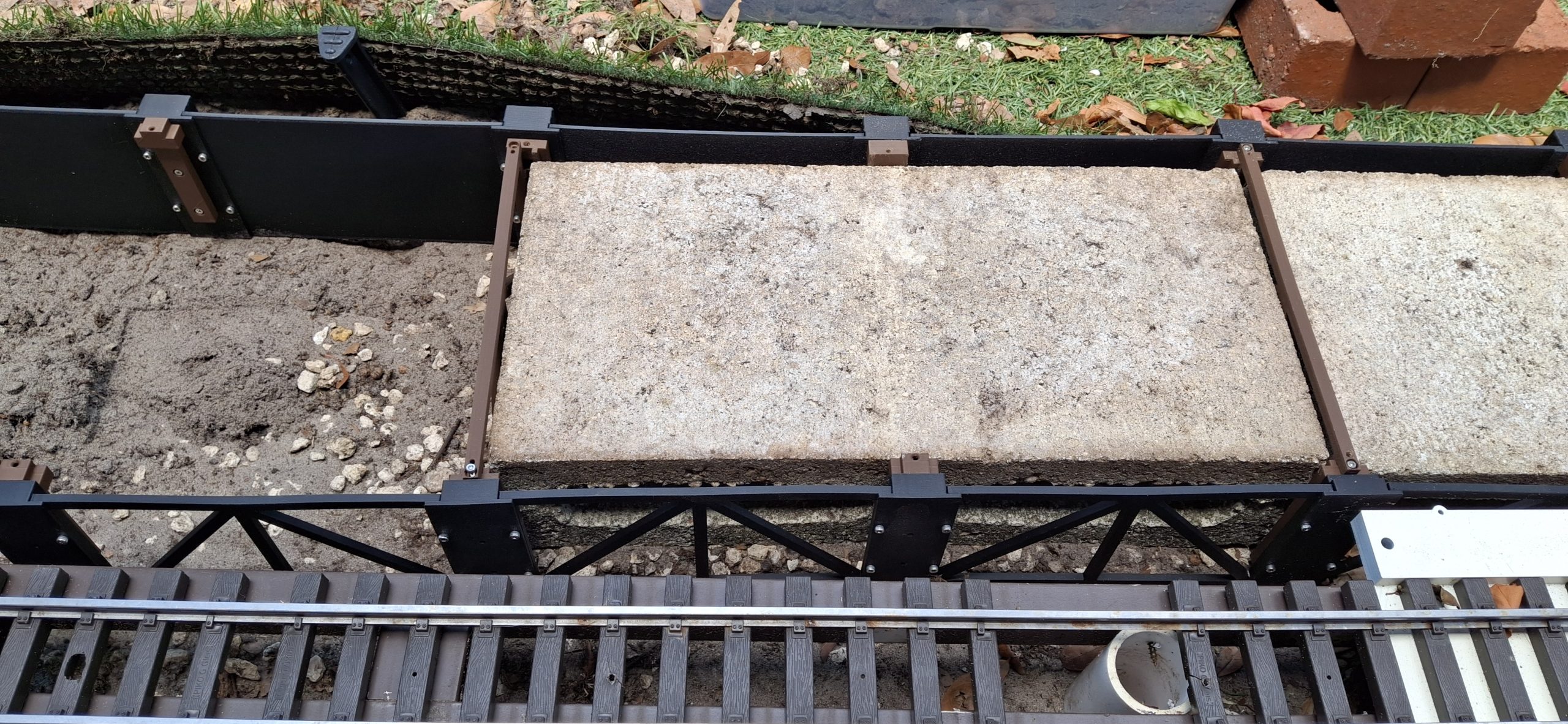
Unfortunately, because of the dimensions of the half block in that direction, we can’t use the standard 4″x7″ wall connected to all the other pillars. Altogether they add up to 8″ total, too short to wrap around the 7⅝” width of the block. We’ll need a 4″x8″ wall to allow just enough clearance for that block width.
Close Up Detail Of Platform Frame Surrounding Half BlockClose Up Detail Of Platform With Frame Surrounding Half BlockClose Up Detail Of Platform Frame Surrounding Half Block Installed
Expanding The Design
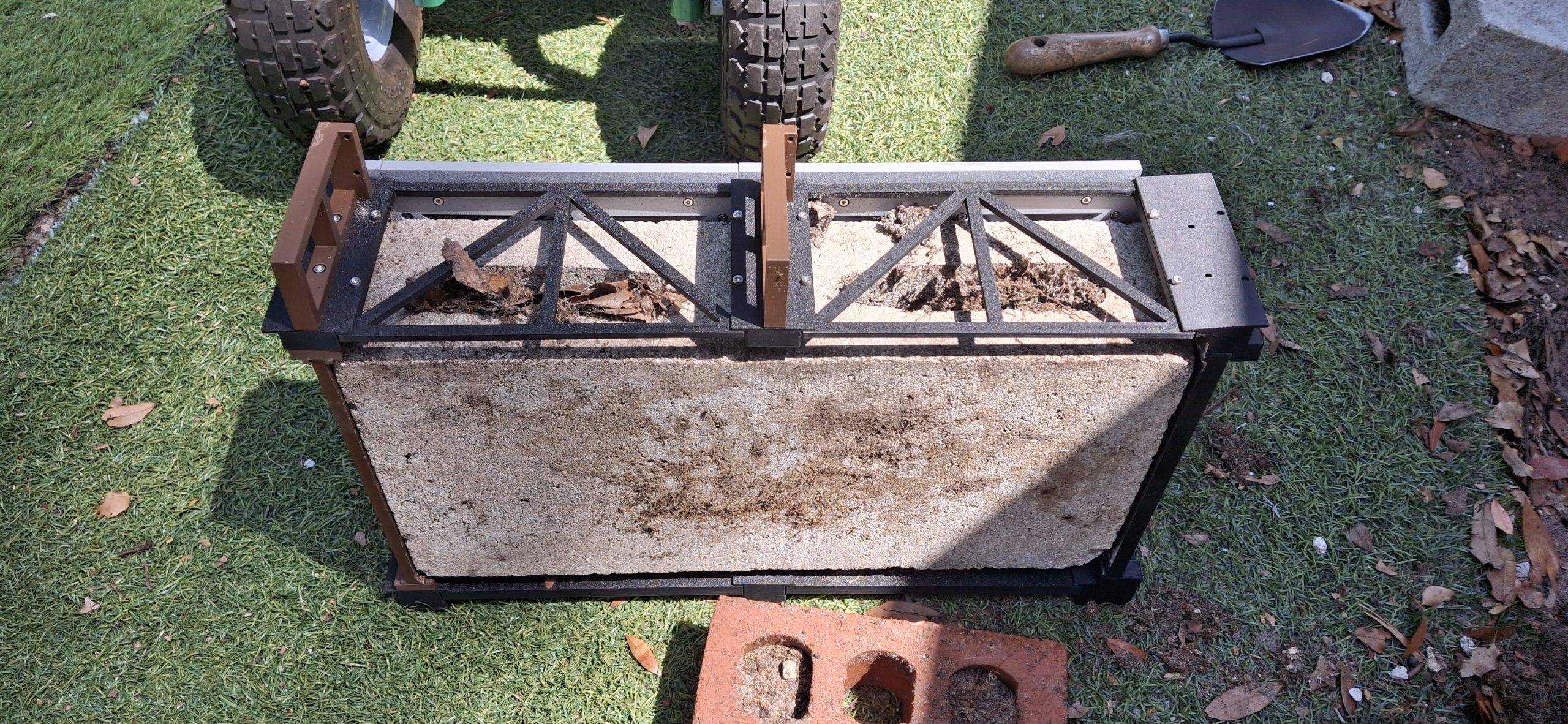
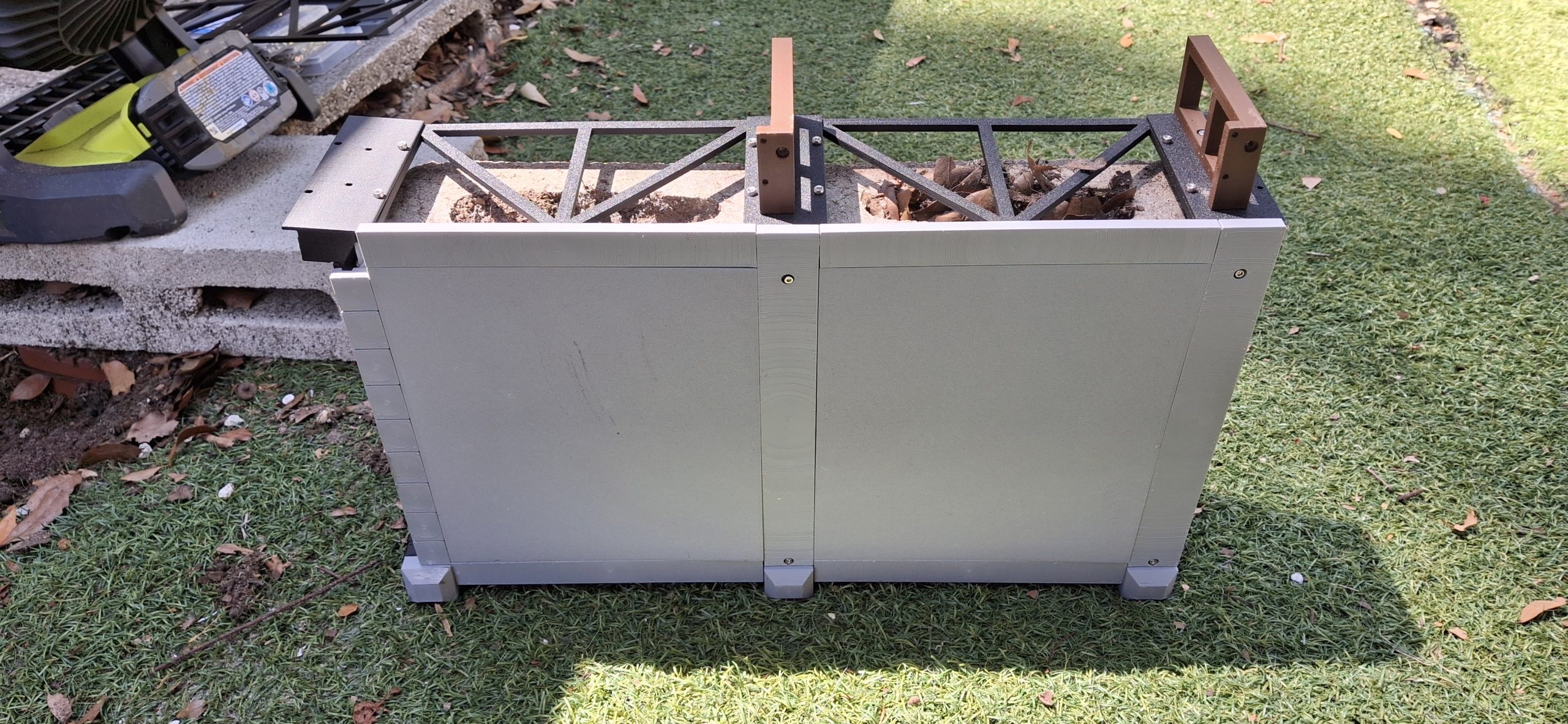
So now instead of two opposing wall pillars separated by the width of the track deck one of those frame mounts will now connect a “hidden wall” section to the opposing cut stone wall. These hidden wall sections will mimic the cut stone wall dimensions along with their own pillars. They connect to a widely separated cut stone wall pillar on the other side of the block every 16″.
Because the block is actually only 15⅝” long, that leaves just ⅜” to work with. The connecting frames between the hidden walls and far cut stone walls are only ¼” thick, leaving barely enough room to spare. It’s a tight, snug fit, but it anchors everything and supports the platform sections. Each section is still only 8″ wide because of 3D printing build volume and “Easy Bake” oven limitations.
Two platform sections are joined together and fitted 16″ at a time. A “stub” mount for the platform sections is used in place of a connecting frame section where the block length is in the way. This ensures the hidden and far cut stone walls are still rigidly secured together even where a connecting frame member can’t be placed.
Prototype Curved Approach To Tangent To Platform TransitionPrototype Brick Herringbone Pattern Platform Inserts
Adding The Station Platform
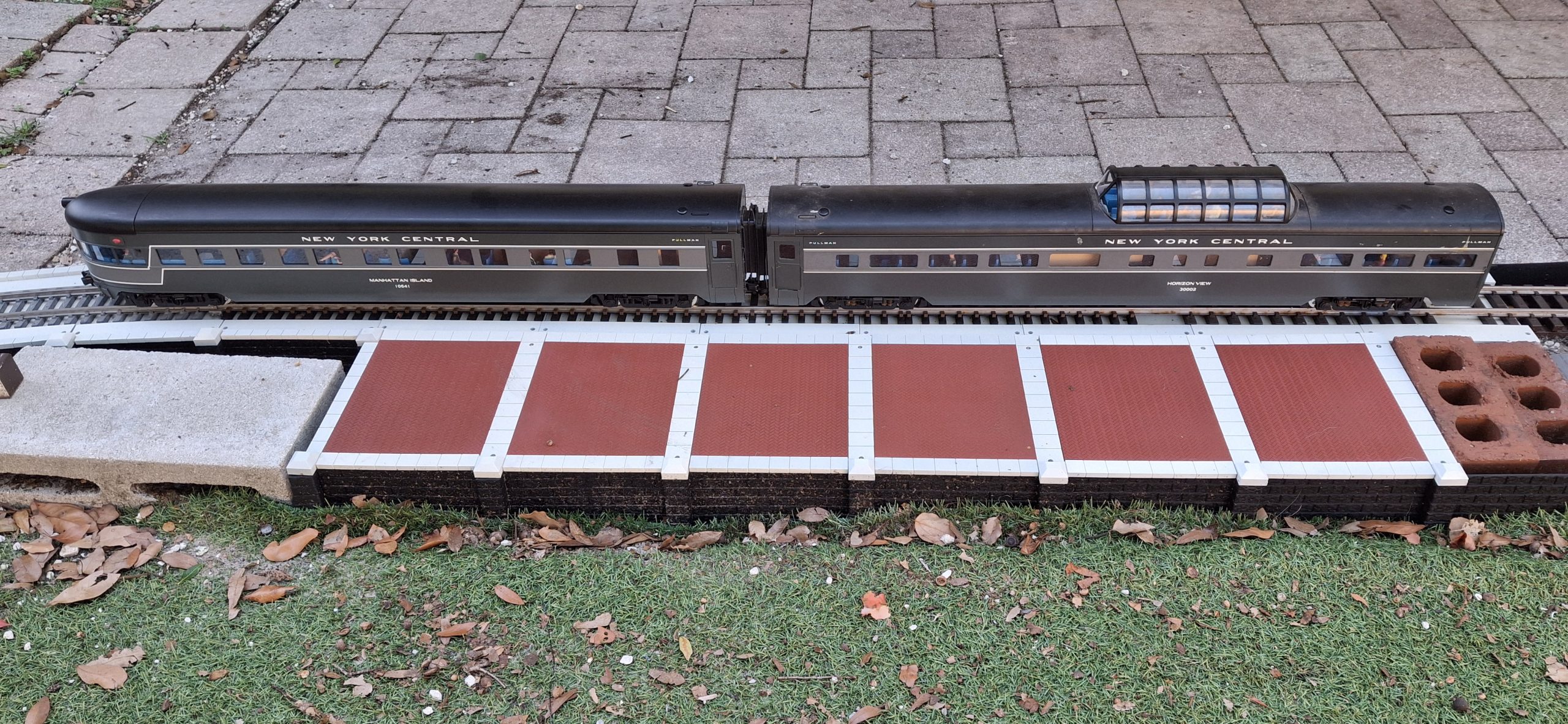
The track deck still mounts to the twist lock frame, but now only one of the capstone strips is needed for the side opposite the platform. The platform design itself takes some thought about how to make a believable scale model that doesn’t have obvious separation “cracks” every 8″. Why not a brick herringbone pattern framed by what appears to be stone blocks?
OpenSCAD to the rescue again! It takes a bit longer than expected to perfect the design, but it’s a believable herringbone pattern, centered about all four sides. It even has mounting holes to attach a support frame that the framing stone block strips will also attach to. Those stone block strip designs are captured in SketchUp along with an imported version of the brick herringbone piece.
To facilitate the modular design concept for adding new sections, the edge of the new platform section will simply slide in beneath a previously mounted section without need for mounting screws. If anything, loosening the existing mounting screws that hold the previous section may be necessary. Then both the old and new platform sections can be tightened down together.
One last “transition” design item is necessary for the first platform section along that 4″x8″ wall. There is absolutely no room for any mounting hardware to fasten the edge of the platform to the wall beneath. The half block butts up against the back of the wall to fit everything in the limited 16″ space. Instead, a set of tabs on the first platform subframe slides into slots on the transition pillars.
Prototype Station Siding Approach And Platform More Suitably ColoredStation Platform Expanding One Block At A TimePassenger Cars For Scale
Assemble, Rinse, Repeat
After that first transition section from the approach configuration to the platform configuration, it’s simply a matter of adding on another 16″ platform section to the previous. Expanding from first platform section to the third doesn’t happen overnight, but it doesn’t take long since I’m printing most of the parts while redesigning the ones that aren’t working as expected.
The only limiting factor on the platform expansion is how long it takes to 3D print all the parts, anneal, paint, and assemble them into the next 16″ section. It takes a lot of parts! Four each retaining walls and pillars, two each hidden walls and pillars, twist lock frames, hidden frames, platform decks, platform subframes, deck border stone sets, track decks, and track deck capstones.
I’ve tried to capture the estimated print times of all the parts when slicing them. Let’s see how well I did and whether I can add them all up for a rough estimate of print time. Add at least another hour to anneal each print, although the last part printed can be annealed while the next is printing. Then add painting the annealed parts and assembly time. It all adds up. But progress is progress.
Color Considerations
Our color palette in HT-PLA is fairly limited, even more so than PLA. Just the basic colors. While the capstones could have been printed in white, the single ACE cabinet only has four slots it and would mean having to constantly swap between white and one of the other four colors, namely black, brown, gray, and red.
Gray was chosen with the idea that the red is too bright for bricks and would need painted brick red anyway. The track deck and capstones can be painted concrete and light stone colors. The black cut stone walls don’t need any paint, but should probably have some sort of UV protection painting the other parts offers, and perhaps a wash with a lighter color to bring out the details.
After an extensive Google search for matches to the Model Master “Aged Concrete” color from my HO scale days, satin Dover White and satin Ivory are chosen for the concrete and light stone colors. At first, they look like they’re same color, but later spray paint batches aren’t as close. Natural variations in stone colors? Plausible explanation if anyone asks. LOL.
Brick red is brick red. Alright, there are variations to be sure. I even made brick color selectable for OpenSCAD, brick red or creme (beige). I’ve seen many modelers design and print painting masks to expose “random” bricks and paint them slightly different colors to mimic the natural color variations. I know I’m a rivet counter, but I haven’t made it to that level of obsession to detail (yet).
What’s Left?
The station platform is slowly expanding. The original platform was 16′ long. Now it extends beyond the end of the patio, so approaching 20′ maybe? So far we’re about half way done, right at the end of that first 10′ stretch of flex track. We can add another 16″ section every couple of days in production mode, pretty much 3D printing parts 24/7.
I’ll wake up in the middle of the night and kick off another if the previous print’s finished. Sometimes I’m a sound sleeper though. But it only delays the inevitable, kicking off of the next print once I’m able to. So far I’ve only screwed up twice trying to go faster than I should have.
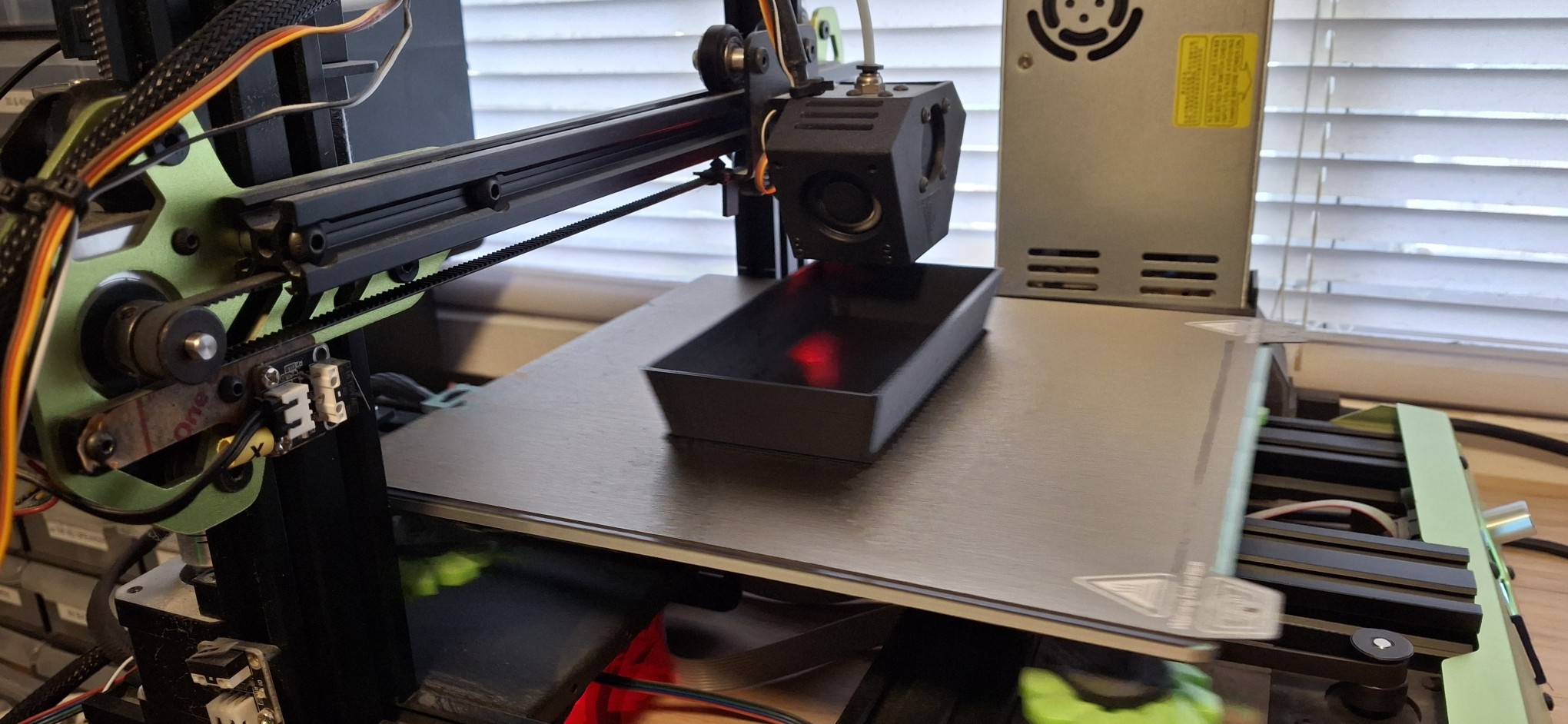
First was forgetting to put the PEI sheet back in the printer and frantically killing the print before it could cause more damage. I’m missing a small chunk of the magnetic material that holds the PEI sheet to the build plate after that little fubar. Kicking off another print while the previous one was still sitting in there on the PEI sheet was another. “Why’s it making that clunking noise? OH SHIT!”
I can laugh about it now, but it certainly wasn’t all that funny at the time! Getting back to what’s next, the end panel of the platform still needs designed. Similar to the transition to platform configuration, now we get to the terminate the platform and need to finish it off with walls and pillars that connect the retaining wall together. We won’t have the luxury of tabs and slots this time!
Future Reference
Observations for future reference – overlaying two stone textures atop one another gives a much more realistic looking stone face, but not sure how to “add them together” in a usable fashion. Maybe someday. This is mainly a note to my future self when revisiting the stone texture design. It’s strange that when I rendered the imported stone modules this time it didn’t error out. WTF?
I’ll update this post periodically with progress toward completing the station platform. For now, I just want to get this posted. I’ve been so busy doing so many things it seems impossible to both do and post. I haven’t looked at editing a video in months. Everything takes time and right now the focus is getting the trains running and restoring the previous “luster and glory” of the Barkyard RR.
I have to say I’m pleased as punch with the outcome of this project! It’s been a long time getting here, but it’s worth the wait for the result! All the projects I put on hold are slowly coming out of mothballs. All the things I’ve put off for so long are finally coming to fruition.
In the past I worried about prioritizing things that needed done first. Anymore, I just do what’s staring me in the face, then ask myself, “What’s next?” and just do it. I kind of have to since I do things like buy a bunch of clearance Aristo-craft stuff that’s not in the best condition, then have to design and 3D print replacements for all the broken and missing parts while juggling 19 other projects.
So far so good, but that’s another story.
Disclaimer – Not Sponsored
I should mention that the Barkyard is not sponsored by AnyCubic, PolyMaker, Elegoo, Sunlu, or any of the host of other manufacturers of 3D printers and filament or any other entities, like Harbor Freight. I don’t think they’d care much for my nicknames for them anyway, like Horrible Freight, Hazard Fraught, etc. No freebies or evaluation promotions here. This is all paid for out of pocket.
Question? Concerns? Leave A Comment!
If you’re interested in obtaining the STL files to print your own block walls, leave us a comment and we’ll be happy to provide them to you. Also, if you have any other questions or concerns, please feel free to comment on this post. In any case, you’ll need to create a user account to do so. We don’t use any personal information for marketing or to spam you (see our privacy policy). You’ll receive a verification email. Reply to the link provided to verify your email address. It’s all automatic. No waiting on moderator approval! No spamming your inbox with useless advertisements and “Special Offers”. None of that nonsense. We do it this way to prevent bots and spammers from detracting from your experience.
Welcome back! We’re still welcoming Spring with new PVC stringers. If you missed our first post, you may want to start there first. This is a continuation of what we started there. Except now it’s well beyond the first day of Spring, nearly the end of April at this point, and we’re still working on replacing stringers! This post covers another three weekends of effort.
This is taking much longer than expected, but continued improvement each weekend brings us closer to our goal of running trains. We left off with all the elevated sections painted and installed. In addition, the downtown mainline, station siding, and long siding are installed. Those took longer because those stretches are on the ground and more rotted stringers needed dug out first.
The track is installed as well, with the one exception of the stretch where the bridges will go. For now it’s just a straight elevated section waiting for track and bridges. Originally the thought was the approaches would be of trestle construction, but now I’m leaning toward laced steel girder supports and plate girder bridges. That can wait until later. We can run trains without any of it.
Making Another 14' Diameter StringerAnother 20' Diameter Stringer Ready For Paint And Placement Downtown Loop Main Street CrossingDowntown Loop Replacement Stringers
Fixing The Wye
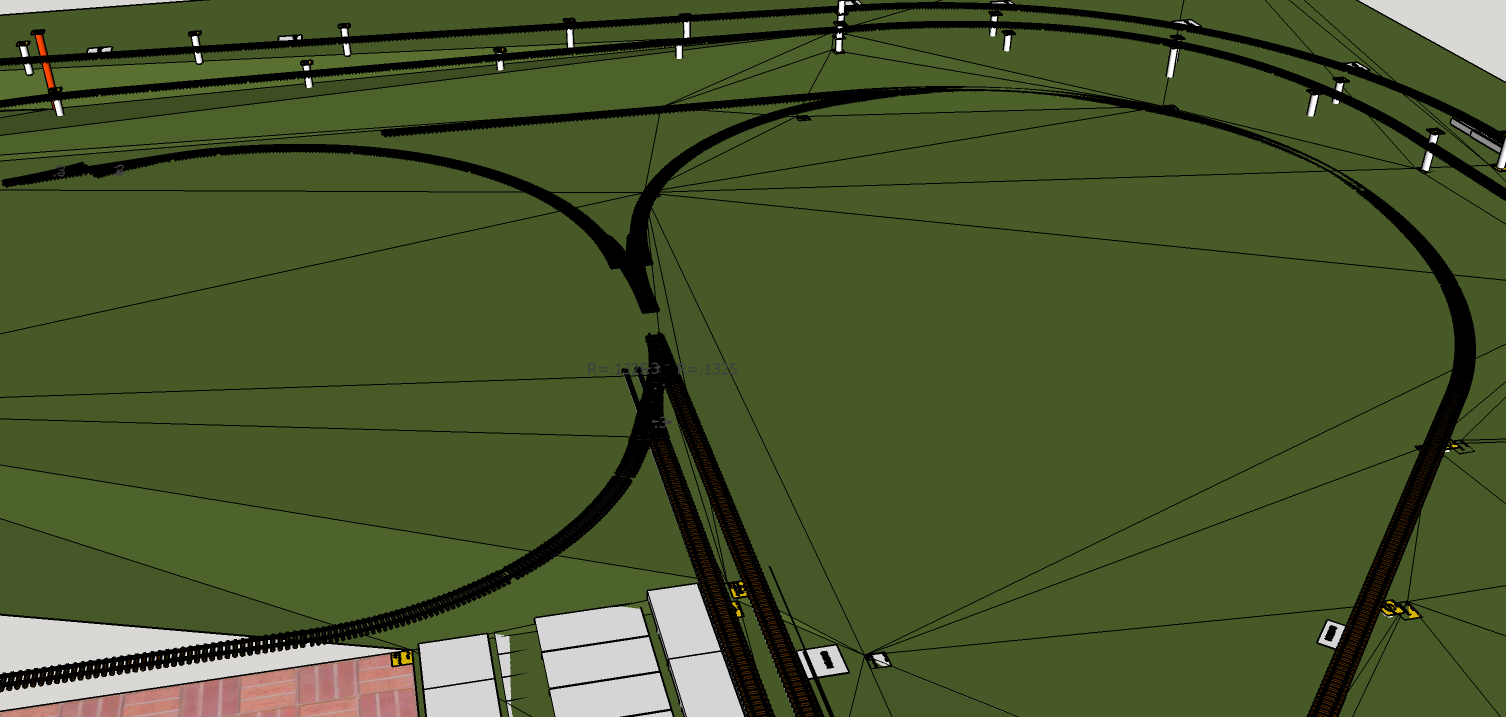
Hadn’t really planned on doing anything more than what’s necessary to replace the 20′ diameter track section and wye switch with 14′ diameter sections. Essentially we want to “hardwire” the Downtown loop to return to the mainline, reducing the layout to its original “dogbone” roots with two loops, one Downtown, and one over the deck.
The thinking was maybe we’d restore the wye in the future. Well, the future is now. What prompted this change? It all started with having to replace the stringers on the 20′ diameter section of the Downtown loop. It ended with finding the old homemade #5 switch design and bringing it out of mothballs. Somewhere in between we discovered that fixing the wye would be easier than not.
Since the track was still in place over the 20′ diameter section, the assumption was the stringer beneath was still in good shape. That was a poor assumption. Oh well, we’ll just make another 20′ diameter replacement while we’re at it. Slowly but surely that stretched into the next 14′ diameter section, then the next, and another after that.
Working toward the wye switch it became apparent all the wye stringers were rotted and need removed. Replacing each new section of the 14′ diameter stringers, it soon became apparent the posts weren’t arranged in a 14′ circle either. Turns out we’ll need another 14′ diameter stringer to reach the wye switch as well, once the remaining rotted stringers are removed that is.
Digging Out The Rotted 20' Diameter StringerRemoving What's Left Of The 20' Diameter Stringer The Pile Of Yellow Wood ShameGround Rated My @$$
If It Doesn’t Fit, Force It…
Force fitting those 14′ diameter legs of the wye may have made sense at the time, but now leaving them that way is more trouble than making it right. Time to break out that wye switch and take some measurements. We’re trying to locate the centers of those 14′ diameter circles, one on each side, based on the true geometry of the wye switch. But we’ll need something straight at least 7′ long.
Hmmm…. What do we have that is both long enough and straight enough? We have a whole stack of 8′ long PVC 1x2s not yet assembled into new stringers. One of those would certainly fit the bill. Marking out the centerline on the turf with a sharpie is close enough, but reminds me of previous opportunities lost without a more permanent center marker.
There has to be a better way to do this. Time to find one of those spare “turf nails”. Found a bunch of them in one of the drawers in the toolbox, and two different sizes no less! The idea is to “pin” the center with one of the larger turf nails. Beyond that, by attaching one of those 1⅝” spacers to one end of the 1×2 and drilling a hole to fit the nail marking the center at the other end, we have an accurate compass.
With our new PVC “compass”, we can “sweep” a 14′ diameter circle, holding the stringers in place with that spacer. It fits nicely between the two sides of the stringer and holds it in place while confidently driving a post into the correct location. That involves pulling out the existing incorrectly located posts with a set of Kleins then accurately smashing them back in with the sledge hammer.
Can't Get Enough 14' Diameter StringersUsing Our New "Compass" To Lay In The New StringersUsing Our New "Compass" To Lay In The New Stringers View Of The South Center From The North CenterStarting From The Correct Diverging Route AngleSweeping The 14' Diameter North Leg
All Kinds Of Wrong
As helpful as our new PVC compass is for laying out the curved stringers, it also excels at pointing out all the mistakes in our original geometry. Both legs of the wye were off by more than twice the width of the track! No wonder the track refused to cooperate and go where it was supposed to without a fight. All kinds of wrong.
On the North leg of the wye, the closer it gets to where we need that curved switch, the more the radius relaxes into a wider curve. On the South leg, the closer it gets to those toe-to-toe switches, the tighter the radius gets! If you look closely at the pictures, you’ll see how far off the black edging is now. Good thing we’re using flex track for both curved legs!
It may take some time with the rail bender to finesse the wonky curved flex tracks to fit properly, but it’s totally worth the effort. Both stringers now follow a smooth curve that fits the desired geometry. I just wish I’d painted those stringers before fastening them together! Nothing some strategically placed masking paper won’t handle.
Ran Out Of Time To Replace The Straight Leg This Weekend Ran Out Of Time To Replace The Straight Leg This WeekendSPOILERS: Future Home Of The Curved SwitchTook Friday Off To Get A Jump On Finishing The Wye
So kind of a funny aside. A while back I asked Nick to pick up a couple cans of brown spray paint for me from Lowe’s. He got me two of the fancy adjustable nozzle Krylon brown and two of the 2X espresso color. I used those up weeks ago. The next time I was there, Lowe’s was out of the 2X espresso I wanted, so I got three with the fancy nozzle in dark brown. They’re also gone now.
Last time there I bought all the 2X espresso they had, the three left on the shelf and the remaining case of six I had to have an associate fetch from the rack high above using the huge rolling ladder thingy. After painting those wye stringers, I’m down to my last four cans! But I’m getting ahead of myself.
The only reason we’re talking about painting in the first place is because of protecting the PVC from Ultra-violet (UV) radiation, which breaks the bonds in the flexible long chain polymers, making it more and more brittle over time. Paint is a means of protecting the PVC from the UV degradation of baking in the hot Florida sun. An added bonus is it looks much better than bright white!
Hurricane Dropped Part Of The Tree On This Totally Destroyed 3' Track SectionThe Remnants Of The 10' Diameter Loops Behind The ShedLearn The Art Of Track Repair At Home - Repaired 3' Section
Time To Take A Fence Break
We almost got the wye finished, but had to stop and make sure we’re ready for the new fence to go in this coming week, the first full week of May (2026). So we also spent this last weekend pulling out the rest of the track and rotted stringers from behind the shed in preparation for the fence builders to come in and replace the fence. Wasn’t much left but the track itself and just a single 10′ diameter wood stringer still in fairly good shape.
Even that totally destroyed 3′ section of track came out, the one that hurricane Milton blew down a big chunk of the tree on that caused all the damage. Speaking of that destroyed 3′ section, I managed to get both rails straightened out and the tie strips back in place and screwed securely to the rails. Like it never happened! I was amazed that just sighting down the rails and some time with the rail bender was all it took.
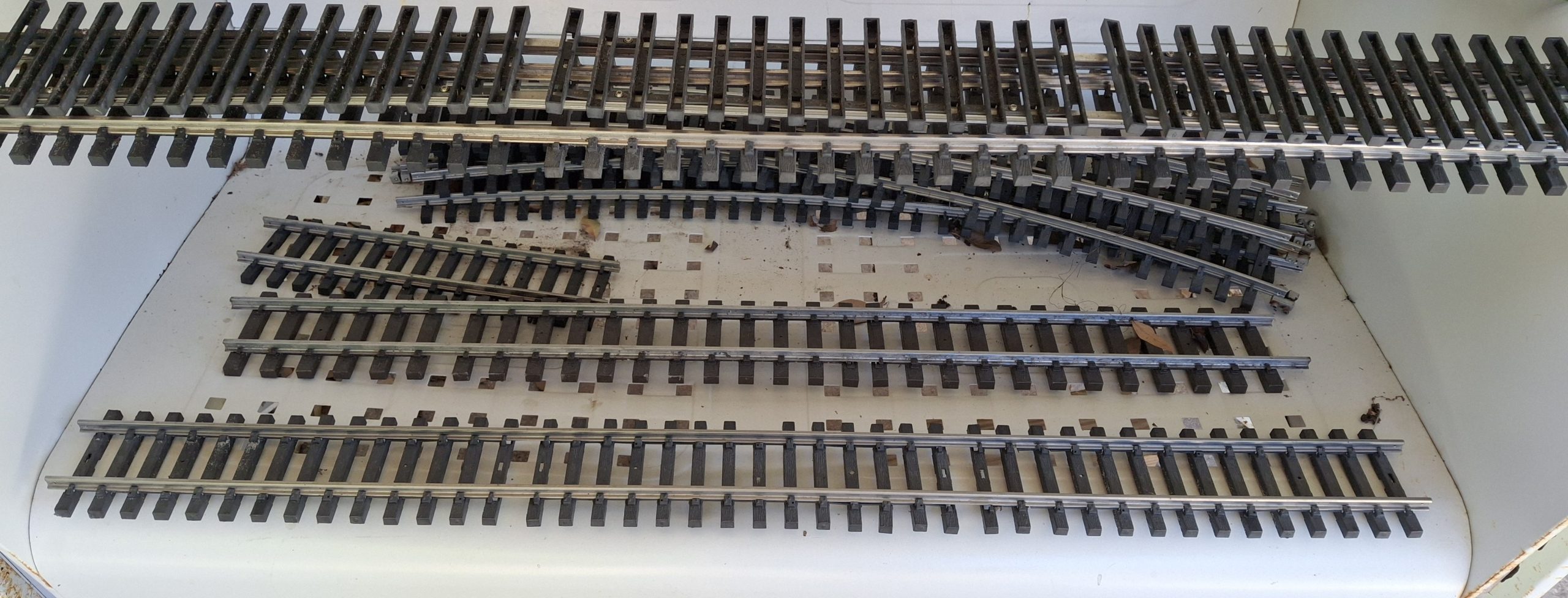
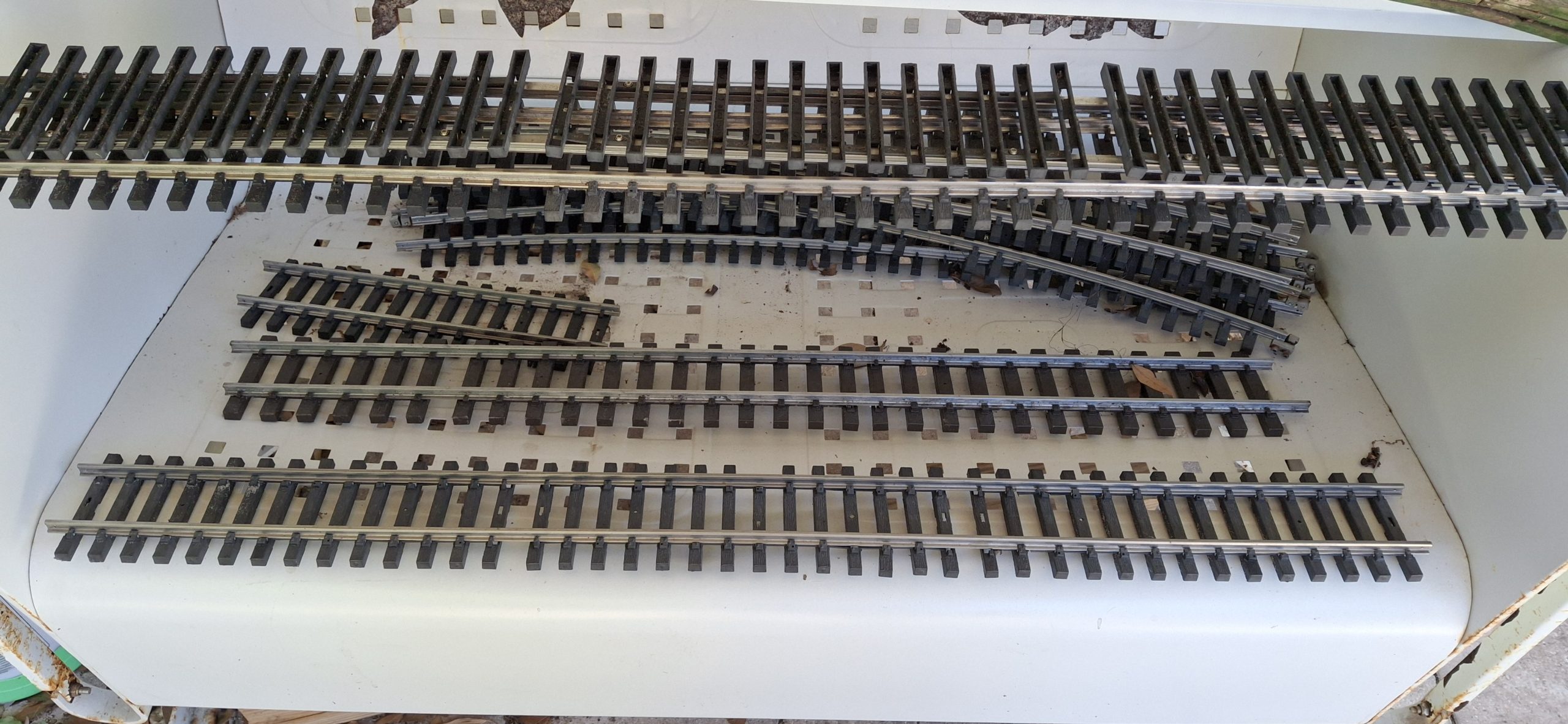
But that wasn’t the only piece of track repaired. Add two 5′ sections to the list from yesterday. Just about every piece of track needs disassembled and the tie strips “reseated” over the foot of the rails before the track can be put back in place. Anyone who’s ever dealt with those annoying little Aristo-craft screws knows what a pain they are. My big hammy hands make it even more difficult, inevitably losing some of those fumbly screws in the process.
As an example, one of those 5′ sections was missing every fourth screw. I have some replacements but they only thread in a little over a turn before binding, like they’re the wrong thread pitch, so I gave up on that. Some are better than none. When you get right down to it, are they really necessary at all? Those Piko tie strips for the flex track have none and still hold the rails just fine.
Fence Break’s Over!
Fixing the track is about all we’re able to do while they remove what’s left of the old fence and basically build our new board-on-board fence in place, from scratch. I say they, but it’s basically one very dedicated individual, John, and he knows his stuff! Over the course of four days he nearly single handedly built our new fence. He had a “new hire” one day, but he quit and left early on his first day! We’re simply amazed by the quality and craftsmanship. And it looks awesome!
Judge for yourself. All but one of the pictures so far show the old, dilapidated fence in the background. Those pictures that follow will have the new fence in the background. Ann’s already out there stringing up the lights, and doing it the way she wants them done this time around, stretched straight and level. No sagging allowed! We even rerouted the dedicated extension cord around the back of the garage instead of draped over the track in front of the shed. Much better!
Time to get back to replacing the stringers. All the curved stringers we need are already finished, painted, and installed. Time for a bunch more straight ones. Two for the bridge section by the deck, two for the straight leg of the wye, and another to complete the station siding. Another weekend, another set of stringers installed. All but the straight leg of the wye. That’s going to take a LOT more work to finish.
Not only does the dirt need dug out, but there was turf under the old stringers, meaning it will need cut out of the way first, just to be able to get to the dirt under it! We’ll save that for next time. For now the progress is impressive. And more than we originally planned. But to make the wye a reality, we’ll need that curved switch. Good news everyone! That’s already in the works. I spent the week the fence was installed working on the design, captured in this post.
Somebody Order A Bunch Of Freshly Painted Stringers?The Only Thing Missing Is The Track And BridgesFinishing Out The Station Siding And The Bridge Stringers Nearly Completed Wye - Just Need To Dig That Straight Leg InSPOILERS: Future Home Of The Curved SwitchWye Switch Diverging Leg Detail
For A Limited Time Only
I’d been gathering the footage of the progress from the surveillance cameras, thinking they could be spliced together into a sort of time lapse montage. But then I missed the window to grab the footage from a couple weekends now. I’m surprised by this since I’ve been able to go back more than a week in the past. I can’t remember the last time I wasn’t able to. Oh well, I’m down to my last 3GB on a 4TB drive, not sure where I would have put it anyway!
Add the footage of the fence installation to that and we broke the bank, so to speak. I hastily rearranged data on the network storage server and removed duplicated items to make space for this video and more. I’m not real comfortable with the single point of failure state that left a lot of the existing captured video in, but I haven’t done anything with it years later, so chances are I’ll never do anything with it anyway and it’s just wasted storage. Time will tell.
For now, we’re busy with a single goal. Get. Trains. Running. Will we get there by Memorial Day? We’re definitely cutting it close with just one more weekend until Memorial Day weekend. I hate to leave you with a cliff hanger, but if you want to find out, you’ll have to stay tuned for Part III. I will admit we’ll be pushing it just to get all the stringers replaced, let alone all the track relayed.
Question? Concerns? Leave A Comment!
If you have any questions or concerns, please feel free to comment on this post. In any case, you’ll need to create a user account to do so. We don’t use any personal information for marketing or to spam you (see our privacy policy). We do it this way to avoid scammers spamming our posts. You’ll receive a verification email. Reply to the link provided to verify your email address. After that, it’s all automatic. No waiting on moderator approval! No spamming your inbox with useless advertisements and “Special Offers”. None of that nonsense. We do it this way to prevent bots and spammers from detracting from your experience.
Welcome back! We’re welcoming Spring with new springers, er… stringers. To celebrate the first day of Spring, we got out in the Barkyard to begin the annual stringer replacements. Well, technically it’s the second day of Spring, but close enough. We never expected this to become an annual event, but that’s what it is now.
Learning the hard way that modern wood products just don’t stand the test of time out in the elements. Not even when heavily treated to do so. Those wood stringers offer a sturdy base for our track and elevate much of our rail above ground. Inevitably those wooden stringers rot. Last fall, we decided to try using PVC to replace a few rotted sections.
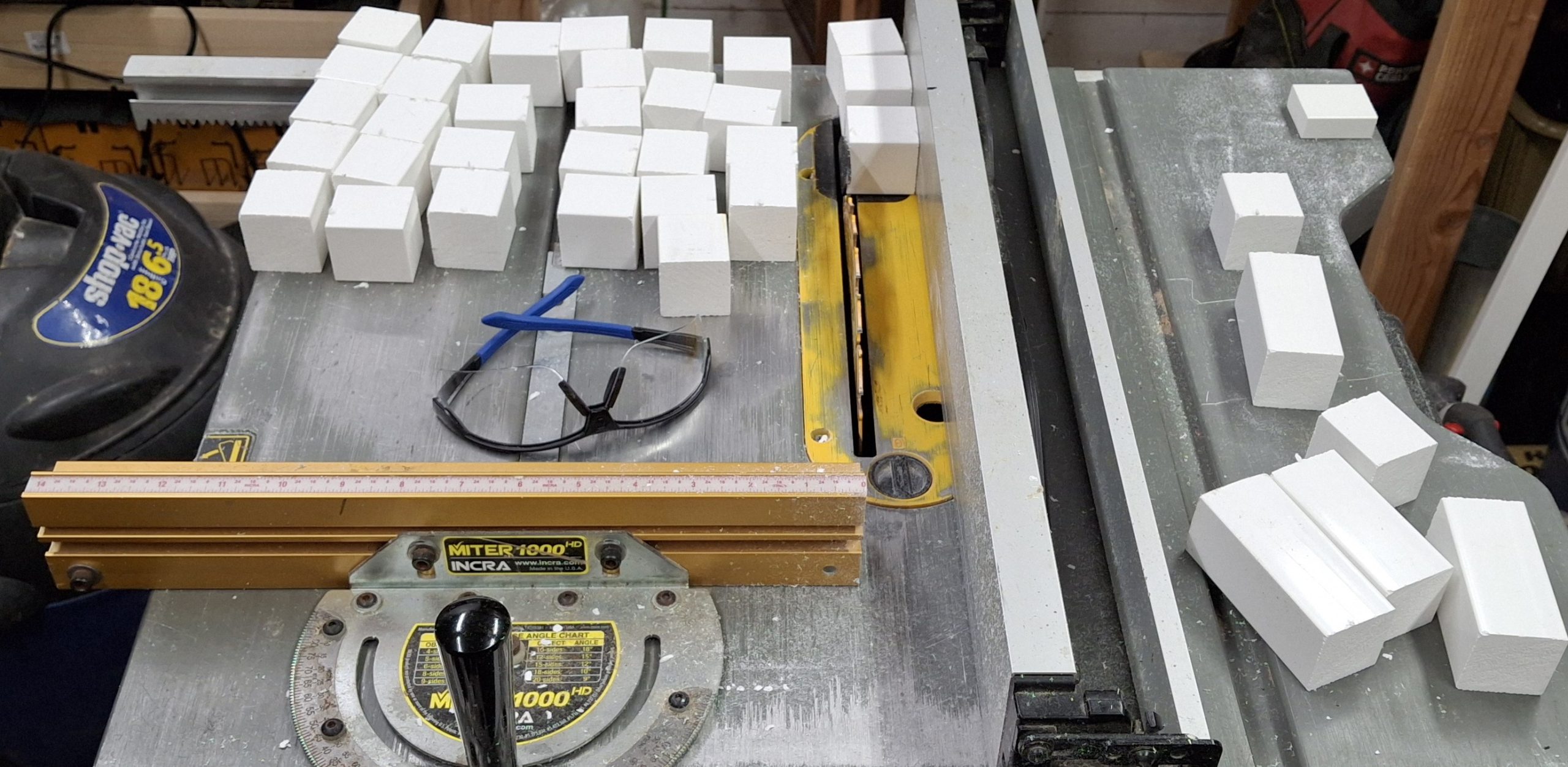
There are advantages to using PVC trim over pressure treated (PT) lumber. First is reduction of effort and waste. To construct wooden stringers, we rip a 2x4x8′ stud into not quite a dozen ¼”x1½”x8′ slats. It’s labor intensive considering the time spent at the table saw and it’s wasteful as each rip turns ⅛”x1½”x8′ into sawdust. That’s one third of the raw material converted directly to waste!
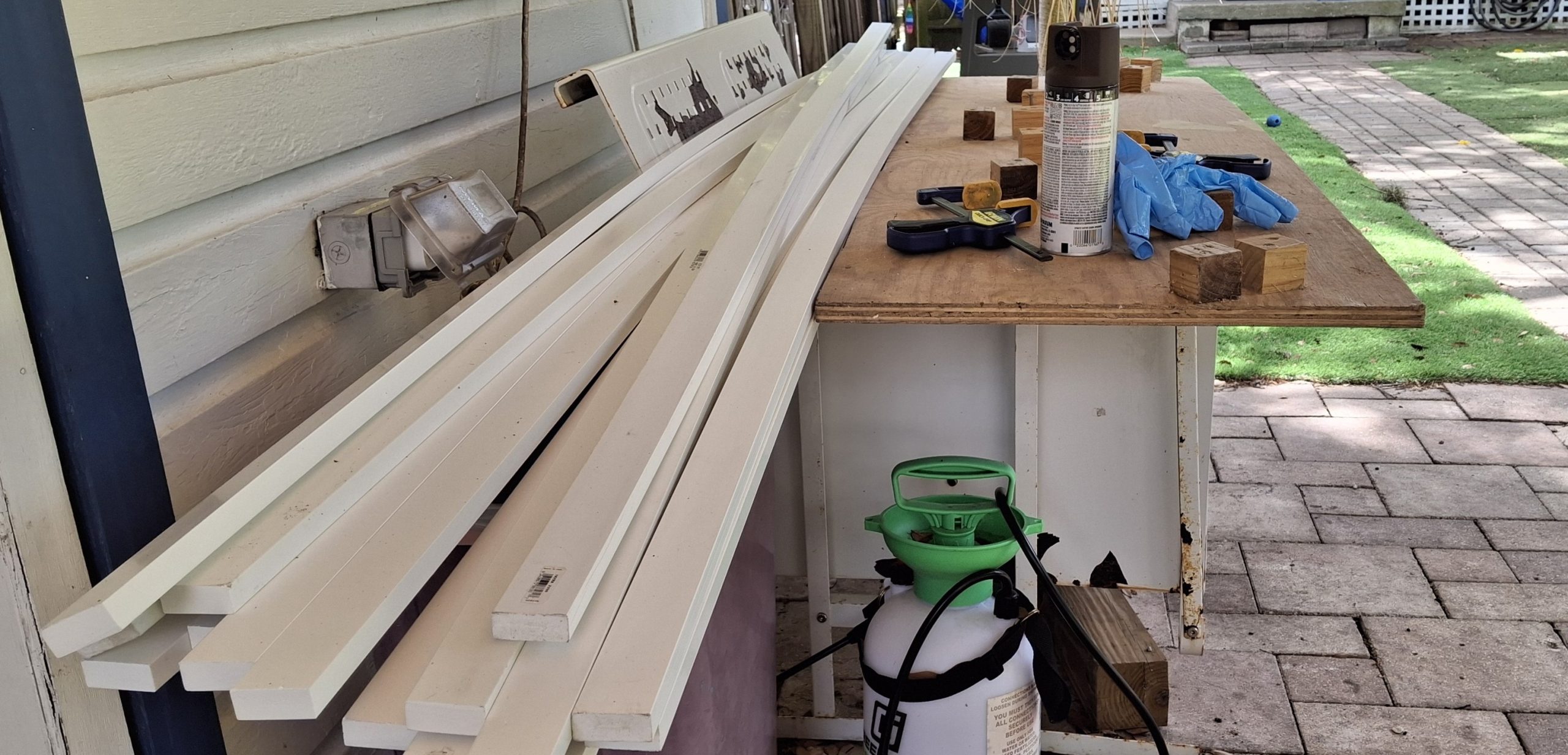
Another advantage of PVC stringers is ease of assembly. Each side of the stringer is now a single ⅝”x1½”x8′ PVC trim piece, not three slats that all need trimmed to different lengths when using the curve templates. I built those templates to help ease assembly, wrangling all six slats and a dozen spacer blocks into some semblance of order.
Before - Rotten Wooden StringersAfter - Soon To Be Rotten Wooden Stringers
Let’s Do This The Easy Way
Now it’s just a single pass with a pair of the PVC 1x2s, drill and screw each to the spacer blocks, then trim either end and done. It still takes about an hour to assemble an 8′ section of stringer, but it saves about another hour of ripping a 2×4 into slats, not to mention the countless hours of removing rotted sections and replacing them every year.
Speaking of those jigs, they’re not really necessary when using PVC. Assuming the posts are arranged in the desired pattern, circular or otherwise, just attach the spacer blocks to one side then fasten that in place along those posts. Attaching the remaining side is easy enough using clamps to hold it in place while fastening it to the first side and posts.
So far we’ve used the 14′ and 20′ curve jig. The 10′ diameter curves could be a different story. We skidded the shed out from the fence another 8″ a while back with the hope of fitting larger curves to replace those tight 10′ diameter sections. They were enough to get us up and running originally, but now we have flex track and a rail bender to fit any size curve.
Building 14' Diameter Stringer - New Stringers In BackgroundLeft End Overhang - One Leg Needs TrimmedRight End Overhang - One Leg Needs Trimmed
Getting A Head Start
Every year there’s a push to get trains running again. This year we’re starting earlier than most, in the past usually waiting until May to get trains running by Memorial Day. Some years that even stretched to July 4th. And every year it’s the same thing. Replace the rotted wooden stringers. As we said, it’s become an annual event.
Those concrete roadbed “bricks” we’re experimenting with work, but are much more labor intensive than posts and stringers, and nowhere near as sturdy and immoveable as we thought they’d be. Still working on how to streamline that process… Comparing the ease of replacing the rotted wooden stringers with PVC ones with the amount of effort using concrete bricks, it’s a no brainer!
So far we’ve replaced about 100′ of stringers, both straight and curved sections, but we’ve also taken up more than 300′ of track where the stringers had already rotted out over the past year or so and no longer held the track. We’re still behind the curve for getting trains running by Memorial Day, but we’re working hard to make that happen.
Corner PVC Stringer In Place And Painted Next To Wooden Stringer8' PVC Stringers, One Painted, One Not 8' PVC Stringer Next To "Plastic Wood" Stringer20' Diameter Curved Stringer To Bridges Corner Stringers From The Inside This TimeYet Another Inside Look At 8' PVC Stringers Inside Look At 8' PVC and "Plastic Wood" Stringers20' Diameter Curved Stringer And Rotted Stringer Disposal
Just Enough
The plan is to replace just enough track to have a continuous loop trains can run on. This would consist of the downtown loop, that North leg of the wye loops around through downtown along the mainline back to the elevated sections. The elevated sections need bridges in place to run trains past the deck and back to downtown.
The lower loop around the deck and the other legs of the wye will have to wait. Essentially the mainline Downtown connects to the wye switch (West). The diverging legs of the wye arrangement go left (South) to the deck and right (North) to the downtown loop. The only thing missing to make it an operational wye is a switch connecting the North leg to the straight leg to the West.
But a standard switch doesn’t fit. When I first laid out that downtown wye section, I thought the Aristo-craft wye switch replaced a full 20′ curved segment of track. I found out the hard way it didn’t. Trying to fit those 14′ diameter curves to the diverging routes of the wye switch didn’t work as planned.
The angles were off just enough that it didn’t fit without having to resort to flex track and bending a tighter radius to make it fit. Without the wye switch in place, the 14′ diameter segments fit just fine. It may be better to redo that section to make it fit right while we already have it apart and all torn up anyway. We shall see…
The Downtown Wye ArrangementWye South Leg Toe To Toe Switch Arrangement
Making Progress
Amazing what was accomplished in a single weekend. All of the elevated sections are in place and painted with the track repaired and installed. That was easy compared to what’s next. The ground level sections, starting with the mainline and siding switches to the station siding. And there’s a reason for starting there.
Because of the “hiccup” with the wye switch not quite aligning with the diverging legs of the wye, that becomes the most important location on the layout. Everything has to be measured against and fit to that point. Why? Because the station siding just fits using 10′ diameter curves and the two wide radius switches. And that has to be the starting point for the wye switch.
Another consideration is the height of the mainline crossing Main Street into Downtown. The original track height is too tall by about the thickness of a concrete block cap, roughly 1⅝”. The quick and dirty way around that in the past was to just line Main Street with concrete block caps, simulating curbing, sidewalks and building foundations.
Future PVC Stringers Ready For AssemblyCutting More Spacer Blocks From PVC 2x2
It’s A Dirty Job…
Time to start digging out what remains of the rotted mainline and siding stringers. I need someplace to put all the dirt and gravel while test fitting the yet to be assembled replacements, but somehow I’ve managed to use all the five gallons buckets for something else.
A number of unused 16qt storage bins with lids are sitting in the garage, so they’re pressed into service. Fitting the new replacements fills two of them! I hadn’t planned on fixing anything more than the station siding, but as the digging exposes more and more of what remains of the other siding, the danger of exposed screws is apparent. Better fix it all while we’re in here.
Those 10′ diameter stringers have always been right at the edge of being too tight of a curve for any material, wanting to spring back to their original straight shape when removed from the jig. Thankfully we only need two sections (~60°), not an entire quarter circle (90°). It’s still straining to maintain its shape against the posts, and the screws are pulling out of the twisting spacers.
Station Siding Site And Mainline Main Street CrossingMainline And Sidings RestoredMainline And Siding Lowered For Main Street Crossing
Repairing The Track
About as common as replacing rotted stringers is having to repair the track. It seems that just looking at the track wrong will cause the rail to pull out of the simulated tie plates and spikes. Now consider three good sized German Shepherd “pups” constantly pounding on them. Add to that constant UV bombardment from our hot Florida sun baking them brittle and prone to breakage.
Just about every piece of track needs disassembled and the tie strips “reseated” over the foot of the rails before the track can be put back in place. Anyone who’s ever dealt with those annoying little Aristo-craft screws knows what a pain they are. My big hammy hands make it even more difficult, inevitably losing some of those fumbly screws in the process.
In the past I’ve tried to patiently coax the ties back around the foot of the rail using tiny screwdrivers and other tools with limited success. What usually ends up happening is the another tie gets pushed off the rail while struggling to hold it in place and fix the first tie. Anyone that knows me knows what little patience I have doesn’t last long with fiddly things like that.
Track Waiting For The New Fence Install To Be FinishedTrack In Need Of Repair Above And Repaired Below
Relaying The Track
Anyway, each track section is laid back in its place as it’s repaired. SplitJaw™ rail clamps are then installed to connect it to the previous section. Learning from past mistakes, when securing a single tie with a screw to the stringer beneath, either the screw pulls through the tie or the tie gets ripped free from the rail, now uselessly still mounted to the stringer.
We recently switched to using zip ties every so often to hold several ties to an joiner block of the underlying stringer. It’s much more forgiving using this method. The track usually has enough give that it simply shifts to the side when absorbing impacts. That’s not to say that the track can’t still be damaged, but it certainly takes a lot more effort to do so.
Pulling the zip tie too tight is a quick way to cause damage. The most difficult part is placing those zip ties when the stringers rest directly on the ground. It’s a struggle to feed them down through the ties, underneath the spacer block and then back up through the ties to secure them. But at least now the mainline and siding tracks are fully restored and in place.
"Main Street" CrossingsThe Most Important Place On The Railroad The Station Siding To The "Platform"The Station Siding Along The "Platform"
What The Future Holds
Another weekend, another part of the Barkyard restored. The next big win would be to get the rest of the ground level track in place, including the rest of the wye. That’s most likely a future thing though. As it stands, the wye really isn’t a fully functional wye arrangement. The downtown loop doesn’t have the option of returning to downtown and looping back to the elevated sections.
It’s only connected to the straight leg of the wye using a 20′ diameter track section in place of the 14′ diameter section. That straight leg does have a switch at the other end, allowing trains to run along the lower loop around the deck and then along the South leg of the wye back to downtown and the mainline heading East.
What we need is a 14’/20′ diameter curved switch to connect the straight leg to the other leg of the wye. It’s not clear in those screen captures though. They don’t make 14’/20′ diameter curved switches. At least not that I’m aware of. There’s not enough room for anything else to fit. I’ve designed myself into a corner.
Spoilers
Back to the drawing board! Years ago I had started designing a home made #5 switch to connect a diverging 14′ diameter route with a 3′ long tangent route. I think I originally had the downtown wye in mind. I’ve put all the details in this post dedicated to the new switch design.
There’s a new discovery in there as well. One that could have MAJOR impact on Downtown! Let’s just say I can’t wait for my new 3D printer to get here! It’s due to arrive in the mid April timeframe. I ordered it back in November of last year (2025). Think of it as “next generation” printer technology compared to my other “first generation” technology printers, where everything is manual.
I’m looking forward to not have to manually swap spools of filament mid print while crossing my fingers that something doesn’t screw up. This new one can handle four different colors in one print. The printer actually supports up to 16 colors at once, but I opted for just the four in a single ACE cabinet to begin with. Not sure where I would put the other three ACE cabinets anyway.
For A Limited Time Only
I had been gathering the footage of the progress from the surveillance cameras, thinking they could be spliced together into a sort of time lapse montage. But then I missed the window to grab the footage from last weekend. I’m surprised by this since I’ve been able to go back more than a week in the past. I can’t remember the last time I wasn’t able to.
Oh well, I’m down to my last 3GB on a 4TB drive, not sure where I would have put it anyway! I was waiting for the 8TB NVME drive prices to come down, but with AI and all the global upending lately, that ain’t happening. It’s DOUBLE what it was last year! They want $200 more for the 4TB drive I already have! Also nearly double! And they want more AI and more data centers?
Don’t get me wrong. I’m not Grandpa Simpson shouting at the clouds. I’ve used AI in increasing capacities at work since before the Large Language Models (LLMs) emerged. AI has its uses, but it’s not the panacea it’s made out to be. It’s wrong more often than it’s right. And when it’s wrong, it still takes a human to detect those mistakes and retrain it to reduce their frequency.
At some point those rough cut videos will reappear, but not right now. We’re making too much progress toward getting trains running again.
Question? Concerns? Leave A Comment!
If you have any questions or concerns, please feel free to comment on this post. In any case, you’ll need to create a user account to do so. We don’t use any personal information for marketing or to spam you (see our privacy policy). We do it this way to avoid scammers spamming our posts. You’ll receive a verification email. Reply to the link provided to verify your email address. It’s all automatic. No waiting on moderator approval! No spamming your inbox with useless advertisements and “Special Offers”. None of that nonsense. We do it this way to prevent bots and spammers from detracting from your experience.
Welcome back. This is the second part of our New Acquisitions For 2026 series. We highly recommend starting there if you haven’t seen it yet. We’ll be picking up where we left off in that original post. And as much as I want to say we saved the best for last, it’s doubtful this will be the last post about our latest acquisitions.
We’re very excited to have added these classic Aristocraft treasures to our collection. These “relics” are quickly becoming unobtanium. For those that remain for sale, the sellers are asking outrageous prices, presumably because of their perceived rarity. I’ll add them to my watchlist just to see if anyone is crazy enough to pay those ridiculous prices.
An added bonus in having them on hand is it allows them to be copied. And by copied, I mean their designs captured and perhaps 3D printed. Not all of the original design can be exactly duplicated, like metal driver wheels and gearboxes and such, and even some of the plastics will require redesign to support the limitations of 3D printing.
But for the most part, those missing and broken parts can be replicated fairly quickly, and to a reasonable degree of realism. But we’ll get to that in a bit.
Run In Stand “Power Pod” For USATrains Equipment
Where Did We Leave Off?
We’re getting set up to better test the mechanisms of these new acquisitions. That starts with a revised run in stand design that supplies power directly to the drivers. After the mishap with the test track, it’s time to get proper run in stands in place. But there’s a problem. The run in stands don’t have power feeds built into them.
Unlike their USATrains counterparts, Aristocraft doesn’t use power “skates” to enhance power pickup, but rather picks up directly through the wheels and axle bushings themselves. Our 3D printed run in stands rely on a separate “power pod” that feeds power up from the rails directly to those skates.
For the most part, a set of test leads can be clipped to the wheels of the pony truck on Aristocraft equipment. But on the custom Mikado, the power leads appear to have been deleted, presumably fallout from the DCC conversion. The main drivers still feed power from the track, so time for some mods to the run in stands themselves.
The initial thought is a quick and dirty feed through the bearings, thereby incurring the wrath of every jackal and troll on the internet, screaming “It will ruin the bearings!” in the comments. Well, stand down. That won’t work. Ask me how I know…
Attempt To Add Power Feed Thru Run In Stand Bearings With Copper Tape
That Would Be Too Easy
Unfortunately running the copper tape up from the rail to the inner bearing race doesn’t work. Apparently these bearings use plastic or ceramic balls because there’s no electrical continuity between the inner and outer races. Figures. That would be too easy…
So now what’s the plan? The only idea that comes to mind is some sort of “feeler” contact that rides directly on the outer race to feed power to it. That leads to thoughts of etched brass or stamped phosphor bronze contacts. Neither is quick considering the amount of time searching online to find something that already exists and will work.
Next idea. 3D print an insert to the existing run in stands with some sort of “springy feeler arms”. The initial sketches quickly point out the drawback of an insert over the bearing bosses. There’s not enough space for an arm that’s long enough and flexible enough and still only lightly contacts the outer race. Lightly is the key idea here.
Next idea. Just make an insert thin enough to fit between the sides and the outer race and cover it with the copper tape. The outer race will directly contact the copper tape on both sides. It could actually be on just one side, but we’ll see how well this works. The thickness of the insert is entirely based on trial and error.
New Power Feed “Inserts” For Existing Run In Stands
Tested?
A number of “prototype” inserts of various thicknesses are tested. The final thickness of the insert is between 1⁄16″ (~1.6mm) and 0.08″ (2mm). The trade off is increased drag on the outer bearing race vs. reliable electrical contact between it and the copper tape. The proof of the pudding and all that…
Four run in stands are quickly modified and pressed into service. And they work! Well, maybe I shouldn’t get so excited, they work most of the time. That trade off we talked about is in play here. If I press against one of them to narrow the gauge between it and the other side, the engine runs for a short time, then stops until I press it again.
This may have more to do with the rickety nature of the run in stands’ clamping force on the rail than the actual bearing contact with the copper tape. The original design opted for speed of production and not overall stability. Looking back, there are two areas for improvement in the original design. But we’ll get to those in a bit.
Thankfully there are recordings of the various engines tested, my memory not being what it used to be. They may become more of those “rough cuts” videos in the near future, but for now, they help me to remember which ones run smoothly and which ones still need work.
Custom Mikado Innards
Testing The Custom Mikado
The custom Mikado is doing well up until the last run, when that growling bearing noise started and became much more pronounced. Hopefully it’s just a lubrication issue. The Mikado from last year needs a new front drive shaft bearing in the front driver axle gear box. Its rusty appearance was a dead give away.
It may be the same issue here with the custom Mikado. That bearing faces forward and any moisture to be found will hit it head on. Won’t know for sure until we dive deeper into the mechanism. That’s not in the cards at the moment. We’ll save all that time consuming effort for later.
The cab and boiler were removed and it was all open at the time of testing. That’s when the Digitrax DCC decoder and Dallee sound card were discovered. Which reminds me, I still need to connect a speaker to test it. That is, once I figure out which of the three connectors goes to the speaker. May go straight to the horse’s mouth just to be sure.
Southern Tender All Clean And Shined Up Sporting New Wheels
The Southern Tender
There was a period between testing the custom Mikado and testing the Pacifics where the effort was devoted to the Southern tender. The wheels are a total basket case. The listing showed three of the four wheelsets in pieces, but it arrived with all four wheelsets in pieces. It has two Aristocraft couplers, including one where the drawbar should be.
First it’s disassembled and cleaned, including removing and scrubbing the top, then polishing the brass grab irons and the uncoupling lever with bar keepers friend. After straightening it of course. Funny story. I straightened that uncoupling lever to where it was barely noticeable, and spent the time to polish it, only to break off one of the levers!
I was a bit miffed at the time, mainly because of the wasted effort, but quickly got over it and ordered some 1⁄16″ brass rod to fabricate a replacement with. Considering that’s all cosmetic and we’re thinking of redecorating it to PRR anyway, we’ll save that for later. The OEM sound card checks out, so that’s a win.
Fabricated Decoupling Lever Replacement Comparison
Cosmetic Issues
While we’re discussing cosmetic issues, let take some time to discuss some of the common ones. Let’s start with missing parts, by far the most common problem with all our new treasures. If they’re not missing altogether, the cow catchers are broken into pieces. Thankfully in every case the mounting screws are still there in the front bolster.
As the saying goes, “All the bells and whistles…” are just as likely to be missing. In most cases, if the bell is missing, the bell harp is missing or broken as well. A significant number of engines are missing their air pumps too. One of them is even missing a cab window!
With the exception of the clear window material, replacements for all of them can be 3D printed. Once the designs have been captured that is. That’s the hard part, and involves trial and error fitting the design to the part so that everything looks and fits right.
The last of the 3D Solutech brown filament is still loaded in the old 3D printer, used just minutes ago to print the run in stand inserts. It takes a number of design iterations just to get the bell harp close. It’s not an exact match to OEM by any means, but it’s close enough to get the job done, and looks good doing it.
Adding All The Bells And Whistles
Parts Is Parts
Next is the bell itself. Again, it’s not an exact match to OEM, but close enough. The bell hanger is a tough one to print as one piece without supports. As small as it is, removing the supports would most likely break the fragile part.
To avoid supports a compromise is made. Printing it as two halves, flat, back to back. The two halves are then folded together along the small hinge points between them and glued together into one solid piece. This is then glued to the top of the bell to create a complete bell assembly that will fit between the arms of the bell harp and pivot freely.
The whistle has just as many parts, and just as tiny, if not more so. Difficult to handle to say the least. While this probably could have been designed to be two halves hinged together as well, no matter where the seam is placed, it will be visible. It’s similar to the “parting lines” left behind where the OEM injection molds come together.
To avoid that the chime and top are printed as one part, and the bottom another, both standing up. The mount is printed flat. The top and bottom parts are glued together to form the whistle itself, then the mount glued to the flat part of the cutout in the chime, snug against the bottom. The end result is a nice, round whistle with no visible seams.
3D Printed Cow Catcher Replacement
We’ll need replacements where the cow catcher and parts are missing altogether. Same for the air pumps. Once again the solutions are a multipart approach. The cow catcher has steps that would present an abrupt overhang, difficult to 3D print without supports. So those steps are printed separately then glued to the main assembly.
A similar situation exists for the the air pumps, where 3D printing the lower and upper cylinders together presents an abrupt overhang, difficult to print without supports. The lower cylinders are printed as one part, the upper cylinders another, and the piping a third. The piping is printed as two halves. All are glued together into a single assembly.
The air pump could be printed as two halves, but that would lead to “layer lines”, or “staircasing”. The drawback to printing a round object is the boundaries between the uppermost layers become exaggerated and obvious to the eye. More simply, the top looks more like a stack of slabs, too thick to maintain the illusion of roundness.
The only items that remain to be designed are the cab window frame and all the crosshead pieces. The clear part of the cab window will start as a piece of clear styrene of the proper size with the 3D printed frame overlayed on it. The crosshead is a future project due to the many pieces involved.
A Dusty Relic With New 3D Printed Bell, Bell Harp, Whistle, And Two Stage Air Pump
Color Matching
Just as difficult as matching the OEM part shape and size is matching the color, at least for B&O royal blue. Black is not black, but many different shades, and can be shiny or matte to boot. Matching the bell and whistle gold color to the actual brass color is just as challenging. That silk gold is too gold!
It’s comical how the “gold” paint pen looks more like brass yet better matches the color of the OEM bell and whistle. Oddly enough, that same bright gold looks fitting on the NYC Pacific, with its tarnished and dull brass grab rails looking almost blacked out. Being lazy about it and just leaving it that way for now.
The Prussian blue is a close match to the B&O blue when applied over the Navy blue 3D printed parts. Searching for the Prussian blue color online yields two dominant, yet different versions. One looks very close to the B&O blue and the other more saturated, with a somewhat more greenish tinge to it.
The search also turned up a post on the Railway Preservation News forum (rypn.org) with an actual reference to the PPG 15504 number, specifically named “Bando” blue, along with some other railroad color resources.
If you’re interested in obtaining the STL files to print your own replacements, leave us a comment and we’ll be happy to email them to you. See the instructions at the end of the post. But for now, let’s get back to testing.
B&O Pacific Running Smoothly On The Test Stand
Testing the B&O Pacific
The next unit under test is the B&O Pacific. With the exception of the smooth drive operation, everything else is less than satisfying. During the initial test on the run in stands, the valve eccentric crank on the fireman’s side breaks off! That’s about the time I noticed the bent grab rail and broken stanchion too.
Beginning to wonder if they dropped this thing when packaging it for shipping, or maybe just the packaging for shipping itself did all this damage. The listing picture shows the headlight mounted and the wires intact, the grab rail straight, the stanchion mounted where it belongs, along with the cow catcher.
Looking closely, I can see the cracks in the crank arm, so perhaps well hidden pre-existing conditions too. Nothing a little TLC can’t fix, but certainly not disclosed in the listing! A short diversion to design and 3D print a replacement later, the broken pieces are glued back together and pressed back into service.
Found the pieces of the of the cow catcher, missing when I went to glue it back together, along with the headlight in a separate package, I might believe a shipping mishap had they been found just floated around loosely in the box everything was shipped in. The separate packaging’s a deliberate attempt at the time of shipping to assure they’re found.
NYC Pacific Running Like Crap On The Test Stand
Testing The NYC Pacific
On the rails with it is the NYC tender to test the PH Hobbies sound card. It works. It has reed switches for chuff input, with a magnet glued to an axle, and two more for bell and whistle triggers. I grabbed a magnet and tested the bell and whistle too. Sounds like it gets stuck in a loop using the startup sound at idle, but who knows?
Swapped out the B&O with the NYC Pacific. Yeah. You guessed it. For all that “New Motor Block” bullshit, this thing sounds like a playing cards against the spokes of a bicycle wheel. Just a terrible, constant clicking noise, like slamming the car into park while it’s still moving. We’ll save all that effort for later.
For as much of the description that was dedicated to singing this thing’s praises, it certainly doesn’t live up to any of the hype. They left out the part that the new can motor installation didn’t work out as expected and more work is needed to assure reliable operation.
Awful Solder Job On New Can Motor- Now With Added Foam
NYC Pacific Follow Up
Fast forward follow up. It’s a new can motor alright, if the absolutely terrible soldering job on the leads is any indication, and no “built-in” fan. It’s sealed in a can, hence the name “can motor”. Where would you “build in” a fan? Where would it draw air from when there aren’t any openings in the can? Whatever.
It’s a can motor that’s not mounted to anything. It’s just “free floating” between a moveable, semi-circular support that can slide along its length and the cover, which screws to the bottom of the frame and has a set of stops on both ends meant to contain the OEM motor block.
The rear stop’s been hogged out to allow clearance for installation, but the motor is free to move back and forth. With it all the way forward, the universal starts binding. Slowly moving it back, the clicking begins as the ends of the brass universal “spider” start impacting the sides of the plastic tunnel between the motor housing and the drive shaft.
For now, a small chunk of dense foam packing material from the new filament drier holds the motor forward, preventing it from sliding back and forth. Long term, the can motor has three threaded mounting holes on its front face that can be incorporated into a new motor mount, yet to be designed and 3D printed.
Milwaukee Road Mikado #481 Running Smoothly On The Test Stand
Testing The Milwaukee Road Mikados
Thankfully testing the Milwaukee Road Mikados goes smoothly. Having the test track and run in stands already dialed in from the custom Mikado helps speed up the process. Both run smoothly with no issues. Lights work. Not sure about the smoke units though.
Inadvertently tested one of the other engines, either the custom Mikado or the NYC Pacific. Don’t recall which. Do remember the smell of something burning then realizing it’s the smoke unit was on. Turned it off so as not to burn out the heating element. All the smoke fluid is out in the garage, so nothing to test with anyway.
Don’t normally run smoke units for a number of reasons. First is the risk of burning out the element, or worse yet, melting something irreplaceable because of it overheating. Another is the limited fluid reservoirs, spending more time constantly topping off smoke fluid than actually being able to sit back, relax, and enjoy watching the trains run.
Even when running with the smoke on, it’s not very impressive. The smoke is pale white, not the dark black belched from the stacks as the firebox was stoked in anticipation for heavy workloads. Same with the old school first and second generation diesels we run. They belched black sooty smoke until the turbochargers could spool up.\
Milwaukee Road Mikado #465 Running Smoothly On The Test Stand
Where Have All The Tenders Gone?
Another follow up, searching for Aristocraft long steel tenders for sale online turns up very little, and for the few I did find they want $300 or more! What is going on? It’s like the universe knows I need one and they instantly become scarce and expensive at the same time! Seriously, where did all the reasonably priced tenders go?
Guess it’s time to look at scratch building something… Or designing and 3D printing a reasonable facsimile. If that’s the case, maybe I’ll grab a Vanderbuilt tender instead and create designs for both. That’s if I can find one and it’s under $200. At least I found a source for the 31mm wheels and already have the solution for all wheel pickup.
Need to figure out the bending jigs for the grab irons and decoupling levers and such. The replacement decoupling lever fabricated for the Southern tender was all hand made using my “eyecrometer” to measure and gauge where to bend. But that’s a problem for future me.
Burlington Long Steel Caboose With Working Smoke Stack
New Cabeese
Just scored an Aristocraft Long Steel Caboose in the CB&Q Burlington Route livery for $80 and shipping. The one with the pot belly stove that really smokes out the stack. It was one of those “Make Offer” deals on eBay. Scored another “Make Offer” deal in the PRR livery for $75 and shipping.
Also scored a pair of Aristocraft stainless steel #6 turnouts (ART-20330, ART-20340) for $300 and shipping. Well, tax and shipping, so roughly $350 for unobtainium. They were originally listed for $399 with a “Make Offer” deal as well. Seldom listed, in the past they were either bid up too high or someone had already pulled the “Buy It Now” trigger.
I do like the “Make Offer” style listings better. Most of the time the seller accepts my offer. But sometimes sellers counter with something too close to the original price. More irritating than a counter offer that’s not made in good faith are the sellers that send an insulting offer shortly after adding their item to my watchlist.
It’s almost like they’re saying, “I know what I got, no lowball offers”, before even making an offer! Most of the time those are the listings I watch to see if they actually sell for that price or just get perpetually relisted at the same, ridiculously high price. When everything else is listed at half what they’re asking, it seems ridiculously optimistic.
But enough griping about the pitfalls of online shopping. Let’s move on! The matter at hand centers around improving the testing arrangements.
PRR Long Steel Caboose Arrives Tomorrow
Improving The Testing Experience
If the experience with the runaway custom Mikado taught me nothing else, it’s that we need to come up with some improvements to the testing arrangements. A good start would be a dedicated test track power supply, complete with reverse, and possibly other features.
The current situation relies on the bench supply and a set of test leads with large alligator clips on the ends. One end clips on the output of the bench supply and the other on the rails. This is less than satisfactory in a number of ways. First is the potential for another runaway experience.
As diligent as I try to be with setting it to back to zero output before turning it off, I sometimes don’t. Imagine turning it off with the notion of turning it back on a short time later with the same setting for further testing, then getting distracted and not going back to it, let alone setting it back to zero. Next time it’s turned on, it’s not set to zero.
Just had this happen when attempting to test some 12V LED bulbs with a screw base (E5.5) that fit LGB equipment. Connected up the socket to the bench supply, threaded in the bulb, turned on the supply and… You guessed it. Set to much more than 12V!
Another drawback of using test leads is getting the polarity wrong 50% of the time all the time. For whatever reason I can’t seem to remember which rail needs to be positive relative to the desired direction. A dedicated test track power supply with built in reverser and a dedicated polarized cable connection to the track would solve that problem.
Time to pull one of the many block control prototypes out of mothballs and dedicate it to the task. Maybe even take the time to add the DCC-EX support to it now that we have that custom Mikado with the Digitrax decoder inside. Thinking about replacing those analog meters with a single digital display too.
The digital display allows software control over the context of what’s displayed rather than dedicating a large area for just voltage and current readings. It also allows for size reduction. While we’re on the improvement bandwagon, time to improve the run in stands and eliminate that “rickety” feeling.
Improving The Run In Stand Design
The first of the two areas for improvement in the run in stand design is the clamping force on the track. It’s a constant annoyance really. Originally designed for the flex track rails with the Piko tie strips, they don’t do so well with Aristocraft track with US tie strips. They’re only marginally better on the flex track to be honest.
The issue is the height and flexibility of the tie plates molded into the ties themselves. The originals have a “wrap-around” design meant to capture both the head and the web of the rail. The thought is to reduce the web portion or eliminate it altogether. But that means replacing all the existing ones we already have with new versions.
A better idea would be to create a new part that spans both rails that the originals would clamp to, and the new part would then clamp to the rails. This not only solves the replacement issue, but also eliminates the time consuming task of fine tuning both sides to match each wheel supported.
That improves ease of use. Currently there is a one to one correspondence between one run in stand and one wheel. This results in extra effort to fine tune the placement of a pair of run in stands for one axle. It would be much better if they were paired into a single unit that adjusts for the axle position all in one operation and then clamped down.
There are commercially available units that utilize this one unit per axle approach. There are even 3D printed ones for sale on eBay, passing power thru the bearings no less! Considering the number of run in stands we already have printed and assembled, should probably have two designs, one to accommodate those and one for new production.
Question? Concerns? Leave A Comment!
If you’re interested in obtaining the STL files to print your own replacement parts, leave us a comment and we’ll be happy to email them to you. Also, if you have any other questions or concerns, please feel free to comment on this post. In any case, you’ll need to create a user account to do so, but we don’t use any personal information for marketing or to spam you (see our privacy policy). You’ll receive a verification email. Reply to the link provided to verify your email address. After that, it’s all automatic. No waiting on moderator approval! No spamming your inbox with useless advertisements and “Special Offers”. None of that nonsense.
What rings in the new year better than new acquisitions? Well, those new year’s resolutions come to mind, but by now almost everyone has given up on them. Like vowing to get the taxes all taken care of before it’s too late to get them to the accountant, but let’s not ruin things this early in the post…
Speaking of accountants, at work they tell me we’re getting a 3% bonus! And that means new acquisitions! It’s a convergence of forces of the universe that I’m reminded of all the things I’ve been watching on eBay, because of the gathering information for the taxes, and having the money to spend on them at the same time.
And it’s not just one or two items. It’s many. And it’s many because, for whatever reason, those with the goods to sell decided that steam engines should be sold separately from their tenders. At least when it comes to old Aristocraft items it seems.
I can understand a lone item here or there, where the partner ended up scrapped for whatever reason, but every single item? Come on! I call BS. Or profiteering. And this time around I notice that the online hobby stores are double listing items on their web sites as well as eBay. But not soon enough to avoid making a costly mistake!
The eBay Listing – Pricey For Just The Engine!
A “Costly” Mistake
So a bit of background about how we got here first. When my bonus was deposited in my account, and I knew it was a done deal, I recalled the post in my inbox about a clearance sale. I think it was SPRINGCLEAN2026, but I remembered it as 25% off when it was really only $25 off. Not the end of the world. It’s still “free” money.
Well, money I don’t have to pay anyway. That’s assuming the seller hasn’t already added that cost back into the price of the items marked “clearance”. And that’s where I made the mistake that cost me pretty much all of the $25 I would have saved had I not been so impatient.
I let myself fall into the whole “Act now! Supplies are limited” marketing ploy. I already added a bunch of stuff to my cart on their web site, but didn’t see the Mikado they had listed on eBay there. Turns out it’s because their web site filters were set to only show me items that were 50% off or more. When I checked the 40% off box, there it was.
Long story short, by the time I figured that out, I already pulled the “Buy It Now” trigger on eBay, to the tune of $40 more for the same item! Tax and shipping pushed it over the $400 mark! What a dumb@$$! Shipping is free over $500 on their web site. I could have added this item to the rest, and much cheaper!. Good thing I had that $25 off…
The eBay Listing PicturesThe eBay Listing Details
New Treasures
To add insult to injury, these items are more costly this time around, by at least $100! And that doesn’t consider purchasing the engines and tenders separately. Since when are tenders alone worth $300 or more? That’s what the engine and tender sets used to cost! New treasures indeed! Costly new treasures.
I tried to match those lone items, engines and tenders, and bring them back together as a set, but it’s hard enough to tell what’s what online as it is, with fuzzy pictures and abbreviated and misleading descriptions. I hoped to find another tender with a Phoenix sound card, like I did with my previous scores last year, but no such luck.
I did “score” something inside the eBay Mikado, but I’m getting ahead of myself again. Let’s focus on our new treasures first before getting into all the details for each one. Let’s start with that eBay Mikado just mentioned.
Matching Online Listing Details
Another Mikado!
It’s called out as “21504 ATSF, original box not included” in the listing. But it arrived in the original box, ART-21514 Reading #1702? It’s definitely not #1702! The end of the box is labelled with tape, something akin to “#4076 GTW Digitrax – Dallee Sound Kadee’s Two Tenders”. So it’s neither. Let’s call it “custom”.
Right away my curiosity is piqued by the “Two Tenders”. My thought is one of those two tenders has a Digitrax decoder in it, coupled with a Dallee sound card, whatever that is. Never heard of it. But then again, I’m more than twenty years late to this party, and learning as I go.
Searching for tenders for sale that might match this custom Mikado turns up nothing. Oh well. At least I scored another Mikado! And much more for that matter. To be specific, many more Aristocraft Pacifics, Mikados, and Long Steel tenders.
Another Royal Blue B&O Pacific!
More Pacifics!
We now have yet another Royal Blue B&O Pacific and tender. Both sold individually, not as a set. The engine matches one of our other ones with the bright chrome wheels on the pilot and pony trucks. The tender matches the one with chrome wheels too. The tender has the original OEM “transistor radio” sound board in it, which does work.
Also scored an Aristocraft B&O flatcar in the blue livery. We already have the Bachmann one in the bright @$$ yellow livery. Too bright for my liking, but it is what it is, the platform for the Arduino “measure the layout” experiment mothballed long ago. I’ll see if I can find the IoTT episode that inspired it.
Speaking of that flatcar, I just spent an hour looking for the receipt to figure out what year the equipment photo needs stored under. The search turned up nothing! I have no idea when we got this one or where it came from. Very unnerving. It’s not online or the Garden Railroad file folders. Perhaps it’s stashed with the tax year it was bought in?
That Bright @$$ Yellow B&O Flatcar With Onboard Measurement ElectronicsLatest Acquisition Aristocraft B&O Flatcar
Then there’s the lone Southern tender. It’s in pretty sad shape, and the price reflected it. It has the OEM sound board too, and it works as well, and all the wheels too. But the plastic axle joiners are in their usual decrepit, crumbling state. That’s alright though. That’s the main reason I bought it, for parts if nothing else.
A little background here… In my zeal to resurrect our existing B&O tender with the gray wheels, I managed to snap the axle right off one of them! Hopefully one of these wheels will replace that one. But we’ll get back to that later. Maybe here. Maybe in another post.
The one last treasure from this first haul is a New York Central Pacific. Neither of the Pacifics came with the original boxes. Unfortunately, the price didn’t reflect it as well as it should have. Because of this, the first thing that needs done is to set up test tracks with run in stands for the both of them. We’ll get to that in Part II.
NYC Pacific
More Mikados!
So now we have twice the number of Pacifics, but still just two Mikados. Not satisfied with that 2:1 ratio, the quest becomes acquiring more Mikados. And acquire more Mikados we did. Two more to be exact, but only two on this second order, and of course a day late for the $25 off clearance sale!
Both are Milwaukee Road, ART-21513. One road number #465, which we have already, and one we don’t, #481. Both came with the original box, but as old as they are, these boxes are falling apart from age or water exposure or whatever. I may look at designing some custom 3D printed TPU packaging for the ones without boxes, but not today.
Also scored a custom tender to go with the NYC Pacific. Originally an ART-21804 CNJ on the box, it’s been customized to New York Central already. Perfect! Another bonus is it comes with a PH Hobbies sound card. A step above the original OEM sound board in features and sound quality, with chuff, bell, and whistle trigger inputs.
We’re spread thin on tenders to match these new Mikados though. I already have one Milwaukee Road tender from the #465 we already have. Add to that the Pennsylvania tender meant to go with that Mikado. Short of cobbling something together to allow dual tender operation, that leaves one tender to go with one of the new Mikados.
We can redecorate the Southern tender, essentially paint over it, and maybe add some decals later. But those wheels! Not sure what to think about them. We’ll get to that story in Part II. There aren’t enough tenders for what we have, and those we do have require extensive modifications and repairs before they’re ready for action.
So we’re still one tender short. I could have sworn there was another tender somewhere, but maybe I’m just dreaming… Nope. We’re one short for the custom Mikado mistakenly purchased on eBay. But wait, that’s supposed to be an ART-21504 ATSF with no box, not the custom one in the ART-21514 Reading box?
NYC Tender
I’m So Confused…
I’m so confused now. Originally that Mikado was listed both on eBay and online as ART-21504 AT&SF, original box not included. But we got a custom GTW #4706 in the ART-21514 Reading #1702 box that has all the tape labels on the end? How did we end up with the box? It plainly says no box. Was there a mix up?
Plenty of questions and no answers to be had. The picture clearly shows AT&SF on the cab under the window, but that’s a different listing? That other listing is identical except for pictures. It clearly says ART-21504 ATSF, no box. But I got an ART-21514 Reading #1702 box with the custom GTW #4706 inside, like the tape on the end of the box says.
Guess they used the other listing’s description as a starting and never went back to update it. But I’ll stop second guessing now. At the end of the day, we’re still one tender short. We’ll have to remedy that. I’ll have to go search eBay for another “bargain” tender. Once the taxes are ready to go the the accountant that is…
Another Royal Blue B&O Tender
Trash Or Treasure?
First step is a visual inspection of our latest acquisitions. Are they trash or are they treasure? Have to say, they’re mighty proud of these items and they’re priced accordingly. And right off it’s obvious the “C7 – Very Good” ratings they’ve given them is stretching the truth, to say the least.
More than minor scratches and blemishes. Bent, broken, and missing parts. Loose wheels. You get the idea. Nothing unexpected when buying used equipment online, but from an online store optimistically evaluating the condition to inflate the value of items, certainly not expected if they expect repeat business. Fool me once and all that…
But let’s get on with the inspections! Some of the first items to arrive are the custom Mikado and the two Pacifics we’ve already mentioned. Let’s start with the Mikado since we talked about it already and it arrived first.
Seriously Decrepit Southern Tender
The Custom Mikado
It’s apparent from the less than pristine #4076 on the fireman’s side of cab that it’s been apart. The missing cab window is further evidence of that. The painted over #4076 on the engineer’ side is a headscratcher though. Why go to all the trouble to renumber it just to paint over it? Perhaps acquired by someone else and their attempt to remove it?
It does have Kadee couplers, even where the drawbar to the tender should be. We’ll move that behind the tender and restore the drawbar. The bell and harp hang over the smokebox door, hinge broken. The headlight and bracket are loose. It has the whistle and air pump, but the cow catcher and the entire right side cross head are missing.
The handrails, running boards, and wheel rims all have a thick coat of white paint. Must be more of the customization meant to match the GTW livery. If the paint thickness doesn’t make it look toylike, the stray edges of the paint lines certainly do. So far just aesthetics, missing and broken parts though. Like the left front crosshead mount.
Lacking the patience to setup some run in stands, the bench supply is connected to the rails of a 3′ test track. Placing the test subject on the track and turning on the bench supply sends it racing off the workbench in reverse! Instinctively my right hand drops to stop it while my left furiously tries to adjust the bench supply.
About that time it emits a horrible grinding grunt and now the motor just hums. Great! It used to run until I broke it. Reversing the leads to run forward, the motor still just hums. That’s when I notice the side rods between the first, second, and third set of drivers form an angle, not the straight line they should be, and the wheels are loose!
Costly “Custom” Mikado
More Like The Cursed Mikado
Even straightening out the side rods and tightening the wheel doesn’t help. In fact, now the motor doesn’t even hum? Somehow I made it worse! Wonderful. Time to set it aside and ponder the rest of the newly acquired treasures? Not yet. Thinking it may just be something simple, like a blown fuse, I decide to take it apart.
That’s when I noticed one of the cab windows is missing. Only one fell out instead of two when lifting the cab off. Then I nearly slice my thumb open trying to lift the boiler shell off the rest of the chassis, breaking loose one of the popoff valves ahead of the steam dome in the process! This thing may be custom, but it’s cursed as well.
Once inside I find both the Dallee sound card and the Digitrax DCC decoder! Treasure I thought still lived in one of those tenders I couldn’t find, found buried inside the engine! It quickly becomes clear why “Signs of customization by previous owner” was documented in the listing. A custom harness has replaced the OEM wiring.
Or rather cobbled in, with its wires just spliced into the OEM harness and the original wires snipped off everywhere, left to potentially short out on the electronics. There are three connectors hanging out the back of the engine, not two like OEM. No idea what they connect to with the tenders long gone. Guessing one is for the speaker though.
The next morning plenty of pictures are snapped to document the state of the engine as received. The boiler and cab are refitted to keep everything together so as not to lose anything or break anything else. Whatever gremlins kept it from working last night were driven off by reassembly because now it works! The Digitrax DG583AR decoder works!
Another B&O Royal Blue Pacific
The B&O Pacific
The B&O Pacific is another sad case. The headlight ripped right off, one wire is still hanging out of the engine and the other out of the headlight, also missing the lens. At least they sent it along with it. The cow catcher is broken off, but they sent that too, and the screws are still in the bolster. Pictures show it and the headlight intact! Packing mishap?
Beyond that, the whistle and bell are missing, along with one arm of the bell harp. The fireman’s side grab rail near the cab is bent and the stanchion broken off, also pictured intact. It can be bent back to shape and the stanchion glued in place. One saving grace is the two stage air pump will allow replacements to be designed and 3D printed.
One last item of note is the bright chrome pilot and pony truck wheels. It matches one of the B&O Pacifics we have. The other one has dark gray, let’s say graphite color wheels with brass/gold accents on the spokes and rims. Even the tender has chrome wheels to match another one we have. Already mentioned the other has dark gray cast ones.
Never understood why the bright chrome though. Don’t think I’ve ever seen a prototype with mirror finish chrome wheels. Anther difference between the two types of B&O Pacifics is “ladders” hanging from the reverse gear trunnions, but only on those with chrome wheels? If you have any information on these differences, please drop a comment!
NYC Pacific
The NYC Pacific
The NYC Pacific is in pretty sad shape too. The listing says, “Rated C-6: Very Good”. My eye! The cow catcher, bell, whistle, and air pump are all missing. The description says it has the newer (SD-45 style) smoke unit, but the pictures show the old style one with the tool box fluid reservoir and switch on the pilot! It definitely has the old fan driven one.
The description also states “All new motor block – Can Motor Drive with Built In Cooling Fan – All Drive Axles Gear Driven – 3 Patent Ball Bearing Equipped Prime Mover Gearboxes – 2 Flywheels For Better Locomotive Performance”, which scares me for a number of reasons.
First, does “All new motor block – Can Motor Drive with Built In Cooling Fan” mean the motor was replaced because the old one was faulty or is this just marketing hype copied directly from an Aristocraft brochure? I don’t recall any of the motor blocks having a cooling fan, but again, I’m no expert on Aristocraft.
Next is “All Drive Axles Gear Driven – 3 Patent Ball Bearing Equipped Prime Mover Gearboxes”. I’m looking right at the damned thing and there are still only two gear driven axles with the center drivers spring loaded and floating, independent of the drive shaft between the front and rear driver axles. Same as every other Aristocraft Pacific we have.
All the listing says is Functional, but judging from the God awful gear grinding sounds it’s making, either the “All new motor block” was incorrectly installed or the old drivetrain is completely worn out and needs replaced with an “All new motor block” and “Patent Ball Bearing Equipped Prime Mover Gearboxes”.
What’s Left Of The Wheelsets
The Southern Tender
The Southern tender is another enigma. The listing says no box, yet it arrived in a box? It’s labelled “ART-21404 Burlington / 2 Piece Set” perhaps? Hard to tell. Key portions of the label have been torn away. This one was listed as “C5 – Good”? Really? Thinking I need to subtract an entire condition level when considering their items in the future.
The picture shows three of the four wheelsets missing! It’s the typical plastic axle joiner “decrepitude” that I’ve already designed and 3D printed replacements for. The listing says ART-21405, just adding to the discrepancy list. Not going to say it’s a bargain at $80, but it’s a far cry from the $300-$395 they want for other tenders in better shape.
The paint is chipped and all the brass grab irons need polished. The decoupling lever is bent all over the place along its length, including the levers on both ends, and it needs a good polishing as well. That is, if it can be straightened out without noticeable bends! It has a working OEM sound board, and Aristocraft couplers on both ends.
The pictures show all of this, so at least it’s no surprise. Another comical item is there’s a piece of a leaf spring from the trucks stuck between the tender body and grab iron. Both trucks have all their leaf springs intact, so either someone’s looking for it in their shipment, or the original owner had broken a truck elsewhere that ended up here.
Couplers On Both Ends?
Have to wonder, what’s up with couplers on both ends of the tenders? Two of them have Aristocraft couplers on both ends. And of those, one of them has a broken coupler. It’s the decrepit Southern one, surprise, surprise. That’s alright, we’ll be replacing it with the standard drawbar anyway.
Seem to remember one of those engines having a Kadee coupler on the drawbar too. That’s right, the custom Mikado. Had to go back and look! It has couplers on both ends as well. An Aristocraft coupler up front, and a Kadee on the drawbar. That Aristocraft uncoupling “tab” interferes with the 3D printer cow catcher where a Kadee may have cleared.
But I’m getting ahead of myself again. We’ll save that for Part II. So let’s wrap this up and end on a positive note. I am very pleased with the new treasures acquired with my bonus this year. I’ve already spent more time on them than I should have, but made tremendous progress toward restoring them.
At the very least, replacing the missing parts is complete, with one exception. But I’ll leave that as a teaser for the next post.
Question? Concerns? Leave A Comment!
If you have any questions or concerns, please feel free to comment on this post. You’ll need to create a user account to do so, but we don’t use any personal information for marketing or to spam you (see our privacy policy). You’ll receive a verification email. Reply with the link provided to verify your email address. After that, it’s all automatic. No waiting on moderator approval! No spamming your inbox with useless advertisements and “Special Offers”. None of that nonsense.
Merry Christmas from all of us here at the Barkyard Railroad! We’ve been busy since before Thanksgiving, or rather, I’ve been busy making Posable “fidget” snowmen as Christmas presents for our family and my teammates at work. I’ve kept it a secret until now so as not to spoil the surprise. When I saw that video, I thought what wonderful gifts they would make.
Normally I would have a picture of the house all decorated for Christmas. But we’ve scaled back this year, or should I say Ann’s scaled back? She normally handles the decorations knowing I would go overboard with them. This year she decided none of those blue icicle strings, but at least we have Christmas lights and all the other yard and mailbox decorations.
Instead I’ll share the snowmen (and women) I’ve been 3D printing, up until about a week ago anyway. They say after the 15th there’s no guarantee it will arrive before Christmas, but I put my faith in the USPS Ground Advantage plan. Not so funny, funny story there, but I’ll save it for later. Let’s just say I’m a bit disappointed with the Post Office for once.
Our Merry Little Christmas Tree With Festive Fidget Snowmen And Women
Be Kind And Rewind
I’ll need to rewind a bit here. We left off with a constant, around the clock, 24/7 production pace until another nozzle clog on the old printer stopped it. After yet another nozzle replacement and some tweaks to the retraction settings, we’re back in business. But what exactly does that mean? I didn’t go into too much detail last time, shooting for a high level overview.
Hopefully I won’t bore you with all the little details here, but I think it’s safe to say an explanation of the process is in order. Worried I’d lose track of all the pieces parts printed and how much filament it took, I created a spreadsheet to track all the combinations and who they were bound for, with an included picture for each of the various combinations used. This helped me keep things straight.
It tracks how much filament it takes to print each part, what color it’s printed in, and how long it takes to print. Using a “matrix” of “checkboxes” to specify each particular combination of pieces that make up an individual snowman or woman, I’m able to label and number each produced. I’ll get into the details in a bit, but I never thought I’d print more than 60 of these!
Originally I meant to record every aspect of how these are made for more video content, but soon realized there wasn’t enough time to both record and produce. Progress is slow but steady. Having two 3D printers doubles the speed and halves the time, but it doesn’t help decide what to print next. It definitely doesn’t help assemble them whatsoever.
Parts Is Parts
What Are You Talking About?
But enough of the general discussion. Let’s talk about what it is we’re making. Then let’s talk about the parts we need to make them. We’re making articulated snow figures, snow men and women to be exact. Large or small, they consist of a bottom, a chest or sweater, a head, a collar or scarf, eyes, nose, buttons, and a hat. They weren’t originally designed with a mouth, but Ann says they need one, so a mouth they get.
The screen shot shows all but two of the overall pieces parts and options available, with only the bonnet and woman’s hat missing. Like the top hat, both those hats have a colored band too. We’ll see those options soon enough. Each of those parts has a “checkbox” column in the spreadsheet, some of them with a corresponding “color” column as well.
Where the bottom, chest, and head meet are designed as ball joints so they can pivot smoothly over one another. They are held together by elastic cord. I suppose rubber bands could be used as suggested, but having just thrown away a box of rubber bands that were too old not too long ago, I decided to use elastic cord. But what size? Good question. Terrible answer.
A better answer is it depends on the size of the snowman. For the large ones I chose 3mm cord while the small ones get 1mm cord. The large ones also have a more complicated means of fastening the three articulated parts together. The small ones are pretty straightforward. There’s another funny story associated with those large snowmen that I’ll cover shortly.
Not Just Twice As Tall – Twice As Wide And Twice As Deep Too
Large Or Small?
Before getting into the details of the different sizes, I should mention that the large snowmen are really just half the size of the true design. That’s a decision I made to save time, space, and filament. The “Giant Snowmen” are truly that. Giant. Half size doesn’t really describe the situation. They’re half size in three dimensions, not just one. Twice as wide and twice as tall and twice as deep is really eight times bigger.
Wuddaya mean eight times bigger? Well, 2 x 2 x 2 = 8. That’s what I mean. That math is easier than ½ x ½ x ½ = 1⁄8, but that’s really what’s going on here. As an example, let’s compare how much filament it takes to print the bottom parts of the two. The small bottom takes roughly 8.6 meters (18.2′) of filament. The large bottom 23.8 meters (50.4′) of filament.
Wait. What? You said eight times more. That’s not even three times more! Right. It’s roughly 2.7, but that’s not the point. The simple math assumes a solid object. We’re not printing them as solid objects. They’re thin walled, hollow pieces with about 20% infill material between the inner and outer walls. Comparing the heads gives a factor of roughly 2.3, but it’s still in that ball park.
The knitted sweaters are much thicker and more detailed. At a ratio of about 5.5, the comparison is getting closer to eight. You get the idea. It’s not just half the size. To print the full sized, giant bottom, the Cura slicer estimates 143.8 meters (304.4′) of filament and ~13 hours to print. That’s more than six times the filament of the half size version! Even closer to eight.
There’s roughly 330 meters (700′) of filament on a spool, so only two giant bottoms could be printed before running out. And that 13 hour estimate is probably 2 hours shy of what it really takes to print one. Each spool weighs 1kg (2.2#), so each giant snowman would weigh 2½ to 3 pounds! You can see why I decided to half size them. I may try printing one someday, but not right now!
Spreadsheet Comparing Sizes, Options, And Print Times
Minor Oversight, Major Setback
With all that out of the way, it’s time to talk about a minor oversight on my part related to half sizing the giant snowmen. Time for one of those funny stories I mentioned. Time to discuss the differences in fastening these snowmen together. The small snowman is a simple loop of the thinner elastic cord looped through the bottom, chest, and head, then the ends tied tightly together.
The giant snowman uses a much more complicated approach. The design has a “tension sled” with “cheesehead bolts” threaded into it to adjust the tension on the 3mm elastic cord. The bolts fit through openings in the bottom specifically countersunk to recess the heads. The cord is looped through an opening in the head, the ends passed through holes in the tension sled, then knotted.
The idea is adjustable tension. Tightening the bolts draws the tension sled closer to the bottom, stretching the cord tighter. Loosening them has the opposite effect, relieving some of the tension in the cord. I don’t really have a drawing or cutaway view of this, but may try to put something together later. Let’s just say there’s a reason why it takes more than twice as long to put one together.
Without thinking about it until it’s time to assemble one of these half giant sized versions, it’s soon apparent that bolts and threads don’t half size well at all. The bolts are too big and the threads no longer match a standard size. Oops. Minor oversight on my part. But because my go to drawing program doesn’t do curved features well at all, it’s now a question of learning curve on a new application.
Buttons, Eyes, And Noses, Large And Small, In Gold
Mass Production
We’ll discuss this setback in more detail later. For now let’s concentrate on what goes into making these creatures, great and small. Once I managed to get both 3D printers working reliably, I chose one to print the white parts, like the bottoms and heads, while dedicating the other to the colored parts, like sweaters, collars, scarves, and hat bands. Other parts are printed in brown, black, or gold.
Typically an entire run of a color includes two each of the small knitted sweaters, a large knitted sweater, then all the other colored parts. I created a slicer project that includes all the small colored parts and one for all the large colored parts. This includes the hat bands for a bonnet, a woman’s hat, and a top hat, along with a collar, a scarf, and a wool cap (I always called them stocking caps).
Meanwhile the other printer is cranking out enough of the white parts to match the corresponding colored ones. Between colors, brown is loaded to print a set of arms for the small ones and another set for the large ones. Black or gold is loaded between colors and a set of buttons, eyes, and noses, both large and small, are printed using a brim to contain all those smaller pieces in a single “sheet”.
A brim is usually a means of augmenting build plate adhesion. Here I’m using it to keep all those small parts together in one place instead of just floating around separately in the bottom of a container. Parts usually stick to the build plate, but there are times when they need help. A brim forms a layer of plastic around the part(s) to be printed, multiplying its grip.
The only thing stronger is a raft, basically many layers of plastic built up first before printing the part(s) directly on top of it. It’s typically used for tall, skinny parts, easily knocked over due to their small footprint on the build plate, like arms. The taller they get, the longer that lever becomes, continuing to multiply the small forces until they overcome the adhesion forces.
While black is loaded, a set of hats is also printed, typically one each of the large ones and two each of the small ones. This color cycle repeats for red, green, blue, and purple. Another change up is from straight white to glitter white. Each color cycle produces enough parts for one large snowman and two smaller ones. The extras can be mixed and matched, like a scarf leftover when a collar is used.
Mixed And Matched Extra Colored Parts. Also Tension Sled/Bolt Pairs!
Preparations
While waiting to work out the tension sled/bolt dilemma, I assemble the small ones. The very first ones I actually painted the color on with a blue paint pen while I waited for the colored filament to arrive. I bought it to paint the wheels to match the B&O Royal Blue paint scheme on the passenger cars. The blue didn’t match, so I figured time to get some use out of it.
I already had other paint pens, like black, red, white, silver, and gold. The arms were originally printed in black, then painted brown since I couldn’t easily get to my old spool of brown at first, buried beneath the other bins of newer filament. I also have a brand new spool of orange filament, but rather than open it up just for printing noses, I opted for an orange paint pen instead.
I had to order the orange paint pen along with the colored filament. I ordered a set of oil based paint pens that includes orange. I had some ink pens already, but ordered some “Gelly Roll™” ink pens, unsure which would work best. Turns out the pens I had washed right off when I labelled the dogs dishes for Ann. Kind of sad when it’s supposed to cure and dry permanent. Oil based it is.
Trying to paint the band on that black, one piece top hat, I came to the realization that I needed a three part top hat “remix”. While it didn’t look terrible, it was obviously painted on, with color where it didn’t belong and missing where it did. The pen says fine tip, but not fine enough. While looking for a multipart top hat remix, I came across the bonnet and woman’s hat as well.
The hat remixes take some fine tuning to get the color bands and other pieces to fit together. The only thing I can’t fix in the slicing is the hole in the top of the woman’s hat. It’s designed that way to allow access inside the hat for the looping the elastic cord, but it’s unsightly and draws my eye. Knowing SketchUp’s limitations with curved features, it will have to work for now.
Every Single Option Combination Possible In One Place
I thought the abyssal red was more purple than it actually is, prompting the aurora purple the next day. The aurora green and glitter white filament had long lead times and didn’t arrive until the day after the purple. I somehow managed to confuse myself when I ordered the glitter blue and ended up with another aurora blue a week later!
The only problem with all this filament is I now want to print some in every color. And so the population explosion begins. Two of the painted blue, two of the aurora red, one of the abyssal red, one of the sparkle green, one of the aurora purple. Then two of the aurora green, two of the aurora blue, two more aurora red, and those were just the small ones!
Add at least one of every one of those colors in the large format, two more in aurora red and aurora green! By now I’d figured out how to use FreeCAD to get a working version of the tension sled and bolts and began assembling the big ones too. Just one at first. Then another. Then another. It wasn’t long before Ann was telling me, “Don’t make any more of these. We have enough already.”
Ruby red is the only other color I ordered, not counting the two different browns with what I had left of the dusty old brown dwindling, arriving with the second aurora blue. I got the ruby red thinking it was silk and would match the silk green, once I realized how it really shines when printed without the fuzzy option. But it’s not silk at all, more like the aurora red, but without the sparkles.
Can One Ever Have Enough Fidget Snowmen (And Women)?
Adding Details
In the pictures you may have noticed their mouths were missing. The original design doesn’t include a mouth, presumably because it would interfere with fully articulating the head to look down. But per Ann’s decree, they must have a mouth. And arms. She really doesn’t like the ones without arms. The chest or sweater can be printed with or without arms and the sweater with or without buttons.
I started out just dotting them in with a black paint pen, three or five “lumps of coal” at a time. After adding mouths to the first few large ones that way, I decided to try my hand with the 3D doodle pen. It’s a pen that “writes” with molten 3D printer filament as the “ink”. It takes practice to be able to do anything with it, let alone control it.
It’s meant for kids to doodle and draw with plastic. Not sure what age I’d let my kid handle something nearly as hot as a soldering iron, but that’s pretty close to what it is. I can remember the “Thing-Maker” from my childhood, that used a set of die cast molds of bugs and whatnot that you filled with a liquid rubber-like compound, then heated to vulcanize and cure it.
Between that and the easy bake oven, toy makers (Mattel) certainly depended on parents to carefully monitor their children to keep them from getting burned, apparently unafraid of the lawsuits that plague us today from people refusing to take responsibility for their actions. Anyone from my generation is used to the “Bet you won’t do that again!” response from our parents to an injury.
Anyway, it takes me a few minutes to remember how this 3D doodler pen works. I haven’t used it since I tried to use it as a “plastic welder” of sorts, thinking the molten plastic would somehow fuse with the surrounding parts to be joined. Maybe a better quality model would work, but “solvent welding” works much better. Sounded like a good idea at the time.
I quickly learned to place a dot and let the filament finish oozing while “swirling” the tip around the molten blob while it cooled enough so as not trail strings while moving to place the next dot. It works surprisingly well for the large snowmen. I still end up with some strings that need trimmed off with the flush cutters, but at least it looks good, like it wasn’t an afterthought.
Armed with my success, I tried it on a couple of the small ones, but it’s almost impossible to keep the dots small enough. I’ll stick with using the paint pen for them.
Trying Different Filaments Like Glitter Silver and Silk Green
Adding New Variations
The glitter white quickly dwindling, I decided to look at some alternatives with its significantly long lead time. I found glitter silver, mint star stuff, and funfetti. They arrived just before Thanksgiving. I found the twinkle transparent as well, but it arrived several days after the second spool of glitter white I was worried about! Round two of the population explosion begins.
I printed two each, large and small, using the glitter silver, but they seem too dark. They’re waiting for future enhancements with fairy lights or LEDs or something like that. Once I realized the silk green would be shiny if I turned off the fuzzy skin in the slicer, I was amazed how much it looks like a Christmas tree ornament. That got me wondering how shiny the gold would look.
Inspired by the shiny silk green and the Burl Ives rendition of “Silver and Gold”, I decided to try printing shiny silver and gold parts. Now I have large and small versions of “silver and gold” snowmen. The Mika3D silk gold looks as shiny as the HP3DF silk green, but the Mika3D silk silver filament leaves much to be desired. I may as well have printed it using standard gray filament.
Between the lackluster silver and no arms nor mouths, Ann didn’t care much for them either, but they’re sitting on the mantle next to the clock anyway. Nick also commented that the luster may depend on print temperature as well. I did print some of the tensions sled/bolt combinations with it, and the more I printed, the shinier it looked.
I mistakenly bought another box set of the Mika3D silk silver, gold, and copper in those blasted half kilogram spools. I also bought some full size (1kg) Sunlu silk PLA+ silver and gold, as well as silk PLA+ copper. I may try mucking with it more later. For now I have plenty of shiny silk gold and silk green spare parts to mix and match with!
Silver And Gold Inspired Snowman
Shipping Concerns
I had already started thinking about how to divide them all up and how to ship them. I certainly have enough empty Amazon boxes with all the fairy lights and strings and battery holders I ordered. Ann didn’t know I planned on sending most of these to family and teammates at work, but when she told Nick, he brought up a good point about PLA’s temperature sensitivity.
PLA doesn’t tolerate temperatures much above 120°F (50°C). Well shit. Nothing like overlooking the most obvious shipping concern! Online research ran the gamut from, “I ship PLA prints all the time without any special accommodations and haven’t had problems ever” to “I recommend foam insulation and cold packs”. Well, isn’t that special?
I went middle of the road, slicing up most of the rest of the blue foam insulation that my Large Scale Online score was shipped with, more for protection than temperature concerns. I figure why not kill two birds with one stone and protect from both heavy handling and temperature concerns. Now how to divide them all up?
For my teammates, I selected nine of the large ones that just fit in the largest box I had, and 8 of the little ones each in both the smaller boxes. I figured dropping them off on the 12th would pretty much guarantee they would arrive by the middle of next week. My boss’ boss said he would be in that week, so I figure no problem.
First thing I’m told after my twenty minute wait in line is all three boxes need a return address. I was about to say they already have one, then looked down and realized I printed them out but in my haste to get out the door that morning hadn’t attached them! He asked me to step aside while I wrote them on with a sharpie, so he could “help other customers”, as he put it. All one of them…
But watching him place the big package through the window into the back and the other smaller boxes just placed to the side with the pile of all the other small parcels, I had a feeling those smaller packages weren’t going to make it there in 2-5 days. I brought up the tracking link when I got home and it says delivery’s expected the following Friday? Guess we’ll see, but 7 days is NOT 2-5!
Not So Funny, Funny Story
I only had two more of those smaller boxes but needed a third, two for my brothers and one for my dad. But the bigger problem is even with all those snowmen and women I printed, I need two more large ones and four more small ones. Nick said he may have a box that size and a couple days later I had the three boxes I needed. Now I just need the snowmen to put in them!
While it’s not a panicked printing frenzy, I don’t have much time to print them. Two big ones is at least two days of printing, even with two printers, not to mention the aurora red and aurora green are already pretty close to gone. But it all worked out in the end and I had everything I needed.
I managed to get everything boxed up and addressed and down to the post office after my doctor’s appointment the morning of the 16th. So back to that not so funny, funny story about the post office. The funny part was I mailed these boxes going to Ohio (near Cleveland) four days after the ones going to Michigan (near Detroit) but they were delivered the same day!
Dad’s got there two days later, much like I expected since he’s not even one hundred miles from us here in Florida. But those four smaller boxes sat in Indianapolis for days, the ones bound for Michigan four days longer than the ones bound for Ohio. All four arrived the 20th! It took eight days to get to Michigan and only four days to get to Ohio for the same size and number of packages!
Pretty funny, huh? Yeah. I didn’t think so either. Guess my teammates will get their Christmas presents next year when they’re back in the office. Somehow better late than never doesn’t fit this scenario. Both my father and father-in-law worked for the Post Office. My grandfather as well. When he went to serve in WW II, even my grandmother did when she took his place.
I think you can understand why I would choose the Post Office over other shippers. After this, next time I’ll think twice.
Funfetti Snowman And Woman With Mint Star Stuff Accents
Taking A Breather
The printers sat idle for a day or so until I started printing more of the translucent filaments. The initial glitter silver ones seemed too dark. The funfetti ones seemed to be brighter and more colorful. I decided to print the buttons, eyes, noses, and hats out of the darker glitter silver and the scarves and hat bands out of the mint star stuff. Good choice!
I modified the slicer settings to print without the fuzzy option and set to no infill to boost the translucent aspect of the parts. Another good choice! With the idea of embedding fairy lights inside of them, the last thing I want to see is shadows from infill or scattering from a fuzzy surface.
My first attempt I wouldn’t even call a prototype. I just stuffed the lights inside with the battery pack dangling behind from between the the bottom and chest, but it looks great! My only complaint would be it looks like Easter colors, not Christmas colors. I had already ordered red, green, and white ones, but they ended up being something different from what I expected.
The other ones were long lead and I didn’t have them until after the last of the filament arrived. I tried a set of warm white ones too, but it looks too bland, like it has a bunch of white fairy lights inside. Nothing special. Since I got a late start on these, it’s going to take more experimentation and work to get them finished.
Christmas “Vacation”
Now that I’m on Christmas vacation until next year, I have the time to work on them, but Ann has other projects in mind. Scheduled even. But that’s okay. We had talked about them already. Projects like installing the new glass doors on the shower and skidding the shed to replace the rotted wood framed subfloor with HexPave and gravel.
My first day of vacation Nick and I went to see Ann sing with the Lake County Ladies Chorus up in the Eustis Memorial Library. It was her last concert, so it was now or never. The only disappointment was going out to eat afterward. Our first choice accosted us with a fowl smell as we walked in. Once we were seated, Ann didn’t want to stay, so we left.
Then our old standby, Mellow Mushroom served our pizzas cold after making us wait forever! Thankfully they took them off the bill but we were able to bring them home and heat them up. Not sure what happened, but it certainly wasn’t a pleasant experience. At least we not hungry anymore.
There are actually two shed projects. The first is a new, smaller shed for Ann to store all her lawn and garden tools in, but it needs assembled. We finished that in a day. By mid afternoon no less! That allowed Ann to move the things she needs to get to out of the old shed and move them to her new one, freeing up storage space for the overflow in the garage from the other house.
Both the shower doors and skidding the old shed took just a day each to complete as well! But after skidding the old shed and replacing the subfloor, it took us both a couple days to recover. We both overdid it. At this rate, I’ll need to go back to work to get some rest, but at least it’s done and we can move on…
Once recovered, I moved all the plywood that’s always in my way out to the shed. Next was all the bins of plumbing parts and the plumbing tool boxes to the shelf unit in the shed. I can get to the back part of the garage again! And I now have the entire space beneath the benches on the back wall free to store other things. Maybe even add more drawers for railroad cars.
Experimenting With Fairy Lights In The Funfetti Snowman
Adding “Gadgetronics”
I took advantage of that “recovery” time to work on the gadgetronics. In anticipation for adding lights to these translucent snowmen, I had already bought an large assortment of different fairy lights, all battery powered. I even bought some Christmas light strings, complete with remote control! But like most things online, I don’t know what I’m getting until I have it in my hands.
The various 20 LED fairy light ones are absolute junk. At least the “controller” is, if you can even call it a controller. It’s a small circuit board with a small push button and a three LR44 cells in a snap lid plastic holder. There is a single chip that controls the LEDs. First push of the button starts the LEDs quickly flashing. Second push, slowly flashing. Third push, solid on. Next push, back to “off” (standby really).
The other variations on this theme I thought were 10 multicolored strings, not 10 strings in sets of two all of the same color, in five different colors. Those have a twin 2032 coin cell holder with a simple on/off slide switch. I like the simple on/off better for the snowmen. The flashing ones would work better for decorations.
I also ordered an assortment of various coin cell holders, rechargeable coin cells, and the charger. If it’s battery powered, the batteries won’t last forever and will need replaced, or recharged if it’s a coin cell. Unfortunately, none of them last more than a day before they’re too dim to be seen except at night, lasting only a few days more before finally dead.
When I replaced the three LR44 batteries in the makeshift funfetti snowman fairy lights, it worked all of a few seconds before the controller fried. Well, it’s not totally fried, but it’s useless. The LEDs light brightly while holding down on the button, but then goes into the next mode, just dimly lit. Great. Batteries dead in no time at all AND it’s single use!
Dimly Lit Barely Visible In Daylight Fairy Lights
Finest Quality “Chinesium” Junk
Only the finest quality “Chinesium” junk to be sure, but I didn’t expect anything different when I bought them. The warm white 2032 coin cell fairy lights only last about a day before dimming as well, but at least there aren’t any delicate electronics to fry. I replaced the two dead cells with a pair of rechargeable ones, but they only manage a few hours before they’re dead!
I should have experimented first, then ordered the battery holders. Now I have dozens of “useless” coin and button cell holders. Well, I put at least one of them to use by replacing the fried electronics LR44 one with a single 2032 coin cell holder. A rechargeable 2032 cell doesn’t last an hour, but it’s much brighter! Something’s going on here that needs further research.
The standard cells are like 3.0 – 3.3 volts, but the rechargeable lithium cells are truly 3.7 – 4.2 volt lithium cells. That would explain the extreme brightness. Now I’m suspicious that these cheap Chinesium pieces of junk don’t even have a resistor to limit the current. A quick experiment with my bench supply confirms it.
And a quick calculation based on a 5 volt USB supply yields a value of 90Ω for 20mA. I choose 100Ω since I have those on hand. A quick check using a USB tester tells me 5.23 volts, but it only registers a current of 30mA occasionally, like every third or fourth sampling. Not sure why something that’s designed to measure USB current can’t. More cheap Chinesium junk!
No worries. I’ll do it the old fashioned way, using Ohm’s Law (V = I*R). Measuring the voltage across the 100Ω resistor, I get 2.3 volts, divide by 100 gives 23mA. Close enough, but I still can’t explain how 20 of those LEDs in parallel only draws 23mA of current at 3 volts. It does explain why a 45mAh cell only lasts about two hours with a limiting resistor though.
I’m assuming the reason the standard coin and button cells don’t discharge as quickly is the internal resistance of the batteries themselves. But I’m guessing. Moving on to the small translucent snowmen…
Adding Fairy Lights To The Transparent Funfetti Snowmen
Breathing Snowmen
Alright, I know snowmen don’t breath, save Frosty perhaps. I’m talking about inserting one of those “breathing” LEDs that cycle through different colors. In fact, I have two types, slow and fast. I choose the slow one to start with, pairing it with a limiting resistor and a single coin cell holder. Unfortunately I get the same behavior with standard and rechargeable cells that I did with the fairy lights.
I even try recharging the standard cells, which Nick tells me he already tried and it doesn’t work. For the most part, that’s the same results I had. Most of them say they’re charged, then immediately discharge when used. I found one that would charge to 2.8 – 2.9 volts, but after about an hour, it’s back to the 2.5 volts it was at before charging. Better than the others, but still not good.
By now the red and green fairy lights with those easily fried LR44 controllers have arrived. In fact, the very first one I turn on is already fried! Wow. Just wow. Words fail me. The next one works, but who knows for how long? First order of business is to insert a current limiting resistor inline with the battery pack to (hopefully) avoid frying yet another one.
This time I drill a hole in the bottom of a large translucent snowman and insert the fairy lights from the bottom. I settle on nine LEDs in the bottom, six LEDs in the chest, and five LEDs in the head for a grand total of twenty LEDs in the string. If you’ve never worked with these fairy lights, it’s hard to describe, but “they have a mind of their own” doesn’t do it justice.
Once they’re in there, it really doesn’t matter though. All that’s left is to hot glue the battery pack to the bottom on the backside where it’s out of sight but still convenient and accessible. It looks Christmassy and all, but I like the other colors better. And a few days later, the batteries are pretty much dead, right on schedule. I’m not replacing the batteries this time though.
Three Color Aspects Of The Breathing Snowman
Adding Reliable Power
Another nail in the coin and button cell coffin. Time to switch gears to lithium battery or USB power. Time to switch to the approach I used for the Halloween Glow-In-The-Day Ghosts. For those I used an XH (2mm pitch) JST connector that mates to the flat pack 2000mAh lithium cells I have. The nice thing is I can use the USB micro adapters I already have too.
If I thought assembling the large snowmen was difficult, I hadn’t tried to do it with 20 fairy lights and all the wires inside at the same time. But even worse is trying to record how I did it. The most frustrating part was all the issues I didn’t have until trying to record it. It’s the first video I recorded where I finally just cursed! And I cursed up a storm too!
Looking back, it’s funny now, but it certainly wasn’t at the time. I’ll have to speed up that part of the video, like a time lapse, maybe with some 2KHz bleeps and test patterns to add some comic relief. Running out of time this year to post another “rough cut” though. Just adding this blog update has taken two days. Hard to manage everything and get it done when it’s just me doing it.
All I know is I need to get this online stuff finished and out of the way so I can get back out in the Barkyard. I still have another week of vacation left, so it’s time to get out there and make it count. I don’t have any delusions of getting everything together, back up and running trains, but every step in that direction is a step in the right direction!
For now, I have six of those large translucent “Funfetti” snowman that are lithium battery powered. Four of them with the original colors and two more with the red and green Christmas colors. The four with original colors have been going for over a week now on the same cell and the same charge. I finally had to swap one out last night and charge it.
Posable Penguins
You may have noticed the penguins in the picture above. They’re posable like the snowmen. I didn’t print many of them, but enough of them Ann had to tell me we have enough of them. Like the snowmen, it takes some dialing in to get the sizes right. The white part of the chest fits into a black second part, or at least it’s supposed to. It takes a couple tries to get it spot on.
The eyes and the beak fitment to the head is another area of trouble. For whatever reason, they don’t fit, no matter how hard I try to hammer them in place. Don’t laugh, I actually did that with eyes, buttons, and noses for the snowmen. But that was to accomplish a press fit where all those fiddly parts would stay in place and didn’t need glued on individually.
Next problem, the bottom of the eyes are to be printed in white, then filament swapped to black for the top layers. I’ll be painting them since I can’t see swapping filaments for every pair of eyes. Maybe if I’m making dozens of penguins and printing a bunch of eyes all at once, but I’m not. Maybe next time, if there is a next time, but not this time.
I’m printing the eyes together with the only other white part other than the bottom, and the chest doesn’t call for a black stripe across its bottom. It also needs a brim to print, which further exacerbates the eye fitment. One saving grace is it’s a lot easier to add the black part with the paint pen when they’re attached to a large handle like that brim.
The beak is the most difficult part to dial in. It’s a triangular pyramid shape, and so fiddly I can barely hold it in my fingers without launching it somewhere across the room. Usually it’s heading to the floor at least a couple times before I can get it lined up where it fits on the head. Hammering it place doesn’t work and only sends it flying further across the room.
I end up using a pair of slip joint pliers to “press” the beak into the cavity in the head. It snaps in place kind of like parts in a “snap fit” model kit. Doesn’t matter if I press the eyes or hammer them, they always end up getting marred and need touched up with that black paint pen anyway. The noses on the snowmen are the same way, always needing an orange touch up.
With the nose size dialed in, I can add it to the feet in the slicer and print them in gold. The feet get hot glued on the bottom and the beak is a press fit. At least for now it is. We’ll see how long it is before one falls off. So far, so good. I was worried at first where to find a slightly off yellow filament to print them with until it dawned on me to try the gold. Works like a charm.
Other than printing a few last minute parts to finish up the translucent snowmen, the printers have been silent for days now. My OCD is constantly telling me I need to be printing something else, but I resist the urge best I can.
Posable Penguins Using Spare Snowman Hats
Taking The Leap
So back to the oversight discussion. This dilemma presented early in the process, well before Thanksgiving. SketchUp Make is my go to drawing program, making sketching up a prototype design quick and easy, like drafting it on the computer instead of paper. It doesn’t have all the bells and whistles of a full blown CAD program, but I’m already familiar with it, so ease of use is an advantage.
I’ve been meaning to learn to use FreeCAD, promising myself the next project I’ll use it instead of SketchUp. But every time I’ve put it off. The user interface is different, unfamiliar, and has a different premise than SketchUp. SketchUp seems more suited to architectural designs and renderings than CAD. FreeCAD is basically just that, a free CAD program. And it’s open source!
Nick uses Fusion360, the scaled down (free) version, so he’s not familiar with FreeCAD either. But he is familiar with CAD concepts. Beyond the nomenclature differences, pad vs. extrude for example, there are some quirks in the UI that I have to find a work around for… Like the fact it expects me to use a three button mouse and not the two button trackball I’m using.
That’s the first in a series of “How to do X in FreeCAD?” searches. Turns out there is a setting for a trackball input device to tell it to use the SHIFT and ALT keys to select “pan” and “orbit” movements. In SketchUp, it’s an actual mode of the UI. Press “H” to enter pan mode, “O” for orbit mode. Click and hold the mouse button to slide or spin the drawing from its current position.
In FreeCAD, it’s a temporary override of the normal mouse movement. Holding SHIFT acts like holding the mouse key in SketchUp and pans the drawing while holding ALT when moving the mouse will spin (orbit) the drawing. TIL…
The Real Deal
Child’s play so far, at least compared to drawing up my own tension sled and bolt designs. Like I said, major setback. Not to worry though, a little searching goes a long way with FreeCAD. Everyone’s asked the same questions I have already, and more than once. It’s the learning curve of a new application. But beyond that, it’s learning a new UI paradigm. This is uncharted territory.
Drafting up a part “sketch” is only one aspect of this. Expand that to operating in three dimensions, with multiple sketches, operating on multiple sections of an overall construction. And not just in one orientation, but based on many views and sections if necessary. Additive and subtractive operations between multiple three dimensional constructs, like cylinders, cubes, and spheres.
This is going to take some getting used to. The sketch mode UI is similar to SketchUp, with a “palette” of drawing primitives, like circle, rectangle, etc. But FreeCAD also introduces the concept of “constraints”. I only mention this because trying to “copy” the original tension sled design from just the STL, I immediately ran into an “over constrained” situation and had to go figure out what that meant.
The simplest way to describe a constraint is to say it’s making one part of a sketch dependent on other parts, like adjusting the length of the sides of the tension sled based on the radius parameter of the rounded rectangle for example. Alright, maybe that’s not the simplest example, but it’s a start.
My First FreeCAD Design – Tension Sled Remix
Baby Steps
Back to basics. Taking it slowly helps smooth out the bumps in the road to learning FreeCAD. I had to start over on the tension sled sketch three times before I finally understood how to do it correctly from the start and get the results I wanted. The hole tool in FreeCAD makes it easy enough to add threads to a hole based on industry standard thread sizes.
I chose metric over imperial since everything is metric by default. I’m beginning to understand why Nick prefers metric in CAD, saying it’s so much easier to think about it that way. And it is. Saying 1.6mm is easier than saying 1⁄16″ or having to know that’s 0.0625″. But that’s enough of that. Mastering the hole tool takes me more iterations than I’d like to admit.
I have to revisit the exact process every time I come back to it, but tension sled complete. Now for those pesky cheesehead bolts. I’m not sure what size those giant bolts were to begin with, but I chose 8mm for the half giant size version I’m “remixing”. There is also a fastener extension for FreeCAD that makes modeling screws and bolts a breeze. Importing a model from McMaster-Carr is also an option.
Fine Tuning
Only a few obstacles remain. The first is how to get the thread clearance I need. Even using the “loose” fit option, the bolts barely starts in the threads. I can counter that by resizing the bolts slightly smaller in the X and Y direction in the Cura slicer. The bigger issue is how to modify the built in cheesehead model to slim down the head, protruding 1mm proud of the countersunk holes in the bottom.
It’s easier to perform a subtractive operation on the bolt itself than to try to import and modify the bottom design to adjust the countersink depth. Imagine creating a cylinder the diameter of the bolt head and 1mm tall, then subtracting that much from the head. But we’re not done there. Now imagine a rectangle the length and width of the slot for the screwdriver, but 1mm deeper and subtracting that too.
It takes a few iterations to get everything fitting together and working, but over the course of several days I’m much more comfortable using FreeCAD. That’s not to say I can jump right in there now and prototype anything as fast as I can in SketchUp, but I’m getting there. There are examples where it’s much quicker and easier to do things in FreeCAD as well, but we can talk about those later.
My Remix Of A FreeCAD Cheesehead Bolt
Back To the Grind
You may have noticed the different lengths of bolts in the FreeCAD design. The short one is entirely to cut down the print time to allow fine tuning the threads. The longer 60mm bolt has greater reach to aid in assembly. First the 3mm elastic cord is looped through the head and holes in the tension sled, then knotted to keep them in place.
Then the tension sled and attached elastic cords from the head are passed through the collar or scarf and chest pieces. The task of positioning the sled to thread in the bolts through the bottom begins. By threading one of the 60mm bolts into the back side of the tension sled, it can be used to position it while the another one is threaded into the sled through the bottom.
By continuing to tighten the one through the bottom, it draws the tension sled close enough to thread the nominal 50mm bolt in place in the other hole, while backing the 60mm bolt out the backside until it can be removed. The 50mm bolt is then tightened enough to relieve tension on the 60mm through the bottom, remove it, and replace it with another 50mm bolt.
The final tension is then adjusted by tightening or loosening those 50mm bolts. Sounds simple enough, but it’s definitely one of those “need three hands” operations while it’s going together. I found out the hard way not to turn the 60mm bolt through the bottom until the 50mm bolt is threaded in the other hole to keep the tension sled from turning and twisting the cord into knots.
Comparing FreeCAD and SketchUp
As discussed earlier, using FreeCAD compared to SketchUp is about using different mindsets. For me it’s also about familiarity and the ability to do simple things quickly and easily without a learning curve. But SketchUp has limitations, and many of them. Hence the “simple things” qualifier. Some limitations are solved by adding third party extensions, but often they aren’t free.
Here’s a simple example. For chamfer or filet operations, it’s all manual work in SketchUp. It’s hands down quicker in FreeCAD because it’s built in! Select the edges and click chamfer. Done. To be fair, there is a chamfer extension available for SketchUp. But that’s extra steps, having to download and install it, just to get to that point.
The best feature of FreeCAD over SketchUp, or any CAD program for that matter, is the ability to go back in time and change parameters and have it ripple forward. In SketchUp, if it’s wrong to start with, it’s wrong forever. The only thing adjustable in SketchUp after the fact is the ability to edit a component. This is another aspect of those constraints discussed earlier.
In a CAD program, changing the radius of a circle in a sketch will also vary a hole or cylindrical feature of a part based on that sketch. If the angle is wrong, simply change that parameter and everything else adjusts to the new value, at least if it’s constrained by that parameter it gets adjusted. That can’t be added to SketchUp just by adding an extension however.
The double whammy against SketchUp extensions, is they’re written in Ruby. Yet another computer language I’m not familiar with. Why Ruby? Apparently the thousands of other existing programming languages weren’t good enough, so yet another had to be written to address the shortcomings of all them. Just a thought…
Even if I wanted to write my own extensions, there’s the looming learning curve of Ruby. If I’m facing a learning curve, I’d much rather learn how to use FreeCAD than how to program in Ruby. I can’t think of any place Ruby’s used, other than a SketchUp extension. And let’s be honest, I’ll never have the time to learn how to program in Ruby, let alone write a SketchUp extension.
Not Sponsored Disclaimer
I should mention, none of the links provided are affiliate links, nor do any of them sponsor me or the Barkyard Railroad in any way. They are the materials I used and are provided as a convenience for the reader.
If you have any questions or concerns, please feel free to comment on this post. You’ll need to create a user account to do so, but we don’t use any personal information for marketing or to spam you (see our privacy policy). You’ll receive a verification email. Reply with the link provided to verify your email address. After that, it’s all automatic. No waiting on moderator approval! No spamming your inbox with useless advertisements and “Special Offers”. None of that nonsense.
From all of us here at the Barkyard Railroad, a Happy Thanksgiving to all of you! We spent the morning in traditional fashion, watching the Macy’s Thanksgiving Day Parade. But when the National Dog Show comes on, it’s time to get busy doing something else. For Ann and Nick, it’s tending to the feast, preparing the turkey and all the trimmings. For me, it’s back to making snowmen.
Snowmen? In Florida? How is that possible? Well, I have two answers, but only one of them is correct. Every year Mount Dora sponsors “Snow In The Park”, where snow machines make snow for the kids to play in and ice for the sled runs down the hill. The kids have a blast! And maybe there’s enough snow to build a small snowman. But that’s closer to Christmas and you’ve probably already guessed that’s not the right answer.
The snowmen I’m making are the 3D printed kind! Posable “fidget” snowmen to be exact. I stumbled across them while searching the Internet for Christmas STL files. I wanted to print something special for Ann as a surprise. That surprise turned into “Don’t make any more of these.” But I’m getting ahead of myself again.
One Of Many Humorous Poses Possible
A New Project Major Production
I actually started this “project” a few weeks before Thanksgiving. It’s a good thing, too, because it soon turned into a major production! First was the search for the “correct” red and green colors. Not sure what they’re called, but I was looking for a particular red, almost a maroon color. And the green, almost a bluish green, but as deeply saturated as an emerald green. They were very popular colors for ribbons and gift wrap many years back.
I found a set of silk multicolor filaments that were color/black, with changing concentrations that I thought would work. I started with the purple/black, but quickly discovered that style filament is best suited for items with many varied and intricate details, not a smooth snowball shape. Oh well, now I have four spools of interesting filament to use with other projects.
I found some other interesting filament colors, including silk green and glitter white, but the aurora red is the closest to that red I’m looking for. The aurora green is still a bit more green than I’m looking for, but close enough. On a whim I grabbed some aurora blue and aurora purple as well. The aurora purple came after the abyssal red, which looked more purple than it really is.
Ruby red, more glitter white, and other glitter filaments like “funfetti” and “mint star stuff” too. Overall, I bought more than 20Kg of filament, some because of long lead times on the ones I really wanted. I used up at least 6Kg of that 20Kg, more if you count what I already had on hand. Two spools of glitter white. Nearly all of the aurora red and aurora green are spent. An entire spool of “funfetti”, and nearly all the glitter silver.
Add two spools of just plain white, and the remaining black I used up and had to open a new one of, all of which I already had on hand. That reminds me, I need to check to see if that was my last spool of black and order more. I even bought two different colors of brown, a darker coffee brown, and just plain brown which will hopefully match the chocolate brown color of the dwindling spool I already have.
Aurora Red, Green, And Purple Large Snowmen And Women
3D Printer Woes
Not even a week into it, the old Tevo Tarantula Pro printer broke down on me again! I was already having a helluva time printing that old Mika3D gold filament. For whatever reason it already seemed to be under extruding, but this time it clogged the nozzle. I can’t really blame the printer when it was probably a combination of that dusty old brown filament together with the underperforming gold.
I thought I learned my lesson last time by running that dusty old brown filament through a chunk of sponge to clean it, but it may have been entirely from the excessive number of retracts printing the gold knitted sweater. Whatever it was, I could tell the nozzle was about to clog when it could barely print the remaining collar portion of the snowman’s sweater.
I tried to just extrude some of that gold filament when that print was finished, but no dice. That nozzle is totally clogged. When I pulled the filament out, almost “cold pull” fashion, a large part of the end was dark and charred. Thankfully I have a large number of replacement nozzles, purchased after my last encounter that used up one of the last ones I had.
While dealing with that, I disturbed part of the crumbling cooling fan duct on the print head assembly, which came loose while printing the next day. The rest of the duct eventually dropped down, catching the print and causing a terrible tangle of filament, all melted around the nozzle. Removing that tangle before it cooled any further removed what remained of the duct.
This time I remembered I had spare ducts, but unfortunately, they don’t fit. They’re right angle, but the hot end assembly requires a more obliquely angled duct. I found plenty of files online to print my own replacements, but the only filament I have won’t withstand the heat around the nozzle. To print ABS or ASA requires an enclosed print volume, which neither printer supports, not to mention the toxic fumes.
Another Clogged Nozzle On The Old Printer!
More 3D Printer Woes
To further add to the stress, now that the old printer is working again, the new printer decides to start acting up! It’s back to stopping mid print, moving the print head to the front corner, then spewing filament into the air! The worst part is I have no idea why. It’s nearly impossible for me to read the front panel display when it’s tucked away in the back corner.
After cancelling three failed prints straight and the blasted thing all of a sudden forgetting the Z-Offset, I just shut it down in disgust. When it forgets the Z-Offset, it essentially forgets how far away the nozzle is from the build plate, spewing filament more than 3mm above the build plate instead of right down on it. As frustrated as I am right now, I know it’s best to just shut it down and walk away.
I have the entire next week off for Thanksgiving, so I’ll look at it then. Once the work laptop is shutdown and stowed for the week, I’ll have the workbench available for more than just an evening sitting. Before I can mess with the printer, I need to construct an exhaust fan for my office. Ann’s concerned about the fumes from all the 3D printing. I’m not as worried about it, but agree an exhaust fan is a good idea.
But that’s another story for another time. For now, it takes the weekend to get the exhaust fan worked out, installed, and operational. Starting Sunday night, it’s time to get the new printer sitting on the workbench, along with its dedicated filament dryer. It takes up a good chunk of real estate, extending beyond the countertop, with the front panel and power supply resting on the keyboard shelf.
My New Office Exhaust Fan
This is a new experience for me. I can actually see the front panel display clearly. And now the filament dryer is straight in line with the filament runout sensor and extruder, not beneath it at an abrupt angle, relying on the bearings in the sensor to guide it. Even so, I notice that sensor is loose. So loose, it’s about ready to fall off! Maybe that’s been the issue all along?
With it loose like that, every retract moves it up and down and back and forth, I’m guessing causing it to report an out of filament condition. Time will tell, but for now, it’s printing just fine! It continues to print just fine all through the night, non stop. I continue to print without a hitch all day Monday with it sitting on the workbench. Looks like it’s fixed. Time to shut it down and put it back on the self where it belongs.
Again? Seriously?
Not long after starting the first print the problems are back! It doesn’t make it more than a few layers before it starts that nozzle clog clearing behavior, moving to the front corner and spewing filament midair! But this time I’m paying attention to the display screen, which is telling me to check the filament. Unfortunately, no matter what response is given, it cancels the print, at least internally it thinks it did.
Unfortunately, that doesn’t make any difference to OctoPrint, which happily continues printing. It continues to send G-Code commands to the printer, while the printer thinks it’s idle. I observe similar behavior when cancelling the print from the front panel display. It doesn’t communicate with OctoPrint to tell it to stop sending commands, but it’s already turned off the the bed and nozzle heaters.
I learn the hard way that the “Reset” from the front panel is effectively a “Reset to default values”, not just a soft reset. That’s why it keeps losing its mind and forgetting the Z-Offset! The biggest problem is the printer always assumes it’s printing locally, from a memory card it doesn’t have! It has no concept of remote printing through the USB interface, other than to respond to the commands sent over it. WTF?
Works Fine When Watched Then Starts Acting Up Again!
Time to check for updated firmware, which ends up a frustrating exercise in futility. Not only is there no firmware update available, they appear to no longer support the printer, if they ever did at all. You bought printer? So sorry, you on own now. Want to buy 3D printer? We sell you 3D printer. You want to buy new 3D printer? Filament? You want to buy filament? We sell you filament… Yeah, that bad.
Good luck even finding the firmware source code, let alone a supported, updated version. For the price I paid, I can’t really complain though. I find a number of online packages to build my own version of the firmware, but don’t really have time for that right now, if ever. What I want right now is to find a way to keep this POS from mistakenly thinking there’s a problem with the filament.
Jane! How Do You Stop This Crazy Thing?
I’m researching how to tell a 3D printer cancel a print, short of using the front panel. Unfortunately, the firmware also homes the blasted thing for some reason, and in an uninterruptable fashion! All the display says is “Wait patiently while…” Yeah. Sure. Why not? It turns out there really isn’t a way to cancel, short of the end G-Code that sends the turn off heaters and motors commands. My Cura slicer settings already have that setup. For both printers.
After more research, looking for a way to turn off the nozzle clog “feature”, I discover that it’s more likely the runout sensor is flaky. Alright, so how do I turn off the runout sensor? Turns out there’s more than just a runout sensor. It’s also an extruder jam sensor, and that’s the most likely culprit here. There’s an M-Code, “M412 S0”, that will turn it all off. It’s now part of the start G-Code sequence for that printer.
That’s the fix I was looking for, and it’s been working flawlessly ever since, save a few instances where build plate adhesion was woefully lacking. But I did learn NOT to cancel the print from the front panel. As far as it’s concerned, it’s just one, days long print! It also avoids that annoying “Wait patiently…” message with the added aggravation of leaving the motors ON!
The Old Printer Speedily Printing A Bottom
Back In Business
Full speed ahead with both 3D printers running 24/7, or as near to that as possible. The longest prints are a little over six hours long, so I kick those off before going to bed. When I wake up in the middle of the night, I check to see if any finished, then kick off another print and go back to sleep. It takes nearly two days to print all the parts for the large snowmen.
With two printers, this approach cuts that to less than a day. The idea is to print enough to send some to my family and my teammates at work. By now I’d received all the filament except the new spool of glitter white. It’s long lead so I’m constantly back and forth with whether I’ll need more when I run out or just buy it now and still have to wait for it. I decide the sooner the better.
Part of that decision was based on a spreadsheet I created to track all the parts combinations and the amount of filament used by each, mainly to track what I’d printed and assembled so far and who they were allocated for. I even started tracking the completed snowmen with pictures of each attached to each combination entry. It’s not perfect, but it’s a start.
I kept up this pace until another nozzle clog on the old printer stopped it. This time I was printing arms, another print with LOTS of retracts using that dusty old brown filament. This time the clog was so bad I had to basically stretch the filament until it snapped trying to pull it back out. Never had that happen before, this time inside the heat block itself!
I overreacted and turned off retraction in the slicer entirely, but all that did was leave me with a stringy mess. I decided to restore the original settings based on the generic PLA profile and that seems to work better. At least it not stringing and hasn’t clogged since then.
Failed Gold Sweater Print From Clogged Nozzle And Stringing From No Retract
Moving On
My time off for Thanksgiving is coming to an end. Time to start binning things up in preparation to relinquish the workspace to the work computer. I’ll still have the evening sittings, but it’s just not the same. Having to pack up a project after just a few hours work doesn’t allow the same freedom as having it strewn across the workbench with the ability to experiment with it when an idea pops up.
With that, I hope you’ve enjoyed this quick view of our Christmas snowmen production. I’ll follow up with more detail for the Christmas post, and maybe even a new “Rough Cut” video for the New Year!
Not Sponsored Disclaimer
I should mention, none of the links provided are affiliate links, nor do any of them sponsor me or the Barkyard Railroad in any way. They are the materials I used and are provided as a convenience for the reader.
If you have any questions or concerns, please feel free to comment on this post. You’ll need to create a user account to do so, but we don’t use any personal information for marketing or to spam you (see our privacy policy). You’ll receive a verification email. Reply with the link provided to verify your email address. After that, it’s all automatic. No waiting on moderator approval! No spamming your inbox with useless advertisements and “Special Offers”. None of that nonsense.
It’s the end of an era… The kids are finally all moved out of our home of 20 years in Wekiva. And even though Ann and I have been here in Mount Dora for more than a decade now, we still have more than two decades worth of memories stored there. Or rather, I still have memories stored there. Memories I have no place to store here in our two bedroom, single bath bungalow.
That all changes now that the kids moved into their own house. It’s heartbreaking when we look at what used to be our beautiful home of 20 years, only to see it totally run down, unloved all these years later. The kids never did much to make it their home. From the looks of it, they didn’t do anything. Not even basic maintenance. But enough said. The issue now is how much money our “retirement fund” is going to lose because of the state of disrepair it’s in now.
Perhaps lose isn’t as accurate as how much less money we’ll get now than we could have if it still looked as good as when it was our home. That’s not to say we couldn’t choose to hire contractors to fix her up, but we’d stand to pay as much to do that as we would get back from the boost in the sale price. Beyond that loss, add the immediate sting to our pocketbook to pay the price for someone to come do all those things the kids couldn’t be bothered to do for all those years.
Our home of 20 years – 10 years and $3500 of “deferred maintenance” later
More Distractions
Why does this seemingly never ending theme of always something else that needs done first matter? It’s really starting to wear on me. I’m ready to get things squared away in the Barkyard, but ever since my last post, I’ve literally spent every weekend over at the other house in preparation to list it for sale. Ann and Nick have spent even more time over there. Cleaning up all the trash and yard debris, but mainly getting the pool sparkling blue from thick green.
It’s a half hour trip there from Mount Dora. Multiply that by two trips, morning and night, and it adds up to two hours lost every day to nothing but travel, not to mention the fuel cost. Two hours a day that the kids spending two minutes a day could have saved us by simply checking the chemicals and cleaning the filter. But enough sour grapes. Soon it will be someone else’s treasure, ready to be transformed into their dream home.
We bought it as a “fixer upper”, with plenty of potential. When Ann first saw the view from the back yard, she said, “I don’t care what the inside looks like, we’ll take it”. We remodeled every room except for two of the bedrooms. We even remade the patio around the pool, adding a pool slide and a bar complete with a Gen-Aire grill. Now it’s someone else’s turn to take that potential and turn it into their treasure.
It would be different if my day job didn’t take every single minute I’m logged on from me, distracting me from what I’d rather be doing, working on my garden scale pike. The Barkyard has been on the back burner ever since I went back to work, more than three years ago. And for far longer than I ever imagined it would. And tragically, it shows! Plot twist, now my long lost HO scale empire is the reason it remains on the back burner.
My HO scale empire under construction in the corner room (circa 2006)
Packing Up Memories
My job now is to get the corner room cleaned out and packed up. Everything I want to keep from what I’ve accumulated over a lifetime. I lost count of the number of trash barrels I filled with old and outdated computer and electronics parts. Magazines from the ’80s and ’90s. Basically a bunch of “stuff” that had a place there, but is no longer useful to me, or anyone else for that matter.
It breaks my heart to throw away all the chips and now otherwise useless components that were meant to be used in projects for my HO scale model railroad. Projects that never materialized. Hundreds, if not thousands of TTL logic level chips, like the 7400 series. Old 8 bit microprocessors and support chips. Even spare 8Kx8 replacement dynamic RAM chips from when I repaired my Commodore 64 after our home in Palm Bay was struck by lightning and zapped it.
Hopelessly Useless Discrete Integrated Circuits
With things today measured in gigabytes and terabytes, it seems comical to even think about something in the kilobytes. Parts with top speeds of ten or twenty megahertz can’t compete with today’s multiple gigahertz clock speeds. The really sad part is I can buy something off the shelf that’s already fully integrated and does what I want for a handful of dollars. Why would I waste my time designing and building it from discrete, obsolete parts?
Considering how much real estate a discrete component implementation would require compared to the postage stamp sized Arduino that could perform the same functions, and more, it’s a no brainer why these obsolete parts are now useless. The only exception would as replacements for failed parts in an obsolete piece of equipment. But then the question is how useful is that obsolete piece of equipment compared to its modern equivalent?
Decades of Memories – My Office “Dispatcher’s” Chair (circa 2006)
My HO Scale Empire (Or What’s Left Of It)
A bit of history… I had a huge HO scale layout, spanning two bedrooms, one of which I called my office. The other used to be Nick’s bedroom, until he moved into his sister’s room when she moved out. I even cut tunnel passages through the drywall between the office and the corner bedroom. That all changed when we moved to Mount Dora and the kids moved back in there.
I’m hoping that just because I’m not talking about my garden scale pike, this HO scale discussion will still be of some interest. If not, it’s understandable. Anyone who’s ever started a model train layout knows it’s never finished. It’s a given. But this is going in the wrong direction entirely. Backwards. Having to dismantle everything I worked years to put together is not something I thought would be at the top of my priority list.
I had to dismantle the part of the layout that occupied my old office so our son-in-law could make it his office. That, too, was heartbreaking. Pulling up all the track and cork roadbed, removing track feeders, wiring and controllers. Then the real work began. Dismantling all the framework and carefully storing everything away in the corner room, with the understanding we would use that room for storage.
The plywood and L-girders were simply functional, meant to someday be covered with a beautifully stained veneer to match the ornate shelf brackets, with sweeping curves in the diagonal braces, crafted to mimic old railroad station architecture. Most of those pieces already made it to our Mount Dora home. The track and roadbed and HO scale structures remain there in the corner room.
Now defunct office side HO layout over the desk (circa 2006)
The Last Of My HO Scale Empire
That was then. This is now. I had forgotten all the track and roadbed is still there on the bookshelf layout, high along the walls of the corner room. There are remnants of track and roadbed that remain where the coal mine used to sit on the main level along the wall to the office, complete with the holes for the tunnels in the drywall, still there after all this time. I patched them on the office side long ago.
Beyond all the trackwork, I have models of buildings and trackside structures, many of them kits still in their boxes awaiting assembly. The assembled structures I’ve had nearly my entire life, since grade school anyway. The coal mine for instance. The brewery. The rolling lift bridge. And many more. Those already assembled structures present the challenge of how to best store them in the smallest possible space… Without damaging them.
Beyond that are all the miscellaneous items, distributed across a diverse set of containers, including old Athearn blue boxes, assorted electronics cases, and even an old Dannon yogurt container. When I say miscellaneous, I mean tools, hardware, pieces parts of rolling stock, leftover model kit sprues, model train power packs, wiring, terminal strips, etc. Everything I’ve collected over the years for my HO scale empire.
From HO Scale Empire to Bare Office Walls
Extraneous Information
So why all this extra information? To explain the lack of progress on the Barkyard. Why once again something else has taken higher priority. The good news is this “distraction” will help pave the way for our comfortable retirement. We stand to triple our money when we sell the house. Ann’s already retired. I’m not. I can’t wait, but I’ll have to, continuing to squirrel away 25% of my paycheck until then.
More good news is the progress in the garage here because of this distraction. Nowhere complete by any means, but many baby steps in the right direction. All the trestle making pieces are now in a large 90qt. storage bin, ready for organizer design and 3D printing. They were taking up all the “real estate” on the shelf over the carriage doors. Space that is now dedicated to storage bins that hold items seldom needed but not yet useless trash.
Some of those seldom needed items occupy most of the more valuable storage space above the wall cabinets over the work benches. While there’s not a whole lot of room to spare over the cabinets, what room there is would much better serve frequently needed items than seldom used ones. Items not used since going up “over the rafters” have been purged as well, making room for all the plastic stringer materials, just laying on the floor in front of the workbench.
Out of Garage Storage Space
Collateral Improvements
The garage is just one of the many “collateral improvements” underway, all thanks to needing more storage space. The only way to get there is to better organize the limited storage space available. Our Closet Lighting post details the addition of closet lighting, but doesn’t really touch on the amount of storage space that was freed up by cleaning out the closet.
The office has undergone a number of reorganizations too, incrementally wringing a bit more storage space here and there. But the biggest improvement yet was triggered by making space for the tall file cabinet coming here from the other house. The two “half sized” file cabinets have been here pretty much since we moved here. The time has come for the tall cabinet to move here too.
For the longest time, the color laser printer sat atop a stack of three large storage bins, full of HO treasures from previously dismantling the office portion of the layout. It sits at the end of the long stretch of cabinets in my office. This has a number of negative consequences. First is obstructed access, both to the bottom of the bookcase and the HO items stored in the bins beneath because of the printer sitting on top of them. Second is the lack of space for the printer anywhere else.
In preparation for that tall file cabinet’s arrival, the plan is to stack the two short cabinets atop one another and slide the tall cabinet in next to them. Same footprint on the floor, but twice as tall. Actually a little more than twice as tall, but you get the idea. There’s an assemble it yourself bookshelf unit that sits on top of the short cabinets at the moment, so the contents will need to go elsewhere and the shelf itself put out to the curb.
The Printer’s New Home On Top Of The File Cabinets
Storage Improvement Phases
Now we get to a third consequence for the printer. Where does it get power? The wall outlet will be blocked once the file cabinets are in place. The solution is a new surge strip with a “wall hugger” cord, just long enough to reach the printer on top of the file cabinets. Phase one complete. Bookshelf gone, contents elsewhere, file cabinets stacked, and printer relocated. That eliminates one other negative consequence. Now the front panel is at eye level. And legible!
Phase two is sort through the HO treasures and reduce the bin count from three to two. The plan is to stack those two bins on top of the two large storage bins already in the corner of the bedroom next to my dresser. There’s room for six more bins, including the two everything gets sorted into now. Stacking them in the corner reveals these new 90qt. bins are larger than expected, but thankfully there’s still enough space for them.
My Model Building Retirement Stash
Phase three is sort through the lower, sliding door section of the bookcase, now that moving those bins has restored access to it. There’s quite a bit of wasted space, even with all those CDs and DVDs in there. The original thought was access was seldom needed, so why not store them where access is difficult or limited at times. New plan. Move them elsewhere and store the plastic model kits in their place to take up that wasted space.
Those plastic model kits were the last things to come over from the other house and are now sitting on top of the bookcases. While all of them may not fit in that lower space, most of them will, freeing up the space on top for things that need more frequent access. Those models will have to wait until I have the time to spend on them. Like once I’m retired. At least, that’s the plan.
Model Kits’ Temporary Quarters
Future Distractions
Eventually I want to “remake” the bookcases. Those bookcases were designed and built to be “massive”, because they occupied either side of the massive stone fireplace at the other house. And while they do provide a huge amount of storage space, they were never designed to fit the space they occupy. If anything, the exact opposite is true. The space they occupy was designed to fit around them.
Where they sit now influenced the size and design of the new bedroom closets here in Mount Dora before they were even built. Each bookcase is 32″ wide. I allowed a bit over twice that, 65″ total, to leave some “wiggle room” between the outside wall and the back of the closets. When the closets and the back porch remodeling were finally completed, it was apparent I’d forgotten to take into account the width of the baseboards and the bookcase trim pieces.
Massive Bookcases Bracket The Massive Stone Fireplace
Some “minor” rework with a backsaw and problem solved. The larger problem is how to redesign them to better suit that space? Maybe it’s better to say rework them into a design that reuses as much of them as possible, if possible. The bookcases aren’t quite 22″ deep, and there’s only about 18″ between the end of the cabinets the bookcase on that side. Where they meet is a blind corner cabinet situation.
The main (structural) shelf is lower than the cabinets too, 30″ vs. 36″ off the floor, so simply extending the countertop to the bookcases won’t work. But that’s a future distraction. If it’s not apparent by now, it should be obvious why it takes so long to get anything done on the Barkyard. In this case, coming up with the design, finding a place for everything sitting on the bookcases, then disassembling and reassembling them to match the design.
The Next Distraction
Unfortunately, the next higher priority item is filing the taxes. We always file for an extension, which is why the deadline is October 15th, and not April 15th as you would expect. Hopefully it goes quickly and smoothly. As much as preparing for the sale of the house has been a source of friction between Ann and myself, it doesn’t hold a candle to tax time. It’s always guaranteed to bring those “suppressed emotions” to the surface.
Always something else that needs done first!
Taxes Due!
Leave Us A Comment
If you made it all the way through to the end of this post, thank you. I hope you understand why this is important to us. Even if we didn’t really discuss the Barkyard all that much, other than to explain why we still have no progress to show all this time later. Call them excuses. Call them what you will. Soon we’ll have all the time that was taken from us by everything else that was higher priority.
In any case, leave us a comment to let us know what you think. You’ll need to create a user account to do so, but we don’t use any personal information for marketing (see our privacy policy). You’ll receive a verification email. Reply with the link provided to verify your email address. After that, it’s all automatic. No waiting on moderator approval! No spamming your inbox with useless ADs and Special Offers. None of that nonsense.
Not again! I was so happy to finally get this thing back up and running only a few months ago and it just failed on me again! Catastrophically this time, taking half my thumbnail with it! The extruder release lever broke, snapped right off, just trying to remove the filament. That sent my thumb on a rapid collision course with the printer frame. Ouch!
Blood everywhere and playing beat the clock to get the filament out before the hot end cools off, now I’m prying what’s left of the lever with a screwdriver to release it and still having to tug the filament harder than I should. I noticed it’s been getter harder and harder to remove the filament over the last week or so and should have known something was wrong.
Had I known it was going to fail I could have ordered a new extruder pre-emptively. Had I known it was going to fail, I could have saved myself some pain too. I guess in some ways I already knew it would fail, eventually, being made of plastic where metal is called for. Plastic gears. Plastic case. Plastic tensioner arm. All plastic!
The only things not plastic are the gear and idler pulley that together push the filament through the extruder. That and the screws that hold everything together. There’s the spring that holds pressure against that release arm the idler mounted on, pinching the filament against the drive gear too. It snapped off right where the spring pushes against it.
The Damage To The Extruder And My Thumbnail
Time To Rewind
Let’s rewind a bit. In my previous post, I covered the history of this Tevo Tarantula Pro (TTP) 3D printer and what it took to get it operational and back online. I’ve been using it almost daily ever since then. In fact, I’ve been using both 3D printers nearly every day. There’s a certain satisfaction from having both of them cranking out prints at the same time.
When one or both isn’t printing something, it’s almost like OCD with me, asking myself what can it be printing now? Every post since the one about getting it working again has included prints from both 3D printers. It’s uncanny how quickly that old TTP can print. I thought I couldn’t push it any faster, but I did mistakenly and it kept right up!
The new Sunlu S9+ was advertised as capable of 250mm/sec, but even when I ask it to do half that, the TTP is still faster, even though the print’s been sliced for it using slower speeds. How is that possible? Nick has a theory on that, thinking it’s built in acceleration profiles limiting the overall speed in the new one.
Turns out I was actually sending some pretty tame acceleration limits with the startup G-code. I modified the startup G-code to remove them and modified the printer settings directly with much more aggressive values, but it still seems to obey some magical built in values I haven’t been able to find. Oh well, at least it’s almost as fast as the TTP.
Too Fast For Even My New Phone Camera To Catch
Cranking ‘Em Out
As I said, we’ve been cranking out the prints. Between Death Trap, Death Trap Jr., and the Closet Lighting controller prints, both have been kept busy most of the time since bringing the TTP back online. I used the time between prints to make minor design modifications for each new iteration of each print then kicked off the next revision.
Of course, when it takes 8 – 12 hours to print each piece of a Death Trap it gives me plenty of time to work on other designs, and not just 3D print designs. I’ve also been working on a major refactor of how the menus and meters are handled in my Arduino sketches and libraries. The motivation is to test a new round display as a digital version of an analog meter.
But I’ll save those details for later. When I say later, I mean in a later post, once it’s all working again. To be honest, I was getting overwhelmed by the immensity of the project and had to step back from it for a bit. Not going to list all the priority items I’ve already discussed in recent posts. Let’s just say the Ultimatum of end of August is quickly approaching.
The Saturn V
My Saturn V Tribute
Between the Ultimatum and the constant media circus lately, even preempting the recent 56th anniversary of men first walking on the moon, July 20, 1969, I decided to print my own Saturn V as a tribute. I needed a breather. An escape from all this necessity and media insanity and it seemed like the perfect project.
Most of the parts are either black or white, with some parts in metallic silver, and a little red thrown in for the letters. The new printer is already loaded with white and the TTP with black, so I sliced the parts based on what printer had what color. Once all the black parts were printed, I loaded up a half spool of metallic silver, a.k.a. silk silver.
These were the engines, heat shields, the service module and few other interstage parts. The engines had the most supports I’ve ever printed by far. Probably more material in the supports than in the rocket engines themselves. Those supports had to come off in layers, peeling them off until getting down to the final course that snapped right off.
I should note these STL files are from a third party source and it took some doing to get them sliced for my printers. I generally design parts without the need for support unless absolutely necessary. I probably would have made the engine nozzles separate from the combustion chamber and turbo pumps and stuff so they can be printed flat on the build plate.
Finishing Touches
Anyway, I loaded up an old spool of what was left of 3D Solutech red. It was still coated in dust from sitting out in the office on the old closet rod arrangement I had sitting over the printers. The idea was to make it easy to load a different color by just sliding the desired color spool into place and loading it.
That was before I knew about the effects of moisture on the filament and filament driers. I loaded it in the filament drier and let it drive out as much moisture as it could first, before loading it in the TTP. Long story short, I thought I did a pretty good job getting rid of the dust. Not so much.
And it wasn’t apparent it was an issue until the symptoms of a clog started to manifest themselves later. The red letters were the least of my worries. Or so I thought at the time. Once they were done printing, I decided to print the base in red too. Think I putting the finishing touches on the Saturn V I literally put the finishing touches on the printer too.
Nice Red Pimple In A Sea Of White
Symptoms Adding Up
I originally printed the Death Trap Jr. in black, but it looks like exposure to the sun is enough to warp the plastic. I decided to print a white one with the filament left on the spool, starting with the lid. My first indication there was trouble brewing should have been how long it took to clear the red out of the hot end and replace it with the white.
It was pink for much longer than I’ve ever had to run the new material through to clear out the old. As it was laying down the first or second layer of the lid, all of a sudden it “burped” out a red “pimple”. That is to say a big glob of red that must have been still stuck in the hot end, now surrounded by a sea of white on the build plate.
That should have been my heads up. Between pulling out the filament getting harder and harder and now this, all the signs of a hot end clog were starting to come together. I thought there was enough filament left on the spool to print the base too, but I was wrong and had to pause the print to load the new Elegoo PLA+ filament.
Trouble Brewing
It was all I could do to pull the remaining filament out. I had ordered four spools of the Elegoo PLA+ in white, and loaded a spool as a test and a comparison to the white Sunlu PLA+ I’d been printing with. The TTP was reloaded with the new white and the print resumed. It seemed to print fine. If anything, it’s a slightly brighter white than the Sunlu.
Then the extruder started making that skipping noise, but given an assist from me in the form of a little extra push on the filament, it seemed to smooth out things for a while as the printing continued. The base finished and I thought nothing of it, preparing to pull the filament back out to store it in the drier until the next print.
That’s when it happened. Right around 9:00 PM Saturday night. I could not get the filament to pull back out. Pushing on the release lever didn’t seem to do anything. Until it snapped off, taking part of my thumbnail with it. So now we’re all caught up after the rewind. So why bother pulling the filament out at all?
After having the filament just randomly snap apart when left out and exposed to the humidity over a period of time, I decided to start removing the filament when the last print for the next few days finished. This allows the flexibility of keeping the spool in the drier or storing it in one of the sealed bags and loading a different spool, and whenever needed.
Replacement METAL Dual Gear Drive Extruder
Where Do We Go From Here?
Obviously I need a new extruder. I’m not sure if I can even still source the original, let alone find one that isn’t already on its way out like my old one. Nick recommended a dual drive replacement like the one he got for his printer recently. It’s all metal, with two opposed drive gears rather than one and an idler “pulley”. The frame is all anodized aluminum.
I ordered one from Amazon and it arrived Sunday afternoon. If I have any complaint it would be the total lack of assembly instructions. I had to closely scrutinize the limited number of pictures on Amazon to piece together how things fit and where.
But before all that, I had to remove the plastic gear pressed on the stepper motor shaft. Thankfully there was enough clearance between it and the face of the motor to get a pair of screwdrivers behind it and pry. I only flung it on the floor in spectacular fashion once… When the screwdrivers finally lost their leverage, the adjustable wrench finished the job.
Old Pressed On Plastic Drive Gear
Fitting The New Extruder
Now it’s time to get the new extruder drive gear on the stepper motor shaft and roughly aligned with its companion on the rest of the extruder. Running the set screw down will keep it in place until final adjustment can be made. Now we can fit the new extruder to the stepper motor, separated by the mounting bracket. I only screwed up the orientation twice…
First I managed to get it 90° off, thinking the release arm worked opposite of what it actually does. The next time I somehow managed to get connector on the stepper motor facing away from the cable. Each time it had to come all back apart and the screws totally loosened and moved with it.
After a few choice words, I finally get it all put together and ready to test. Well, once I adjust the drive gear alignment on the motor shaft that is. It’s already a miniscule set screw to begin with, and it’s a good thing the hex wrench is so small and flexible, because trying to get it in the set screw would be impossible without flexing it, even with a ball end.
With that done and out of the way, it’s time to load up the filament and do some testing. And instantly I’m getting that skipping and nothing out the nozzle… So much for the new extruder fixing the problem.
Nick Lends A Hand
Nick was kind enough to take a look at it with me after supper. I had basically shut down the printer and left it off until I was ready to test with the new extruder, not giving the idea of a clog a second thought. Until now.
Nick realizes it’s taking way too much force to push the filament into the hot end. Not much if any plastic is coming out the nozzle. That would explain why the extruder is just skipping. Then he asks if I recalibrated the extrusion rate. I told him I had not. Not being able to extrude makes it difficult to measure how much gets extruded to adjust the rate.
Looking at the old extruder, it’s readily apparent that I need to make at least some adjustment since the old one had a gear reduction and the new one is direct drive, right off the stepper motor shaft. Oopsie. After “guestimating” the reduction ratio, I make a quick divide by four change, from 408 to 102. Still skipping though.
Poked the nozzle. Nothing. Took the nozzle out to see if it could be reseated without having to tear down the hot end again. I probably just made things worse by giving the molten plastic all the room it needed to fill that void, guessing that “overdrive” forced the molten plastic out between the bowden tube and the nozzle in the hot end causing a clog.
A New Hope
After having torn down the hot end twice, and finally getting it fixed only a few months ago, I NEVER want to have to do it again. But it looks like that’s what it’s going to take. That’s it for tonight. I thank Nick for his help, then shut down the printer again and leave it off until I have more time. Do I need yet another new hot end or can just clear the clog?
Tearing down the hot end takes up my entire work cell to lay the printer on its side to be able to get to everything on the printer, short of standing over it while it’s sitting on the shelf and having to turn it to reach behind it. I need that work cell for my work laptop during the day. I can’t leave the printer torn down with parts strewn everywhere. It needs to wait.
Later in the week I was chatting more about it with Nick and something he said about the opening through the hot end being as big as the bowden tube triggered a thought. Will simply pushing the bowden tube through the hot end clear the clog? A quick search of the waste basket tells me I already threw out the old tubing. Damn!
I don’t really want to dig out the new roll of tubing again just to cut a short piece. Then I remember I have an assortment of solid brass rods. Is there a 2mm rod? Bingo! If it’s not 2mm, it’s 5⁄64″, and at least 100mm or 4″ long. If anything’s pushing the clog out, this ought to work, as long as it’s not too big around.
The Culprit, A 2mm x 6mm Plug
We’ll Do It Live!
It’s a perfect fit! It quickly and easily frees a 2mm round plug ~6mm long. It pops right out onto the build plate! Nice! Not having to tear down or replace the hot end is even better! I should mention I’m doing this while the hot end is live, at temperature set for 210°C. Otherwise the plastic would be solid as a rock and stuck to the inside of the hot end.
Time to thread the nozzle back in, as fast and as far as I can by hand until it gets too hot to touch. The small adjustable wrench tightens it the rest of the way in. Next is to thread in and tighten the retainer fitting for the bowden tube coming from the extruder. Last step is to push in the bowden tube until it seats against the top of the nozzle.
Basically the bowden tube has to fit tight against the top of the nozzle to prevent the molten plastic from oozing out around it and causing a clog in the hot end. To get that tight fit means the end must be cut absolutely straight. There’s even a special cutter tool to do just that. And you’d better believe I used mine!
With everything buttoned up, I load up the black filament, pushing it through the new extruder and all the way down the bowden tube until I feel the resistance of the nozzle. From there I command OctoPrint to extrude 50mm of filament and… Still skipping and very little plastic comes out the nozzle. Again?
Bowden Tube Cutter
We’ll Do It Again!
Let’s do this all over again then. Remove the fitting and bowden tube. Remove the sizzling hot nozzle with the wrench. Push out the clog with the brass rod. Put it all back together again. Same thing! Still skipping and very little plastic coming out the nozzle. What is going on?
Did the hot end somehow manage to clog again? How is that possible? I’m beginning to suspect the bowden tube isn’t fully seated on top the nozzle or the new nozzle is somehow clogged already or both. I try to mark where the bowden tube sits relative to the top of the fitting, but even permanent marker doesn’t stick to teflon tubing.
Let’s do this all over again. Again. This time I switched to another new nozzle, guessing not clearing the clog first just clogged the new nozzle too. This time to ensure the bowden tube was indeed fully inserted and sitting on top the nozzle I inserted it first, before screwing in the fitting and tightening it down. It definitely went in further than before!
It’s Alive! Again!
It’s alive! It’s extruding like it should! Not skipping at all! That must have been the problem, another clogged nozzle and the fitting interfering with the bowden tube and constraining it enough so I wasn’t able to insert it enough to fully seat on top the nozzle. Definitely need to remember to insert the bowden tube then install the fitting next time.
I’m so happy that it’s working again and cannot believe it wasn’t something more serious. Had I known it was going to be a simple fix I wouldn’t have waited all week to try it. But again, until Nick mentioned about the bowden tube passage through the hot end, I wouldn’t have thought to work on it while it was still sitting on the shelf.
Removing a few easy to access parts and pushing out a clog with length a brass rod is certainly easy enough to do just that though. Thankfully I didn’t wait for the weekend to try it. But before I start doing backflips to celebrate, it’s time to actually calibrate the extruder steps and run a test print.
Turns out my guess of 4:1 reduction was off, more like 2⅚, but now when I ask for 100mm of filament to be extruded I can be confident it is. I fire off a test print, crossing my fingers I won’t have to recalibrate the Z offset too. The closet lighting battery cover prints fine, although I may have heard the nozzle lightly grazing the texture of the build plate.
One More Time
I fire off another test print, this time another closet lighting switch box lid since the latching tabs were broken off the old one. Do I need another closet lighting switch box? No. Will it be nice to simply swap out one that needs charged with one that’s already fully charged and ready to go? Yes. Yes it will.
I’m not taking the time to put another one together right now though, but at least I’ll have all the parts I need to put one together when I’m ready to. With both the test prints finished and looking good, I’ll just need to keep an eye on the Z offset, looking for a telltale groove forming in the texture of the PEI sheet.
Desperately trying to find something else to print so as to keep exercising the printer but coming up short. Already have more than enough run in stands of various colors, like black, navy blue, and white.
Speaking of Navy Blue, that’s another 3D Solutech color I can’t seem to match and I’m down to the last few layers on the spool. And it was just as dusty as that red was that I’m pretty sure caused the clog in the printer.
Lessons Learned
I learned a number of things from this one. A number of things that I should avoid or do differently in the future. And I learned a method that will make it easier to remove another clog in the future if it happens again.
The first is even though I think I got all the dust cleaned off from those leftover 3D Solutech spools, they aren’t clean enough to avoid a clog. Maybe I can rinse them off then bake them in the drier to drive out the moisture. I hope it doesn’t totally ruin the filament, but at this point, it’s already ruined unless I can find a better way to clean off the dust.
The next is to insert the bowden tube into the hot end fully to ensure it’s flush against the nozzle before installing the retainer. And this time I learned something new, an easy way to clear a hot end clog without having to tear it all apart. Had I known this before destroying the original hot end the first time I had it apart, I could have avoided having to replace it.
Another thing that I learned before this happened is moisture is the enemy when it comes to 3D printer filament. I learned this the hard way when the exposed filament loaded in the printer would just randomly snap, becoming brittle from the moisture. The problem is the remaining filament is just as brittle and removing it may be difficult or impossible.
So Long Solutech
As an aside, 3D Solutech used to be my go to filament, made in many different colors. A much larger range of colors than most every other manufacturer. For example, Wheat, Skin, Denim Blue, Navy Blue, Merlot Red, etc. Their Merlot Red is a very close match to the maroon color of the AT&SF passenger cars while their Navy Blue a close match to B&O Blue.
Their products are no longer available since they went out of business years ago. Amazon’s available stock lasted for another year or two until it was finally depleted. I still have a large stock, vacuum sealed in the box, but once it’s gone, it’s gone. Like the Navy Blue, all I have left is a few layers on the spool, maybe one or two.
The only alternative is to paint the parts, in this case with B&O Blue, a.k.a. Bando Blue. But even getting matching paint has become more difficult as major manufacturers have left the market, citing low sales volume. So now everyone’s in the same boat as those who modelled a road name with colors no one carried, having to hand mix their own.
Ill Advised Attempt To Keep All Spools Available
Live And Learn
I also have a large stock of already open, dust impregnated spools that used to sit out on a wooden closet rod above the printer, exposed in the office environment, some for years on end. I’m really hoping the idea of rinsing the filament clean is a viable method to reclaim them. We shall see.
I’m faced with the prospect of just throwing them out. For those near empty spools, it’s not so difficult, but the nearly full ones I’d really like to save if at all possible. A dozen spools at $20 or more a spool is a $250 loss. I’ll learn my lesson the hard way it seems.
But it’s more than just the money. It’s the lack of suitable replacement color options. Sunlu has a large selection of colors, but nowhere near as many as Solutech offered. My favorite color to print prototypes with was “Mint”, an Aqua shade, but lighter. Kind of like powder blue but with more of a greenish tinge added.
Fringe Benefits
Oh well. At least now the filament sits in a filament drier meant to drive out the moisture. As a fringe benefit of being totally enclosed within the drier box, it also protects the filament from dust. As I said, the only issue is with the exposed filament if it isn’t removed from the printer after the last print for an extended period of time.
For now I should also learn to just take the win and move forward. After a relatively simple fix, I’m once again blessed with a working printer. Two working printers for that matter. And both are sitting idle, awaiting their next assignment, with exposed filament until then!
I hope you enjoyed this post and the “surprise” ending of a not dead again printer. Hopefully by the next post I’ll have the design for those concrete molds for the switch ladders. We shall see. Stay tuned, more to come.